Issues with email form

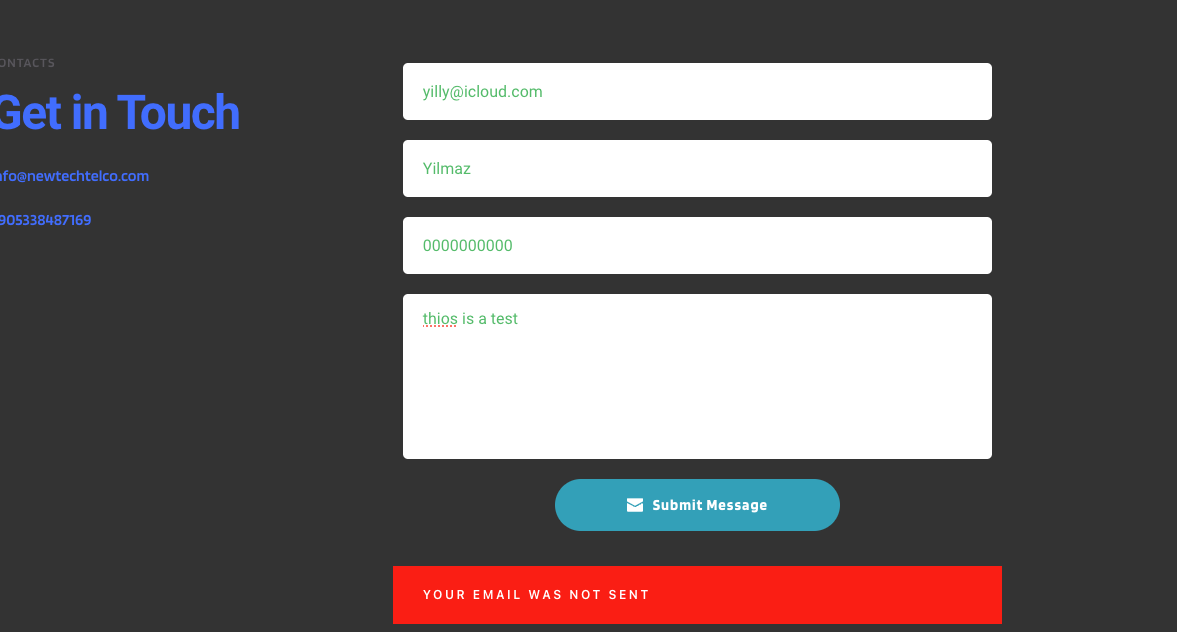
Im Using the Wordpress bulder and having issues with the email form,  Email fails

I have placed my zohomail server details in.

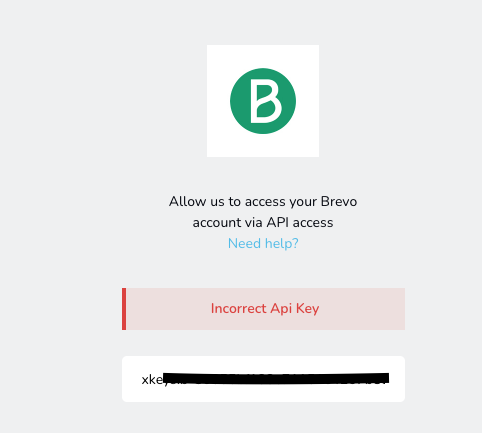
I tried to sign up with Brevo but my API fails
-
Ive managed to get my API sorted but have no idea where to create the folders from in my Brevo account.
Is there a simpler solution to get the emails from my website sent through to my registered email of info@newtechtelco.com.
I tried using y IMAP settings, Username and Password from my Zoho mail but having an issue0 -

Hi Yilmaz,
Kindly scroll down to the heading "Create and manage folders" in the article at https://help.brevo.com/hc/en-us/articles/5526943347858 for the procedure to manage your Brevo folders.
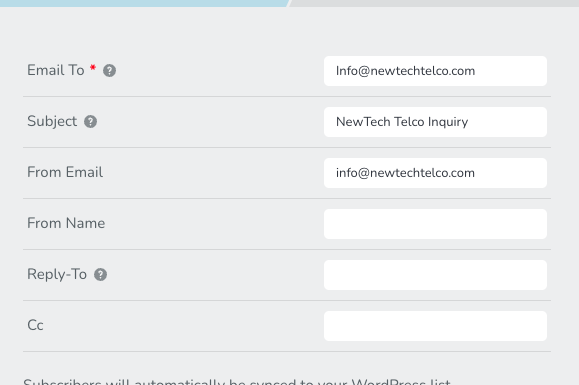
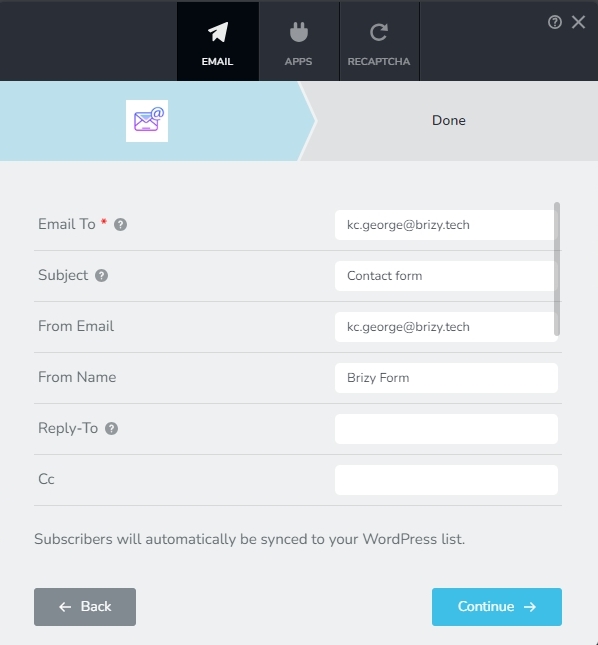
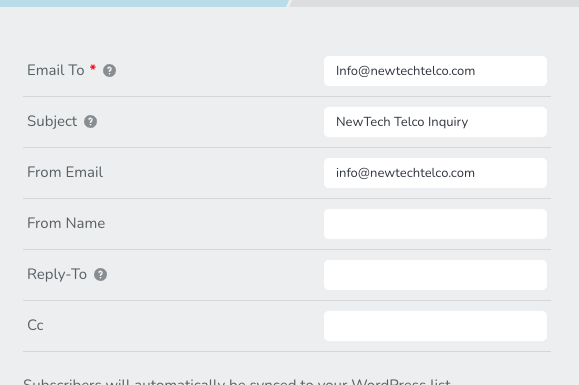
If you have configured your email info@newtechtelco.com with Zoho Mail, by default, Zoho SMTP allows you to send out email notifications exclusively using info@newtechtelco.com as your 'From Email' and no other email addresses such as form@newtechtelco.com, newtechtelco@gmail.com, or yilmaz@hotmail.com can be set as your 'From Email'. Kindly check if you have set info@newtechtelco.com as your 'From Email' in your Brizy Form.
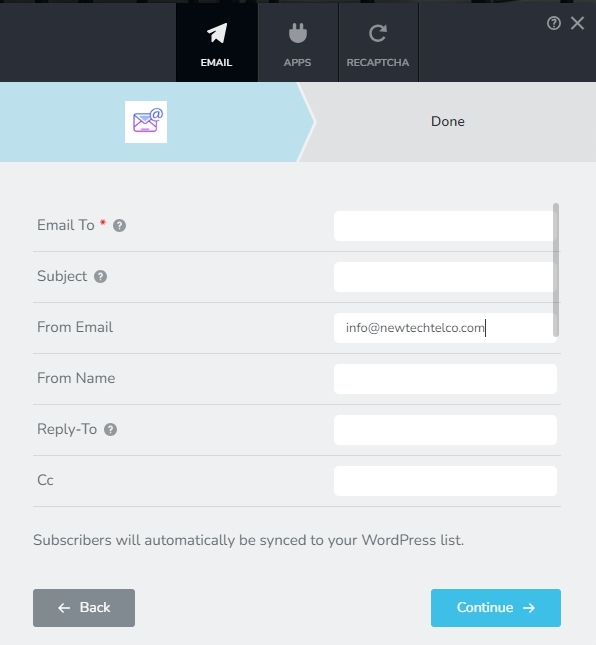
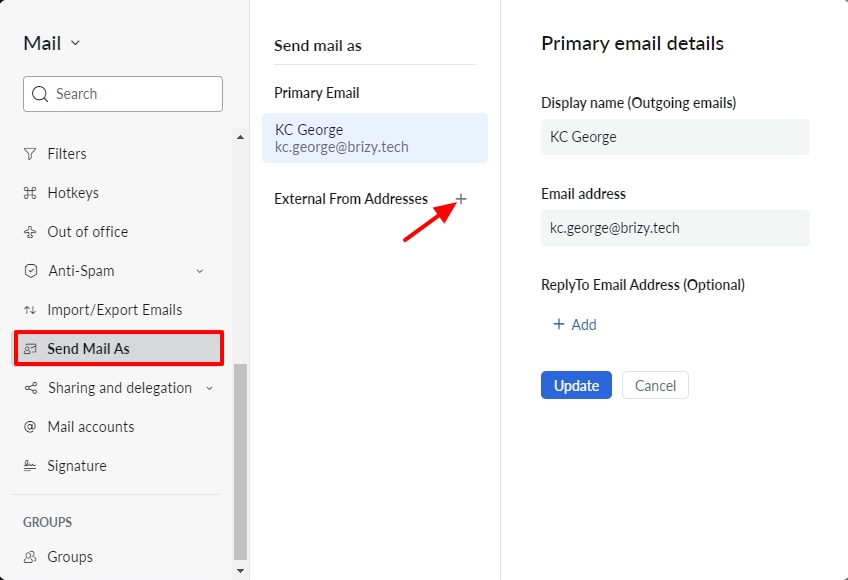
If you would like to configure another email as your 'From Email', kindly add it under 'Send Mail As' in Zoho Mail first. Open Zoho Mail and click on 'Settings; at the top right corner.
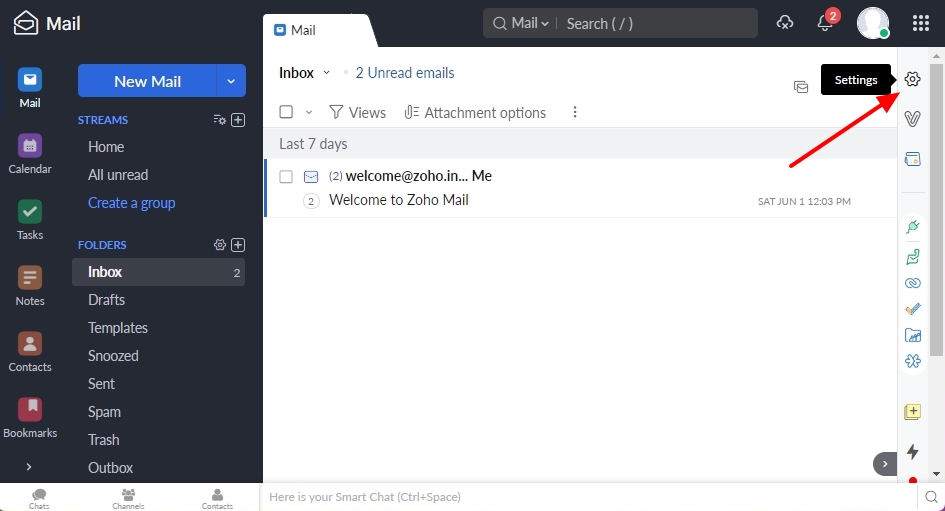
On the left sidebar, select the option "Send Mail As" and add the 'From Email' address you want to add by clicking on the + sign next to "External From Addresses"
 0
0 -
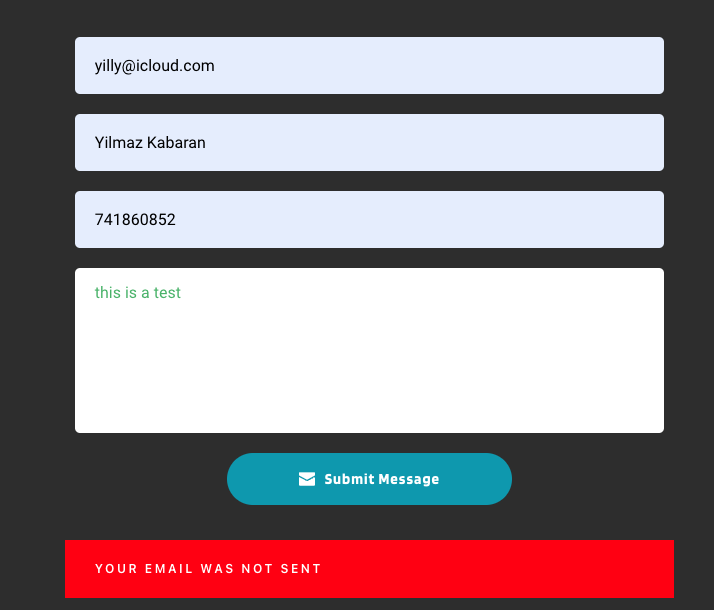
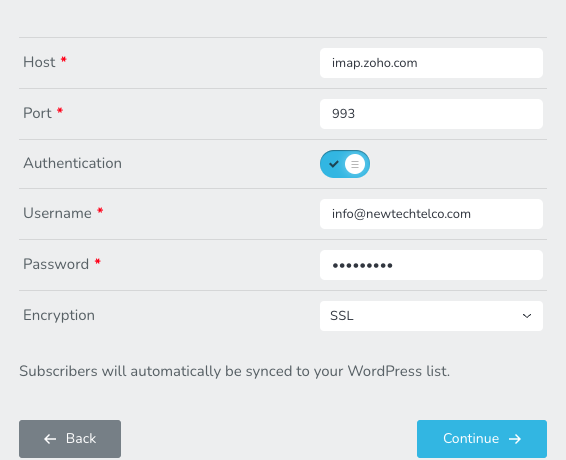
im still having issues with the Zoho
 0
0 -
I am on the Zoho Free mail option currently it says imap and POP not supported on free plan
Do you have any work arounds
0 -
Hi Yilmaz,
Your contact form returns the error "Member was not created" which means a new contact could not be added to your Brevo Contact database. Have a look at this screenshot. https://jmp.sh/bMYWfx1H
You may have received an email notification at info@newtechtelco.com; kindly check. This will confirm if email notifications are working.
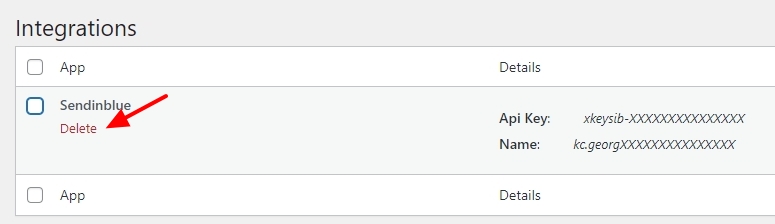
In your WordPress Dashboard under Brizy - Integrations, kindly delete Brevo (Sendinblue) integration and check if you see a success message when submitting the form.
 0
0 -
I deleted the integration, Still cant get emails from form
I didnt get an email notification0 -
Hi Yilmaz,
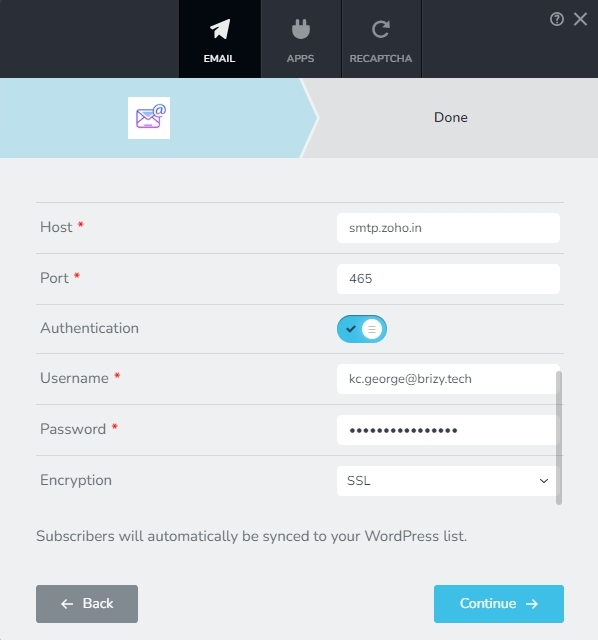
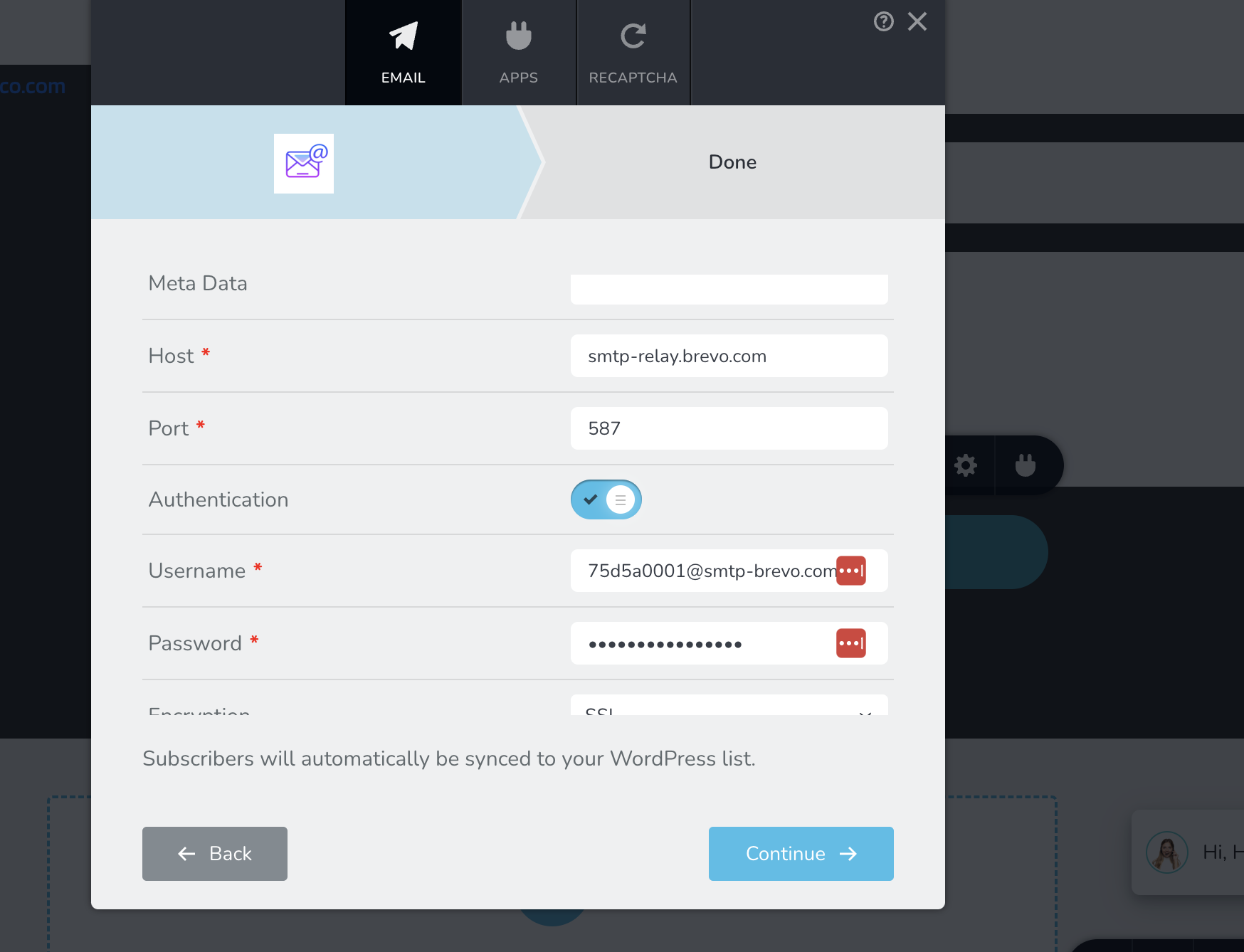
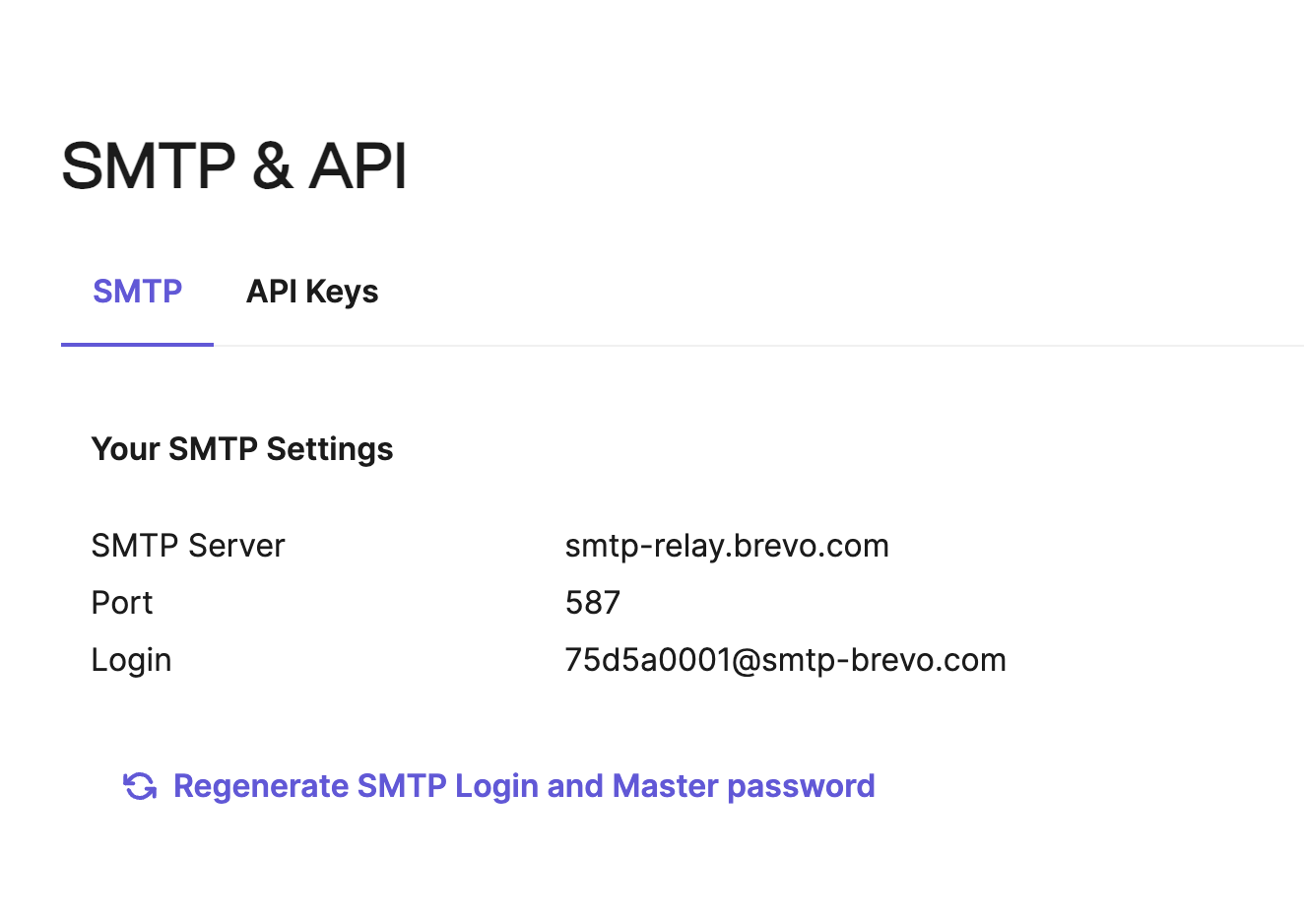
Kindly check your SMTP server details. Go to https://www.zoho.com/mail/help/imap-access.html and check the SMTP server details under the heading "Outgoing Server Settings". Please correct your host name and the port number in your Brizy form and check again.
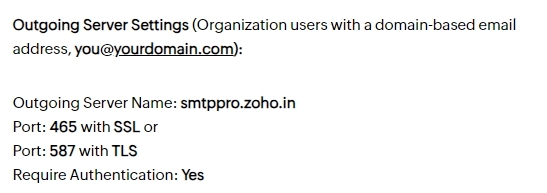
These settings work for me. Depending on which country you are located, the host name may differ.
 0
0 -
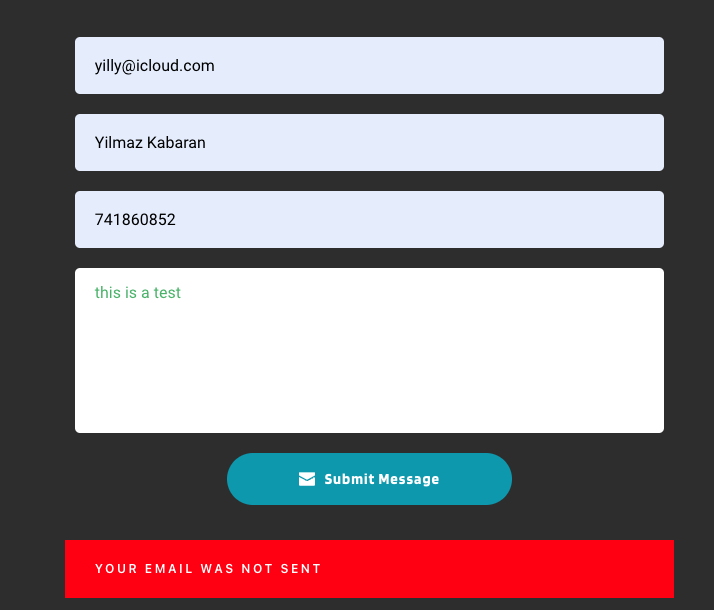
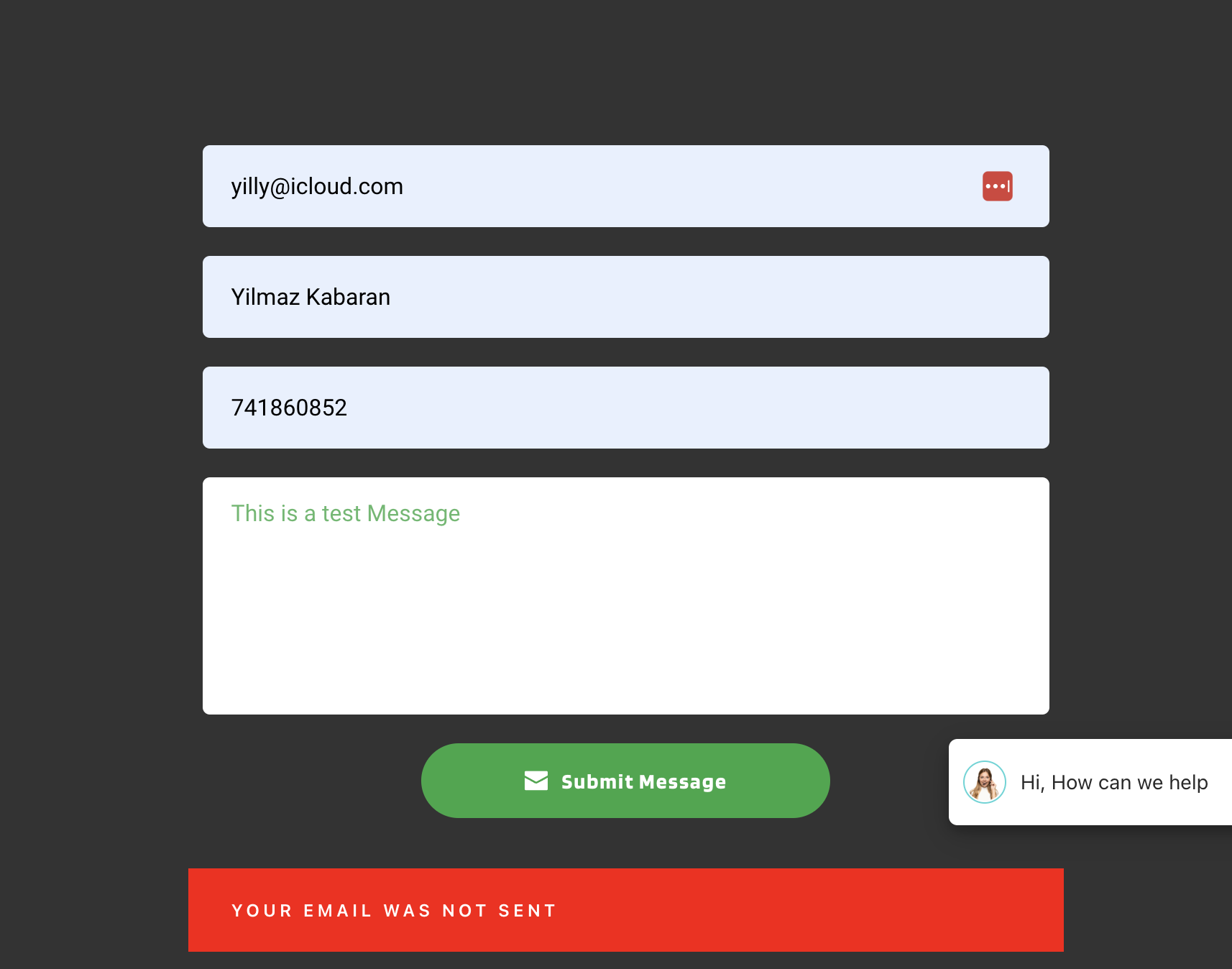
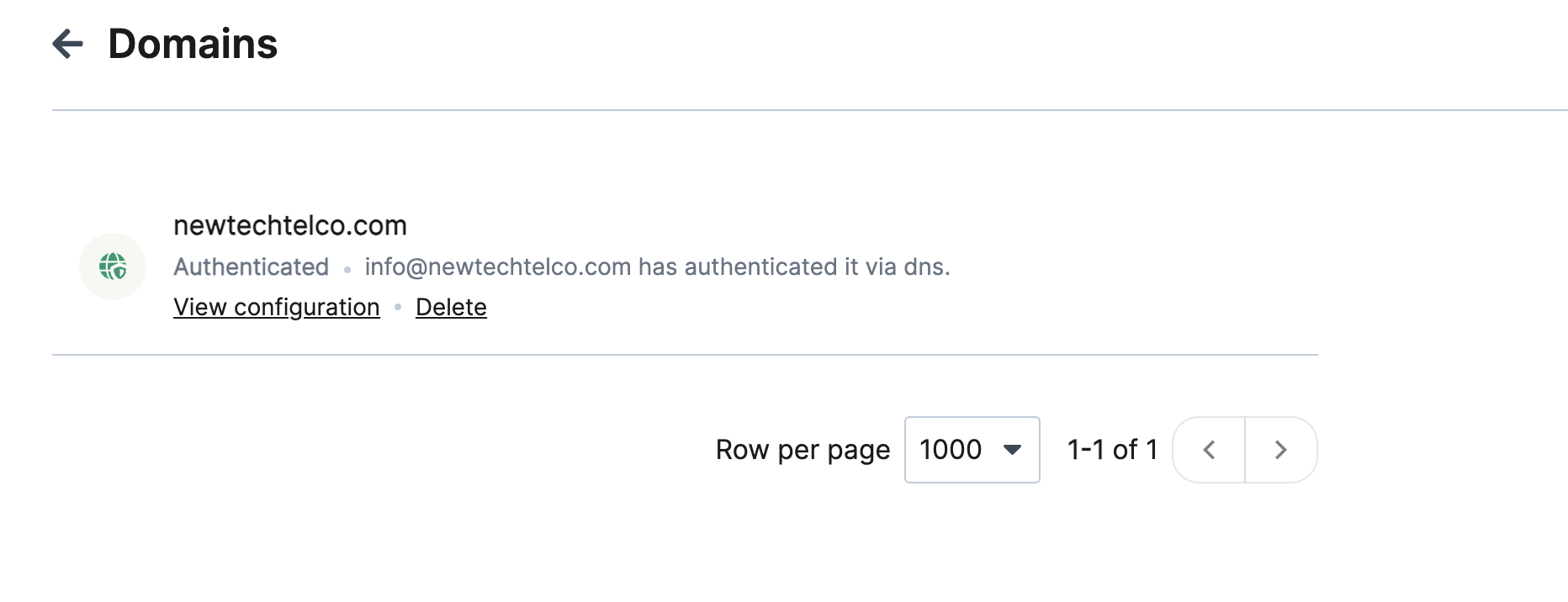
Hi There I have made some changes to the Brevo registered my DKIM etc and verified the domain, I partly used SMPT.com wordpress plugin but still cant get the email sent from my webform to my domain
 0
0 -
Hi Yilmaz,
I see the error "Member was not created" on your page again. Kindly check if you have configured the Brevo API integration along with the Email Notification settings for Brevo. If you have, delete the 'Sendinblue' integration from your WordPress Dashboard under Brizy - Integrations and check if the form submits well.
You can also test your SMTP server configurations at https://www.gmass.co/smtp-test to confirm that there are no errors.
0 -
I have done it
0 -
Hi Yilmaz,
I did another test and I saw the success message. I hope you are receiving email notifications and this issue is resolved.
0
Please sign in to leave a comment.
Comments
11 comments