How to Display Only Variable Products Without the Add to Cart Button?

Hi Brizy,
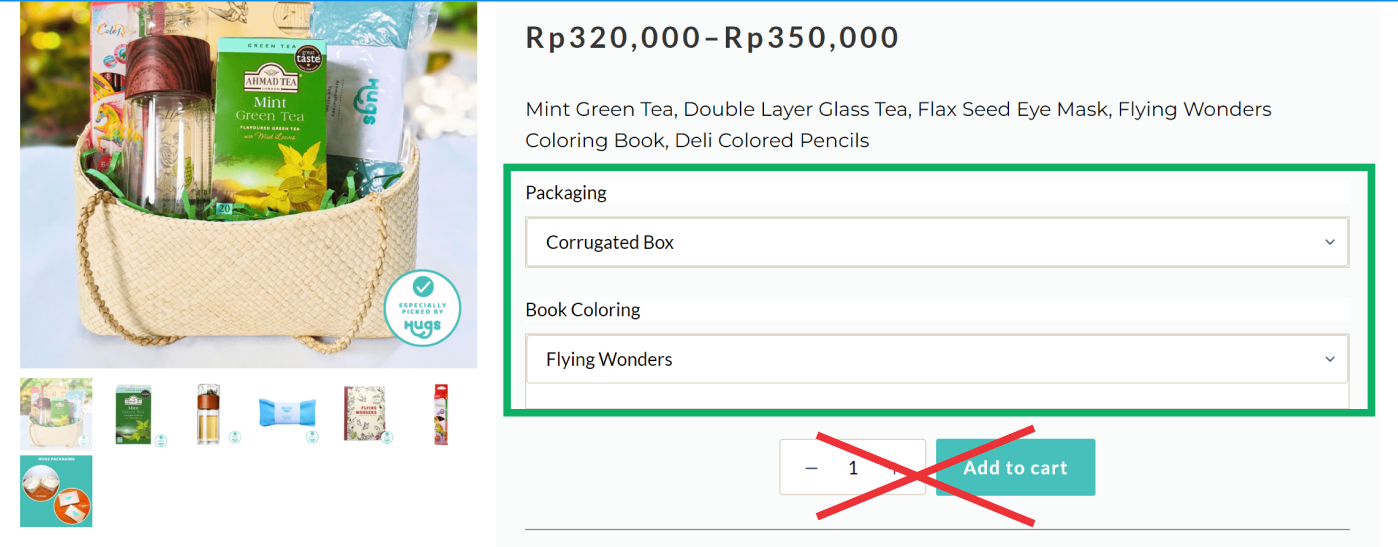
Is it possible to show only variable products without the Add to Cart button?
Best Regards,
GV
-

Hi GV,
Thank you for contacting us.
Unfortunately, there is no option to remove it but you can try using the following CSS to hide it:
.brz form.variations_form .variations_button {
    display: none !important;
}
Please try this and let me know how it goes.
Best regards,
Ariel H.0 -
Hi Ariel,
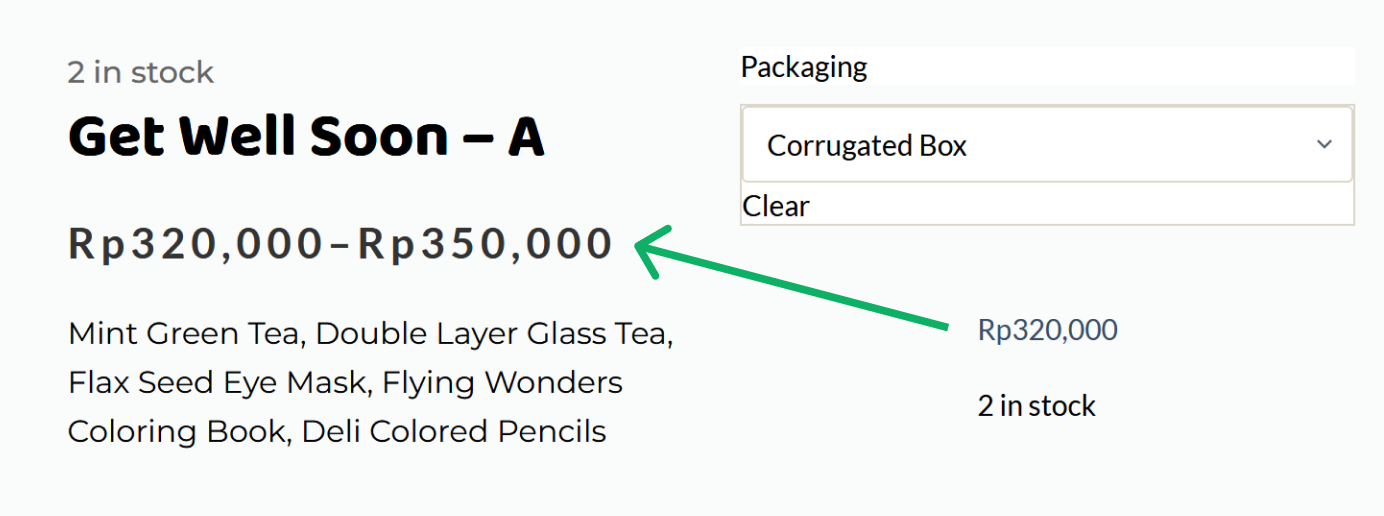
Thanks again for your support; it works well. By the way, how can I change the color, font style, and font size of the price? Please look at the image below.
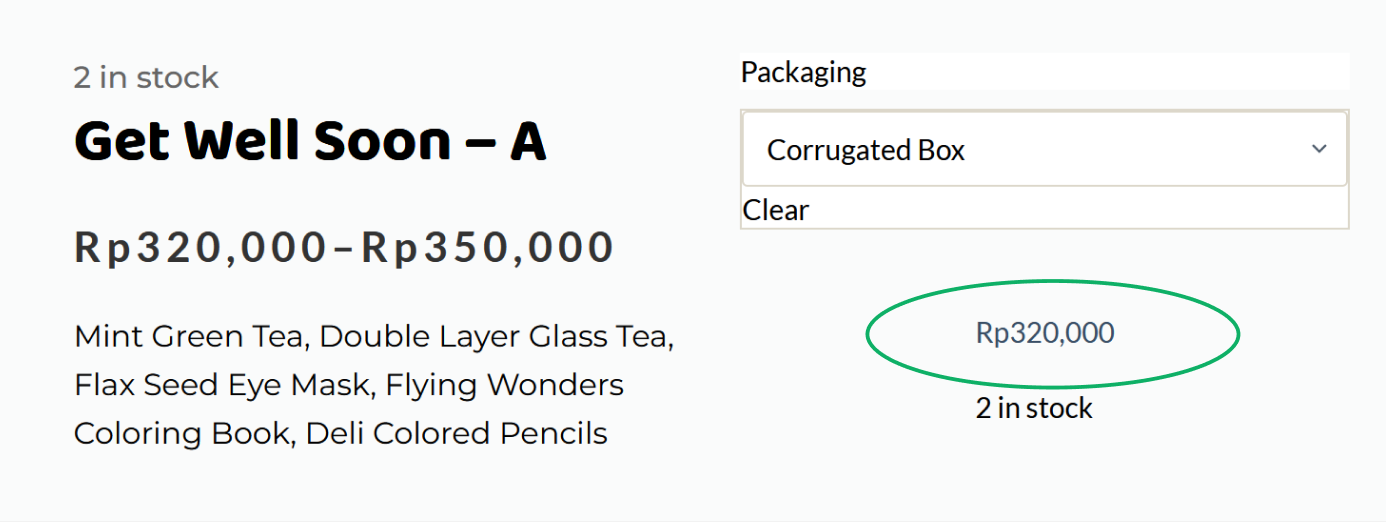
Instead of using a price range, is it possible to replace it with Price Result every time I change the packaging? I’m afraid guests will be confused by these two price information.
Best Regards,
GV
0 -
Hi GV,
Thank you for waiting.
If you're not using the price element, you might need to adjust the color in Appearance > Customize > WooCommerce > Single Products in your theme.
Otherwise, please share the URL so we can explore the possibility of using CSS to modify the colors.
I am looking forward to your response.
Best regards,
Ariel H.0 -
Hi Ariel,
Thanks for your response. This is the URL
https://testingwp.online/product/birthday-gift-c/
Best Regards,
GV
0 -
Hi GV,
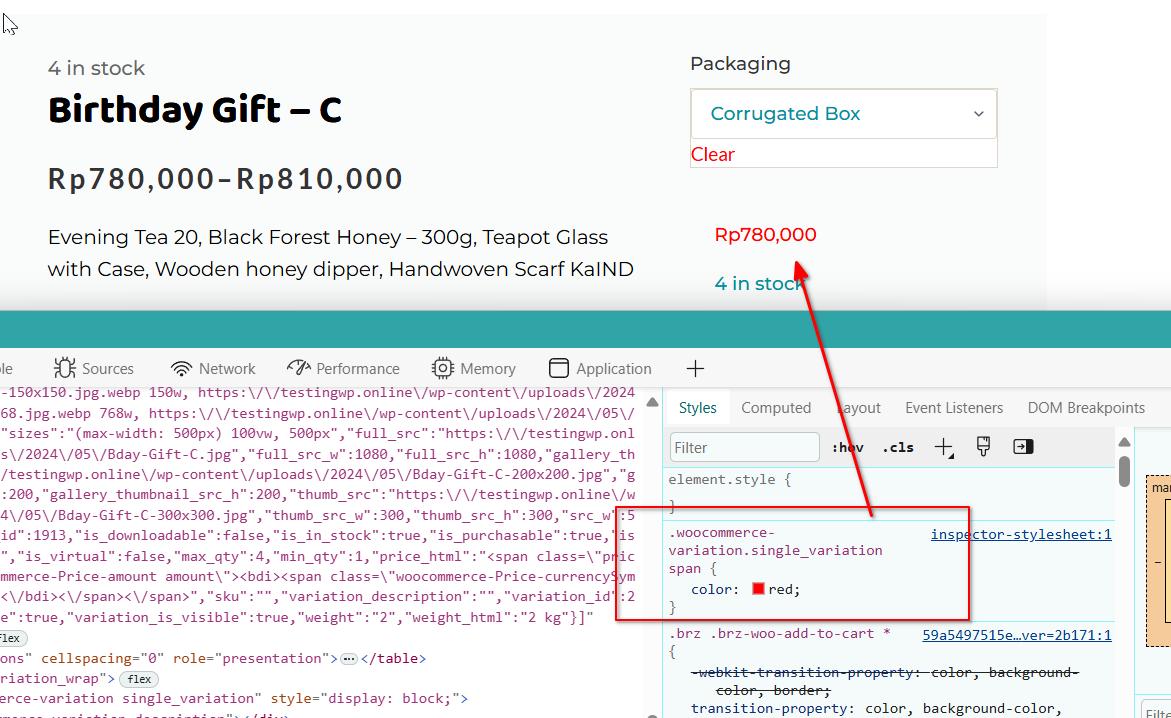
Please try using the following CSS:
.woocommerce-variation.single_variation span {
    color: red;
}
Best regards,
Ariel H.0 -
Hi Ariel, thanks, it works.
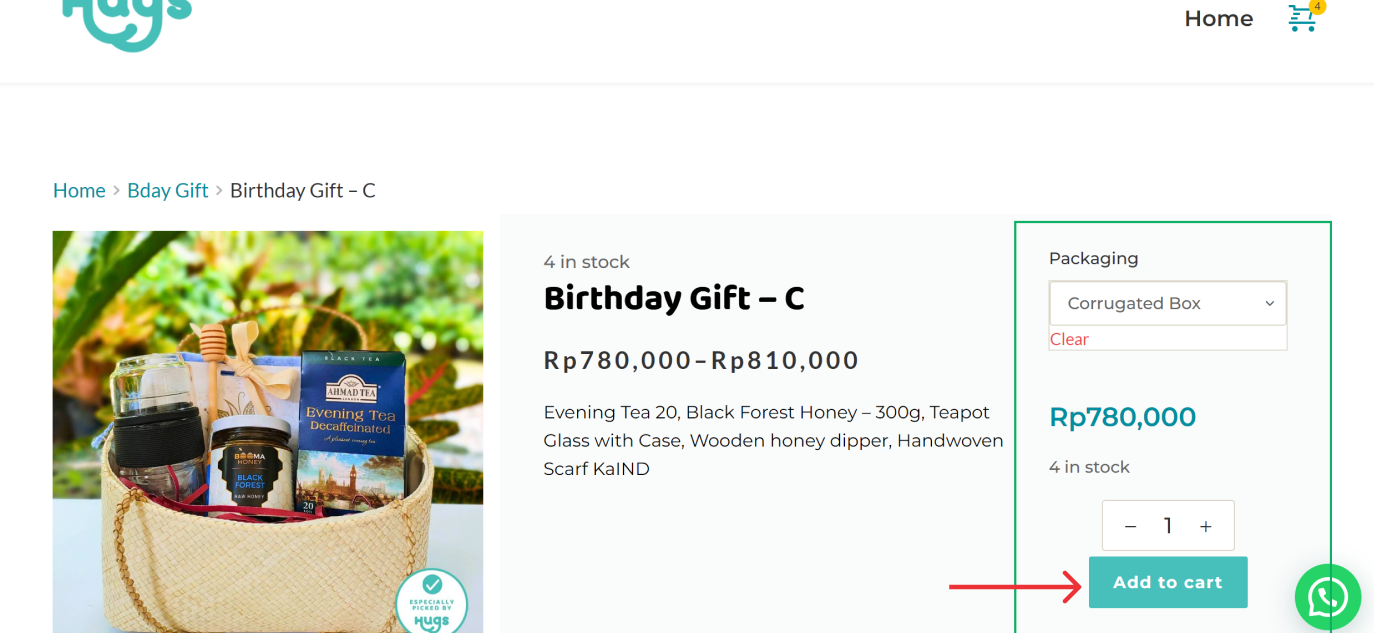
One more thing, I want to change the button width to either 100% or 'auto' so it can fit within the column. What should I do? I tried putting the value in your previous suggested code, but it didn't work."
.brz form.variations_form .variations_button {
width: 100%;
}
Please guide me.
Best Regards,
GV
0 -
Hi GV,
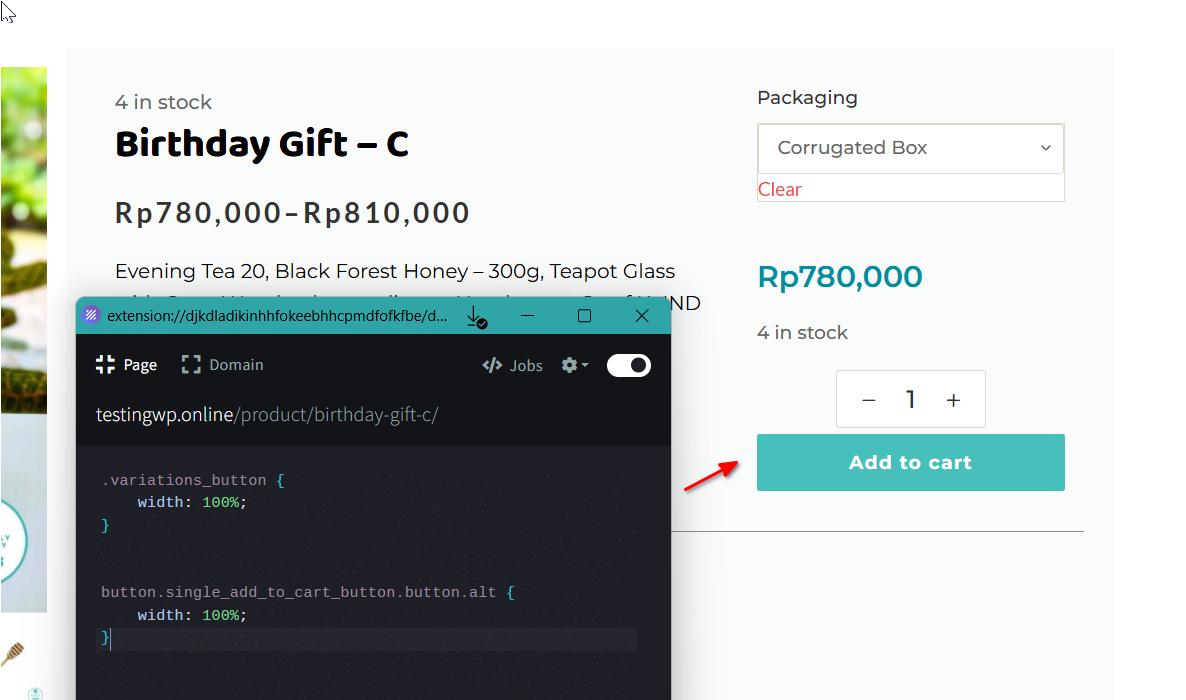
Please try this:
.variations_button {
    width: 100%;
}

button.single_add_to_cart_button.button.alt {
    width: 100%;
}
Best regards,
Ariel H.0 -
Hi Ariel,
Thank you for your support. It works.
Best Regards,
GV
0
Please sign in to leave a comment.
Comments
8 comments