Problems with Woocomerce

I am currently setting up a store using Woocommerce Subscriptions.
I've looked and looked for videos, and can not seem to find an answer.
1st issue: I created a variable product, added the attributes, and when I went to add variables, I don't get an option to do that. (the screenshots of creating the variable test product I JUST did because as you'll see in issue #2, I can't edit the product I created originally.
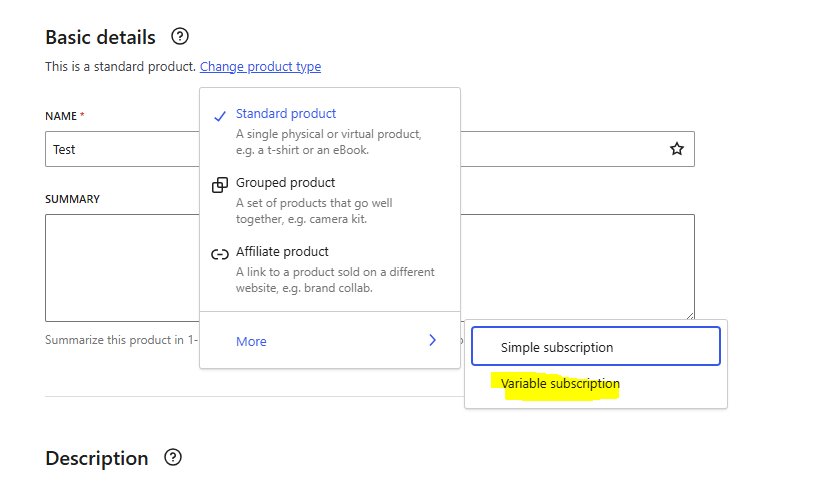
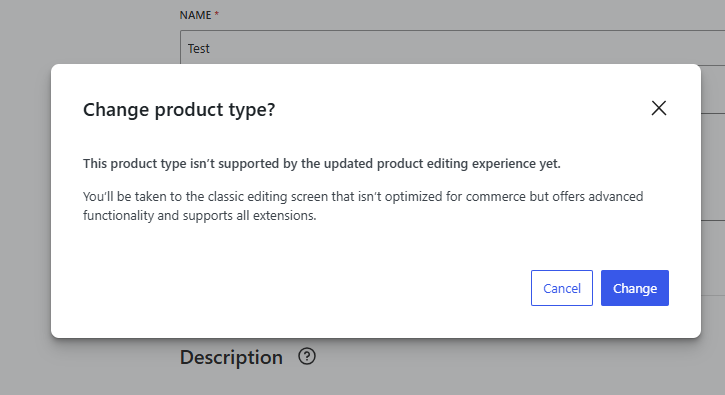
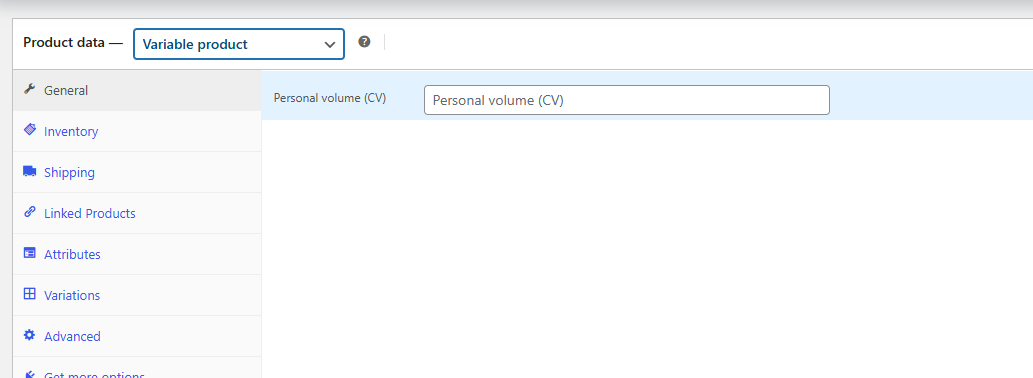
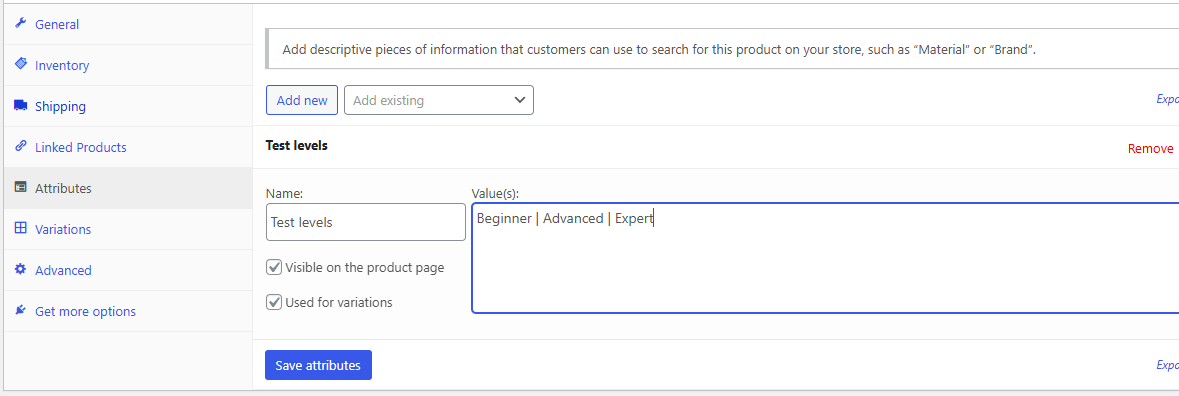
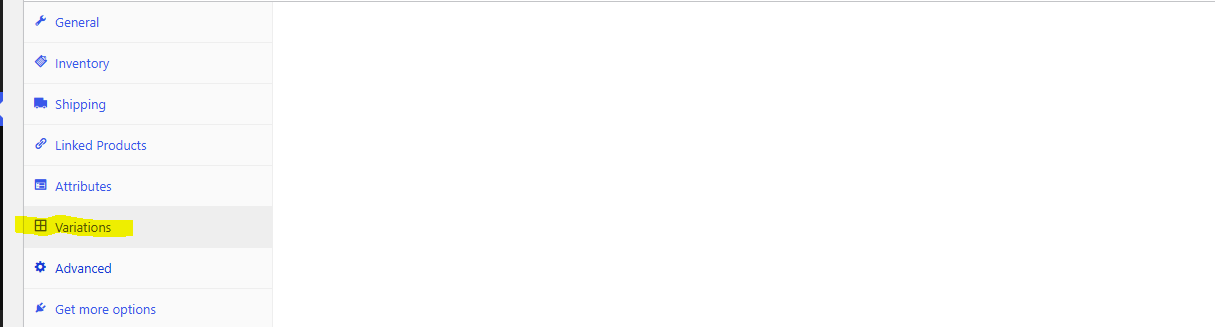
That's issue #1.
Issue #2, when I left the product page and went back, I'm not able to edit what I have:
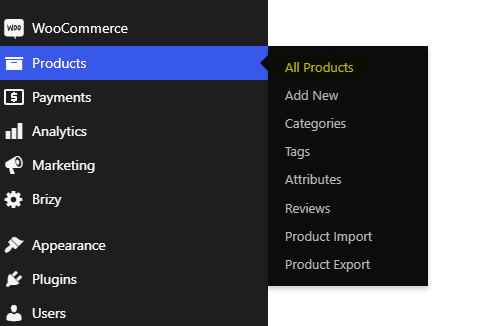

This is for wellingtonmembers.com. I'm also not seeing the Pricing icon in the builder.
-

Hi Nicole,
The first screenshot you have shared above indicates that you have enabled the option "Try the new product editor (Beta)" in WooCommerce. You can find this option under WooCommerce - Settings - Advanced tab - Features. Kindly disable this option to return to the legacy WooCommerce product editor.
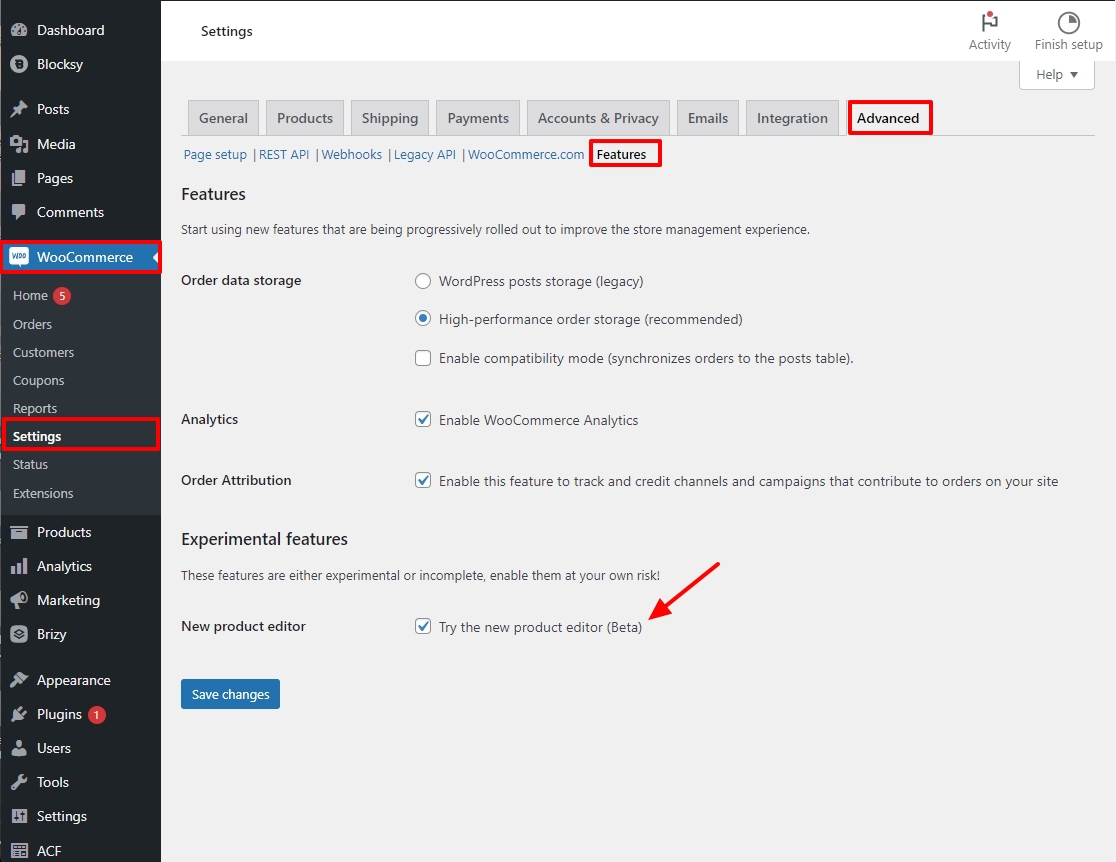
Based on the screenshots you have shared above, it is unclear if Attributes are successfully added. If the attributes are added, you can normally create the product variations automatically by clicking on the 'Generate Variations' button.
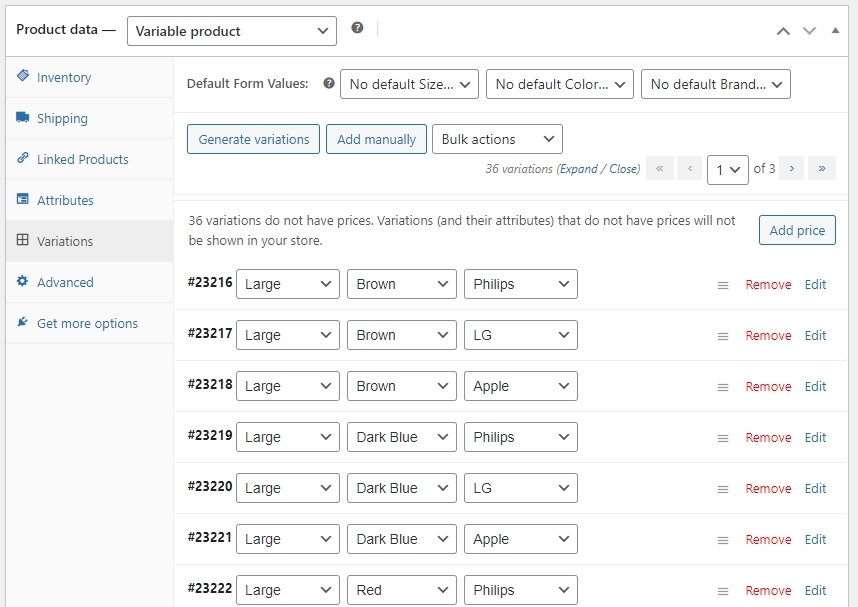
Looks like you have enabled the classic editor for the products. Kindly try disabling the classic editor as well.
Kindly follow the procedure in this video for creating attributes and variations Create A Variable Product Within WooCommerce
0
Please sign in to leave a comment.
Comments
1 comment