Contact Form Only Able To Send To One Contact

I have a contact form and i have it configured to send to a gmail account but now that I have email hosting and would like to make my business appear more professional, the contact form will not send the email from the form to this email address, or even my regular personal hotmail address. I have messaged my login details to communitysupport@brizy.io if you need to access my site. Could you please help?
-

Hi James,
Kindly duplicate the form and reconfigure email notifications using the SMTP option and check if that would improve email deliverability. Looks like you are using the Zoho mail as your email provider. Kindly use the SMTP Server settings from Zoho. It would be something like https://www.zoho.com/mail/help/zoho-smtp.html
Kindly follow the procedure at Email notification via SMTP to configure email notifications using SMTP. Please test your SMTP server settings using https://www.gmass.co/smtp-test You must use authentication for your SMTP server. If you need help with it, kindly let us know.
0 -
Hi James,
The WordPress option of sending emails uses the WordPress's default mail sending function PHP Mail. If your web server's IP has a poor reputation, your emails may land in recipients' spam folders or be blocked entirely. PHP mail() offers limited functionality compared to dedicated SMTP services. For example, it lacks features like authentication, domain verification, SSL etc.
Due to these reasons, email notifications sent through the WordPress option has poor deliverability. To improve the deliverability of your email notifications, kindly setup Email Notifications using the SMTP option as I have suggested in my previous comment. If you are facing difficulties in setting up the SMTP, kindly get back to us.
0 -
Thanks for looking into this KC George. I decided to try the Wordpress method as the SMTP method was not working and coming up with the message "Your email was not sent". I have updated this to be SMTP on the webpage https://farewellcremations.com.au/contact-us-copy could you please see if you can diagnose the problem?
0 -
Hi James,
Your Zoho Mail account is currently configured to send out emails only from admin@................ions.com.au. Before you can send out emails from other email addresses, you must add it under "Send Mail As" in Zoho Mail following the procedure at https://jmp.sh/iKvpvLT2.
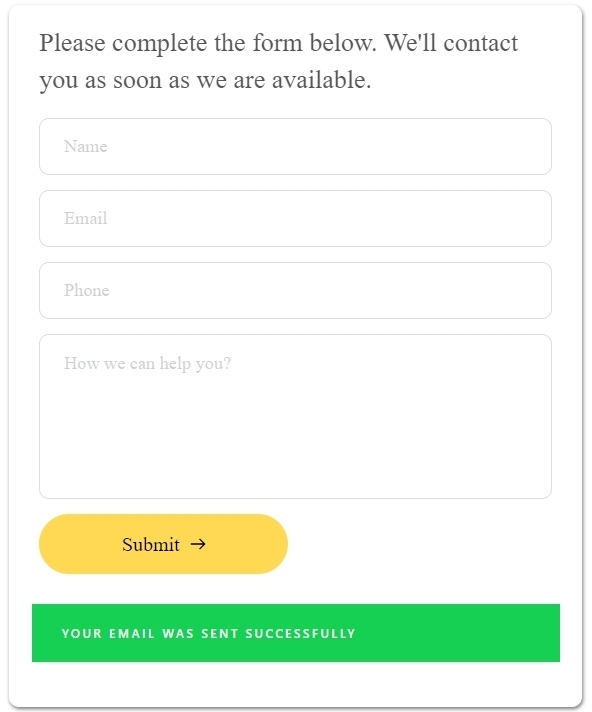
I have changed the "From Email" address in your Brizy form to admin@................ions.com.au and now the form at https://farewellcremations.com.au/contact-us-copy/ submits with a success message. Kindly check if you have received the email notification from my test
 0
0
Please sign in to leave a comment.
Comments
4 comments