Blog Post Displaying

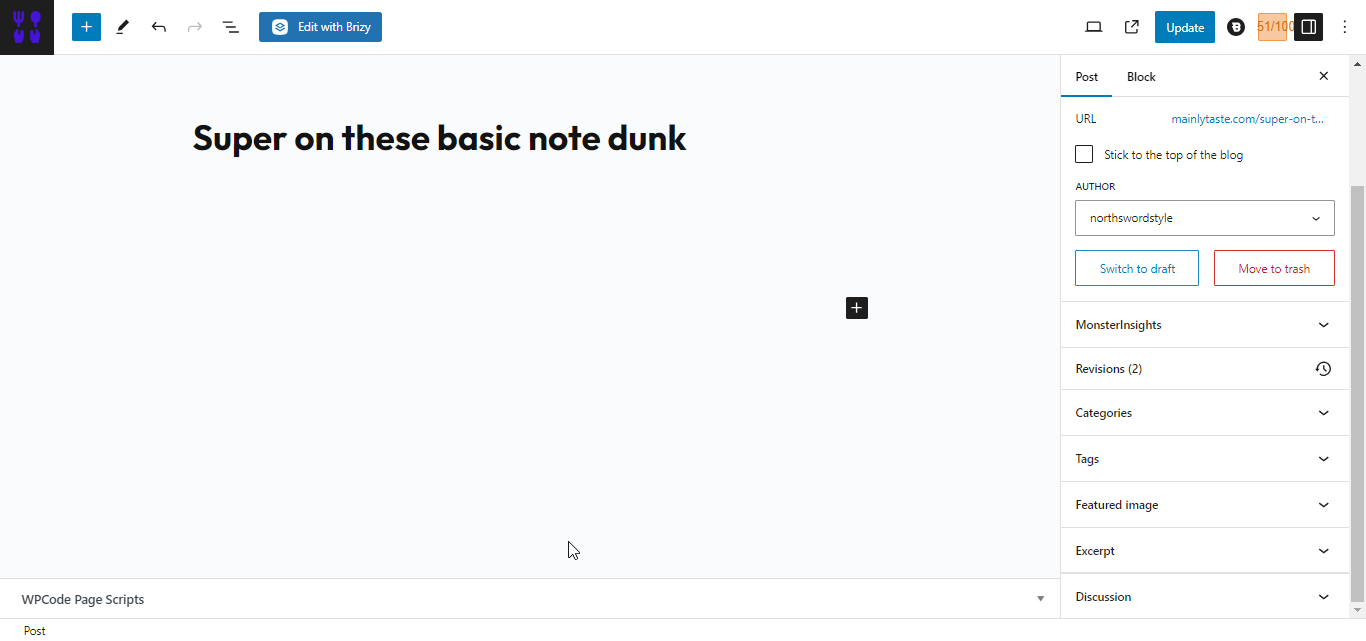
I use blocksy theme and brizy builder. I want to be able to create post, content and all on the back end editor and then have the post show inbetween the brizy builder header and footer.
back end editor:
brizy builder:
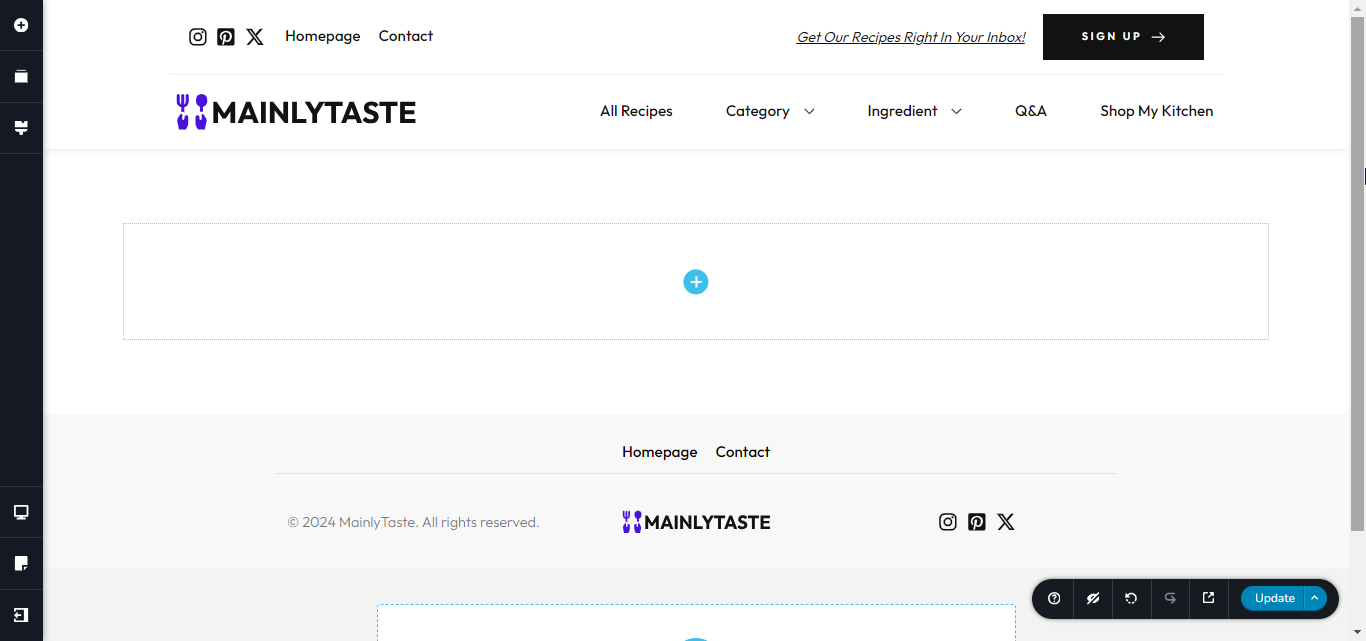
I want the backend post editor full of content to show up on the brizy builder where the blank section is in between the header and footer.
This is how it look when I click read more on a post on my live site it shows the blocksy theme I want that post part in between my brizy builder header and footer and not the blocksy theme header and footer: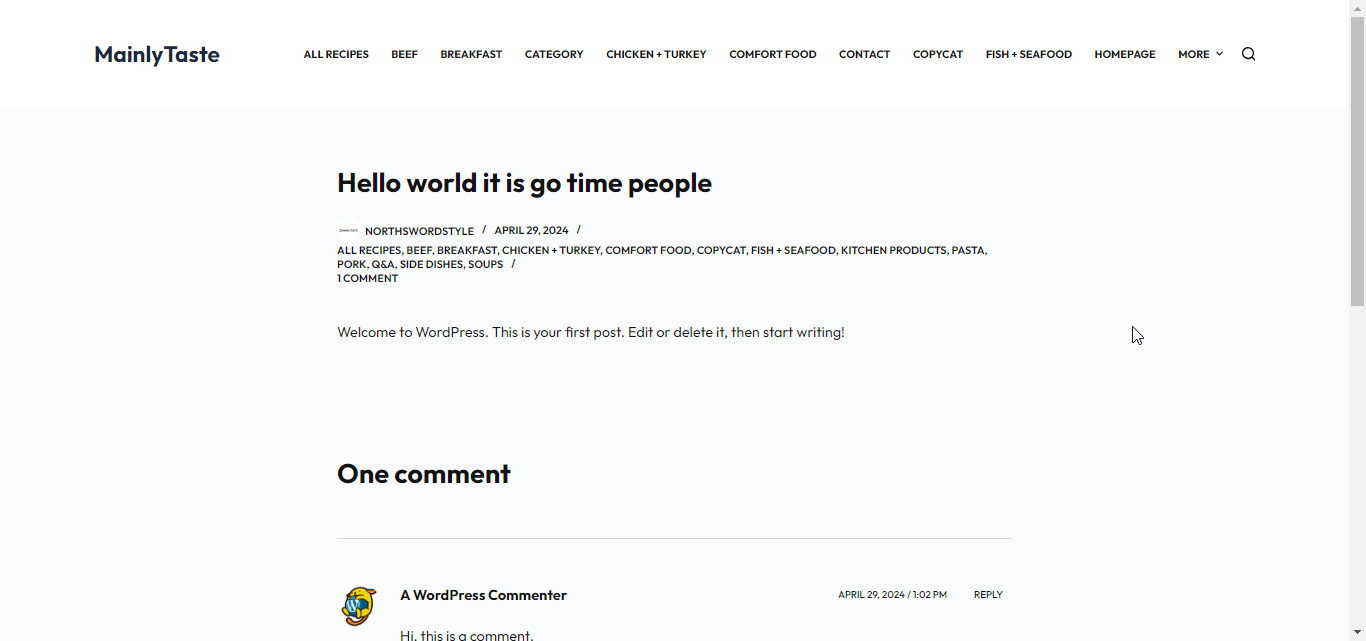
If someone could make a video of doing it and setting it up that would be great. Its easier to follow with this technical stuff.
Also how do I template it. I believe that is where I save layout in brizy builder if I'm correct.
Thanks in advance.
-

Hi Reggie,
Kindly have a look at this Brizy WordPress blogging tutorial. https://youtu.be/0gFhIZUleHw?si=xcKux04rxwxbJhIY
This tutorial may answer most of your questions. If you have questions after watching this tutorial, kindly get back to us
0 -
I'm still kind of confused. If I'm understanding the video correctly, you're supposed to write the post in Gutenberg and then go into the Brizy Builder to build out the post there, including its parts like the title, content, breadcrumbs, etc. If that's correct, then my confusion comes in with what to use to upload paragraphs and other content. I keep trying to post the content, but it's not showing. I don't know if I'm using the right element or if it is a bug.
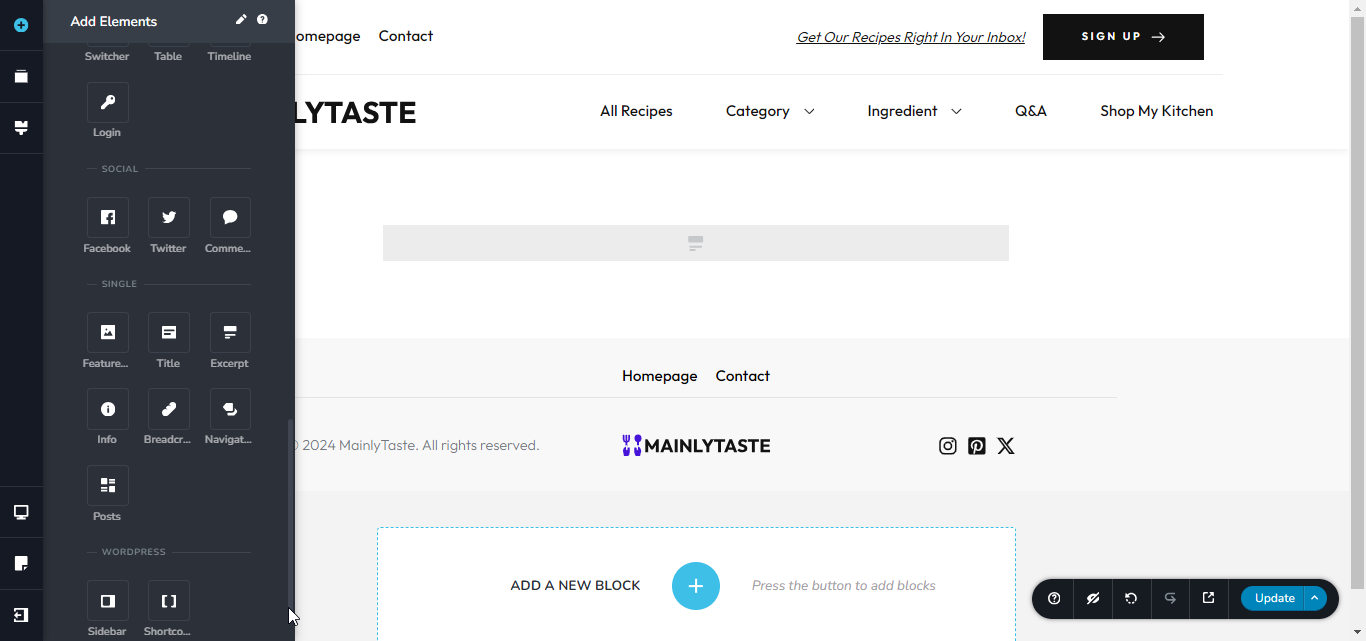
I used the excerpt element. Is that correct. It's just showing blank. I tried putting it on post and then the actual post when you click into the dynamic data thing but it is not working unless I am doing it wrong.
 0
0 -
Hi Reggie,
Using the 'Content' element, the blog post content added to Gutenberg is incorporated to the Brizy Template. In your screenshot the 'Content' element appears missing.
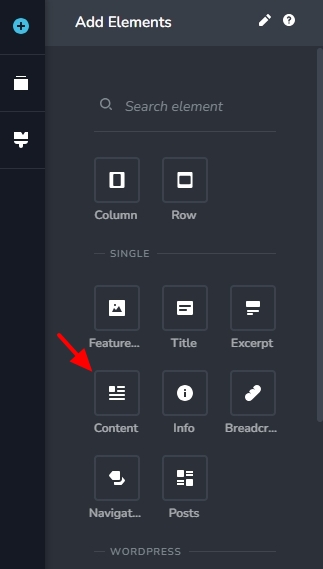
Some investigation is required to find out why the 'Content' element is missing in your project. If you want us to take a look at your project to troubleshoot this, kindly add a new user to your WordPress Dashboard and send the following details to our email: communitysupport@brizy.io
- Community Post link: https://support.brizy.io/hc/en-us/community/posts/18838746535698
- WordPress Admin URL:
- Username
- Password
Please let us know in this forum when you send us the email.
0 -
Hi Reggie,
My view of your Dashboard is quite limited. Hence I could not get a comprehensive view of your project. I did not have access to the Brizy menu and hence could not see your blog post template.
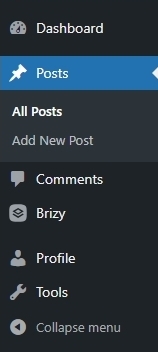
Based on the limited view of your WordPress Dashboard I see a few issues
- You have not added any content to your blog posts. Kindly add some content in the Gutenberg Editor. You can then bring it over to a Brizy Template using the Brizy 'Content" element.
- You have edited the blog post "Super on these basic note mane" using Brizy. When you edit a blog post using Brizy, any content you have added in the Gutenberg editor will be lost and you must add the blog post content directly in Brizy using the Brizy Text element.
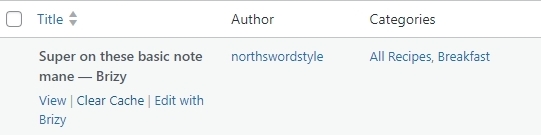
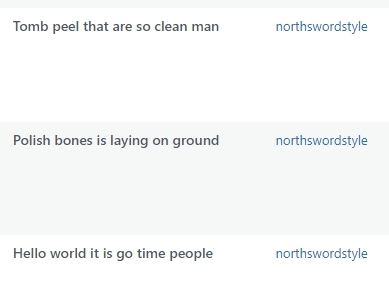
If you are stylizing your blog posts using a Brizy Template, you must add all blog post content in the Gutenberg editor and should not edit those blog posts using Brizy. In your project, these three blog posts are not edited using Brizy. Kindly add some content to these three blog posts in the Gutenberg Editor and then develop a blog post template under Brizy -Templates. Then you should be able to see the Brizy 'Content' element when developing the template.
 0
0 -
Okay I have figured it out. Your explanation was helpful. I just was struggling on figuring out how to display it. I just set up the display option for the post in the template and it worked. So now going forward I need to create a new template for every post I create correct.
0 -
Hi Reggie,
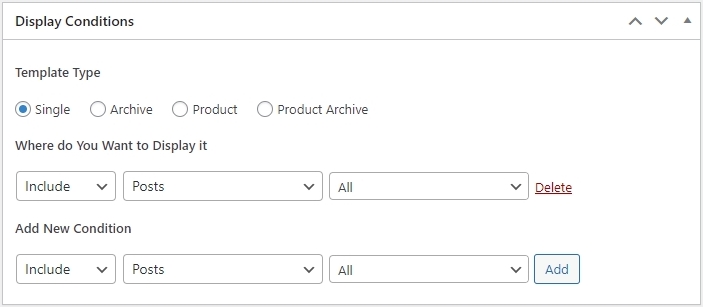
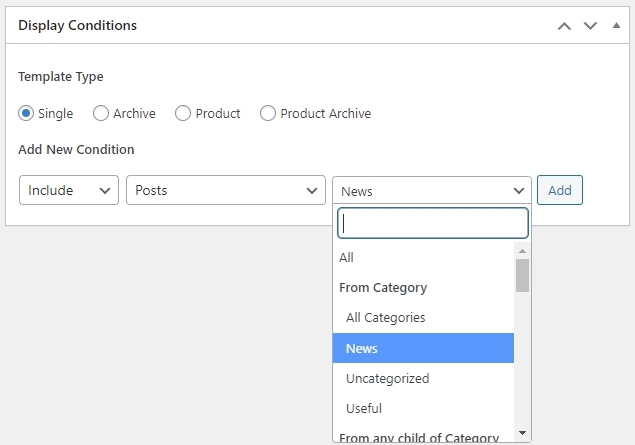
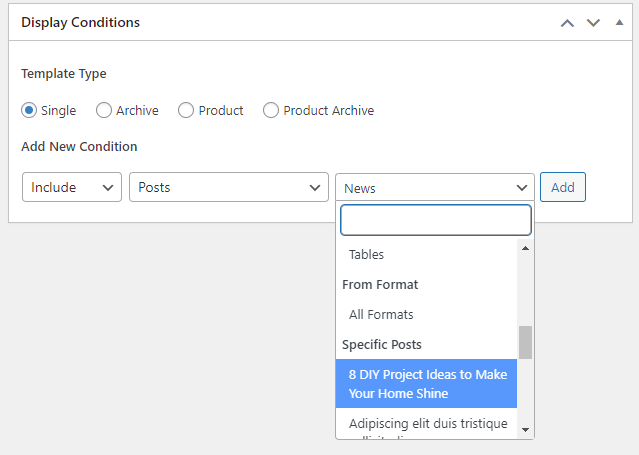
You can setup a Brizy Template for all your blog posts, blog posts within a category or apply it to a single blog post. The 'Display Condition' associated with your Brizy Template determines how the template is applied.
For instance, this 'Display Condition' will apply your Brizy Template to all your blog posts.
Selecting "News' here and clicking on the 'Add' button will apply your Brizy Template to all blog posts within the "News" category
You apply a Brizy Template to a single blog post, by selecting the specific blog post here
Kindly look at this tutorial for more detailed instructions Dynamic Template Creation with Brizy | Lesson 19
0 -
When I click all recipes in the breadcrumb element, it goes to my theme instead of the page I built using brizy builder.
before I click the breadcrumb:
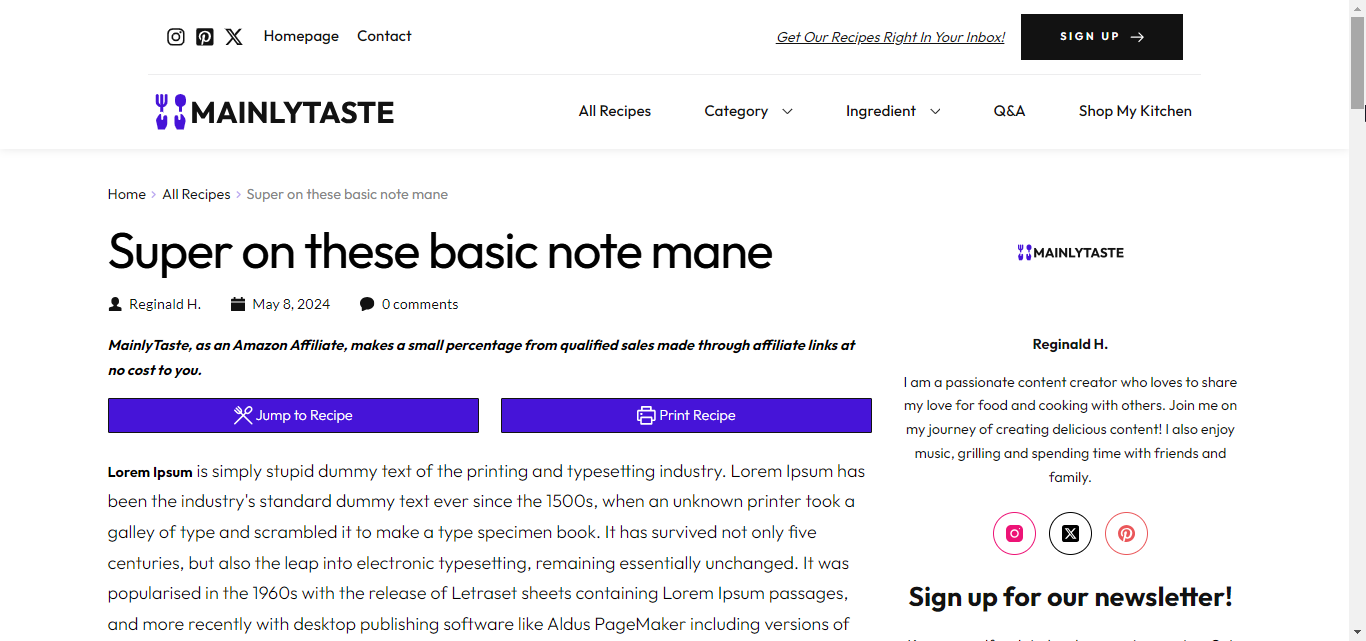
After:

The page I want it to go to:
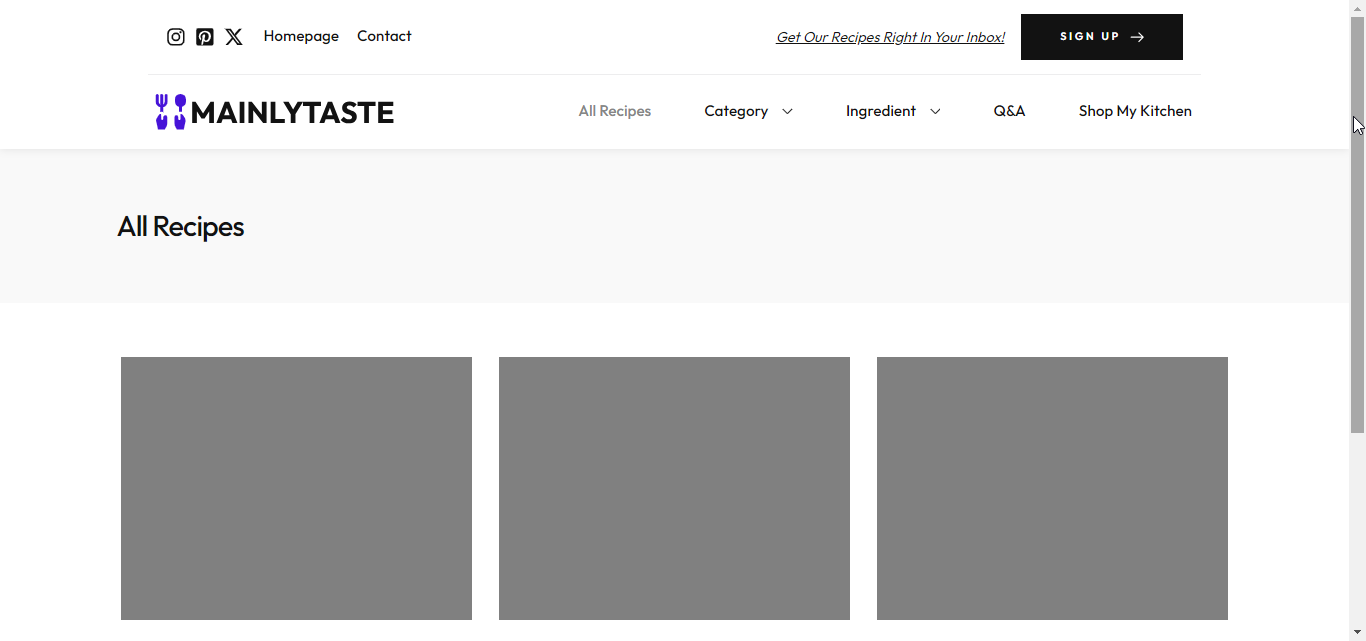
Is this a bug or is there a particular way I am supposed to set this up.
0 -
Hi Reggie,
Have you implemented breadcrumbs using the Brizy breadcrumbs element? Ideally the Brizy Breadcrumb element should give you the navigation Home - Category - Blogpost. On your website, it is displaying differently.
We will need access to your WordPress Dashboard to help you troubleshoot this issue. If you want us to take a look, kindly add a new user to your WordPress Dashboard and send the following details to our email: communitysupport@brizy.io
- Community Post link: https://support.brizy.io/hc/en-us/community/posts/18838746535698
- WordPress Admin URL:
- Username
- Password
Please let us know in this forum when you send us the email.
0
Please sign in to leave a comment.
Comments
8 comments