Contact Form

Hi
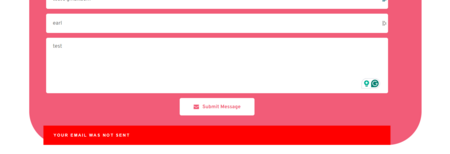
I have encountered an issue with my contact form. Specifically, the email notification stating "email not sent" was displayed, despite the fact that the email I had filled out was successfully sent to the designated recipient.
Website URL: https://lilladyshop.com/
Thanks!
-

Hi Joshua,
Thank you for reaching out to us.
Could you please try to duplicate the current form and reconfigure it. I received a similar issue earlier and this seem to have worked.
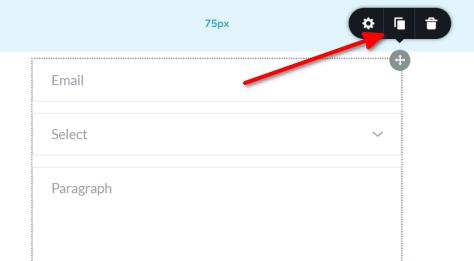
Please note that duplicating the form will remove the previous settings, allowing you to reconfigure it as needed.
Please give this a try and let me know if you have any further questions.
Best regards,
Ariel H.0 -
Hi Ariel,
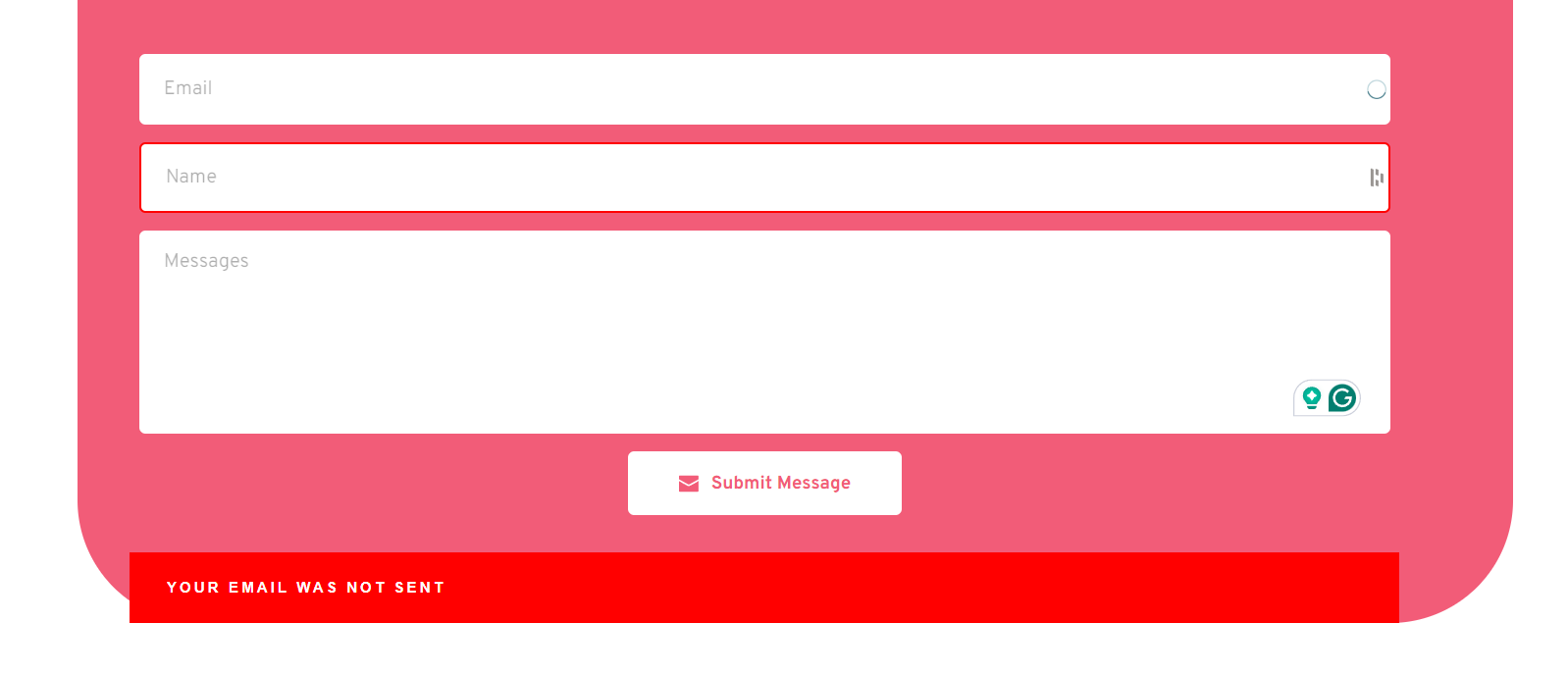
I tried following your instructions but the issue still persists. Please see below screenshot.
Thanks!
 0
0 -

Hi Joshua,
Chrome DevTools shows the error message "SMTP Error: Could not authenticate" on your Contact page. Kindly see the error at https://jmp.sh/uT0KLgz3 You could be using incorrect username and password to authenticate yourself with the SMTP server.
Kindly test your SMTP server credentials at https://www.gmass.co/smtp-test Once you click on the 'Test it' button, check for errors highlighted using red color texts. Once you have verified that the SMTP settings work well and have no errors, please use the same settings in the Brizy form.
0 -
Hello, KC. I followed your instructions and verified the username and password. I also tested the SMTPS server credentials, and testing revealed no errors, yet the problem continues to occur.
0 -
Hi Joshua,
We will need access to your WordPress Dashboard to offer further assistance. If you want us to troubleshoot this issue on your project, please add a new user to your WordPress Dashboard and send the following details to our email: communitysupport@brizy.io
- Community Post link: https://support.brizy.io/hc/en-us/community/posts/18834498848914
- WordPress Admin URL:
- Username
- Password
Please let us know in this forum when you send us the email.
0 -
Hi KC,
Sorry for the delayed response. I'm new to this and don't know how to obtain the WordPress admin username and password, but I log in to WordPress using Siteground. Please see the credentials below.
- Community Post link: https://support.brizy.io/hc/en-us/community/posts/18834498848914
Hosting site: Siteground
Thanks!
0 -
Hi Joshua,
For signing into your account, Siteground requires a one-time code that they will send to your email address. I will request the code and if you see this email soon, kindly pass on the code to us.
If this does not work, kindly follow instructions in this video to add a new user to your WordPress Dashboard and send us the details I have requested above. How to Add New Users To Your WordPress Site
0 -
Hi KC,
Got the username and password. Here you go.
Thanks!
0 -
Hi Joshua,
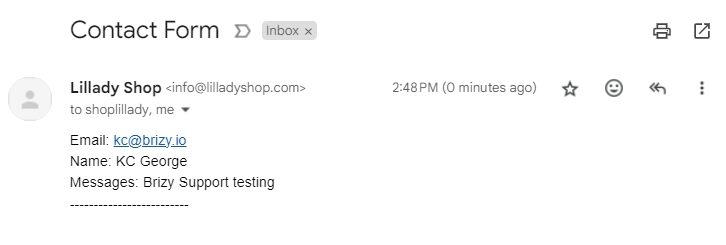
I have setup the WordPress option for your email notifications and it is now working. I did receive a test mail. Kindly check to see if you received the same email.
If you want to setup the Gmail option for sending email notifications, kindly follow the instructions at https://support.brizy.io/hc/en-us/articles/360044216151. You must use the Google App password to authenticate yourself with Google SMTP server.
0 -
Hi KC,
It's now working. Thank you so much for your assistance.
0
Please sign in to leave a comment.
Comments
10 comments