Dynamic CSS class from taxonomy or custom field value broken

I'm having difficulty assigning custom CSS classes to elements based on a custom taxonomy set in Toolset Types.
For example, if I have a custom tax "Park". I'm displaying a post grid on a page and I want each post displayed to be assigned a class based on what park the post is in.
When I apply non-dynamic class to the post container div, the html looks like this:
<div class="brz-columns brz-css-bO1we brz-css-sEfr4 test-class" data-brz-custom-id="tj3lAdMTfTW7">
When I assign the dynamic class to that element the same div looks like this:
<div class="brz-columns brz-css-zv2C7 brz-css-uKqsj <a href=" https:="" domain.site="" park="" park="" "="">Parkname" data-brz-custom-id="tj3lAdMTfTW7">
Obviously this doesn't work and the garbled code shows up in the page.
Has anyone experienced this issue or has found a workaround?
Thanks!
-

Hi Dustin,
Thank you for sharing the details.
Would it be possible for you to provide us with some screenshots to help illustrate the issue?
Best regards,
Ariel H.0 -
Sure. I've added a page to a test site to demonstrate: https://test.pressdev.site/index.php/broken-css-class/
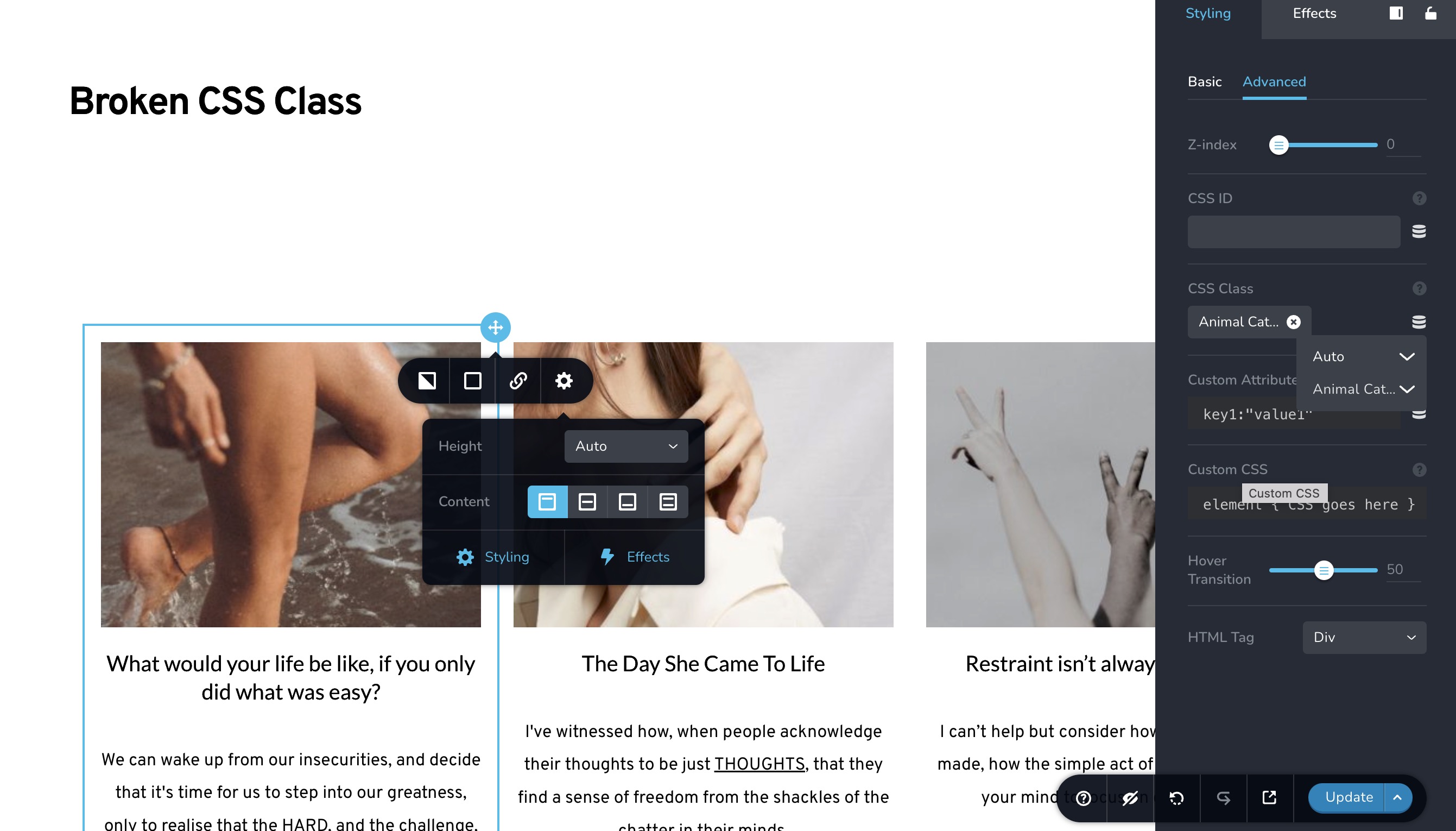 0
0 -
Hi Dustin,
Would it be possible for us to have access to the WP Admin login details for this staging site as well?
If this is feasible, please send the details to communitysupport@gmail.com and include the reference number 18799585553426 in the subject line.
Best regards,
Ariel H.0 -
Sorry for the late followup, login sent.
0 -
Hi Dustin,
Thank you for the update.
Upon checking, this feature only works on dynamic pages. For instance, we created an Archive template named "test" and applied it to the Blog / Post page within the display conditions.
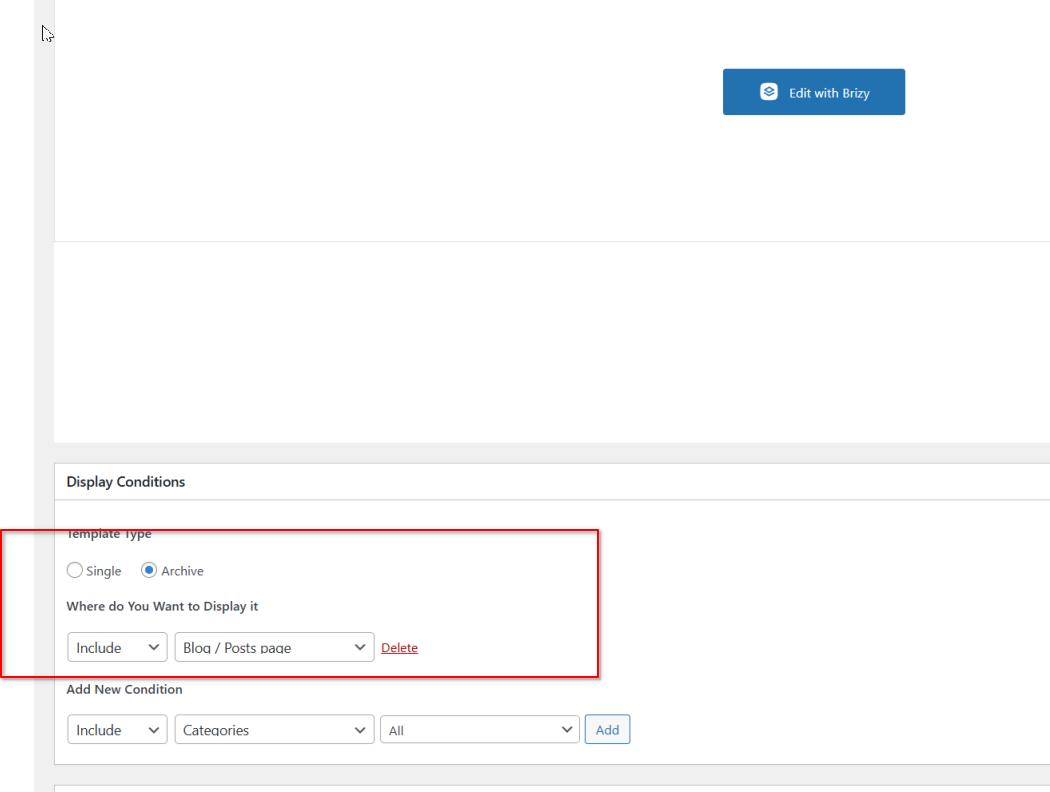
The dynamic CSS was then implemented into a post's element.

The posts page where this template was applied does not show the errors shown in your screenshot.
You can view the page here: https://test.pressdev.site/index.php/posts/
Please try this and let me know if you have any additional questions.
Best regards,
Ariel H.0 -
Hi Ariel,
In my example I assigned a custom taxonomy "Animal Categories" to the CSS class. In your reply you used "Habitat" which is a custom field.
There's no issue with custom fields, it's assigning a custom taxonomy which doesn't work: https://test.pressdev.site/index.php/posts/
Thanks.
0 -
Hi Dustin,
Thank you for your patience.
I've taken the necessary steps to escalate this issue to one of my colleagues. They will thoroughly investigate the issue and provide you with a reply as soon as possible.
Best regards,
Ariel H.0
Please sign in to leave a comment.
Comments
7 comments