Brizy Pro saying it's not active after changing connected domain

Just changed my domain. I'm seeing this now:
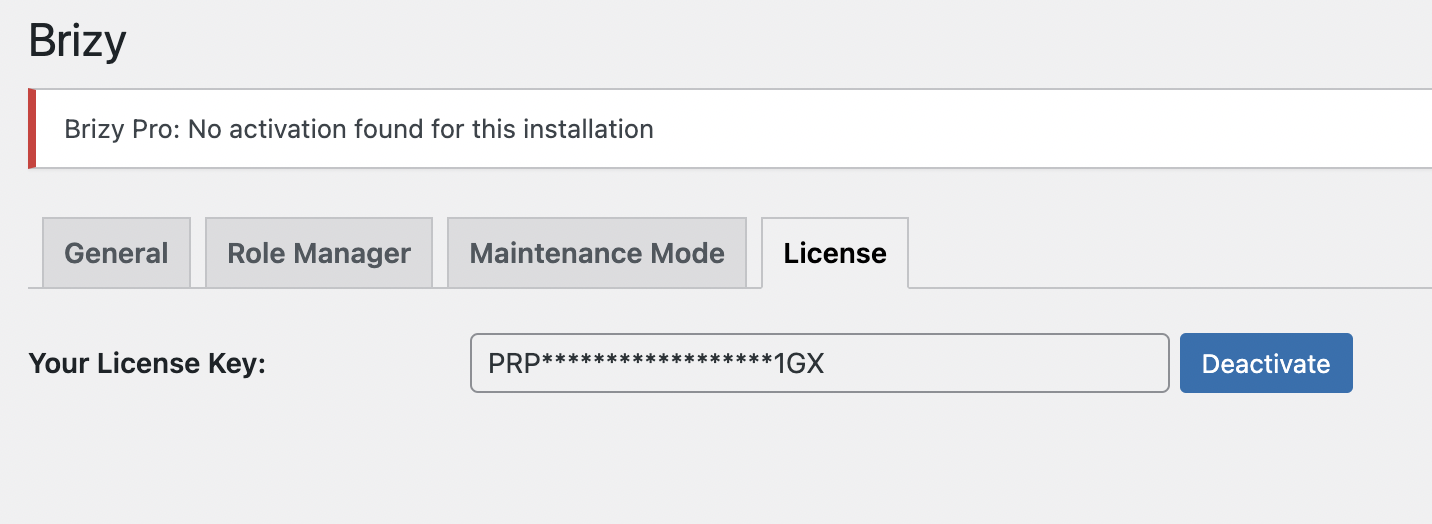
What is wrong? How do I fix this?! I still have an active/valid (lifetime) Brizy Pro purchase/plugin!
-

Hi Jenna,
Brizy Pro licenses are assigned to a domain name. As part of changing your domain, you must also ensure that you are using a license key that is generated for the new domain. Kindly follow these steps
- Sign into your Brizy account at https://www.brizy.io/account/login
- Select the 'WP Licenses' menu
- Click on the Disable' option to detach your license key from a previously used domain name

- Copy the license key and add it to the new domain
If these steps, do not help, kindly get back to us. We will take a look at your WordPress Dashboard to fix the issue for you.
0 -
Hi KC George, when you say "Copy the license key and add it to the new domain" – you mean paste it into the field in my WP dashboard where I currently have my current license key (as screenshotted above)? Or how do I "add" this key to my new domain?
0 -
Hi Jenna,
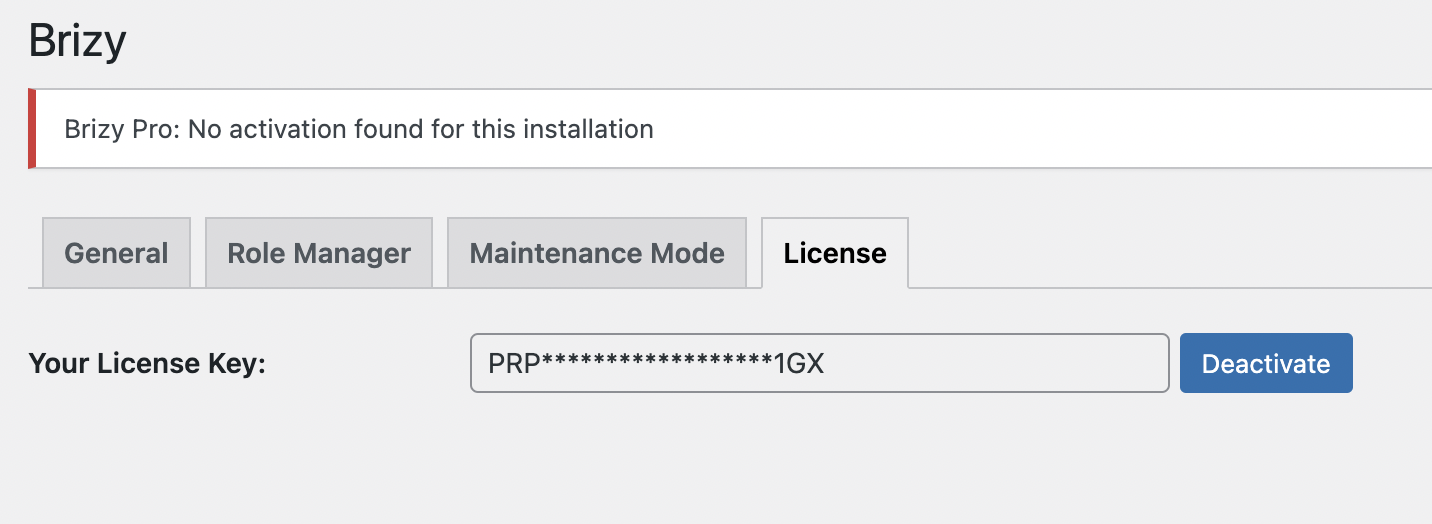
Kindly follow these steps
- Click on the 'Deactivate' button
- Paste the license key
- Click on 'Activate' button to save the key
 0
0 -
Okay, it seems to have worked. Thank you!
0
Please sign in to leave a comment.
Comments
4 comments