Urgent | Changes not saving for a certain page | Brizy WP

Hello Brizy Support,
We've encountered an issue. Changes won't save for a certain page https://igm.ac-8.com/informatie-utila/. Other pages are okay.
Nothing seems to help. The cache was cleaned multiple times.
The issue seems to appear after installing the Contact Form 7 plugin. But We've already deleted it.
Brizy & Brizy Pro are of the latest version.
This is what is showing after making some changes and trying to save them.
Could you assist us here, please?
Best regards,
Nina Tanasova
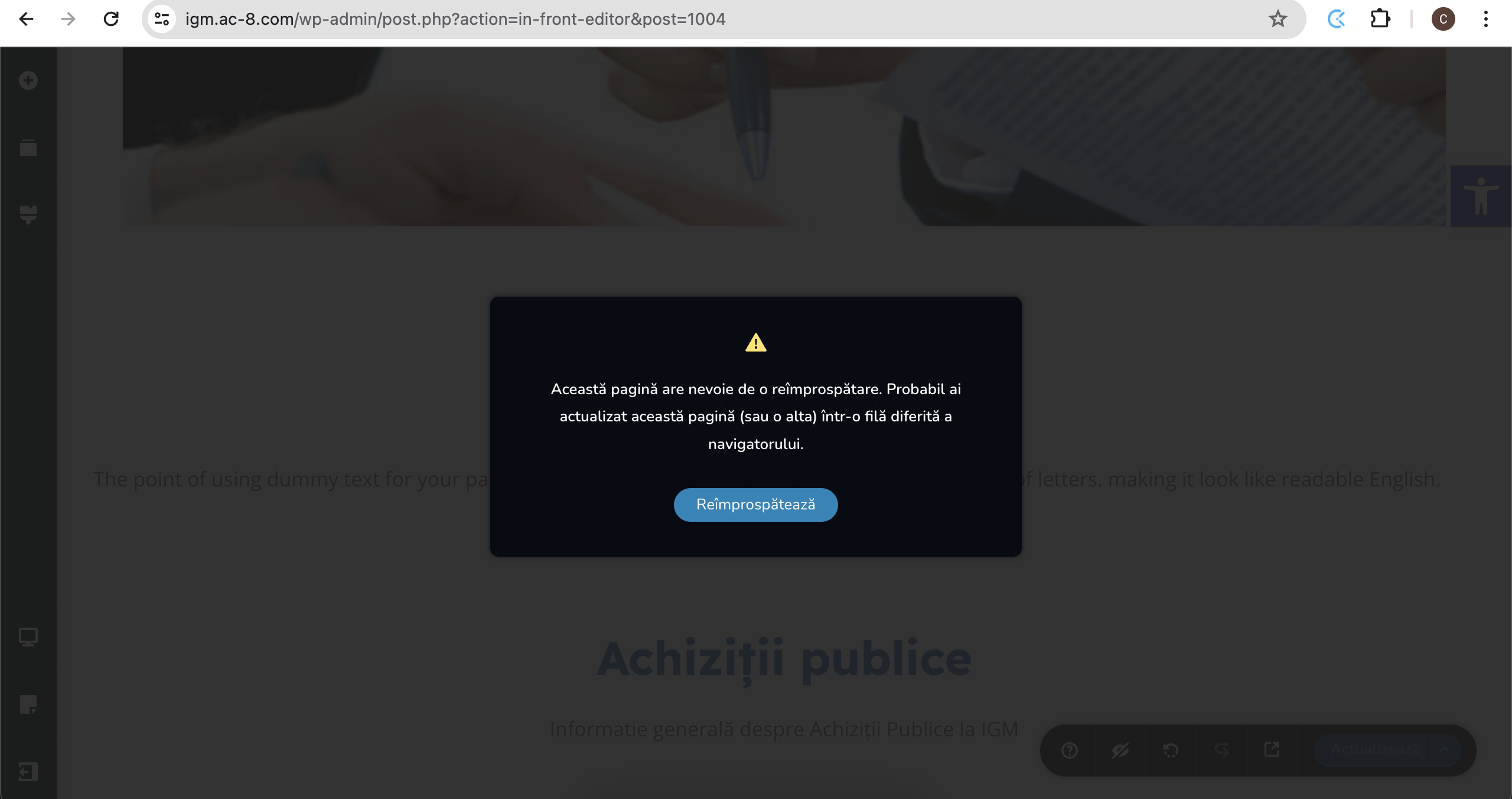
-
Please, can we get a reply?
It's an urgent issue0 -

Hi Nicolai,
Thank you for contacting us.
This is something we need to inspect from your WP Admin page. Please add us as an Admin user to your WordPress Dashboard and send the following details to: communitysupport@brizy.io
Community Post link: https://support.brizy.io/hc/en-us/community/posts/18707634493074
WordPress Admin URL:
Username:
Password:Please make a full backup of your site as a precaution.
In the meantime, could you please try disabling all other plugins except for Brizy and Brizy Pro to see if the issue persists? If the issue does not occur with other plugins disabled, it is possible that there may be a conflict with one of the third-party plugins installed on your site. Additionally, you can try temporarily switching to another theme to determine if the issue is related to your current theme.
Best regards,
Ariel H.0 -
Hi Nicolai,
Thank you for your cooperation.
Unfortunately, I am unable to reproduce the issue. Could you please provide any additional steps you took on your end that might have triggered the error?
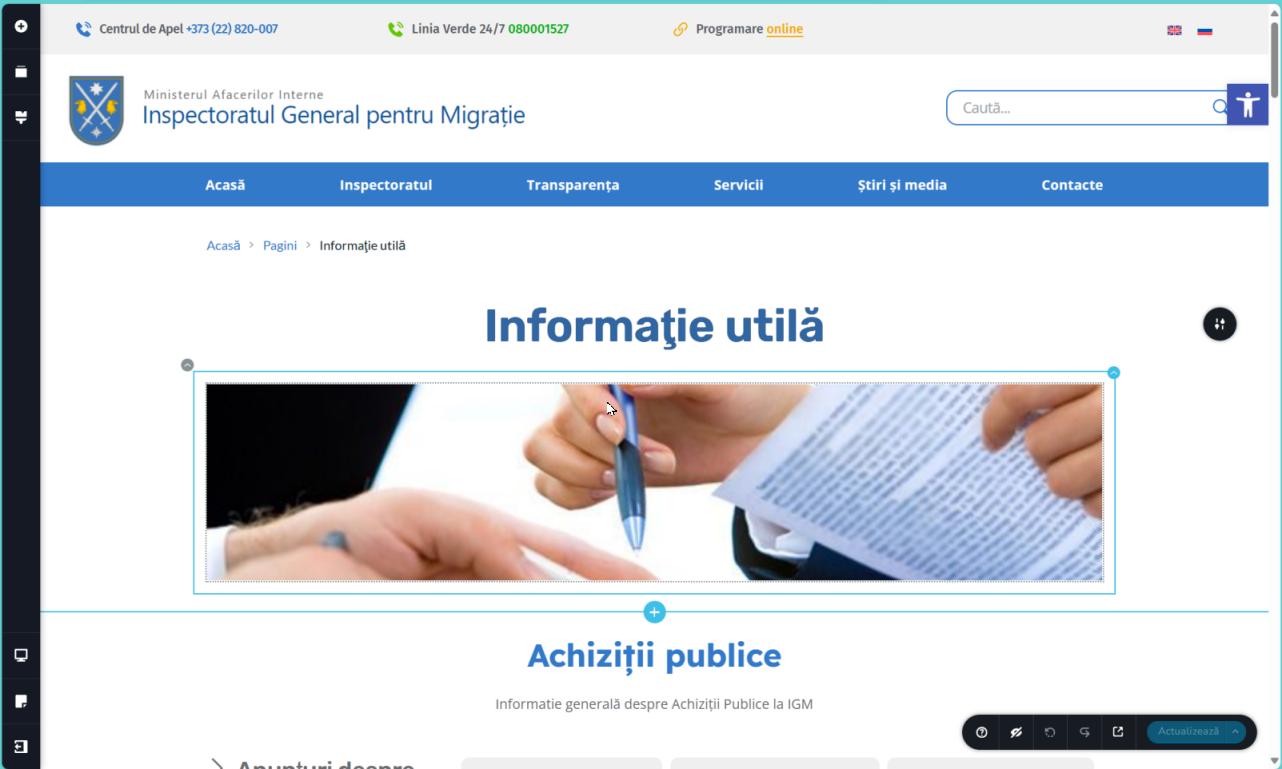
If the issue persists on your end, please try clearing your browser cache or using another browser.
Best regards,
Ariel H."0 -
Hi Nicolai,
A quick follow-up on this issue. From my observation, it appears that the issue is related to pages with a large number of revisions.
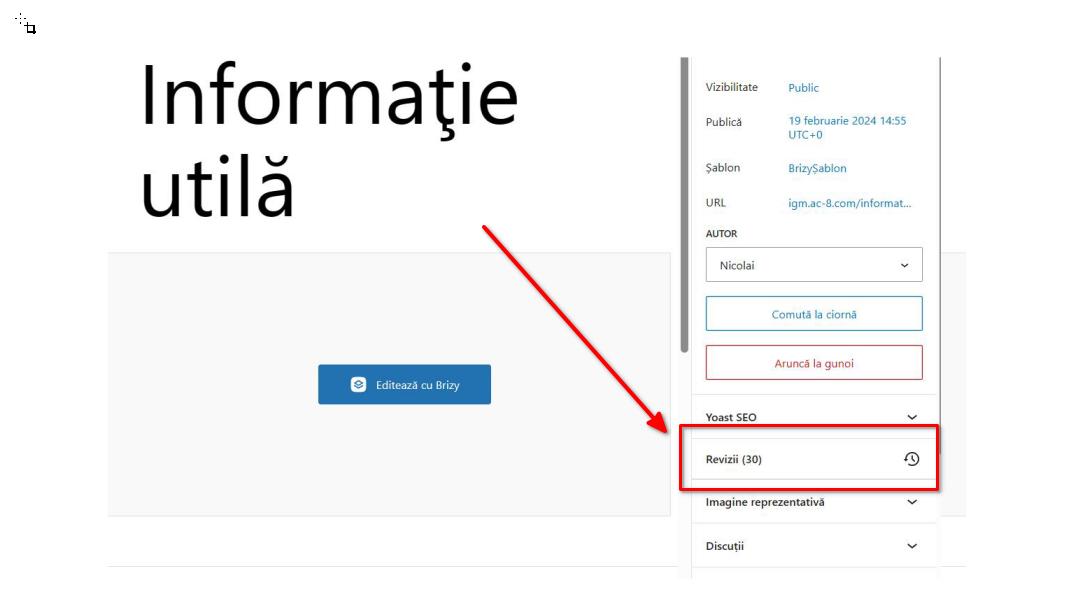
To address this issue, I recommend trying the steps outlined in this link to see if it resolves the issue:
https://www.elegantthemes.com/blog/wordpress/how-to-manage-wordpress-revisions-to-optimize-site-performanceIn the above article offers a manual method of limiting page revisions using PHPMyAdmin, or you can opt for WP Optimize, which is simpler to operate.
Please give this a try and inform me of the outcome.Best regards,
Ariel H.0
Please sign in to leave a comment.
Comments
4 comments