Blog template archive page disappeared

Hi all,
I just noticed today that my Blog page (archived blog posts) is suddenly blank. I know it was fine at least two weeks ago. Has there been a recent change? I did just run an update with Brizy recently. Is there something to know about "Blocksy" that could've caused this. Not sure what Blocksy is but it seems essential these days for some reason. Thank you.
-

Hi Chris,
Thank you for reaching out to us.
Here are a few steps you can take to troubleshoot the issue:
1. Please check the display conditions in your dynamic template and ensure that you have included the Blog/Posts page or Categories.

2. If there is no issue with the archive template, try temporarily switching to another theme to see if you can access your archive page.
3. If the issue persists, temporarily disable all other plugins besides Brizy and Brizy Pro and see if this resolves the issue. If it does, please go back to the plugins area and enable the plugins one by one as you test the archive page until the issue reappears. This procedure will help you determine which plugin is causing the issue.
If you've already completed these steps and made no difference, could you kindly provide us temporary access to your WP Admin details? This will allow us to further investigate the issue. Please add us as an Admin user to your WordPress Dashboard and send the following details to: communitysupport@brizy.io
Community Post link: https://support.brizy.io/hc/en-us/community/posts/18679582189842
WordPress Admin URL:
Username:
Password:Please make a full backup of your site as a precaution.
Best regards,
Ariel H.0 -
Hi Chris,
Thank you for your cooperation.
I've created a short screencast at this link to show you how we fixed the issue - https://youtu.be/upOJMzwVxfo
Please let us know if you have watched the video so we can delete it.
Best regards,
Ariel H.1 -
Thank you Ariel. I greatly appreciate your prompt help.
Chris
0 -
Hi Ariel,
I seem to have broken this template again. For some reason when I click on the screencast you made it is private and I can't see it. Can you give me access again?
0 -
Hi Chris,
Thank you for keeping in touch.
I have updated the video's status from Private to Unlisted so you can view it again. Please use the same link.
Please let me know if you need any further assistance.
Best regards,
Ariel H.0 -
Thanks Ariel but it still shows "private" to me. I can't watch it.
0 -
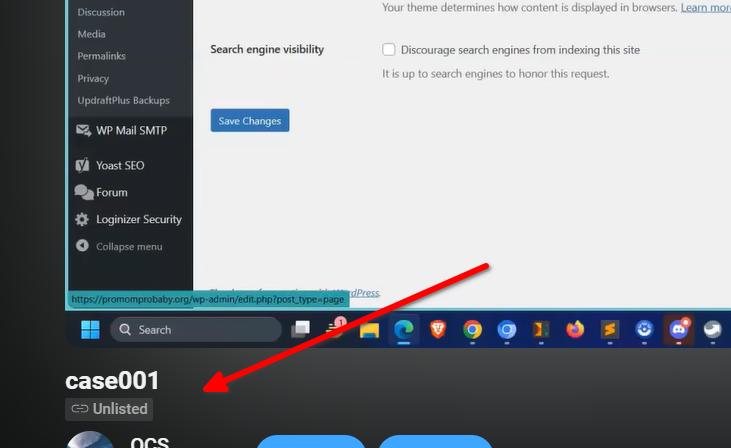
Hi Chris, sorry about that, please try it again - https://youtu.be/upOJMzwVxfo
 0
0 -
Thank you Ariel! I was able to fix the page.
Is it possible to edit the template for the blog posts page? It doesn't seem so without breaking it.
Also, I don't see the purpose of the individual post template. Every time I create a new post I have to manually recreate the page adding Title, breadcrumbs, info elements etc. Is there a way to create a briny template that I can use again and again? Is there a video on how to do that? Thank you.
0 -
Hi Chris,
Would you be able to provide us temporary access to your WP Admin page so we can check how you built your site?
Please add us as an Admin user to your WordPress Dashboard and send the following details to: communitysupport@brizy.io
Community Post link: https://support.brizy.io/hc/en-us/community/posts/18679582189842
WordPress Admin URL:
Username:
Password:Please make a full backup of your site as a precaution.
Best regards,
Ariel H.0 -
Hi Ariel. Sorry I am just replying to this now. I would still like help on setting up the post template so that I don't have to recreate it every time. You have access now. I just sent an email with that info
0 -

Hi Chris,
You have already created a single blog post template under Brizy - Templates. Instead of adding blog post content in Brizy, kindly add new blog post content in the Gutenberg Editor following the procedure at https://jmp.sh/lzl9H9hb Your blog posts will then carry the design you have added to the Brizy single blog post template.
If you have more questions, kindly get back to us.
0
Please sign in to leave a comment.
Comments
11 comments