Add a Navigation submenu below mani menu with categories

Hi,
I want to create in Brizy cloud a website with main menu, but below this menu i want to create another submenu navigation with categories to show differents kind of videos
How can i make this please,
Here a short video wher i show you what i want to create, but instead of website templates will be with video templates.
Thanks in advance
-

Hi Carlos,
Looks like you wanted to share a short video with us. I could not find the video. Can you share the video again?
0 -
Sorry George,
Here is the screencast
https://share.zight.com/lluW1PQn
I would like to add a second navigation menu below the main menu. In this second navigation menu i would like to add some categories where i can filter when select one.
Tnaks in advance
0 -
Hi Carlos,
Kindly watch this screen recording for the procedure to setup category archive templates for Video categories with a category navigation at the top. https://jmp.sh/uWzgwSPv
Please get back to us if you have more questions.
0 -
Hi,
I have wathede the video, but it is not clear for me how to create assets.Do you have some tutorial about this please?
1 -
Hi,
Could I take advantage of this template? I don't know how to link videos or websites with categories, in the case of this template it is episodes and users and in the case you gave me it was movies and genres.
Short video of template inside https://share.zight.com/JruENL4m
0 -
Hi Carlos,
Kindly watch this screen recording for answers to your questions https://jmp.sh/cKi4yXlb
0 -
Hi George,
Thanks for the video,
I have linked the categories to the videos and added the menu, but I still don't get the result and I can't see where to configure the filters in the menu. I'm sending you a video in case you can tell me what I'm doing wrong.
https://share.zight.com/E0ue7LPy
0 -
Hi Carlos,
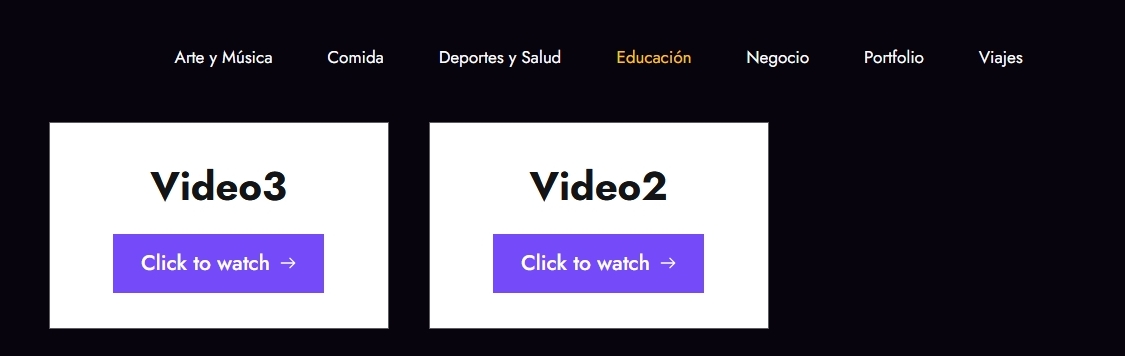
You have currently added two categories to your Videos. Kindly check both the category archive pages here
- Deportes y Salud: https://apricot20824604.brizy.site/deportes-y-salud
- Educación: https://apricot20824604.brizy.site/educacion
Each category archive is displaying its videos correctly.
 0
0 -
Hello George,
Thanks for your video. I see that from the links you sent me, it looks correct, but this is what I see when I enter the website.https://share.zight.com/JruENrrx
It is something completely different. I have cleared the cache and tried it from two computers and it looks like this.
It also catches my attention that when I leave the website and come back in, this button appears as in the screenshot.
https://share.zight.com/12ul5JJYAny idea what is happening?
Thanks in advance
0 -
Hi Carlos,
When you say "but this is what I see when I enter the website" do you mean that you were expecting to see something different? If you expected to see something different, what would it be? Kindly elaborate? I see the same design when I open your homepage and I don't see anything unusual on your page.
The 'eye' icon at the bottom right corner is meant to unhide hidden elements on the page. By default the all hidden elements will not be visible on page load. You must click on that icon to unhide hidden elements.
0 -
Hello, I was hoping to see the menu with the categories, the same thing you sent me in the links. I don't see the menu and the website is white, the complete opposite of what you send me.
You sent me this
https://apricot20824604.brizy.site/deportes-y-salud
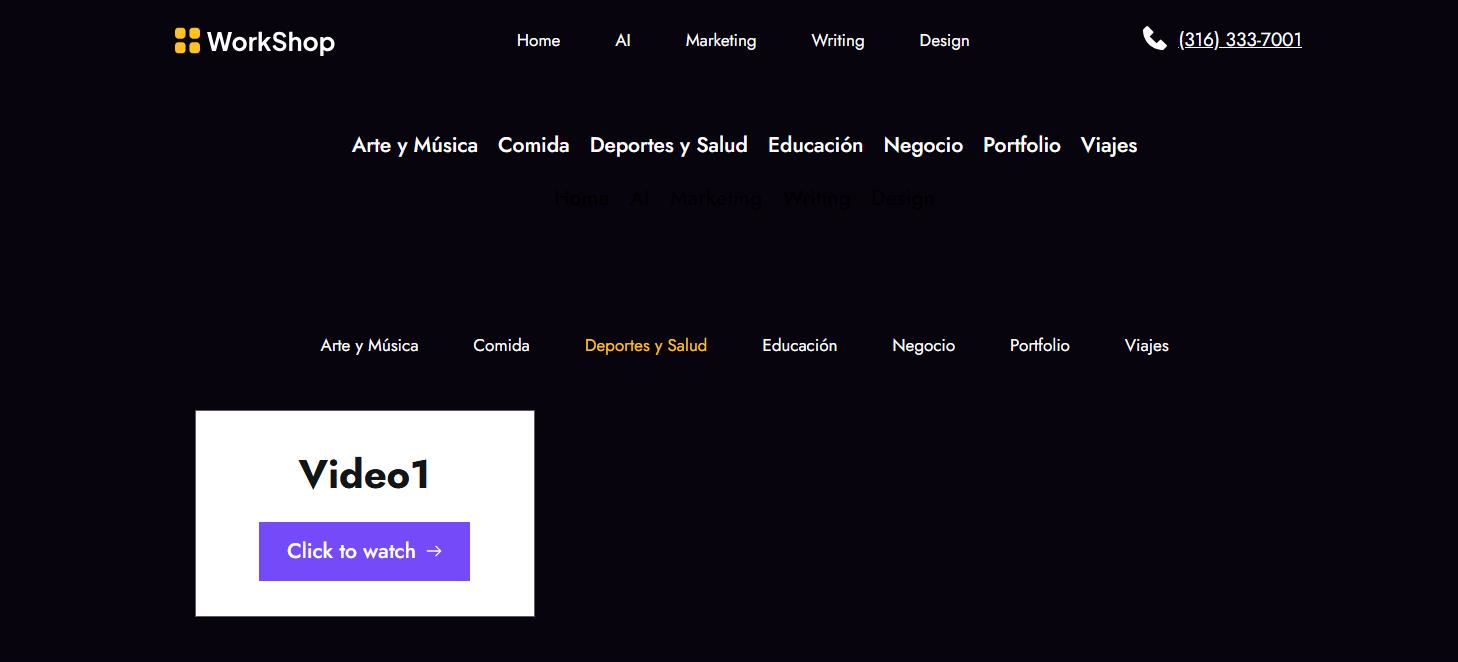
And i m watching this
https://apricot20824604.brizy.site/

I was expecting to see the same you sent me, and the menu with categories.
0 -
Hi Carlos,
The category menu and the video listing and are not added to your homepage yet. What we have discussed so far is how to design your Video category archive pages. The video listing is currently available only in your Video category archive pages. You have assigned only two categories to your test videos and hence at the moment, two category archive pages can display your videos. These are your category archive pages
- Deportes y Salud: https://apricot20824604.brizy.site/deportes-y-salud
- Educación: https://apricot20824604.brizy.site/educacion
You can add the video category menu to your homepage. However keep in mind that when a user clicks on any category, they will be redirected to the respective category archive pages like the ones mentioned above. Some more planning is required before adding the category menu to the homepage.
0
Please sign in to leave a comment.
Comments
12 comments