LiteSpeed Cache issue

Hi there,
We've spotted an issue with our site freshspace.co.uk when LiteSpeed Cache is enabled on mobile devices. It seems fine on desktop devices.
See attached. We've tried disablling other plugins and also usual features of LiteSpeed but the issue persists unless the plugin is disabled.
We could look at other cache plugins but would prefer to stick with LiteSpeed.
Thanks,
Darren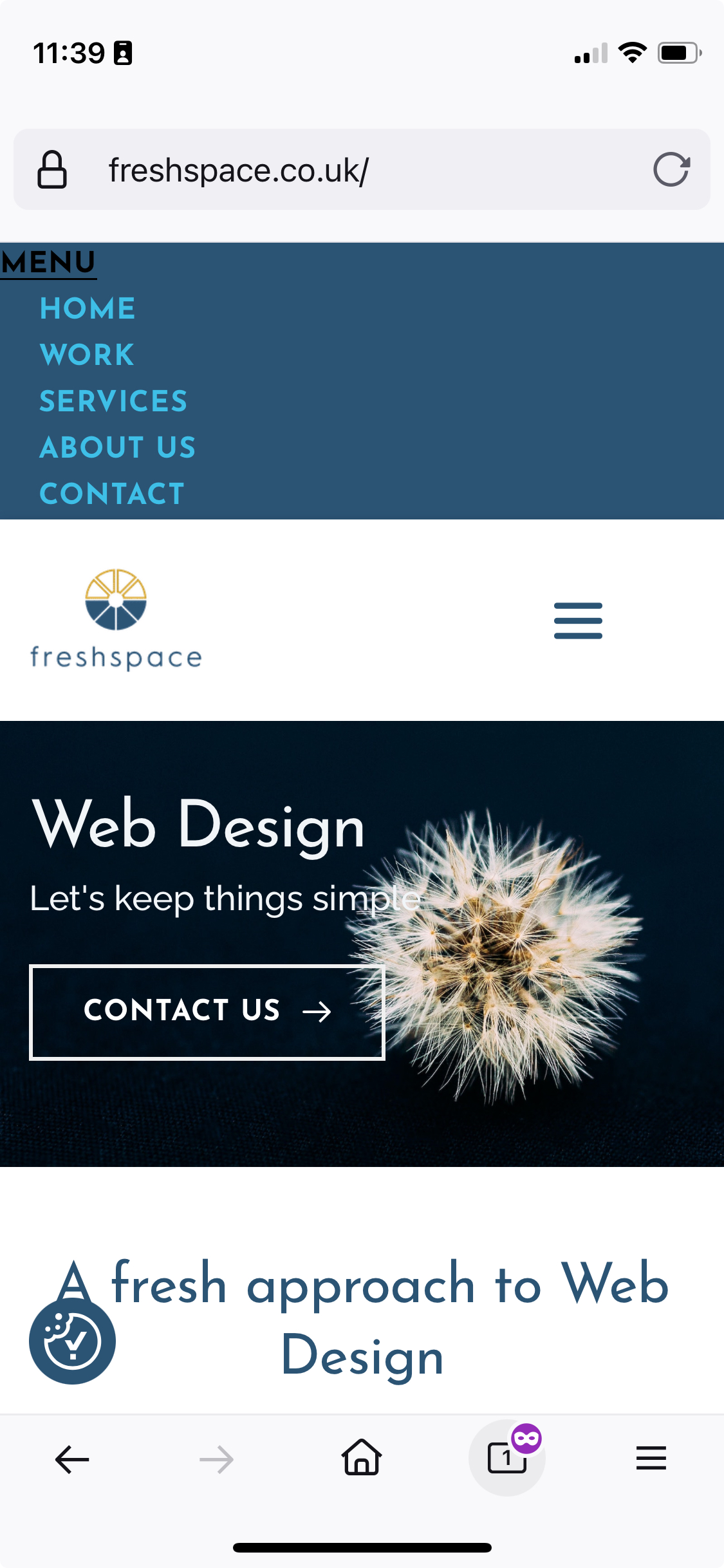
-

Hi Darren,
Thank you for reaching out.
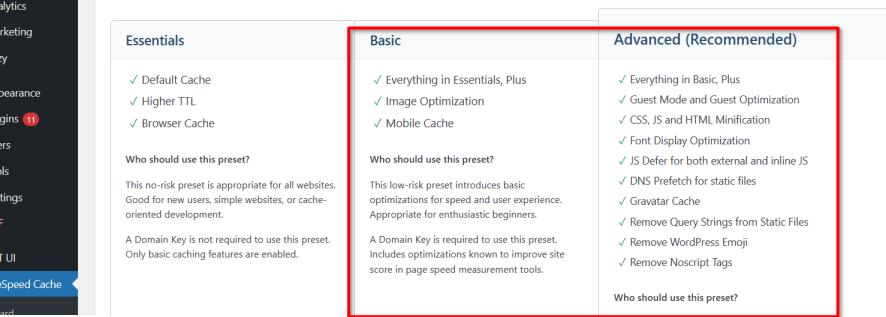
Could you please try using the Advanced or Basic Presets and see if the layout don't break? Also, make sure to purge all cache before previewing your site.
Best regards,
Ariel H.0 -
Hi Ariel,
We've tried both the basic and Advanced options but get the same result.
Thanks,
Darren0 -
Hi Darren,
Thank you for the update.
Would you be able to provide us temporary access to your WP Admin page so we can take a closer look into this issue? Please add us as an Admin user to your WordPress Dashboard and send the following details to communitysupport@brizy.io:
Community Post link: https://support.brizy.io/hc/en-us/community/posts/18550140593426
WordPress Admin URL:
Username:
Password:Please make a full backup of your site as a precaution.
Best regards,
Ariel H.0 -
I'll do that now.
Thanks,
Darren0 -
Hi Darren,
Thank you for your cooperation.
It looks like it's working using the Essential preset, and from there, we enabled CSS, JS, and HTML minification. This should give your site a boost without breaking your layout.

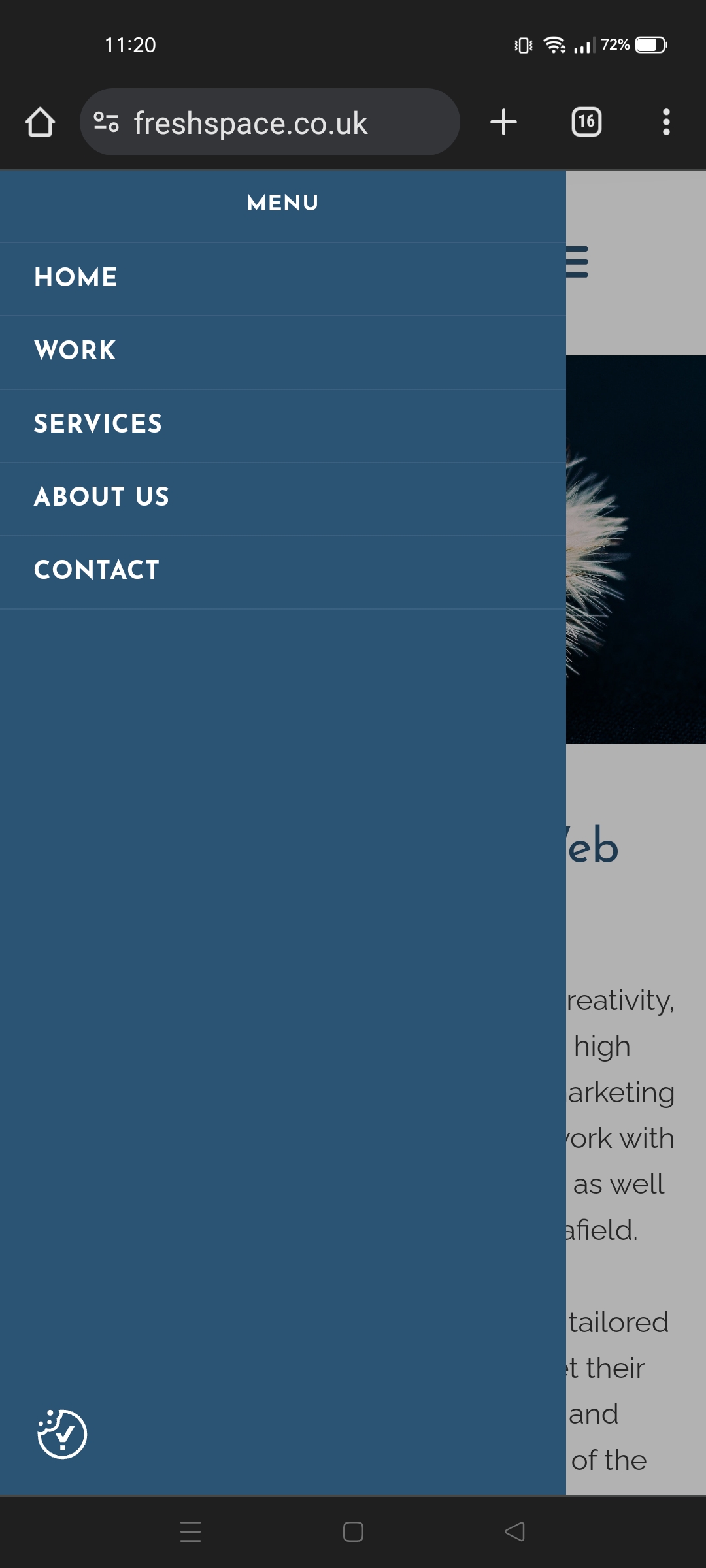
I hope these settings work for you.
Best regards,
Ariel H.0
Please sign in to leave a comment.
Comments
5 comments