Only one page impossible to edit with brizy

Page built before with brizy, now it's the only one impossible to edit with brizy.
How can I fix this?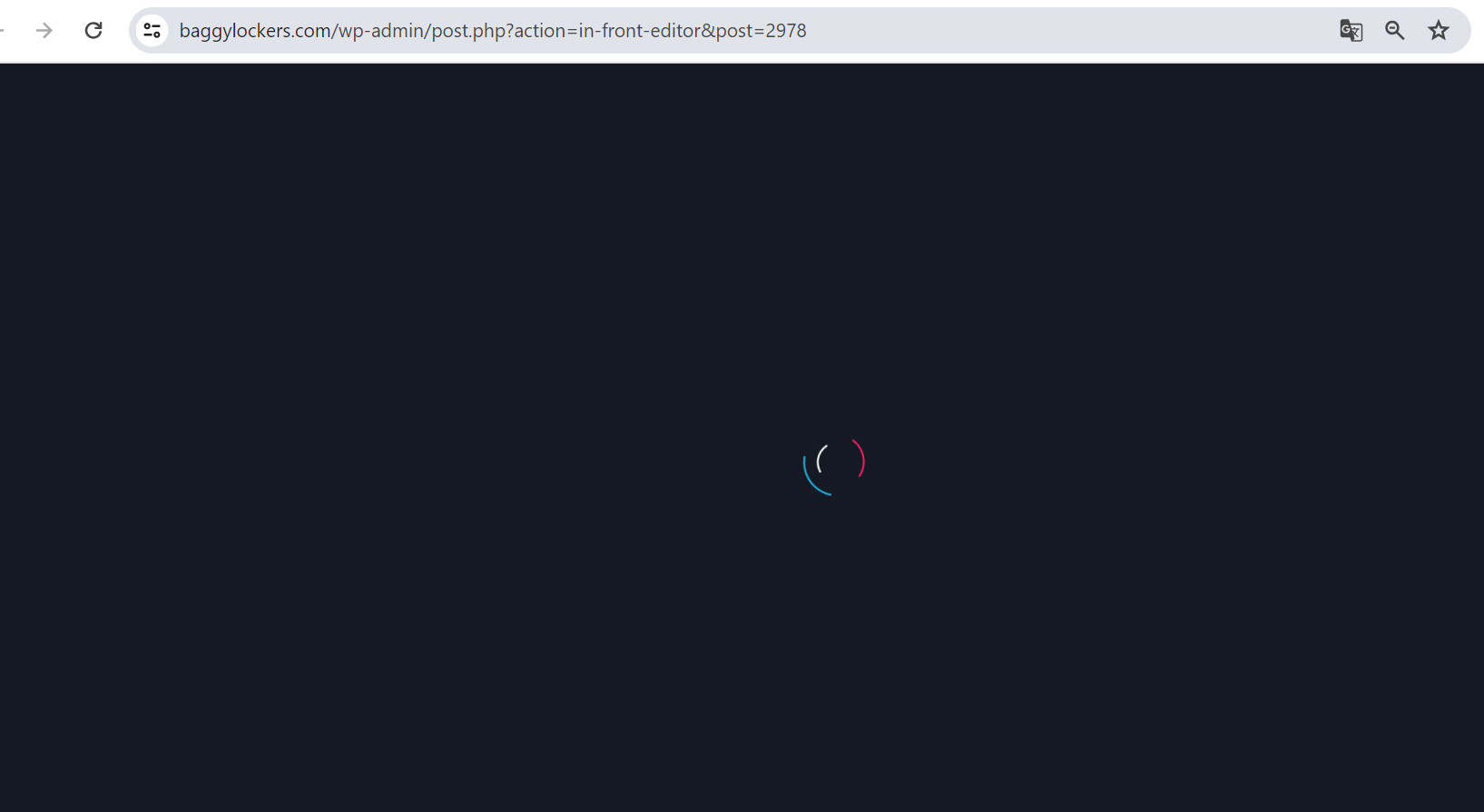
-

Hi Fabrizio,
Thank you for contacting us.
This is something we need to inspect from your WP Admin page. Please add us as an Admin user to your WordPress Dashboard and send the following details to: communitysupport@brizy.io
Community Post link: https://support.brizy.io/hc/en-us/community/posts/18518417073810
WordPress Admin URL:
Username:
Password:
URL of the affected page:Please make a full backup of your site as a precaution.
In the meantime, could you please try disabling all other plugins except for Brizy and Brizy Pro to see if the issue persists? If the issue does not occur with other plugins disabled, it is possible that there may be a conflict with one of the third-party plugins installed on your site. Additionally, you can try temporarily switching to another theme to determine if the issue is related to your current theme.
Best regards,
Ariel H.0 -
Hi Fabrizio,
Thank you for your cooperation.
Upon checking, it appears that the problem is caused by the Autoptimize plugin. When the plugin is disabled, the issue no longer occurs.
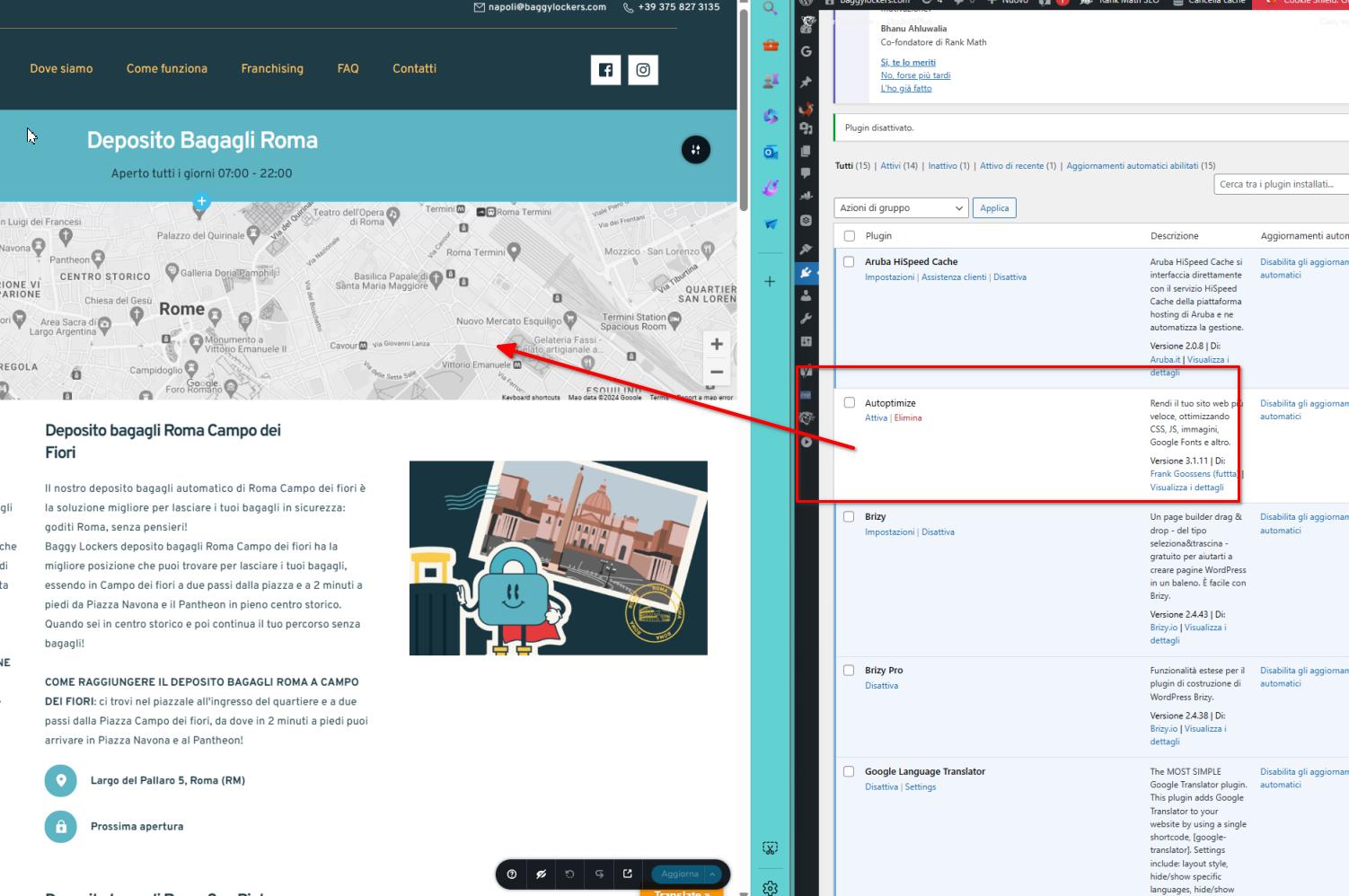
I recommend reporting this issue to the Autoptimize Support Team so that they can be made aware of the issue and possibly offer a solution. Alternatively, you may want to consider using a different optimization plugin.If you have any further questions, please let us know.
Best regards,
Ariel H.0
Please sign in to leave a comment.
Comments
2 comments