Server Sync not working

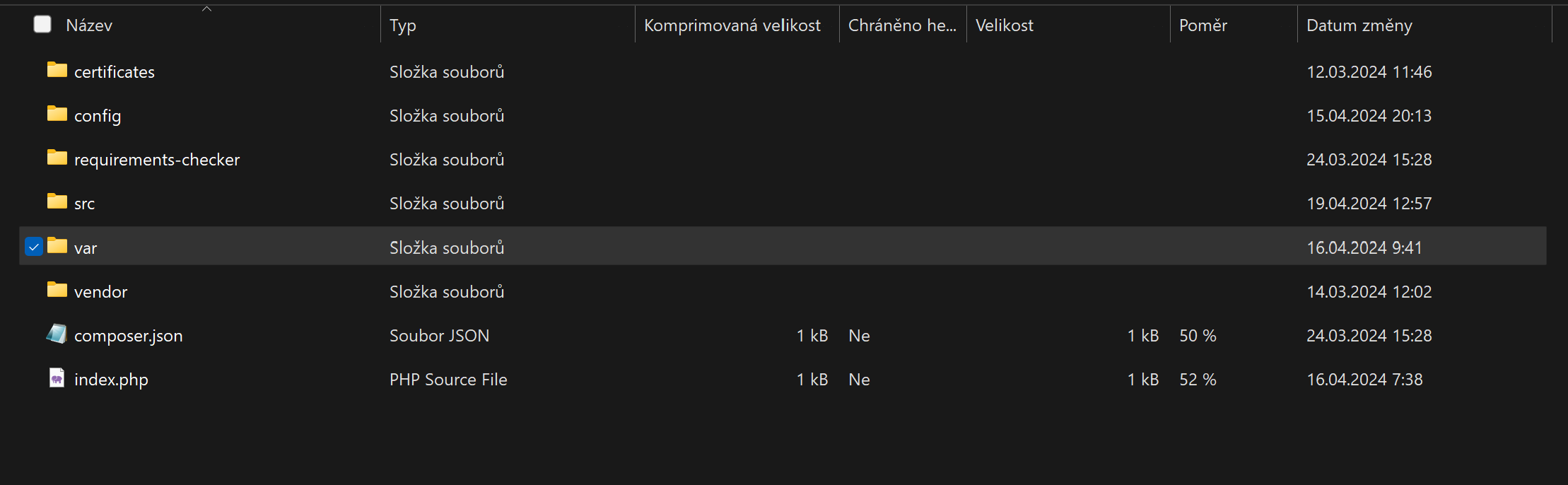
Good day, I am struggling with a server synchronization issue. It's becoming quite frustrating, as I am working on an important project and the client is starting to get dissatisfied. I downloaded a .zip file and placed it in a folder on the server. However, the files in the folder seem different than usual. Is there a different procedure now for uploading files to the server? Thank you for the information.

-

Hi Tomas,
Thank you for getting in touch with us.
The procedure should be fairly simple. Once you have finished downloading the project file, you can access the file manager in your hosting provider and easily drag and drop the file into the root directory of your site or into a subdirectory as shown on this screencast: https://youtu.be/ARLI6cgpeUM
Once the project file is uploaded, make sure to extract it and select the appropriate path where the files will be extracted.
If you have any further questions or need additional assistance, please let us know.
Best regards,
Ariel H.0 -
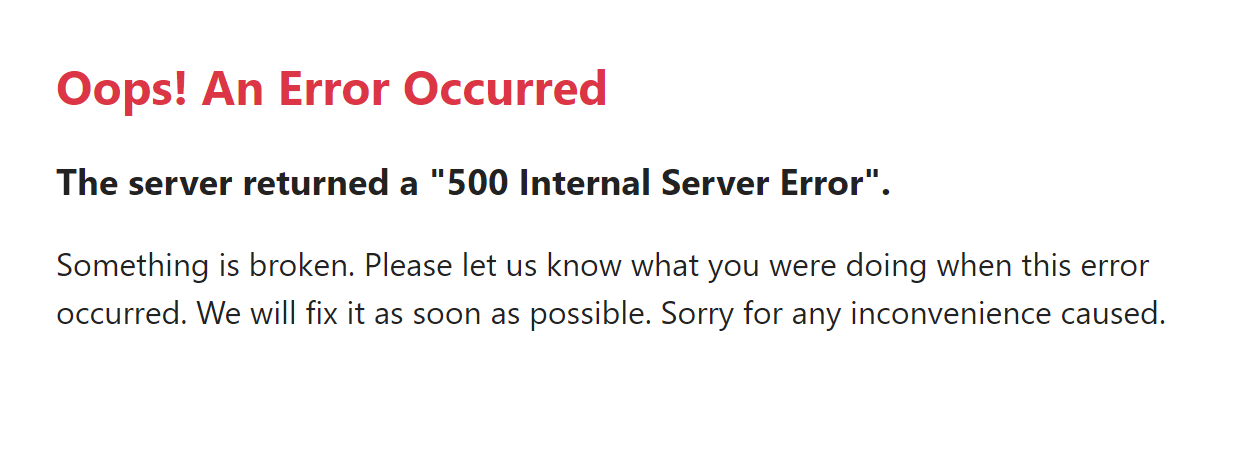
Hello, I'm afraid I have a problem with my project. When I perform a server sync and upload the project folder to the server as instructed, I get the message "Oops! An Error Occurred. The server returned a '500 Internal Server Error'." I tried uploading a different project, and that one worked without any problems. Please, I need your help as this is urgent. Thank you.
Here is URL to my project: (PV-AUTO) - https://pvauto.brizy.site
 0
0 -
Hi Tomas,
Thank you for the update.
To further investigate the issue, could you please provide us with temporary access to your FTP credentials? This will allow us to conduct a more thorough investigation. Please send your FTP details to communitysupport@brizy.io, and include the reference number 18492995127442 in the subject line.
I am looking forward to your response.
Best regards,
Ariel H.0 -
I have sent my information to the following email: communitysupport@brizy.io. Thank you for your assistance.
Best regards,
Tomas
0 -
Hi Tomas,
Thank you for your cooperation.
Please give us some time to further investigate the issue.
Best regards,
Ariel H.0 -
Hi Tomas,
Thank you for your patience.
Please grant us permission to upload new folders once we have resolved the issue. We are currently conducting tests on a private testing server to replicate the problem. Once we have identified the issue, we will upload the new folder to your website.
I am looking forward to your response.
Best regards,
Ariel H.0
Please sign in to leave a comment.
Comments
6 comments