sharing a cloud site collaboration

how exactly does it work to collaborate on a site with someone or to give them compete control without having all the projects I'm working on being seen
how can I assure privacy tat my projects are not seen
not enough info is on this
very important!
-

Hi Rob,
To give a client access to his projects and block access to all other projects in your account, kindly make use of the 'Workspace' feature in Brizy Cloud. This functionality allows you to segregate client projects into different workspaces. Once you create a workspace for a client, you can move all client projects to that workspace and invite him to access the workspace.
Kindly have a look at this tutorial. Get Ready to Supercharge Your Workspace with Brizy Cloud 101 | Lesson 04
0 -

Hi,
I did this and I don't see the page on the invit account
Created another client acces to monitor what the client is getting, and I don't see the project or the page I shaerd.
I usually work on wordpress but the web site is on coming "soon mode".
I don't know how to share only one page and I saw the collaboration tool in brizy cloud.
The page I'd like to share is https://eq-i2-0-particuliers.brizy.site/ on the the me
The shared project (admin side)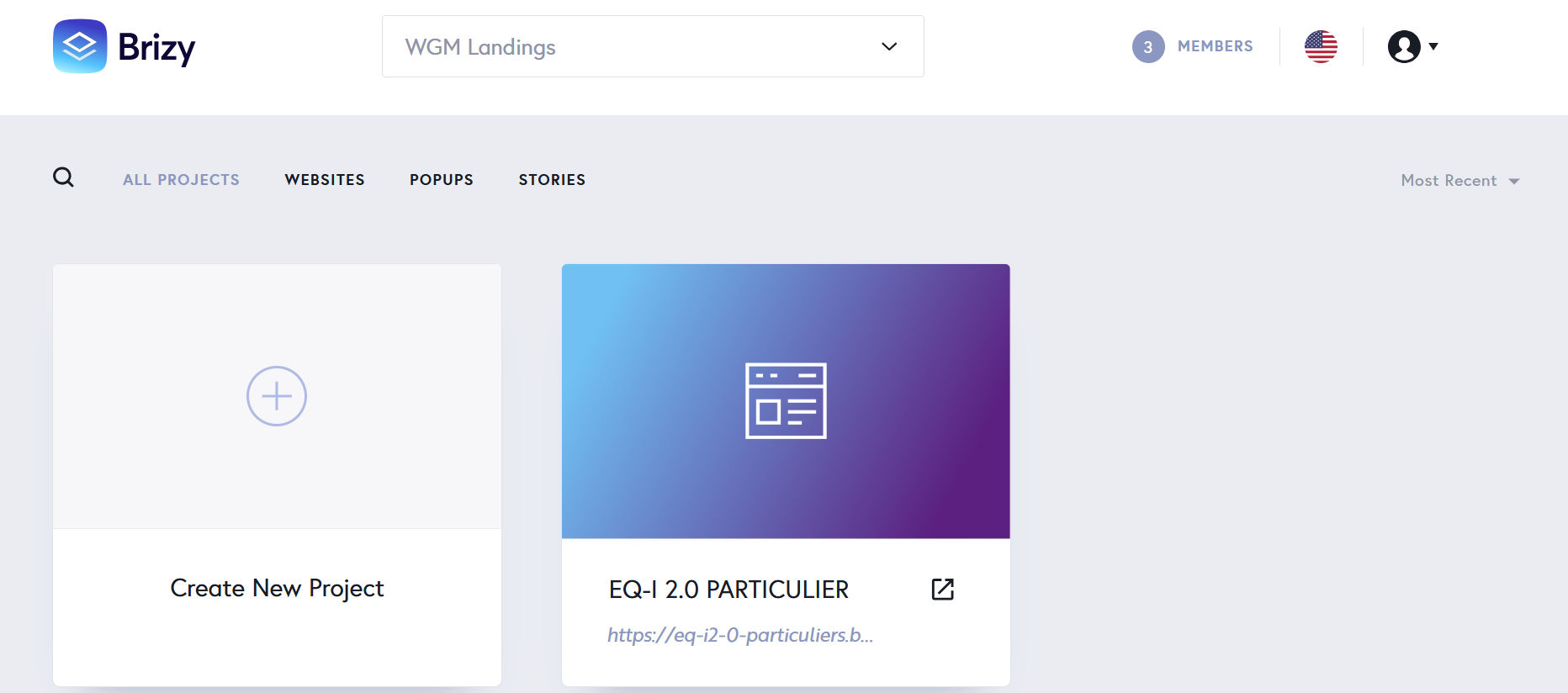
and the invitation... without password
Client side
Any suggestion ?
Thanx in advance
Gerald0 -
Hello Gerald,
Even though you have sent invitations to two Team Members to access your "workspace", they have not yet accepted your invitation. Only after Team Members accept your invitation, they have access to your workspace.
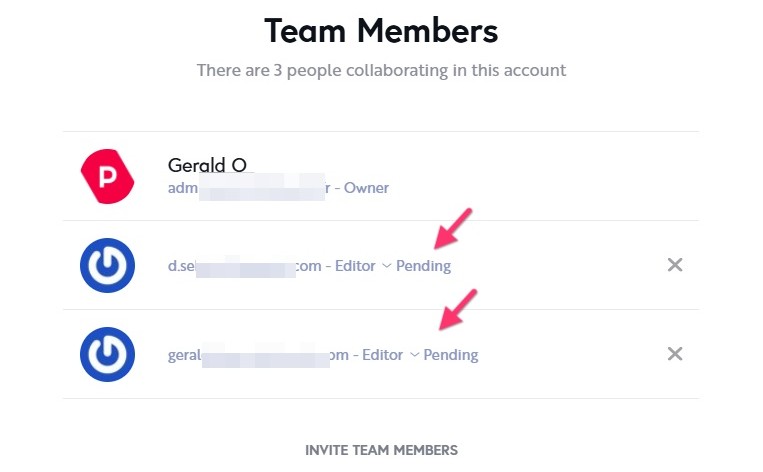
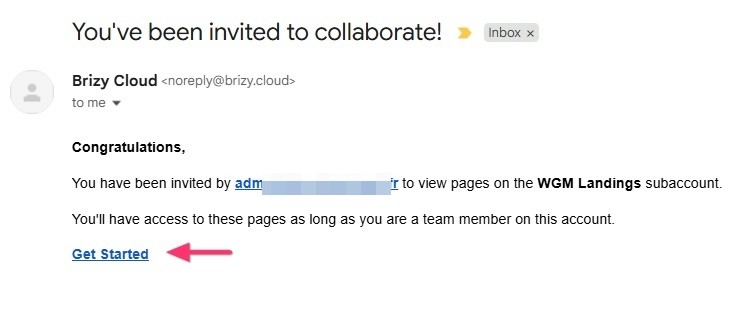
Once you send an invitation, the Team Member will receive an email like this. They must first sign up with Brizy Cloud and then click on the "Get Started" link to gain access to your workspace.
 0
0 -
Hi,
When the invited click on the "get started" link he arrive on the "My Personal Projects" with no other project.
And when later, He tried to acces the brizy cloud, he has no password and he use the reset link ... he stil waiting the mail.
Any sugestion
Thanx in advance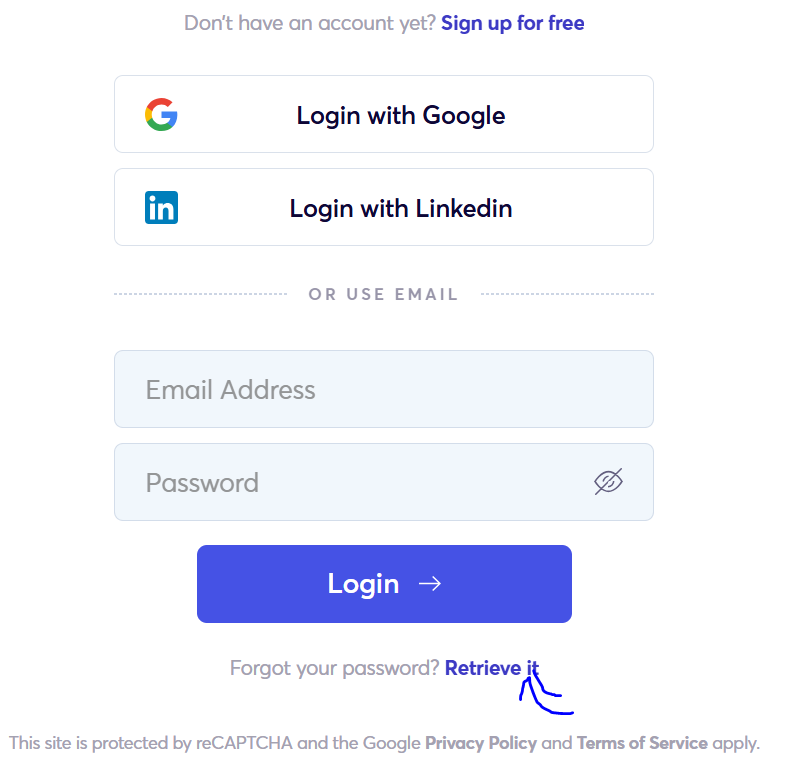 0
0 -
Hello Gerald,
The Team Members must follow the steps in the given sequence.
- As the first step, they must sign into their Brizy account.
- As the second step, in a different browser tab, they must click on the "Get Started" link in the invitation email you sent them.
If the Team Members would follow the above two step process, they can gain access to your workspace. In the screen recoding at https://jmp.sh/Xe3T5Fee, I demonstrate the process.
0 -
Its's working, thanx K C George
0
Please sign in to leave a comment.
Comments
6 comments