Brizy conflict with Bunny CDN

Bunny CDN has some latest update and i found that I cannot use brizy wordpress builder anymore. It keeps on stuck on the loading sign. I contacted bunny CDN and this is the outcome of their investigation.
---
Brizy is complaining because it can't access this file:
https://smecentre.b-cdn.net/
This file exists on the CDN, and it's working. The problem is that this file is a 'Worker', and a 'Worker' can't be accessed externally. You can read more about this, here:
https://stackoverflow.com/
I would recommend contacting Brizy support to see if this file can be manually set to a specific URL rather than the one from the origin; or the opposite: if there's a line in the code where we can force this to load from the origin itself.
-

Hi Daniel,
You are right, Brizy has an incompatibility issue with Bunny CDN. I will report this issue and we will work on fixing it.
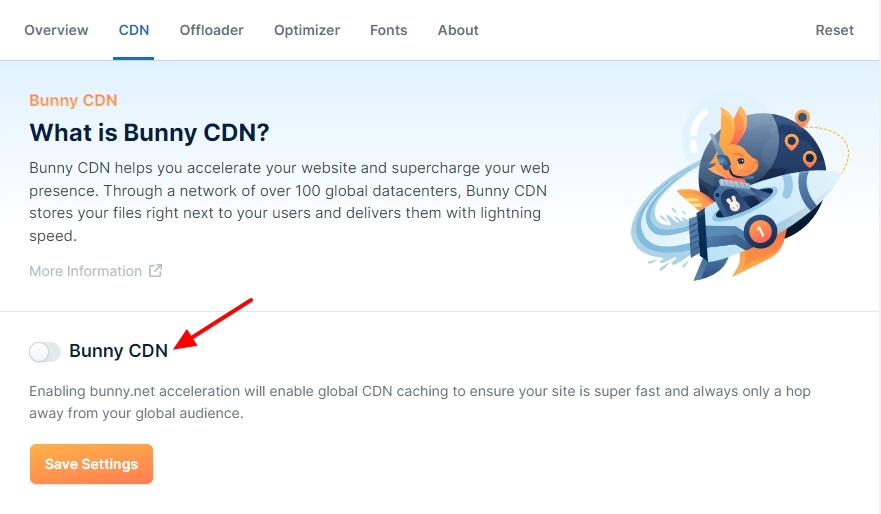
In the meantime, kindly disable the Bunny CDN option under the CDN tab and save settings before editing Brizy pages. Once you finish editing, enable the Bunny CDN option again.
 0
0 -
Hi, It has been 4 months. Any updates in this?
0 -

Hi Daniel,
We apologize for the delays; this issue is currently in progress and our developers are working to fix it as soon as possible. Please give us some more time to address the issue.
Best regards,
Ariel H.0 -
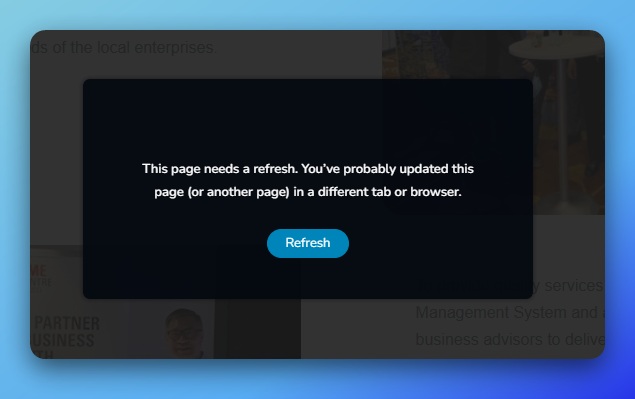
Hi, this has been fixed a couple of months ago. But now the error came back again. Page cannot be save when the CDN is activated.
 0
0 -
Hello Daniel,
I have have deployed my test website https://brizy.online/ on Bunny CDN and am able to make changes to my page and save without the above error. Kindly see the screen recording at https://jmp.sh/zeQhrOjM for my test.
It could be possible that one of the factors listed below caused the above error in your project.
- Your webpages exceed the upper limit set for HTTP request size in ModSecurity software in cPanel
- Wordfence Security plugin mistaking Brizy editing as malicious and blocking it
- Your pages exceed the upper limit set in PHP like Post Max Size
Kindly implement the two possible solutions provided at https://support.brizy.io/hc/en-us/articles/22590197512210 and check if the above issue resolves. Please also set the Post Max size to 512 or 1024 MB in your cPanel following the procedure at https://jmp.sh/2JOiMBXk
If none of the above helps, kindly get back to us.
0 -
Hi,
Thanks for the quick reply. I am using Cloud Panel in a VPS so I don't have a Cpanel, however I have set my post size to 1GB (as in screenshot), I don't have mod security in Cloud Panel. I have tried deactivating various plugins like Wordfence, Astra Security Suite, Brizy Pro, Wp Rocket. All does not result in solving the issue except for deactivating Bunny CDN plugin during the edit.
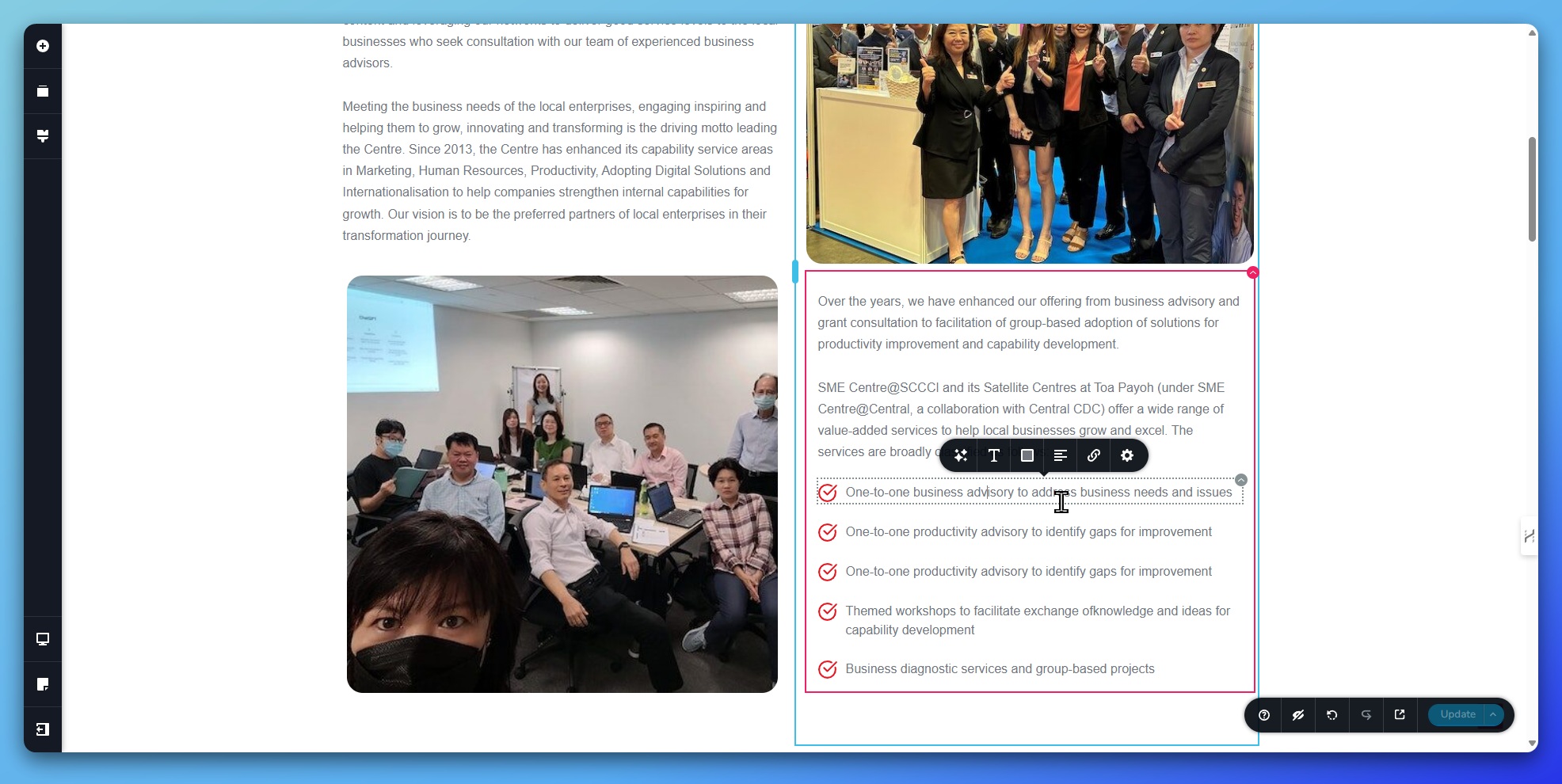
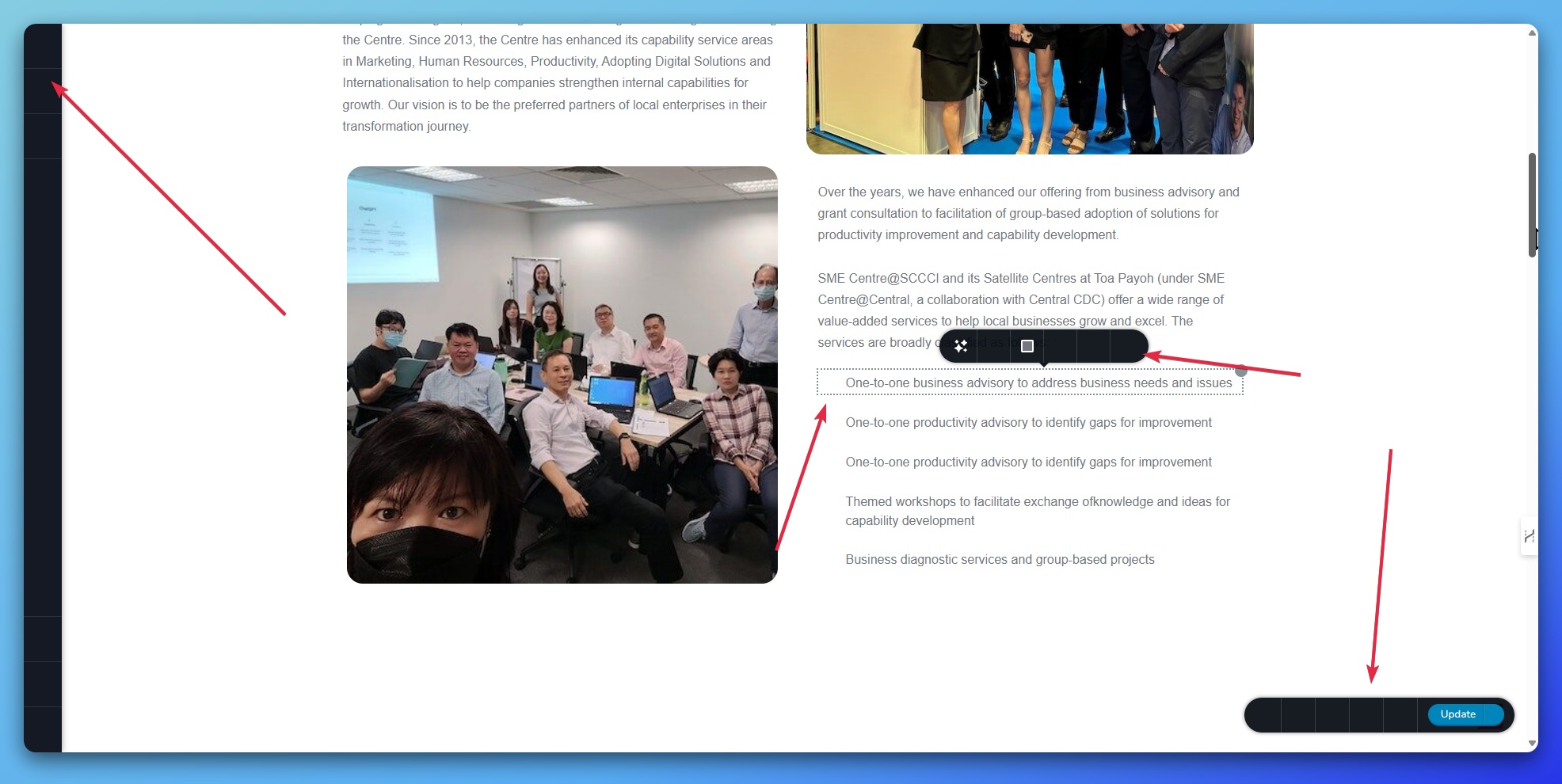
do note that when the error occurs, all the icons does not display at all including my website icons and brizy edit icons. This was different from the previous round (last year) where this icons appears but I cannot save..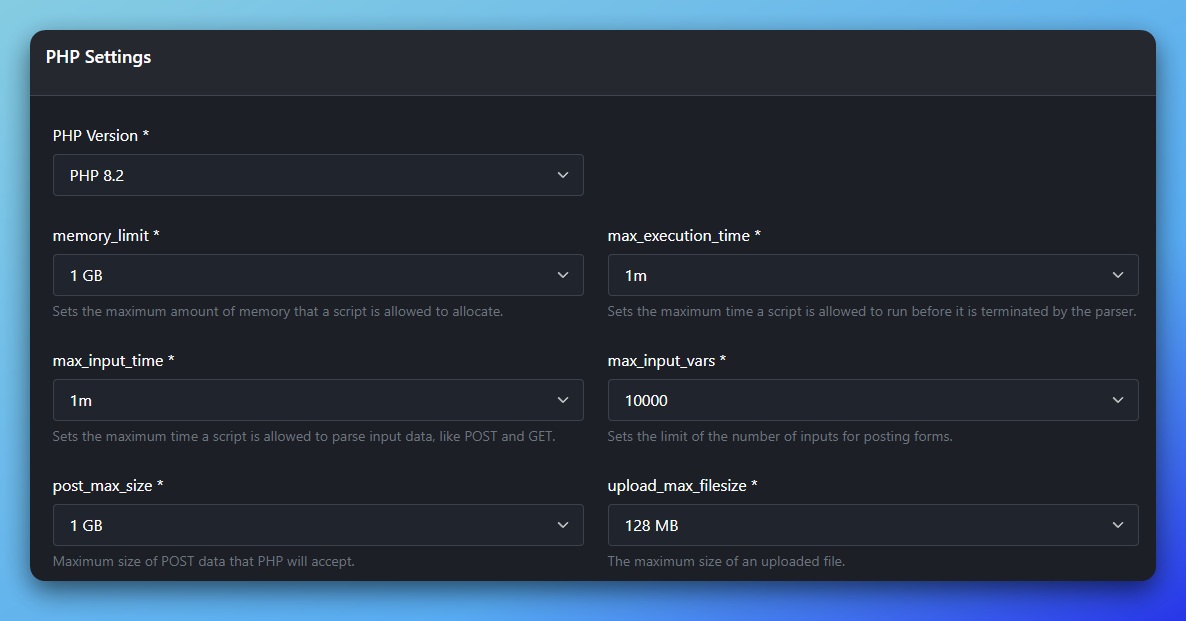
 0
0 -
Hello Daniel,
Can we have a look at your WordPress Dashboard to troubleshoot this issue? If access to your live site is not possible, kindly consider creating a staging site and giving us access. Please add a new user to your WordPress Dashboard and send the following details to our email: communitysupport@brizy.io
- Support Forum link: https://support.brizy.io/hc/en-us/community/posts/17851361798162/
- WordPress Admin URL:
- Username
- Password
Please let us know in this forum when you send us the email.
0 -
Hi, i have the email over. Thank you.
0 -
Hi Daniel,
Thank you for contacting us.
Regarding the Bunny.net plugin issue, I have already asked a team member to double-check and escalate it if needed. I will get back to you as soon as I receive any updates.
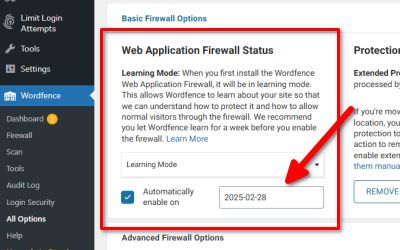
As for the error you encountered when trying to edit the page ("This page needs refresh..."), you can resolve it by setting WordFence to Learning Mode.
If you have any further questions, please let us know.
Best regards,
Ariel H.0 -
Hi Daniel,
Thank you for your patience.
It looks like the issue is related to CORS restrictions. The Brizy editor is trying to load a Worker file from Bunny CDN, but the browser is blocking it because it's coming from a different source. Could you please confirm if the same issue happens on your live site?
We set up a test environment and installed the Bunny.net plugin, but unfortunately, we were unable to replicate the issue.
Best regards,
Ariel H.0
Please sign in to leave a comment.
Comments
10 comments