Issues with WordPress Brizy Pro menu no longer working - received licensing error

My url is hudsonvalleyliveedge.com
Brizy version 2.4.42. Brizy Pro version 2.4.37. WordPress version 6.4.3.
When I firsted logged into the dashboard for this site today, I received the error that I need Brizy Pro in order to use the menu element. I updated Brizy and Brizy Pro, and the menu looks normal when working in Brizy. However the live website has issues. For some pages, the menu looks normal and for others, it appears as lines and lines of text. A page that previously looked normal will appear with the menu issue the next time I browse to that page. It's very inconsistent. I have tried it both with Chrome and Edge and also on Safari on an iPhone. Different pages render with issues while others appear normal.
I'm guessing this is an issue related to the newer version of WordPress, since that is the only thing that has changed recently, but I also see that this version is supported by Brizy.
Thank you for any help you can provide.
Example of page with menu issue: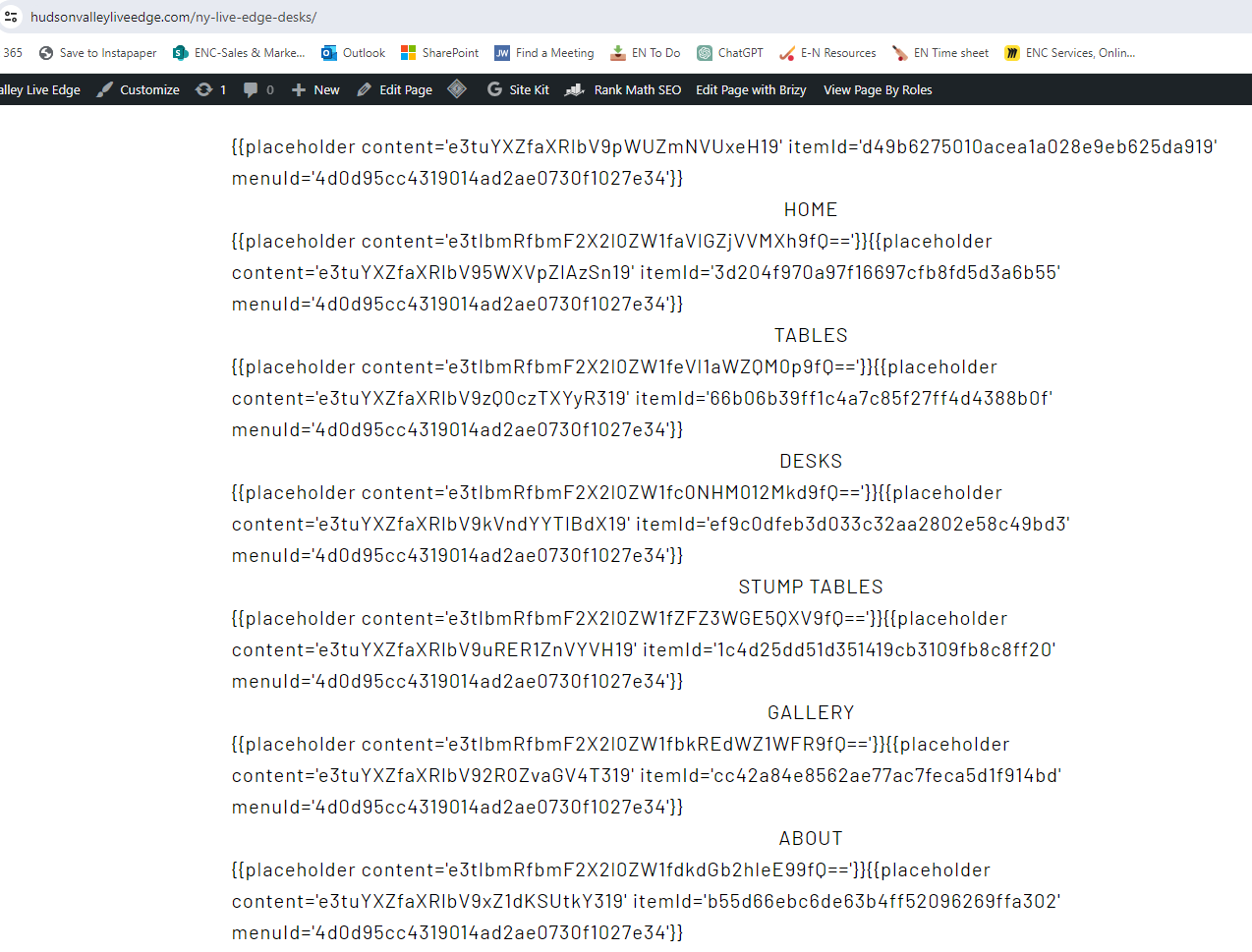
-

Hi Samantha,
Thank you for contacting us and I apologize for the inconvenience.
We have already reported this issue to our senior support team for further investigation.
In the meantime, please roll back to the previous versions using the following links:
- Brizy 2.4.41 https://jmp.sh/tFeCfvJl
- Brizy Pro 2.4.36 https://jmp.sh/ThPSvsgA
Kindly follow this procedure to roll back:
- Deactivate and delete Brizy Pro
- Deactivate and delete Brizy
- Download Brizy 2.4.41 and in your WordPress Dashboard under Plugins - Add New - Upload Plugin, upload Brizy
- Download Brizy Pro 2.4.36 and under Plugins - Add New - Upload Plugin, upload Brizy Pro
Best regards,
Ariel H.0 -
Thank you. This seems to have fixed the issue.
0
Please sign in to leave a comment.
Comments
2 comments