Strange text since update

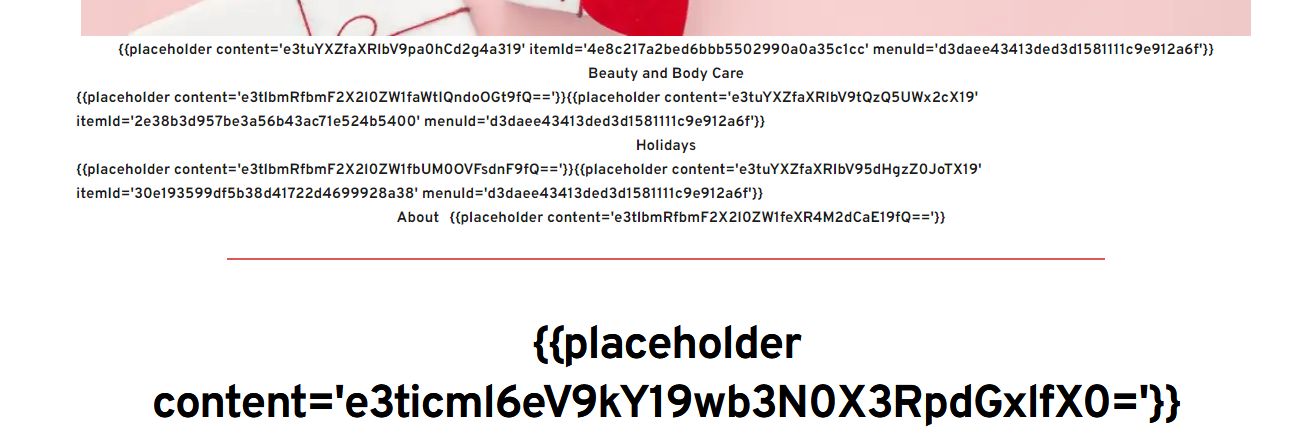
Since updating to 2.4.42/2.4.37 my webpages occasionally break and look like that above. There should be a menu and then the page title, but I am seeing gibberish. I have tried turning off plugins and emptying the cache etc. but it still happens sometimes. Any ideas?
This is the first part of console error: Uncaught DOMException: Failed to execute 'querySelectorAll' on 'Element': '[data-menu-item-id='{{placeholder content='e3sgZWRpdG9yX21lbnVfYWN0aXZlX2l0ZW0gfX0=' menu='d3daee43413ded3d1581111c9e912a6f'}}']' is not a valid selector.
-

Hi Terry,
Kindly share with us the URL of the website where we can see this error
0 -
it's new and not much content yet. The error occurs randomly on different pages then goes away after a while.
0 -
Hi Terry,
I keep getting the message "This site can't be reached" when I try to access your website. Does this webpage load for you? If not, kindly report this issue to your hosting provider.
 0
0 -
I have tried the site from 6 different locations in the USA using clean browsers/ VPNs and can reach it without any problems. Are you in eastern Europe as my firewall may be blocking you?
0 -
Hi Terry,
I am checking from India and am still seeing the same error.
With the most recent Brizy versions, the menu shows the above error on cached pages. However, the problem should go away if you clear the server cache after making an update. Kindly try this and let us know if the issue resolves.
-1 -

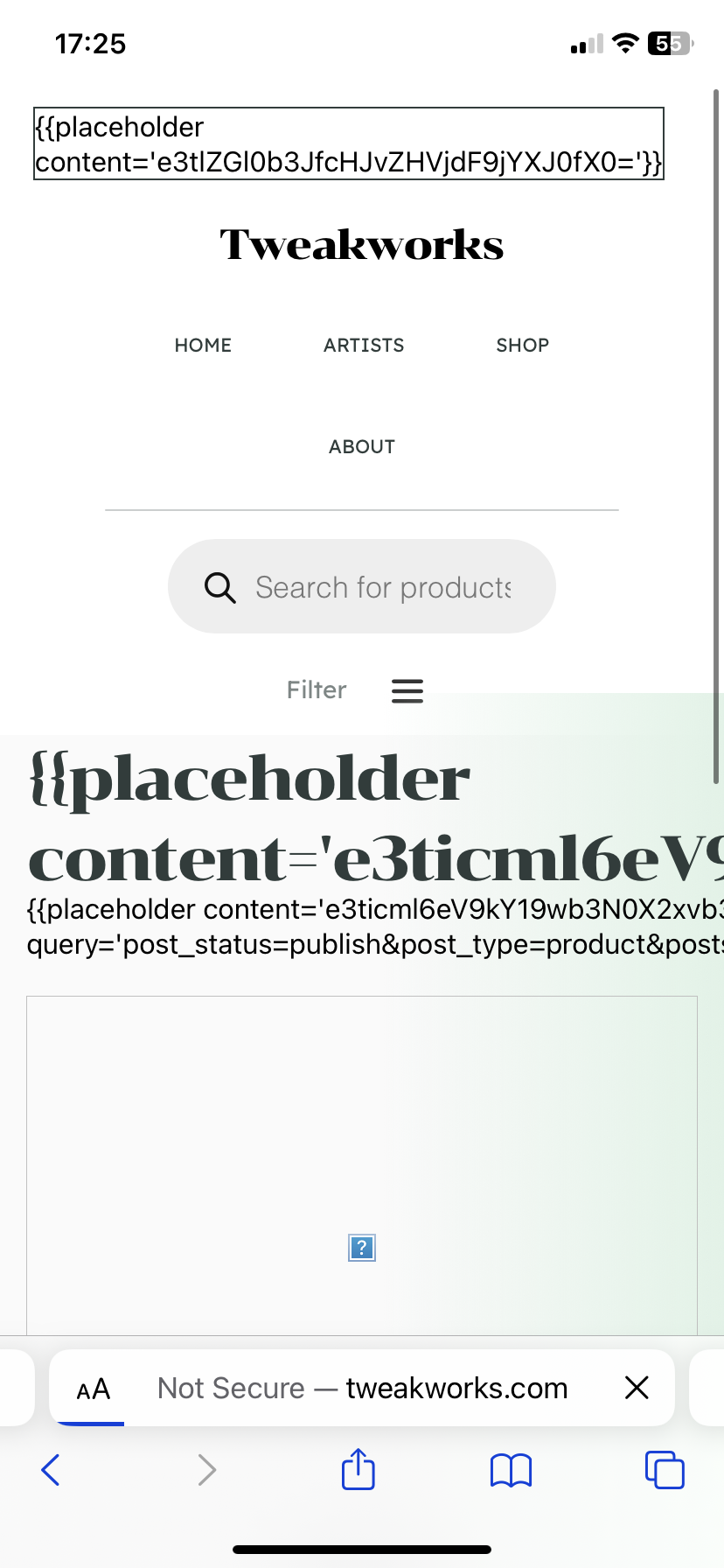
Hi I’m getting the exact same issue. Seems to be anything to do with woo commerce
0 -
Website is www.tweakworks.com
0 -
I’ve also been clearing the cache and not getting anywhere
 0
0 -
Apologies, India was blocked by the server firewall which has now been changed so you can reach the site. I will play with the cache and let you know if things are better.
0 -
Hi Ryan,
I randomly checked a few pages of your website and could not spot a page with errors. Kindly see my test at https://jmp.sh/WBLEBshs
With the most recent Brizy versions, the menu element show errors on cached pages. But, if you clear the server cache after an update, the error should go away; alternatively, the error might disappear on its own when the cache expires.
0 -
I have switched the cache off for now to prevent the issue. Other users are now saying it happens to them, I hope there will be an update to repair the problem.
0 -
Hi Terry,
I checked your website and all pages appear loading fine without any errors. Pease see my test at https://jmp.sh/5u7Oc7dU
We are aware of this bug and are working on a fix.
0
Please sign in to leave a comment.
Comments
12 comments