Unsuccessful sync - from wordpress to Cloud

Hi Brizy,
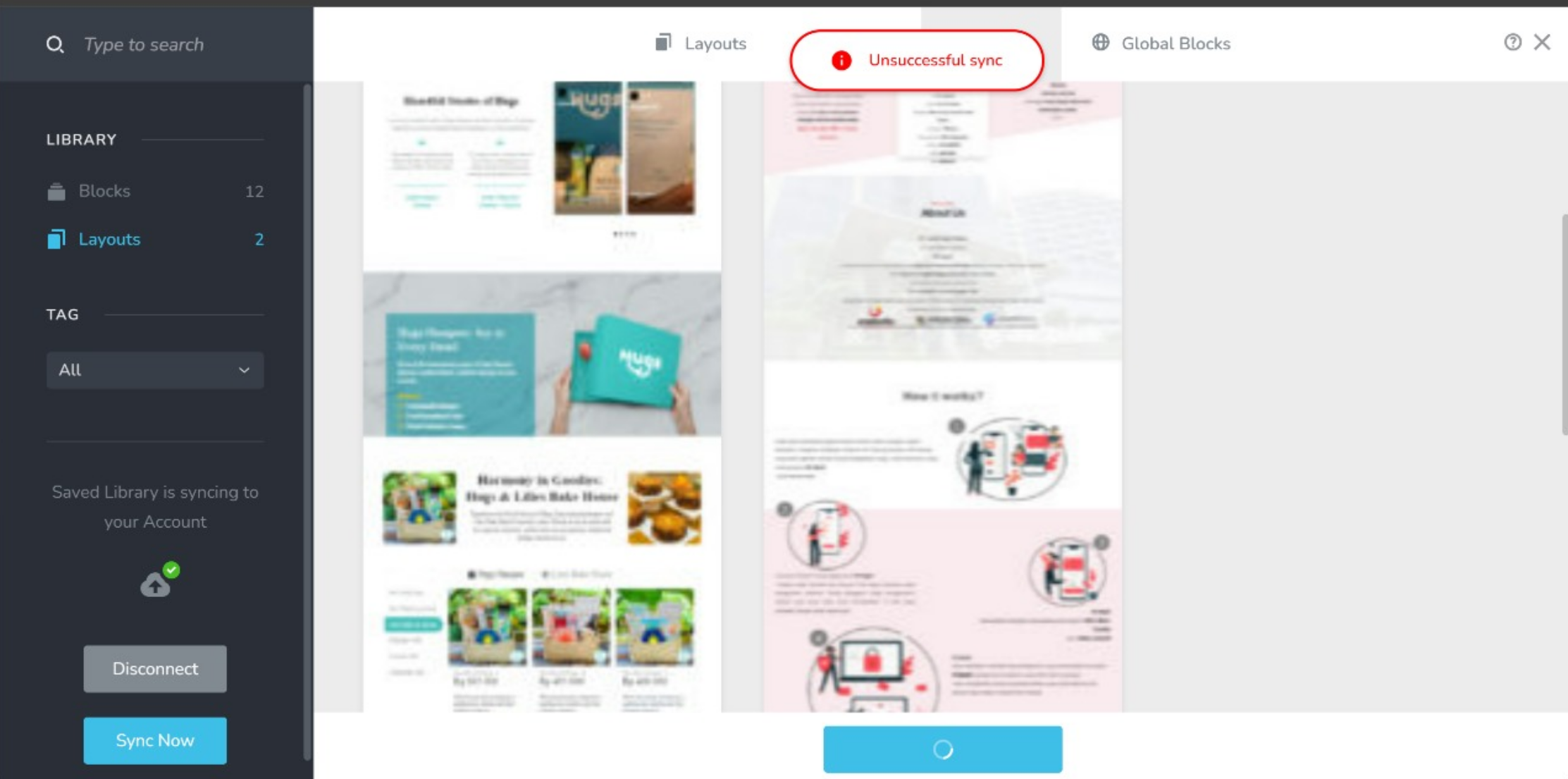
I'm encountering an issue syncing my work from WordPress to Brizy Cloud. Each attempt results in an 'Unsuccessful Sync' message.
I've attempted to reconnect it, but the problem persists.
Here are my current specifications:
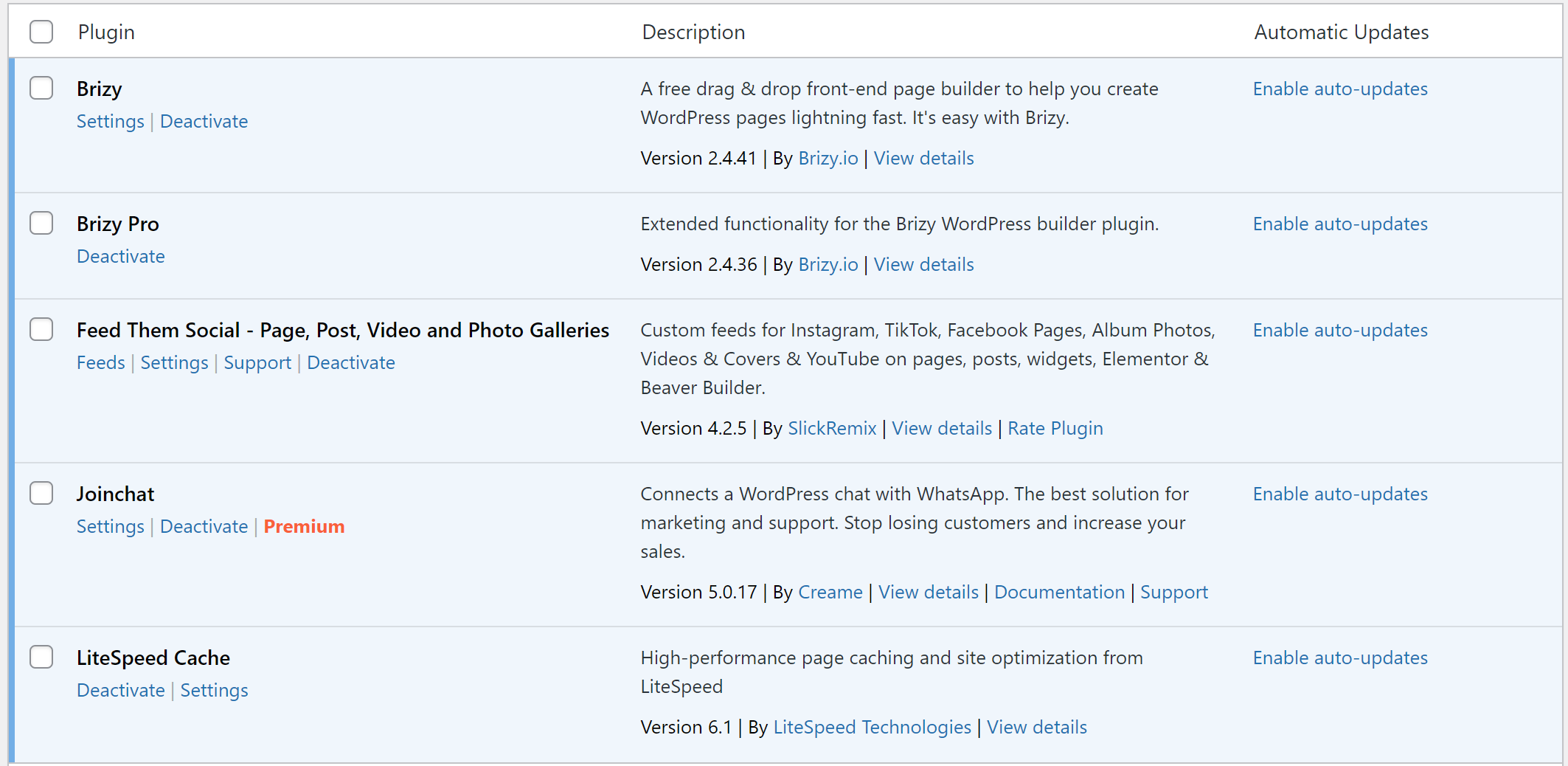
- Brizy Pro version 2.4.36
- PHP version 8.1.27
- Theme: Blocksy
Could you please assist me in resolving this issue?
Thank you.
-

Hi Ganjar,
Thank you for reaching out to us.
To troubleshoot the issue you're experiencing, could you please try clearing your browser cache? Alternatively, you can also try using a different browser to see if that makes any difference.
Please try this and let me know how it goes.
Best regards,
Ariel H.0 -
Hi Ganjar,
Thank you for your cooperation.
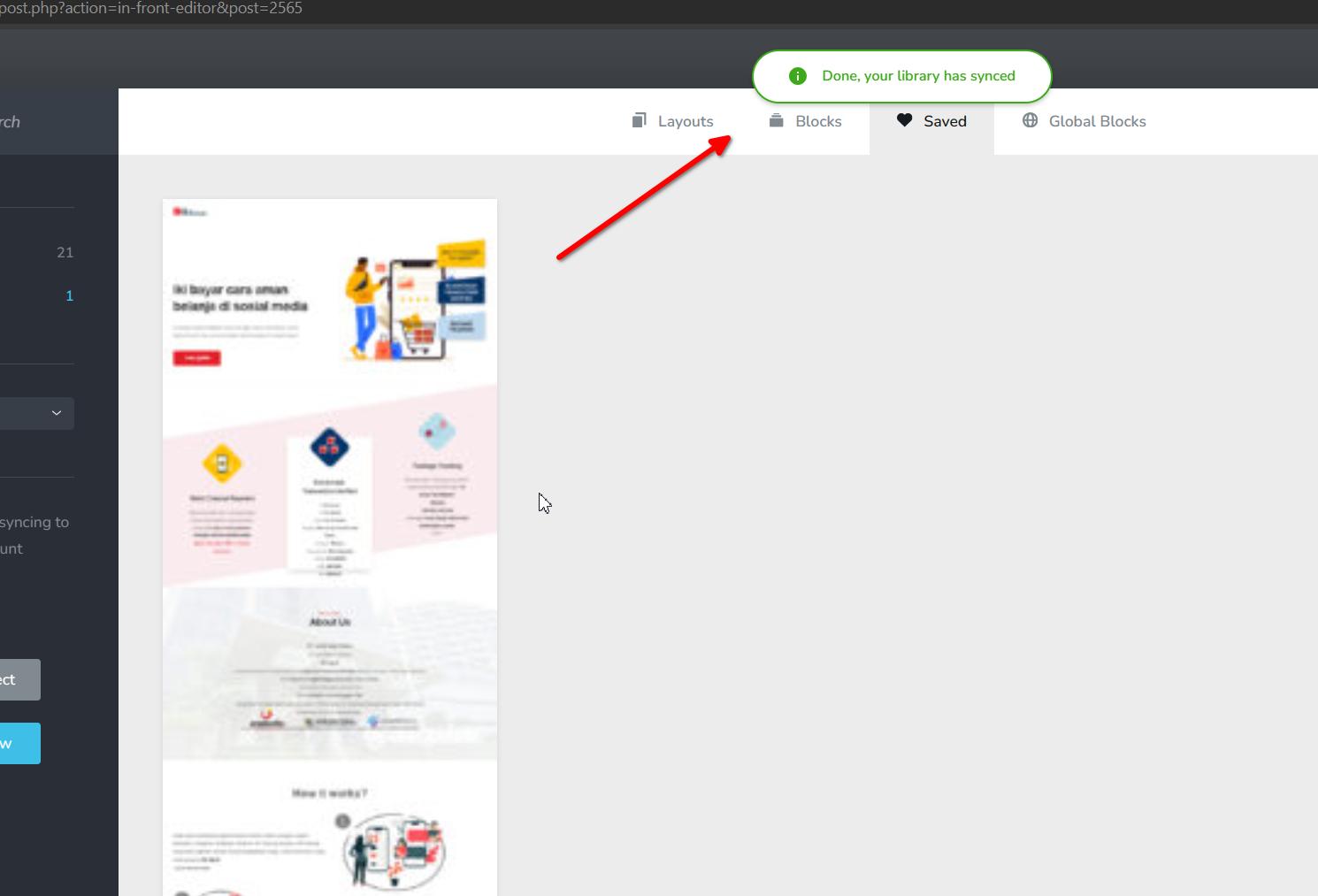
I attempted to reproduce the issue on my end, but I couldn't encounter it, as shown in this screenshot.
If the issue persists, I recommend clearing your browser cache and giving it another try. Additionally, if you have any security software running in the background, it might be helpful to add your website to the whitelist.
Please try this and let me know how it goes.
Best regards,
Ariel H.0 -
Hi Ariel,
Thank you for your quick response. The layout you mentioned is indeed the old one, and it does work. However, when attempting to save the new layout (which already exists) and then syncing it, the process fails.
Could you please check again? I have already saved the new layout. Additionally, I've already cleared my web cache, but the problem still persists.
Regarding your suggestion to whitelist my website, do you mean I need to ask my hosting provider to whitelist my website?
Best Regards,
GV
0 -
Hi Ganjar,
Thank you for keeping in touch.
I tried to reproduce the issue; however, it appears to be working properly at my end. This is demonstrated on this screencast - https://youtu.be/lCdVGNU2UY8
It's possible that there is a security software running on your computer that is causing the problem. For instance, if you are using Windows Defender, please refer to this link for steps on how to whitelist your website:
https://answers.microsoft.com/en-us/windows/forum/all/add-ip-address-and-url-to-windows-defender/5a96cd4c-aa36-414d-aa7a-2d14b6a6dc79If you are using a different security product for your operating system, please consult their user guides for instructions.
Alternatively, you can try using a different computer to see if you can reproduce the issue on that machine.
Kind regards,
Ariel H.0 -
Hi Ariel, I believe there might be a misunderstanding, and I apologize for not explaining clearly earlier. The issue lies with the sync process. When using the older layout, the sync from WP to Cloud works well. However, if I save a new layout and attempt to sync it from WP to Cloud, a pop-up message indicates an unsuccessful sync.
I have also created a video demonstration to provide further clarification.
Best Regards,
GV
0 -
Hi GV,
Thank you for the update.
I've created a private ticket for this problem and forwarded it to one of my colleagues for further investigation. You should receive a reply from them soon.
Best regards,
Ariel H.0 -

Hi! Im having the exact same issue, can you give me a private ticket also?
Best Regards Mirsad
0 -
Hi Mirsad,
Thank you for contacting us.
Have you already tried to isolate this issue by disabling all other plugins besides Brizy and Brizy Pro to check if this is coming from a conflict? Did you also try using another theme?
If you've already done these steps, could you kindly give us temporary access to your WP Admin details? This will allow us to further check the issue. Please add us as an Admin user to your WordPress Dashboard and send the following details to: communitysupport@brizy.io
Community Post link: https://support.brizy.io/hc/en-us/community/posts/17665479170834
WordPress Admin URL:
Username:
Password:Please make a full backup of your site as a precaution.
Best regards,
Ariel H.0 -
Hi Ariel,
I hope this message finds you well. I wanted to follow up on the progress of resolving the "Sync Issue" in the synchronization process from WordPress to Cloud. The reporting for this matter was initiated 11 days ago, yet as of today, there hasn't been any update regarding the resolution.
Here are the steps I've taken so far:
- Updated Brizy Pro to the latest version, v.2.4.37.
- Tried using different themes such as Astra, Neve, Blocksy, and Twenty-twenty four.
- Reconnected the account.
- Disabled all other plugins except for Brizy and Brizy Pro.
- Despite these efforts, the Sync process still remains unsuccessful with the same outcome: "Unsuccessful Sync."
Could you please provide an update on the progress made towards resolving this issue? Your assistance in this matter would be greatly appreciated.
Thank you.
GV
0 -
Hi GV,
Thank you for staying in touch.
We have already reported this issue to our senior support team. Unfortunately, I don't have an update to provide you at the moment. However, I believe that this issue may be related to certain limitations or settings on your server.
Could you please try using your credentials on this staging environment to see if you can replicate the issue?
I look forward to your response.
Best regards,
Ariel H.0 -
Hi Ariel,
I'm a bit confused about the instruction to "try using your credentials on this staging environment." Does that mean I should log out and then log in again using my own username and password after accessing the provided link? If so, I attempted that, but I couldn't log in. It said "Error: The username is not registered"
However, today I tried with my other domains. Two domains showed a notification saying "unsuccessful sync," but they still worked because when I opened them in Brizy Cloud, the layout appeared. However, there's one domain that couldn't sync at all, even though it's on the same server as the other two domains.
If you say that "the issue may be related to certain limitations or settings on your server," could you please provide more information? I'm wondering why the two domains work with "unsuccessful sync" while the other domain failed completely. Also, could you please advise on what specific questions I should ask my server hosting provider to help troubleshoot this issue further?
Best Regards,
GV
0 -
Hi Ariel,
Today, I attempted to run the sync process again with one of my domains that previously couldn't sync at all. I noticed that despite receiving unsuccessful notifications, it successfully synced 2 pages, while one page failed to sync. To troubleshoot, I decided to chunk the page into several blocks. I saved one block as a layout and tried to sync it separately, and it worked. This process is quite frustrating as it requires syncing one by one, but it's the only option I have to safeguard my work.
Kindly advise on any potential solutions or improvements to streamline this process.
Best regards,
GV
0 -
Hi GV,
Thank you for staying in touch, and I apologize for any confusion.
The recent instructions were given to determine if the issue is related to potential conflicts with your server. That's why I asked if you could try your credentials on the staging site that I shared with you. In any case, I will include your observations in the private ticket and work with my colleagues to further investigate the issue. I will get back to you as soon as I have an update.
Best regards,
Ariel H.0
Please sign in to leave a comment.
Comments
13 comments