Structure of website differs from the Builder

Without any explanation, sometimes the structure of the website seems to be changed, place of text, space between text, placement of pictures. Now again it happend on my homepage, and looking at the builder, it is differs from the online homepage. Just look at the video, the online homepage has much more space between the elements. How can I solve this?
-

Hi,
Thank you for reaching out to us.
It's possible that the issue you're experiencing is related to specific optimization settings on your website. If you are using plugins like JetPack or other optimization plugins, I recommend temporarily disabling them to see if it resolves the issue. Be sure to clear the cache after disabling the plugins. If this resolves the layout issues, you may need to review the settings of your optimization plugin to identify the one causing the problem.
If disabling the plugins doesn't help, please provide us temporary access to your WP Admin page. This will allow us to inspect your site and further investigate the issue. Please add us as an Admin user to your WordPress Dashboard and send the following details to: communitysupport@brizy.io
Community Post link: https://support.brizy.io/hc/en-us/community/posts/17617099039634
WordPress Admin URL:
Username:
Password:Please make a full backup of your site as a precaution.
Best regards,
Ariel H.0 -
Hi Maarten,
Thank you for your cooperation.
We've received the login details for your WP Admin, but we've encountered a warning. It seems that the user account provided does not have administrative access.
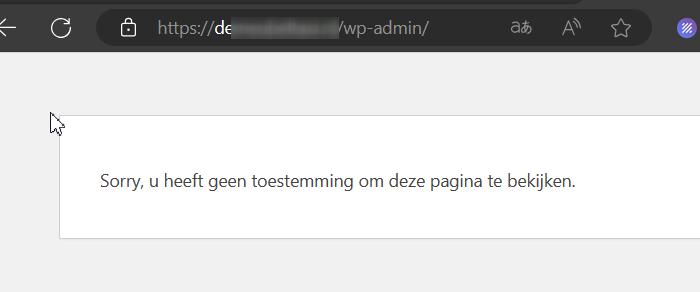
Please update this user account to an Administrator so we can look into this issue.Best regards,
Ariel H.0 -
Dear Ariel,
I was replying via e-mail, just notice that that is not possible:
Maarten Kat m*****
do 14 mrt, 14:21 (13 dagen geleden)aan BrizyJust updated to administrator.With regards,Maarten0 -
Hi Maarten,
Thank you for your cooperation.
I noticed that the issue doesn't occur when all other plugins are disabled. However, to ensure that the preview displays correctly, you need to refresh the webpage at least twice for all the assets to fully load. Additionally, the server is slow when loading and editing pages. This is demonstrated on this screencast - https://youtu.be/MdjxiJtW8ao
To address this issue, we recommend the following steps:
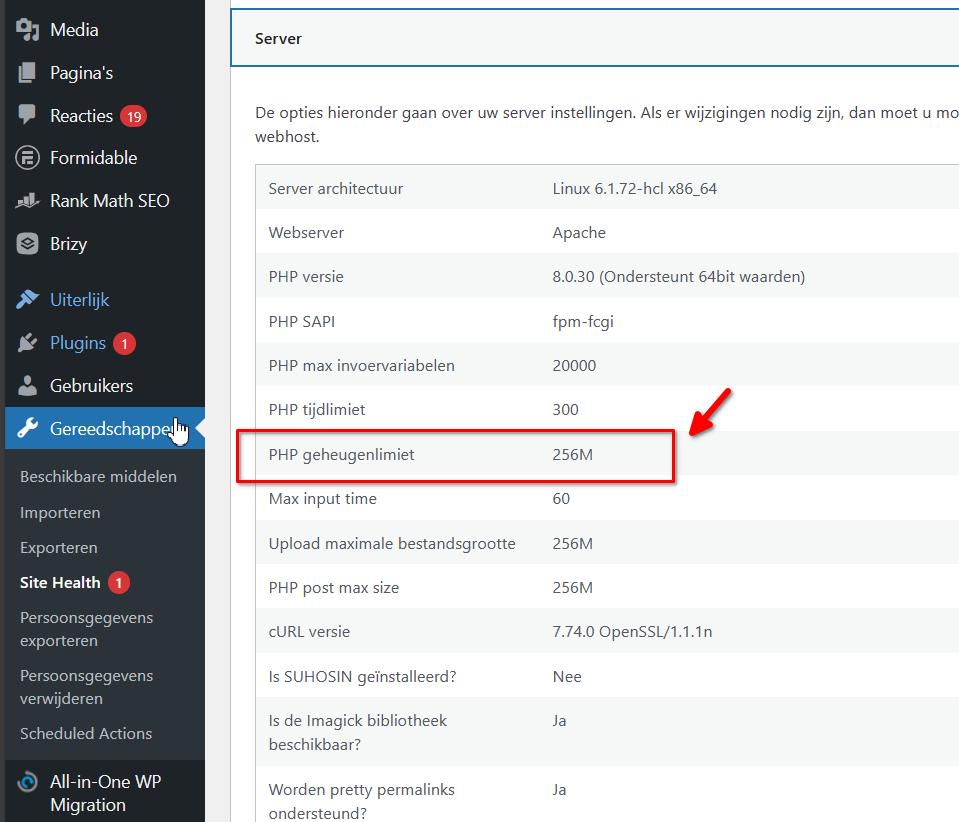
1. Increase the PHP Memory Limit from 256M to 512M or higher for optimal performance.
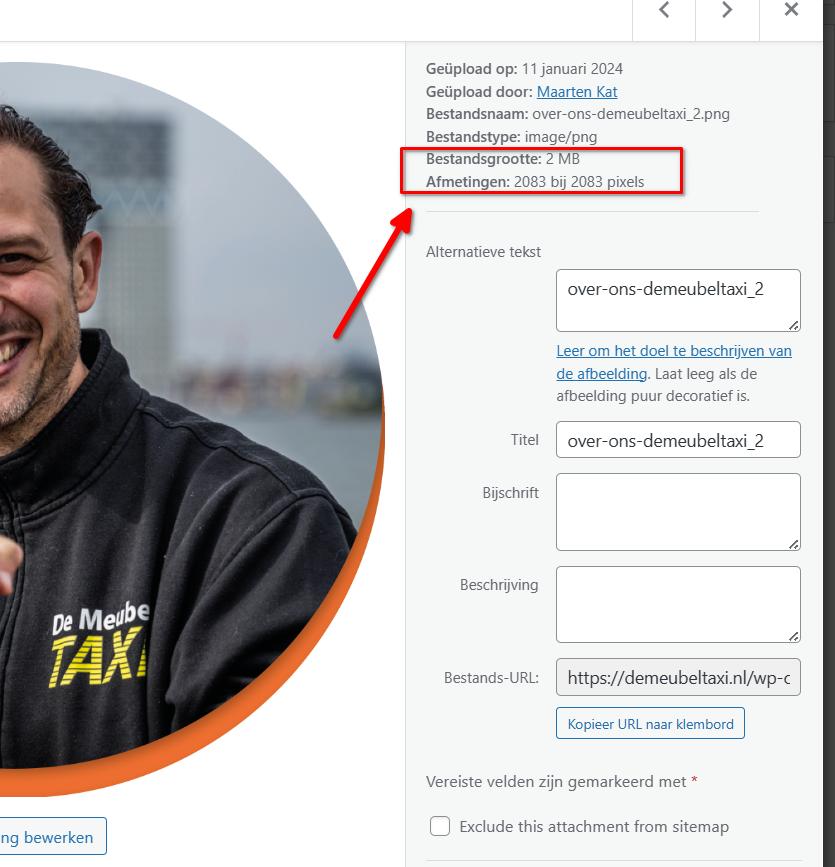
2. Optimize the images on your pages. Upon inspecting the media files, I noticed that the hero image is 2MB, which contributes to the slowness of the page in both the editor and preview.
3. There may also be an issue with your server speed. I suggest reaching out to your hosting provider so they can further investigate the issue. If you'd like, with your permission, I can duplicate your site to a similar remote testing environment for comparison. Alternatively, if you have access to another hosting provider, you can duplicate the website and install it in a separate hosting environment for comparison.
Please try these steps and let me know how it goes.
Best regards,
Ariel H.0
Please sign in to leave a comment.
Comments
4 comments