Can't save a page section in Brizy Pro

Hi,
I can't save a section on a page so that I can add it to a different page.
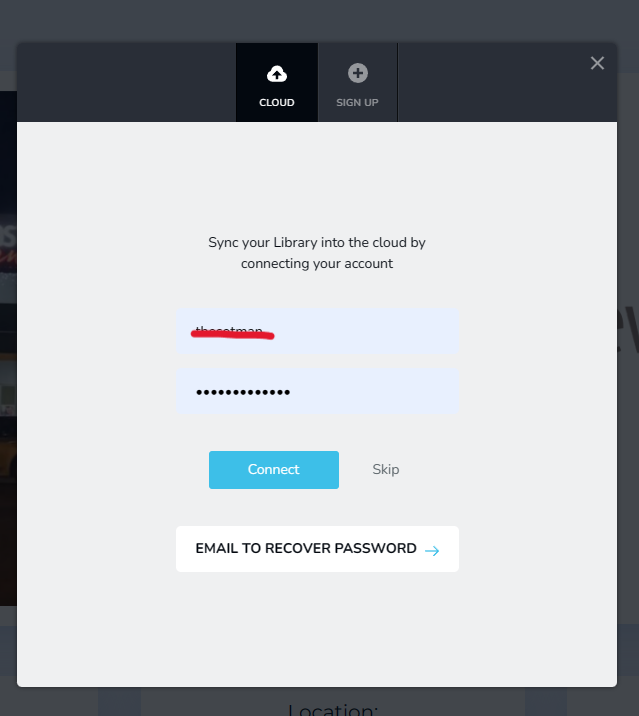
I've logged in to Wordpress and it keeps asking for my username and password.
It's asking me for a Brizy Cloud login info, but I don't have Brizy Cloud.
Another thing is when I'm logged in to my WordPress account and I'm editing web pages in Brisy Pro I don't see the strip like the image on the top of the page (as shown below).
And one more thing is that I can't copy and paste rows or columns from one page to another page.
Thanks.

-

Hi Yianakis,
You can use your brizy.io account credentials to sign into Brizy Cloud as well. Kindly use the same login credentials you use at https://www.brizy.io/account/login in the above screen.
The WordPress Admin bar is not available within the Brizy editor. Kindly exit the Brizy editor to access it.
To reuse content from one page in another, kindly save your block by clicking on the 'heart' icon in the block settings.
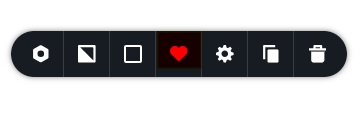
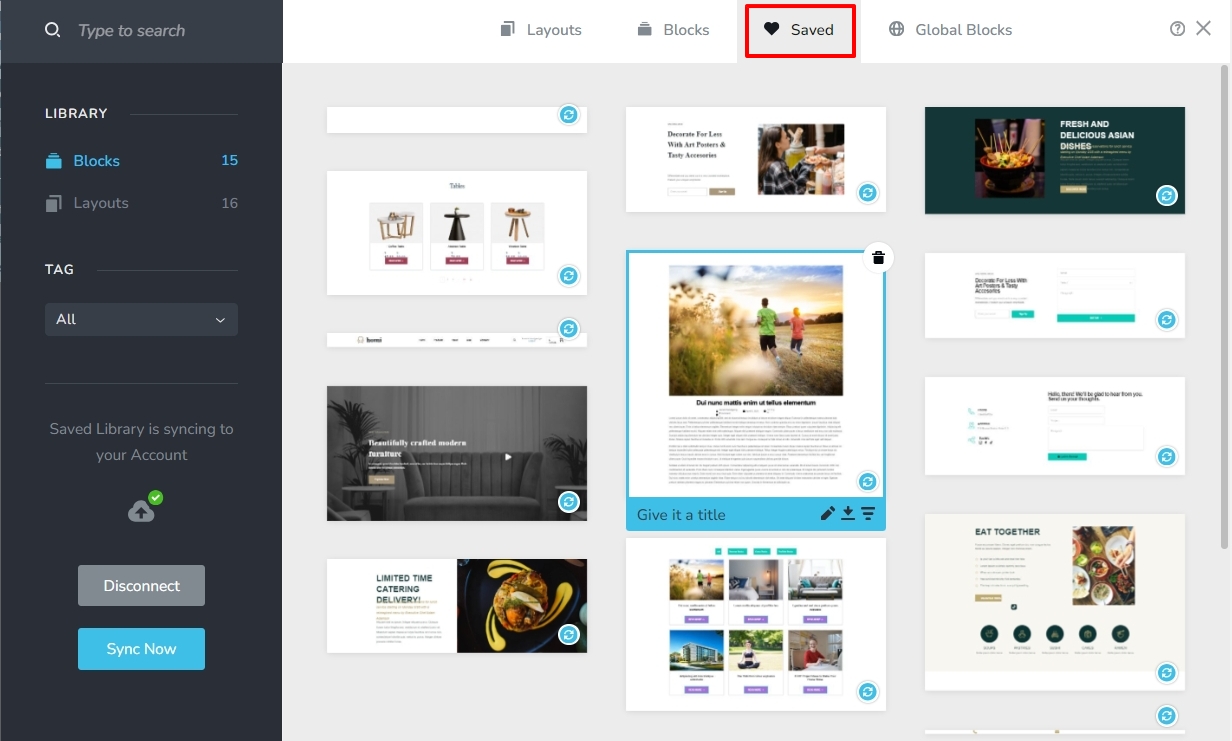
The block will get saved to the Saved Blocks and Layouts library. You can then import the saved block to another page.
 0
0 -
I did try to login with my login details but it says that the username or password is incorrect, and I know that it is correct.
0 -
Hi Yianakis,
Few of us have tested this at our end. We are able to sign in using our account credentials for syncing the saved blocks and layouts library. Can you try one more time? If it does not work, would you mind resetting your password and checking again?
0
Please sign in to leave a comment.
Comments
3 comments