Settings for Blog don't seem to work

I've watched the video's related to blogging and I bring the archive or posts element into the block, it just creates a huge block that can't be resized. I've tried everything and it looks terrible and non-editable.
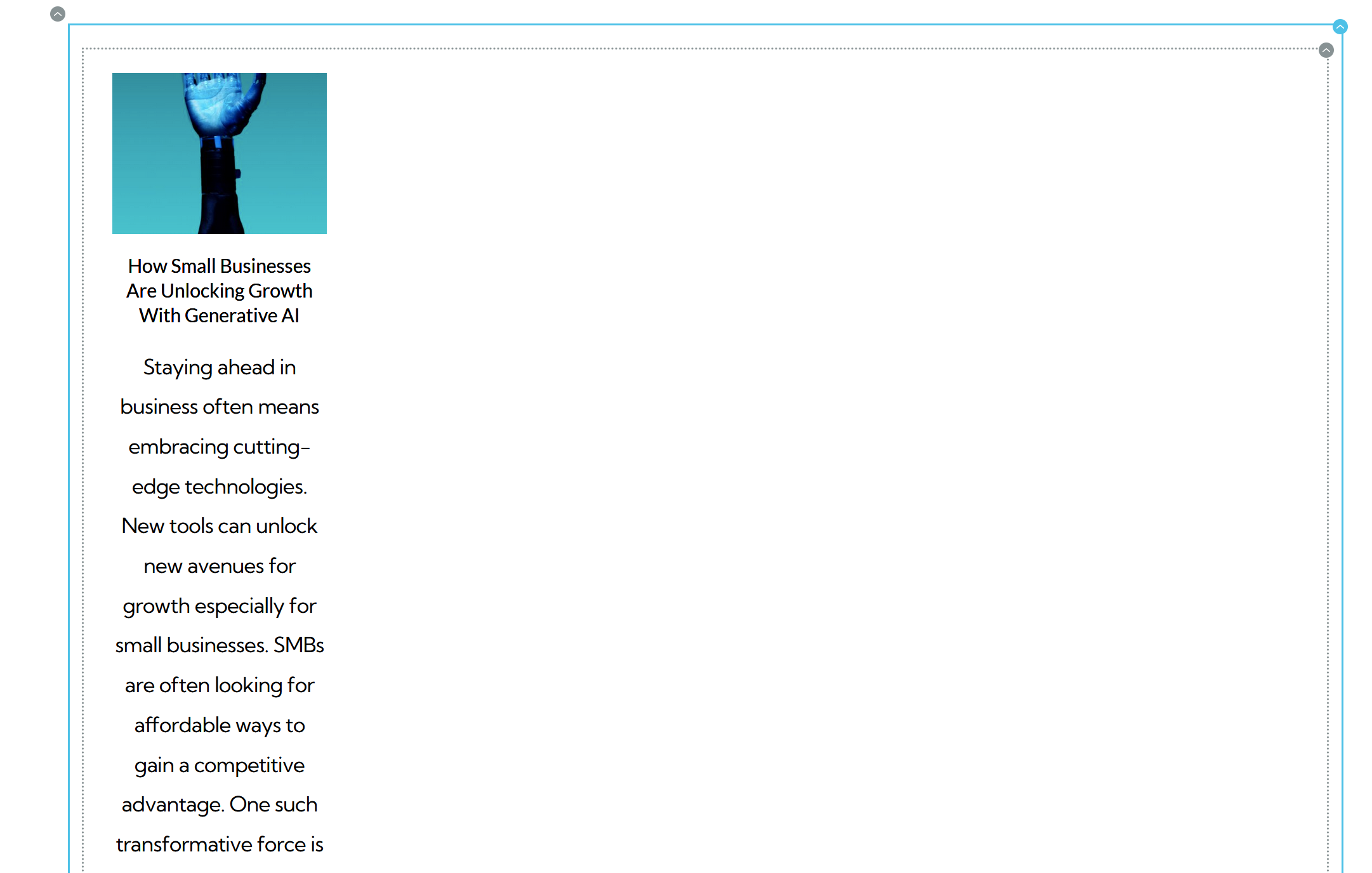
It's like its bringing in the whole article.
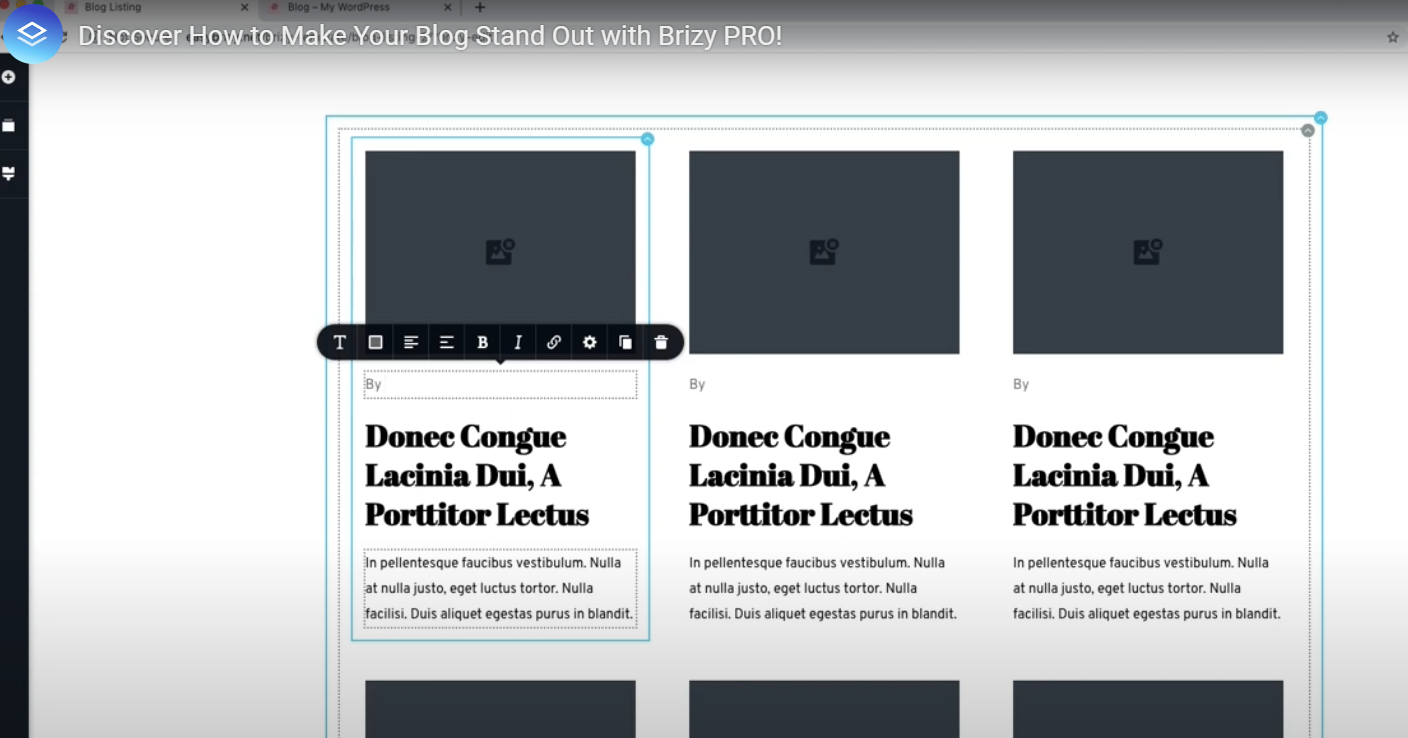
I've followed this tutorial step by step and it will not bring in the posts like the screenshot above, this is for both archives and posts. Does the same thing for posts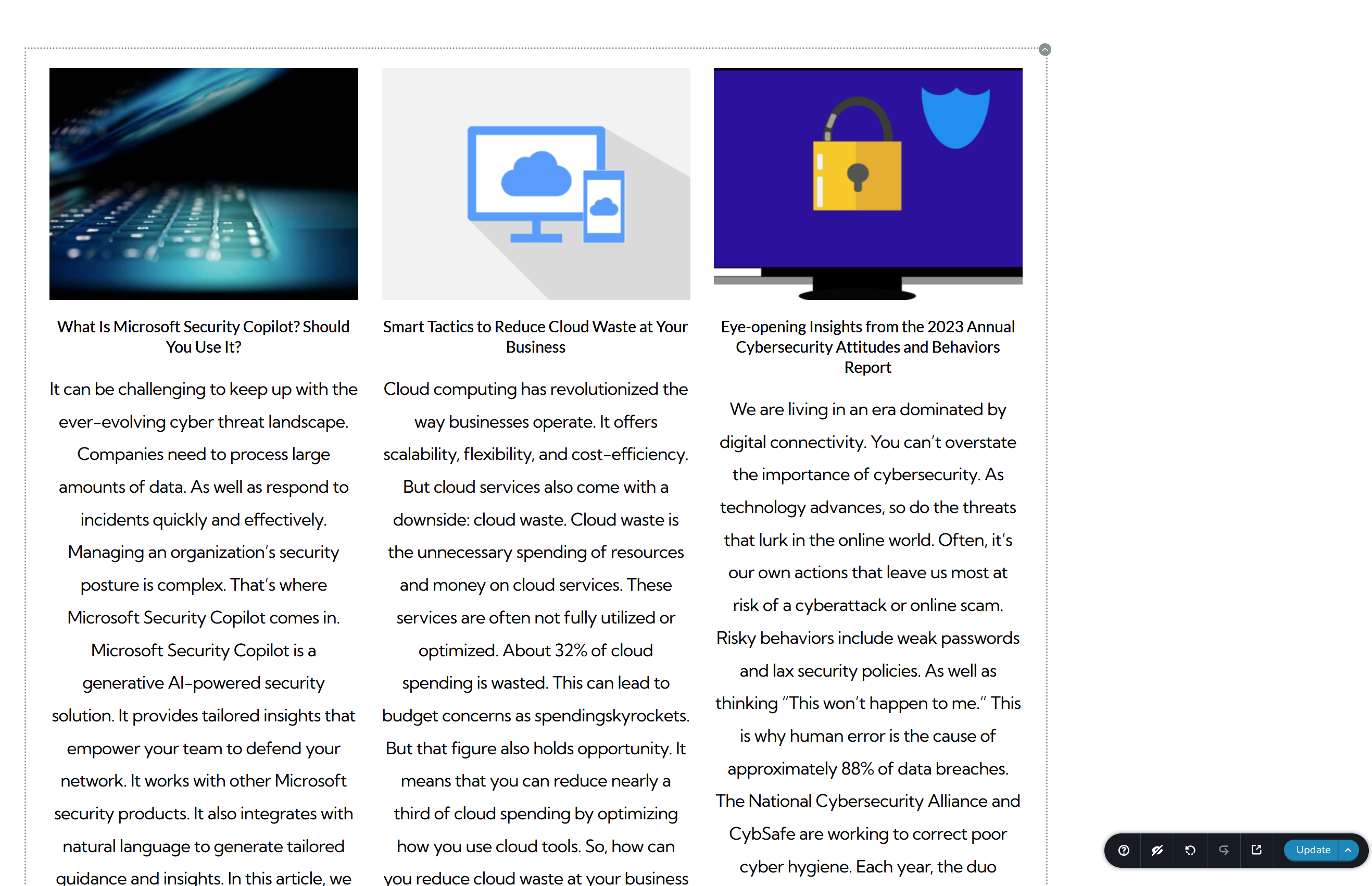
These are the posts and I can't configure to just have a snippet of the article or just the Heading without the article snippet.
I also have a similar effect with using the embed as it does the same thing where it expands the length or height to some ridiculous size and you can't edit it.
Any help would be great! Thx in advance
Scott
-

Hi Scott,
Thank you for reaching out to us.
To control the length of the post excerpt, you can create a custom excerpt - https://imgur.com/vn7iI4M
Another option is to limit the length of the excerpt by using custom code in the functions.php file as described on this support link:
https://support.brizy.io/hc/en-us/community/posts/13696610730514-excerpt-lenghtAdditionally, I've created a short screencast that demonstrates how you can enhance the layout of your blog archive, including formatting the title and adjusting the text alignment: https://youtu.be/yD4DpMc13rc
If you have any further questions, please let us know.
Best regards,
Ariel H.0 -
Thank you so much! Fast response and that was very helpful. The last question I have is, how do you save your work and get it back if I have to reinstall wordpress or move my dev to production? There is a setting that says to save to cloud but I have no idea how to retrieve it. Love what you guys are doing and I love Brizy!
Thanks,
Scott
0 -
Hi Scott,
Thank you for the update.
It is possible to save your layouts to Brizy Cloud, as suggested on this YouTube video - https://youtu.be/pvvzFW_QNKY
However, if you're working on a large website, it's best to use a backup plugin such as WPvivid, to backup and restore your site:
https://docs.wpvivid.com/get-started-restore-site.htmlYou can also use auto-migration from dev to production, vice versa.
https://docs.wpvivid.com/auto-migration.htmlI hope this helps.
Kind regards,
Ariel H.0
Please sign in to leave a comment.
Comments
3 comments