Contact form

Hello,
I have created a contact form, but when I try to configure the button in order to send the form data on my email address, It open a new windows for email integration but the download indicator continue to spin withu show any integration tool. How can I solve?
-
Note: I use Google Chrome, but I already tried also firefox and to delete cookies
0 -

Hi Cosimo,
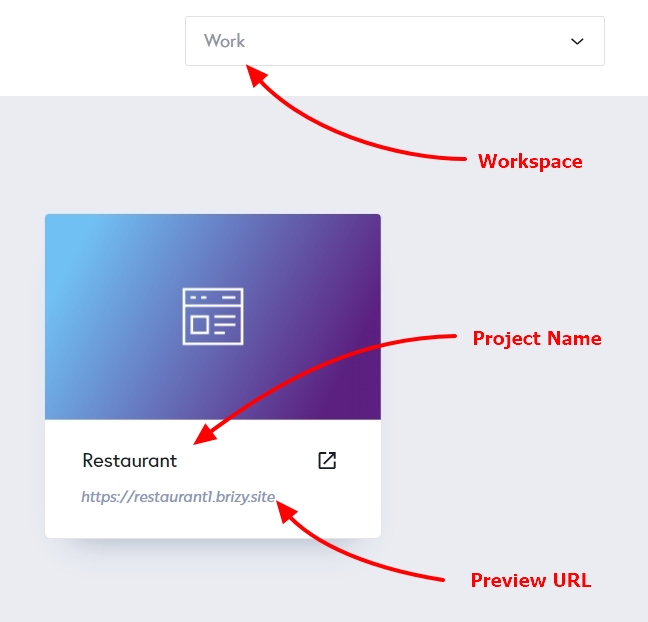
Kindly mention the Workspace, Project Name and the Preview URL of the website where you are facing this issue so that we can take a look.
 0
0 -
Workspace: Mino
Project Name: ProfiHeimService
Preview URL: https://mang20321747.brizy.site/Thanks!
0 -
Hi Cosimo,
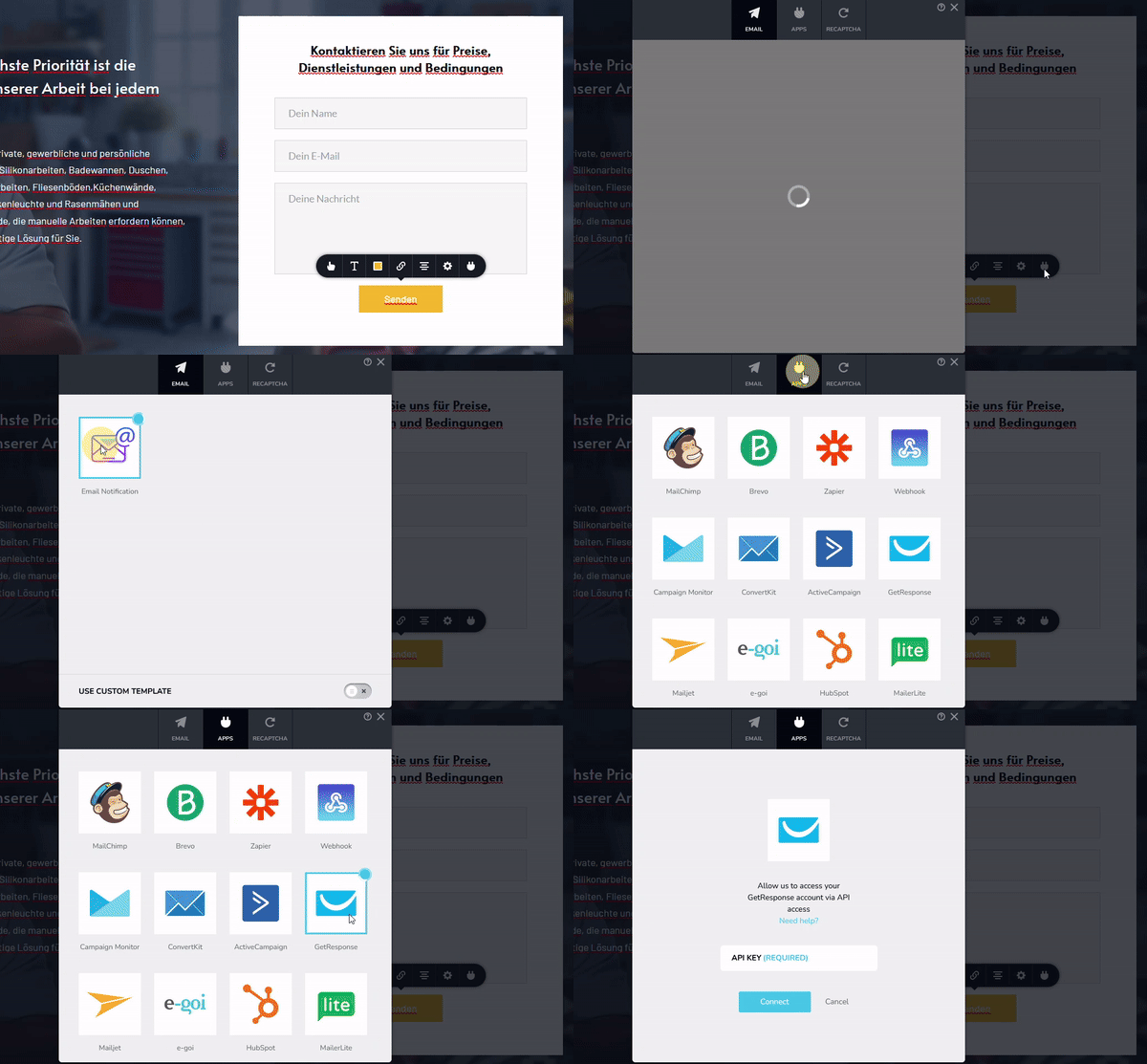
Your form's Email Notification and the Apps screen appear opening well at my end.
Kindly sign into your Brizy Cloud Dashboard using an alternate browser and check if the issue persists. You could also try signing into Brizy Cloud from a private (incognito) window of your browser and check if that helps
 0
0 -
I see it is all right on your side. From my side, I already tried ALL solutions you mentioned (incognito mode & different browsers) but I can't see the apps... I can't understand why....
0 -
Hi Cosimo,
If you are using any of these, please disable it one by one and check if it the App screen opens.
- Antivirus software like Avira, AVG, McAfee
- Any malware blocking software like Malwarebytes
- Ad blockers
- Firewalls like Windows Defender Firewall
- Any other security software which can block other software
0 -
I dislabed Windows Defender and now it works, thanks!
0
Please sign in to leave a comment.
Comments
7 comments