Social Media Icons On Menu

On desktop, the social media icons are not showing for Facebook and Instagram on the main menu . Also, on mobile, the icons are not showing. How to get them added to the menu as icons ?
-

Hi Kyla,
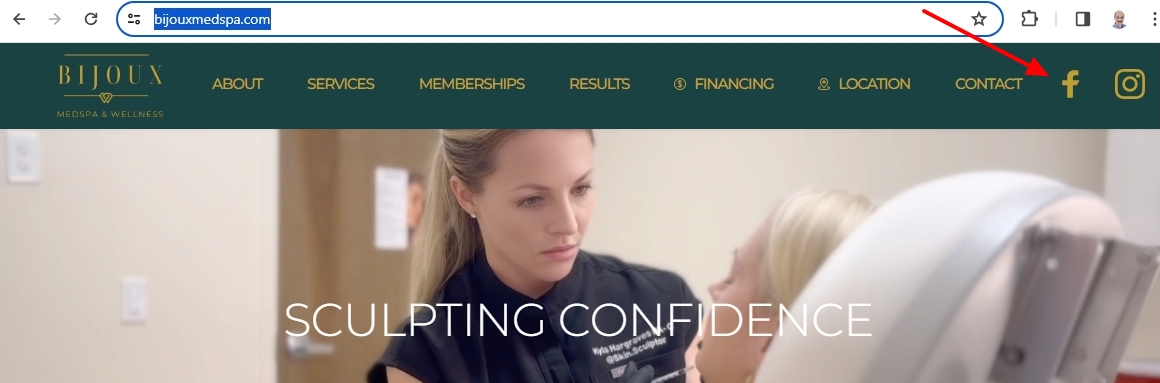
Are you referring to https://bijouxmedspa.com/ when you say social media icons are not showing? On the desktop, the Facebook and Instagram icons are visible; on mobiles, they are not.
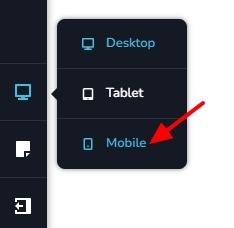
Kindly check if the icons are hidden in the tablet and the mobile design views. Switch to the mobile design view by clicking on the Mobile icon on the left sidebar
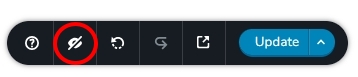
At the bottom right corner, click on the 'eye' icon to make all hidden elements visible
Check if the Facebook and the Instagram icons are visible in the header. Hidden items are usually blurry.
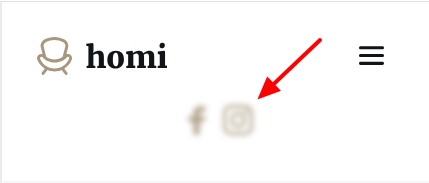
To unhide the social icons, kindly select the corner of the column and the unhide icon.
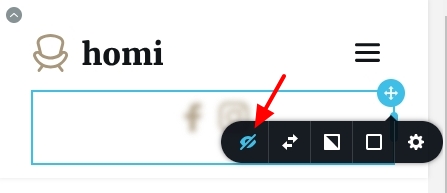 0
0 -
When toggling, they show up, however they are not on the menu. The show underneath the header
0 -
Hi Kyla,
To bring the social icons next to the logo and the hamburger icon in the mobile header, kindly reduce the width of the three header columns by dragging its edge.
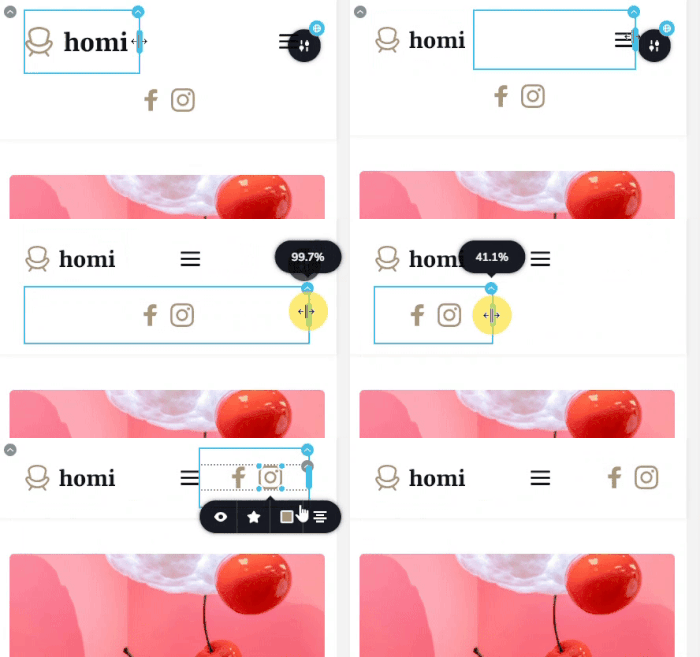 0
0
Please sign in to leave a comment.
Comments
3 comments