Text is not saved when copied

Hello
Several errors appeared:
1 Text is not saved. If you copy text and paste it into a text element, the text is not saved. If you add a space at the end after the entered text, and then refresh the page. The changes are saved.
https://almdif.website.yandexcloud.net/video/02-ne-sohranaetsia-text-2024-02-08-19-38-00.mp4
2 It is not possible to move elements to another block. + Sometimes it is difficult to move the column.
https://almdif.website.yandexcloud.net/video/03-ne-peremehautsia-elementi-2024-02-08-19-44-49.mp4
3 The gallery element displays placeholders for pictures that do not exist. When you open a page without a designer, you can also see placeholders for images that are not there.
Placeholders for images should only appear in the constructor. Right?
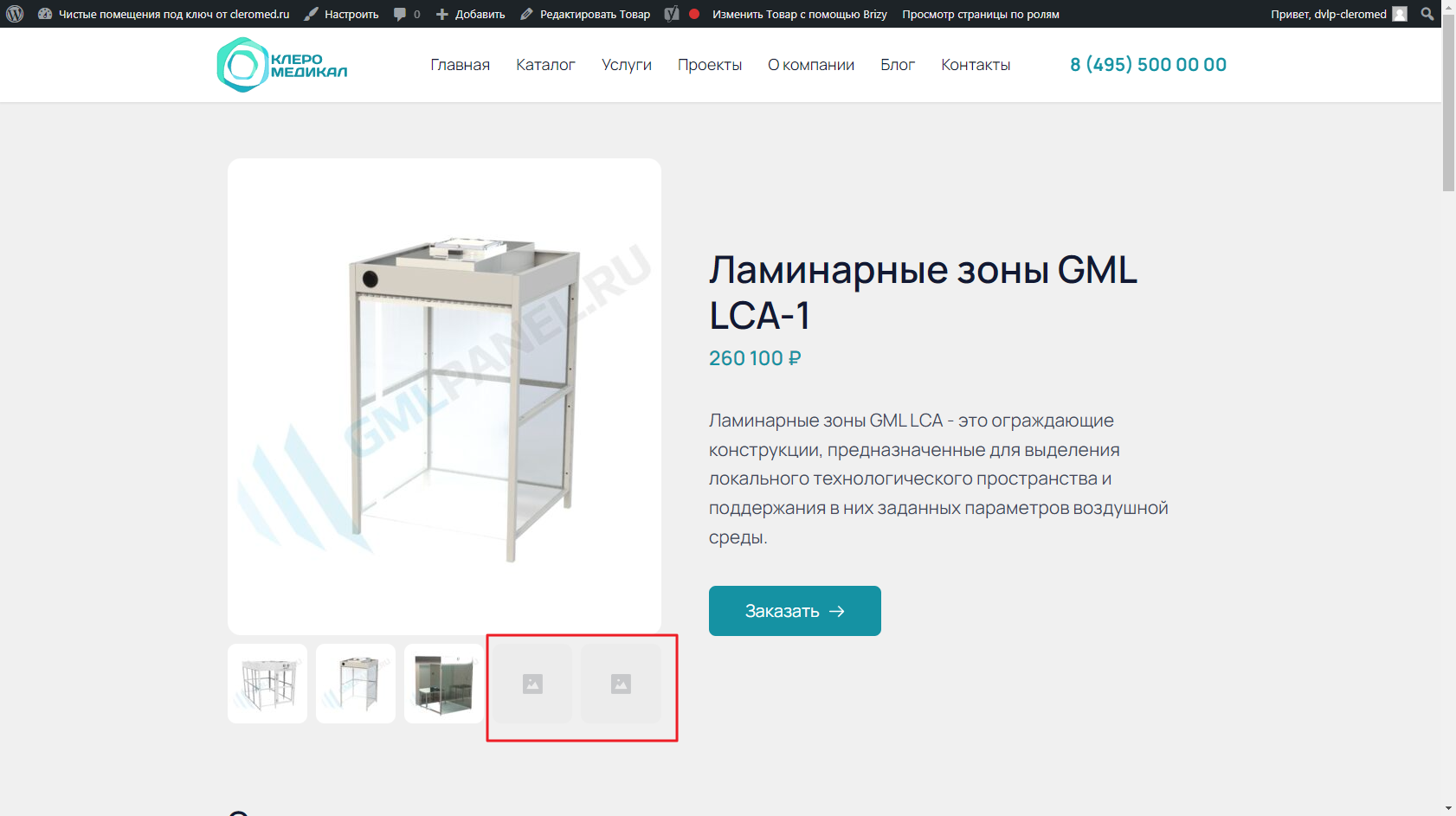
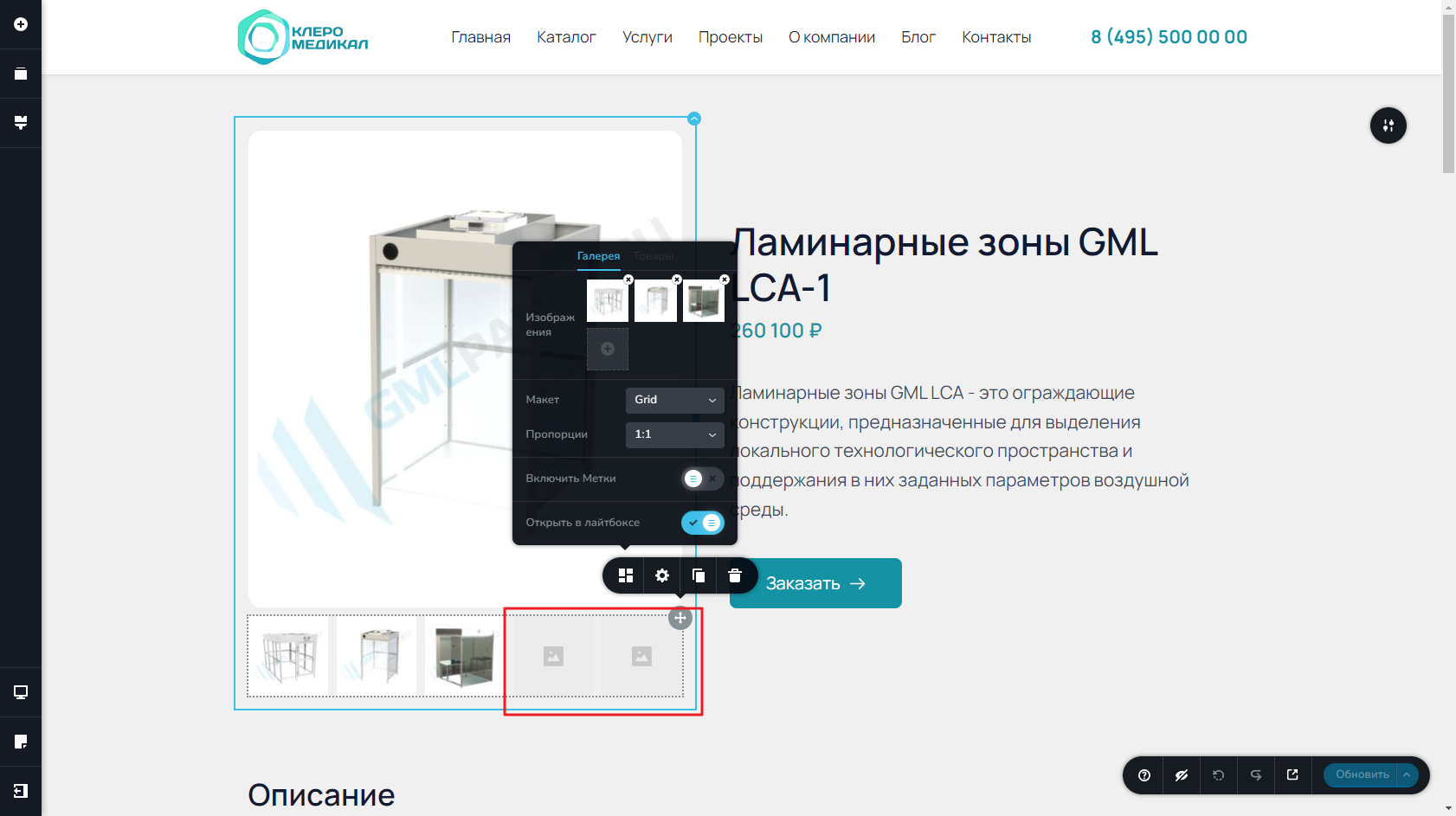
-

Hi Timur,
1 Text is not saved. This is due to a bug with the most recent Brizy versions. To get around this restriction, please add a space after pasting content until we can release a patch for this bug.
2. I am unable to reproduce the issue you are facing with moving columns and its content. Please see my test at https://jmp.sh/nly1nPkF Try changing your theme from Almaz to Blocksy and check if this issue resolves.
3. Are you trying to design a single product page using the Brizy Gallery element? If you are developing a single product Brizy template, please use the Product Gallery element. When you use the product gallery element, it normally display like in this page https://brizy.tech/product/redvelvet-chair/ for an example without image placeholders.
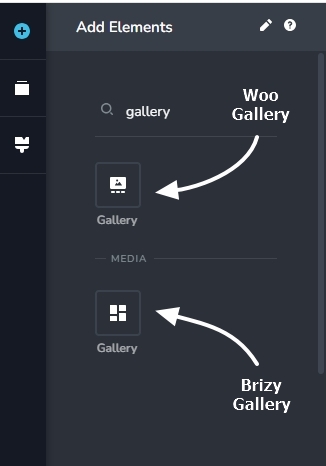 0
0 -
Hello
1 Ок
2 Changing the theme to Blocksy did not solve the problem. The constructor also works with errors.
https://almdif.website.yandexcloud.net/video/04-2024-02-09-19-54-05.mp4
3 I created using the gallery element. I don't use woocommerce. Thumbnails should only appear in the page builder. Right? Can you fix this in the next update?0 -
Hi Timur
Kindly click on the two image placeholders and then select the trash icon to remove them from the editor and the frontend.
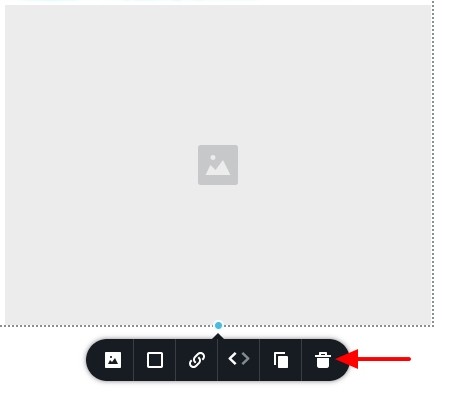 0
0 -
3 Everything worked out. Thank you. For some reason I didn't do it.
2 What about the second point? Can be corrected?
0 -
Hi Timur,
2. We are unable to reproduce the issue you are facing. If you give us access to your WordPress Dashboard, we can take a look. Please add a new user to your WordPress Dashboard and send the following details to our email: communitysupport@brizy.io
- Community Post link: https://support.brizy.io/hc/en-us/community/posts/16908044186130
- WordPress Admin URL:
- Username
- Password
Please let us know in this forum when you send us the email.
0 -
Hi Timur,
I am unable to reproduce the issue you have demonstrated. Please have a look at my test at https://jmp.sh/JA4dxjT2 Are there specific steps you want us to try at our end?
Can you sign into your WordPress Dashboard from a private (Incognito) window of your browser and check if the issue persists? Please also try using a different browser and check if the issue persists.
We have released a new update with a fix for the issue related to pasting of texts. Please update to these versions and check if you are able to save your work after pasting text from an external app.
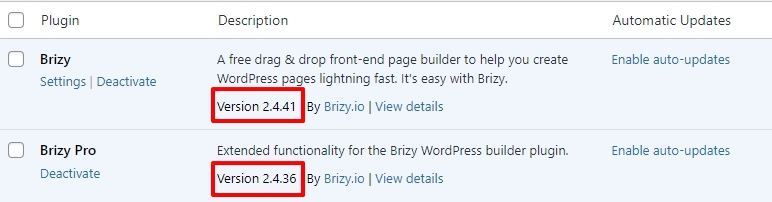 0
0
Please sign in to leave a comment.
Comments
6 comments