Header and Footer fixed

Hello - i designed a new page with the template "mechaniks" Now I want to design the header and feeter in fixed position. If i place a new header - thera are white spaces on it - not nice.
Please help me - Kind regards. Andrea Ammann , Austria
-

Hi Andrea,
As per your current header and footer designs, 60% of the screen height will be occupied by the header and the footer and only 40% of the screen will be available for the page content. Please have a look at this page for an example of how the design will look like if you have a fixed header and a footer https://restaurant1.brizy.site/en/
If you are happy with this design, please confirm. I will make a screen recording with the procedure to make your footer fixed to the bottom.
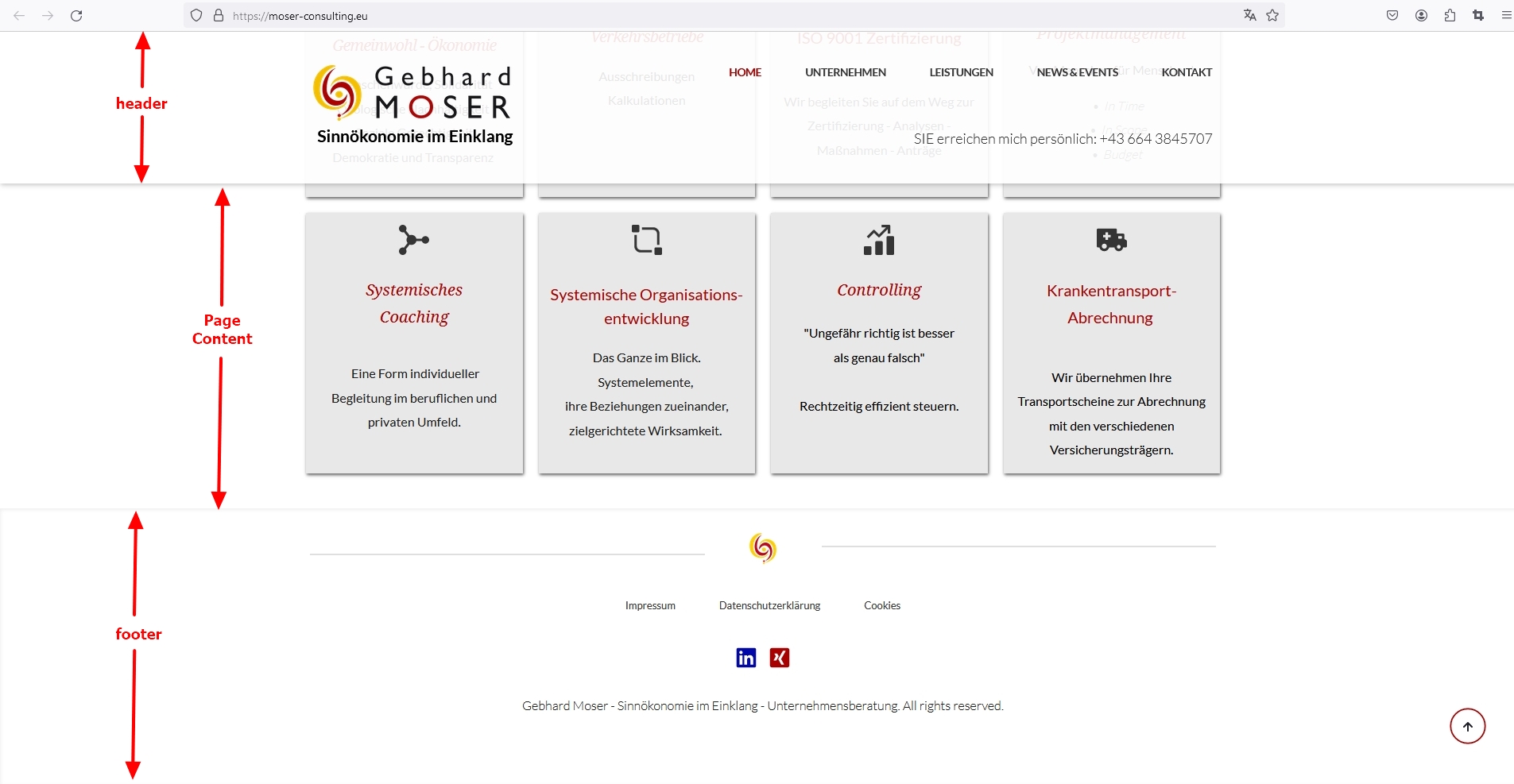 0
0 -
Hi KC George,
Thank you for quick answer. Yes please – but the footer should be smaler –
This is my new Project with Brizy Pro and the template mechanics.
If I had the header fix (is not in this template) it would be also ok – but if i place a normal header block – the header block is higher.
How can I create small header fixed ????
Thank you and kind regards – i am so exited – KC George anserd me 😊😊 I love your videos and tutorials – I have learnd so much an love brizy pro . Thank you for your amazing work.
Andrea
0 -
Hi Andrea,
Have a look at this screen recording for the procedure to convert your current footer to a fixed footer. https://jmp.sh/JjjOR9tU
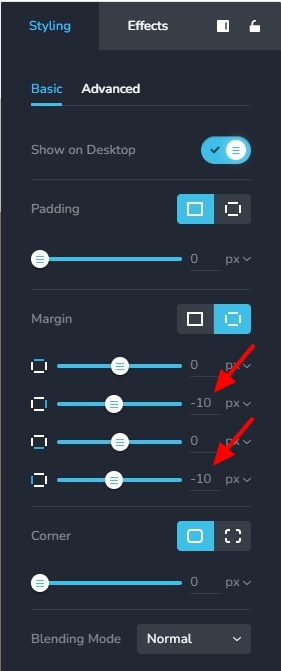
To get rid of the gaps on the left and right, please set -10 pixels left and right margins for the two rows added within the accordion. You can see my test page here https://brizy.tech/fixed-footer/ If you have more questions, please get back to us
 0
0
Please sign in to leave a comment.
Comments
3 comments