Edits are not reflected.

Hello.
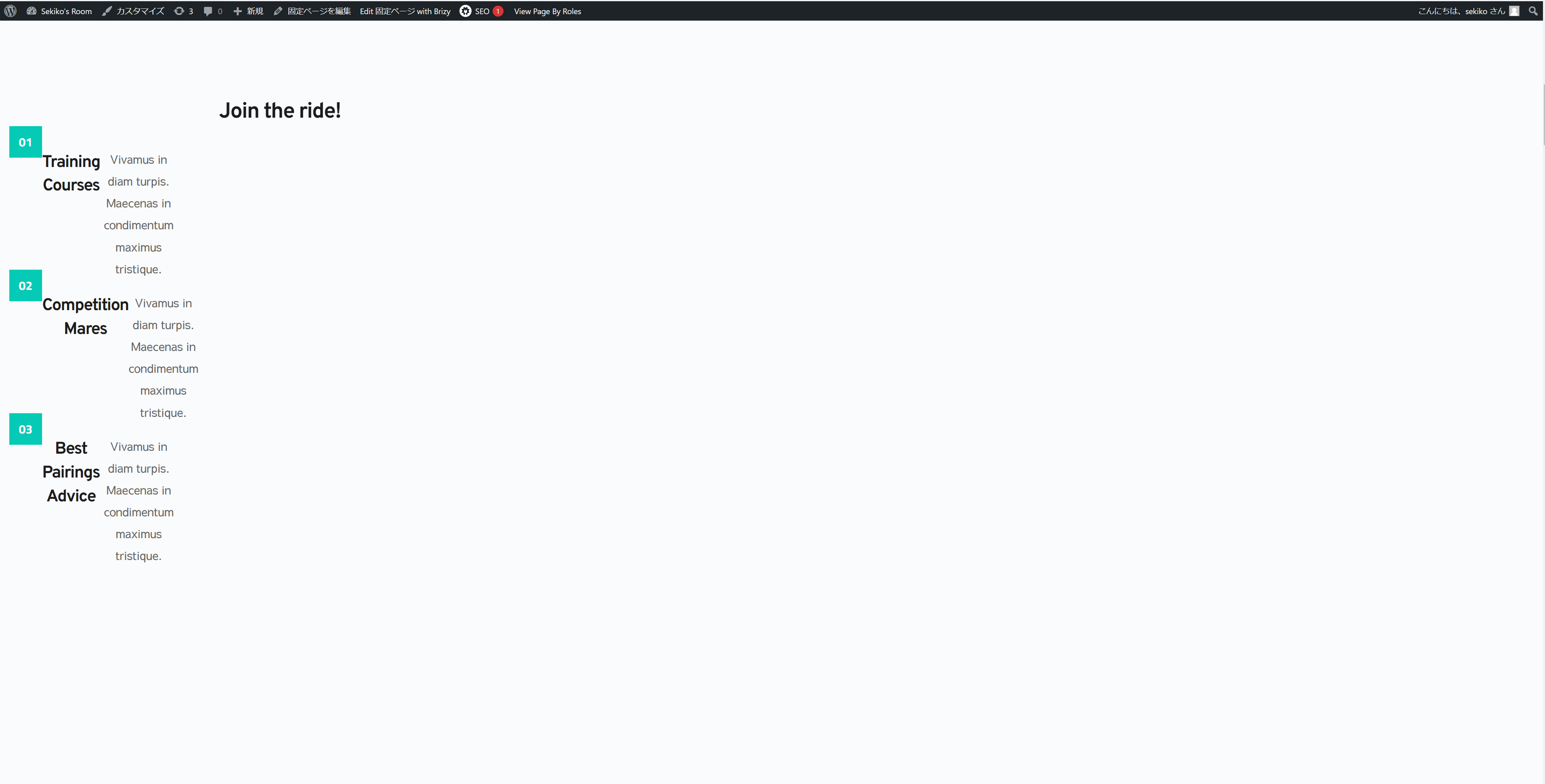
The editing screen in BRIZY looks like this, and Ican update it without any problems, but when you look at the actual page, the layout is not completed.
Please tell me the solution.
Even though it has been a while since the update, the layout is still broken.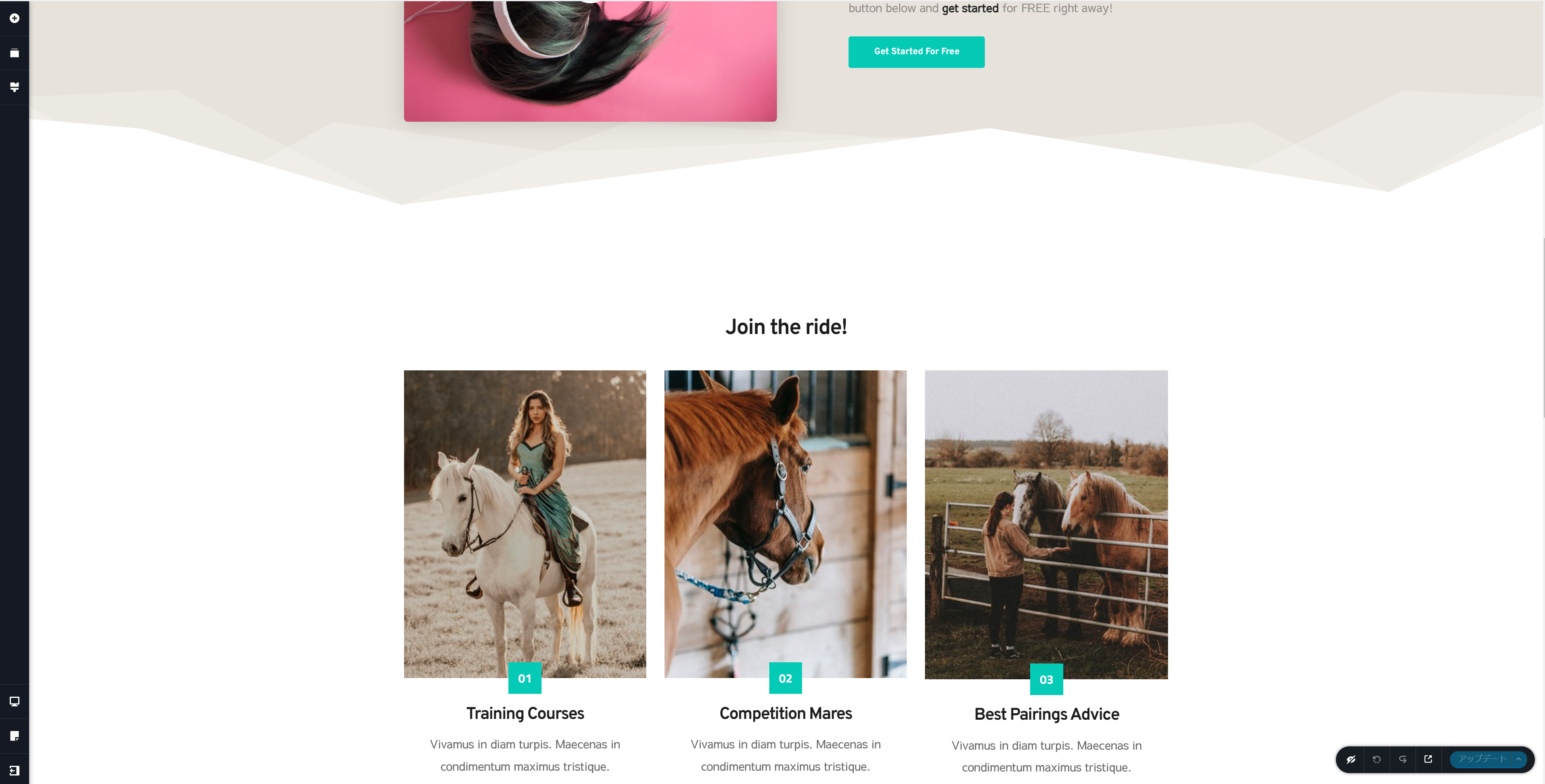
-

Hi Hirotomoq,
Inspecting your website using Chrome DevTools shows that a few Brizy Pro CSS and JS files are missing from your hosting server. Those files return 404 File Not Found error. https://jmp.sh/kLgCDmQ3 These Brizy files are required to display your website in preview.
To fix this issue, please try these steps and check your preview again.
- Deactivate and delete the Brizy Pro plugin
- Using File Manager or FTP, confirm that that the /wp-content/plugins/brizy-pro folder is deleted
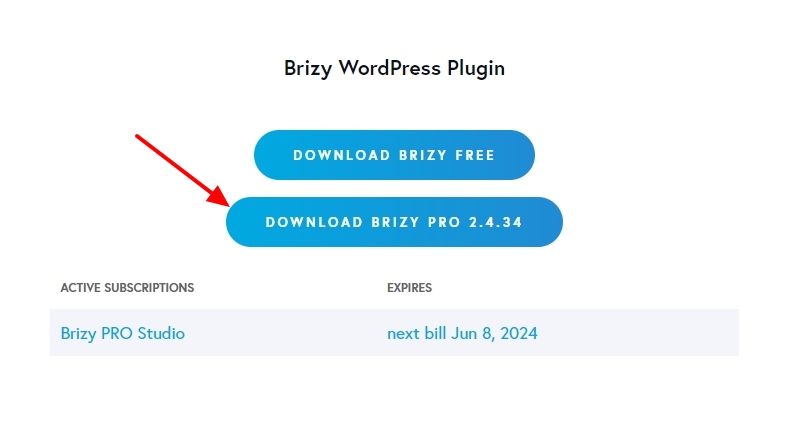
- Download a copy of Brizy Pro from your brizy.io account
- Reinstall Brizy Pro
 0
0 -
Mr. KC George
Thank you for your quick reply.
Thanks to you, I was able to resolve the issue.
It was very helpful.
0
Please sign in to leave a comment.
Comments
2 comments