Multi language support

What happened to multi language support. The sites that i enabled auto translation, just stopped working and any version of the language you select shows main language (only url changes to ex. domain.com/en/
Take a look at https://ppc.attract.click/ opens by default polish version as it should: https://ppc.attract.click/pl/ but when you go to https://ppc.attract.click/en/ - it doesn't show english version anymore!
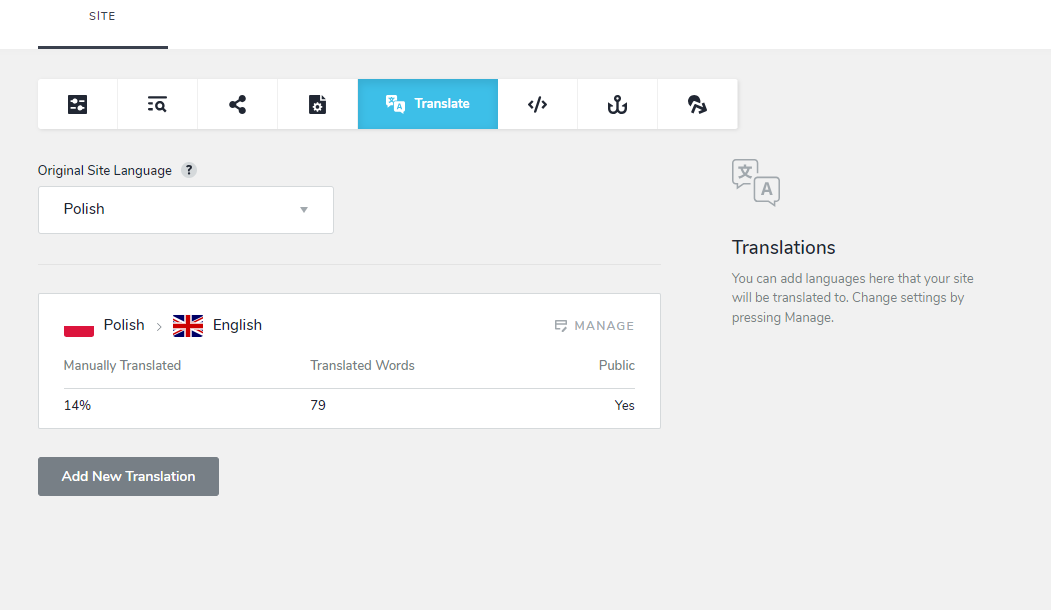
When you go to project setting > translate - shows it is enables
-

Hi Tom,
I have escalated this issue and one of our developers we will take a look at it. I will get back to you when we have an update from the developer.
0 -
Looks like they fixed the page i was talking about here, but what about ext. thank-you page (same site)
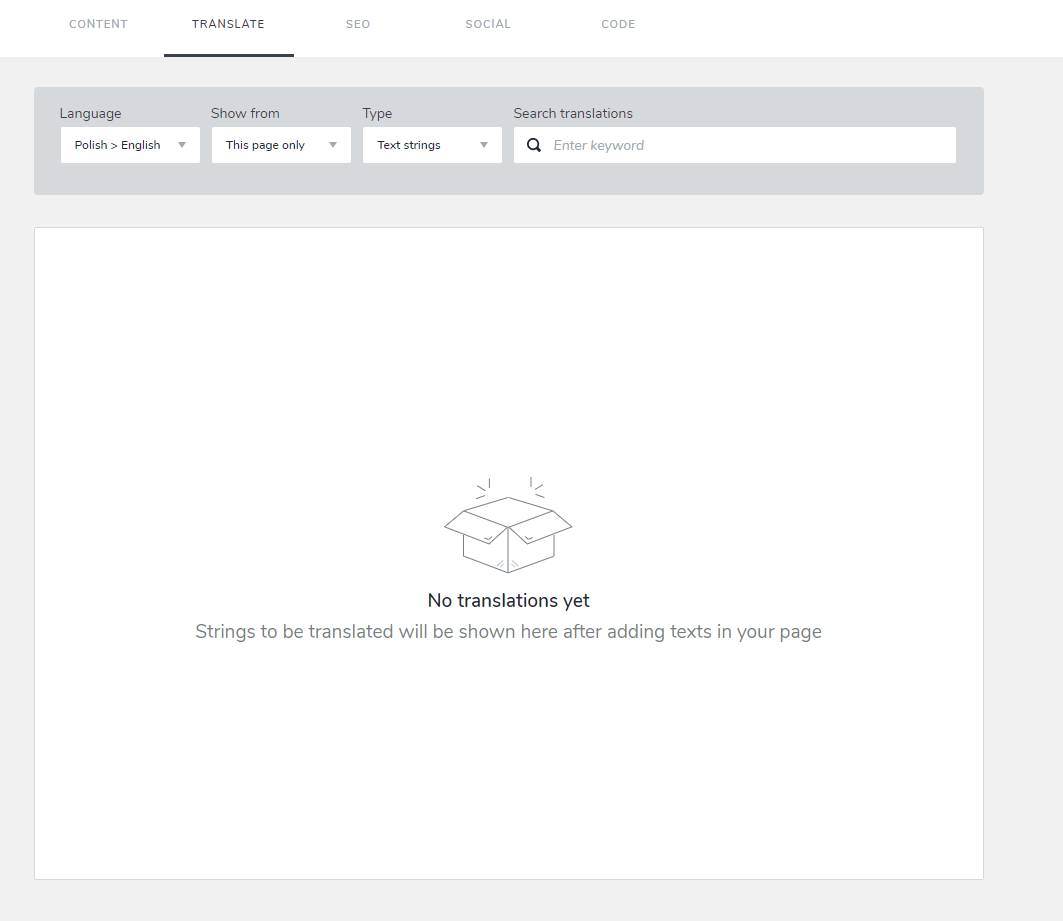
Same problem as main/home page - all the translation strings are missing.
BTW - why this happened (i didn't use /edit that page for some time) and how was this fixed ?
On top of that (after all this time) translated pages still show default language in code, so when you share them
ex.: this is from English version (errors in bold)
<html lang="pl"><head><meta charset="utf-8"><meta property="og:site_name" content=""><meta property="og:title" content="Boost Your Online Presence with Us! Attract a Wave of New Customers!"><meta name="twitter:title" content="Twoja firma widoczna w internecie. Zdobywaj Nowych Klientów!"><meta property="og:description" content="Great prices for websites and internet marketing. Website ready in 10 days."><meta name="twitter:description" content="Rewelacyjne ceny na strony internetowe i reklamę. Strona gotowa w 10 dni."><meta property="og:type" content="website"><meta property="og:url" content="https://ppc.attract.click/en/"><meta content="summary_large_image" name="twitter:card">
 0
0 -
Hi Tom,
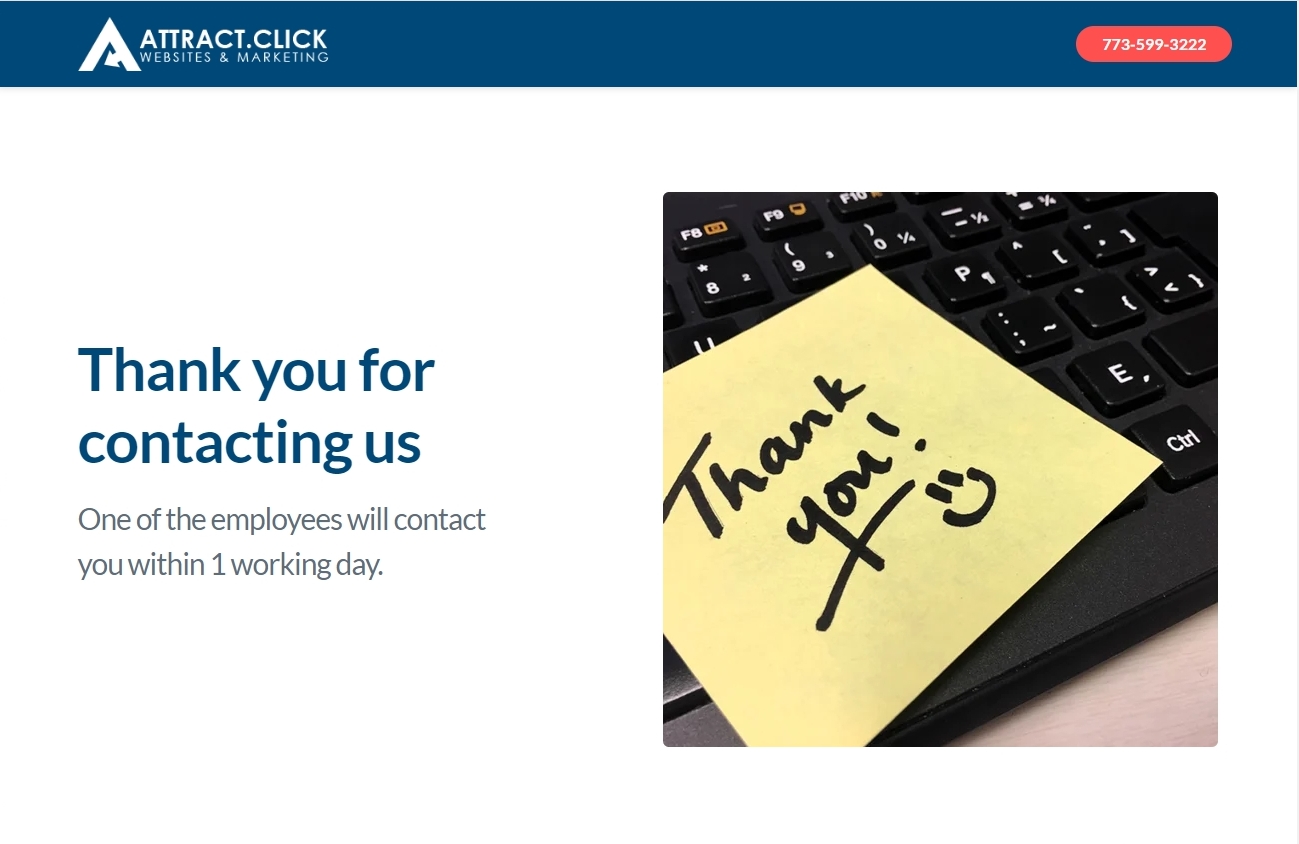
The 'Thank you' page at https://ppc.attract.click/en/thank-you looks correctly translated.
You are right; the Twitter Title and Description are not translated and are in the default language. I will report this bug and we will work on fixing it.
 0
0 -
KC George,
Fixed "thank you" page by dragging some new text element to that page. The second this was done, translation string were connected again (even the one with manual translation)
Question remains - how this happened in the first place?
As for reporting the description problem - thanks. I reported it long, long time ago but as many other problems reported this is still not fixed.BTW - simple things like pages marked as NOINDEX are still showing in sitemaps - reported ages ago. This could be fixed in less than an hour (lets go crazy - with testing in a day), but the bug is still there...
0 -
Hi Tom,
Google recommends these three methods to remove a page from its index. Please refer to this document https://developers.google.com/search/docs/crawling-indexing/remove-information
- Remove or update the content on your page. This is the most secure way to prevent your information from appearing in other search engines that might not respect the noindex tag. It also ensures that other people can't access your page.
- Password-protect your page. Limiting access to your page enables the right users to view your page, while preventing Googlebot and other web crawlers from accessing it.
- Add a noindex tag to your page. A noindex tag only blocks your page from showing up in Google search results. Users and other search engines that don't support noindex can still access your page.
While a sitemap helps Google discover URLs on your site, excluding a page from a sitemap does not result in Google removing the page from its Index. Hence including pages marked as NOINDEX in the sitemap is harmless.
0 -
"including pages marked as NOINDEX in the sitemap is harmless."
the problem here is it noindex pages shouldn't be there and every single seo tool shows this as an error and lowers your score - hard to explain to customer why you can't fix simple things like that...
Sitemap must list all the pages you want search engines to crawl and index, while a
noindexmeta tag instructs search engine bots not to index a page. Such a combination is contradictory and may cause crawlers to ignore your sitemap.0 -

Hi Tom,
Thank you for the update.
I agree that including "noindex" pages in a sitemap.xml file goes against the best practices. It creates confusion and can lead to a lower score in SEO tools. We have noted this bug, and it's on our To-Do list. While we are currently focusing on other tasks, please be assured that we are committed to addressing this issue in due course.
Best regards,
Ariel H.0 -
same problem is back https://ppc.attract.click/en/ - shows polish version (same for thank you page)
Why is this happening?!
0 -
Hello Tom,
The translation function appears broken again. We have escalated the issue to our developers for further investigation. We will keep you updated as we resolve this issue.
0 -
Any update on lang. problem?
i noticed another problem with this site - take a look at sitemap - on left site with problem on right any other brizy site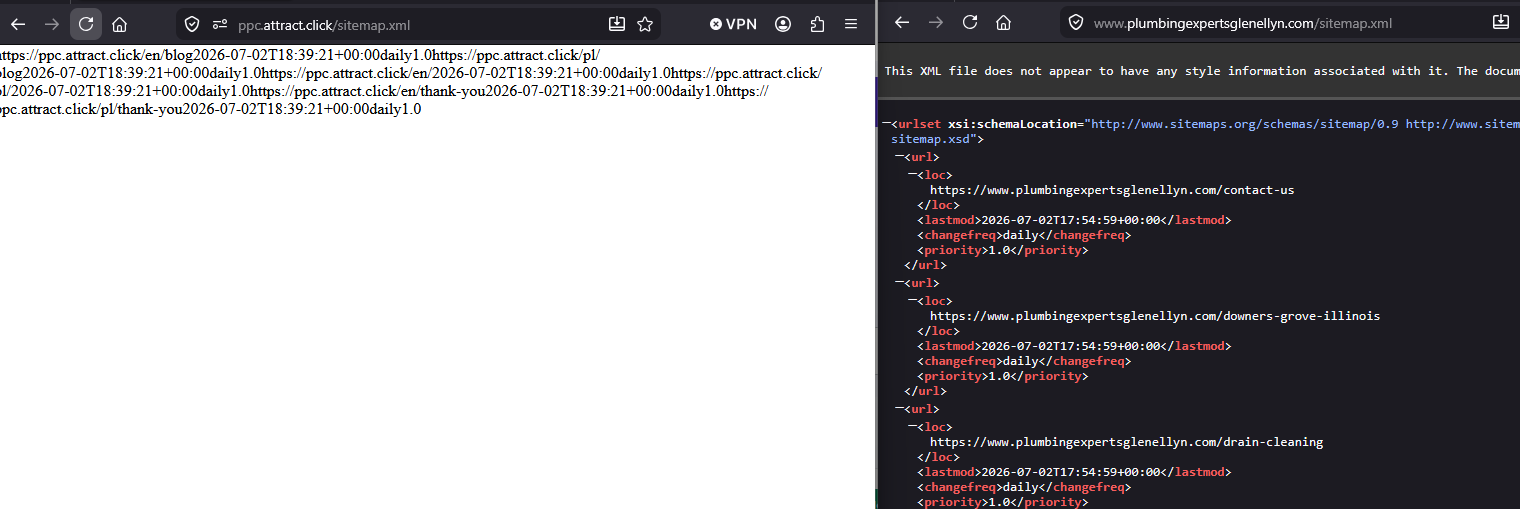 0
0 -
Hello Tom,
We are still working on fixing the translation issue. We apologize for the delay in fixing it.
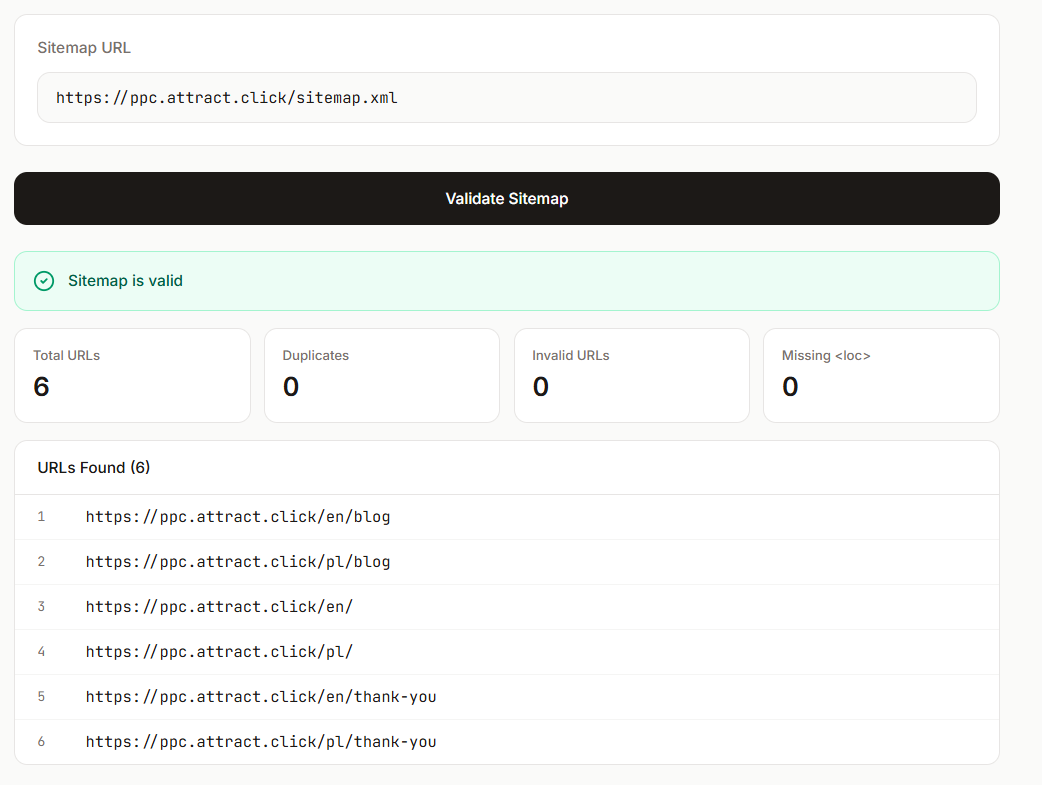
Even though the sitemap at https://ppc.attract.click/sitemap.xml render the raw text without formatting, it is readable by search engine crawlers. As per https://www.xmlfiles.com/tools/sitemap-validator/ your sitemap is valid.
 0
0 -
Any update on lang. problem? - it is 20 days now and /en/ version is still not working
https://ppc.attract.click/en/ - show /pl/ version0 -
Hi Tom,
I apologize for the long delay and I understand your frustration.
I will follow this up with our developers and provide you with an update as soon as we receive more information.
Best regards,
Ariel H.0 -
Hi Tom,
Unfortunately, the language issue is still ongoing, and it may take some additional time to resolve. We sincerely appreciate your continued patience and understanding while our team works toward a resolution.
We will let you know as soon as we receive any updates.
Best regards,
Ariel H.0 -
Hi Tom,
Our team is still working on the language issue, please give us some more time to address the issue.
We appreciate your continued patience and will let you know as soon as we have an update.
Best regards,
Ariel H.0 -
Hi Tom,
My apologies for the delay.
The translated site is now working correctly.

If you experience any further issues, please let us know.
Best regards,
Ariel H.0
Please sign in to leave a comment.
Comments
16 comments