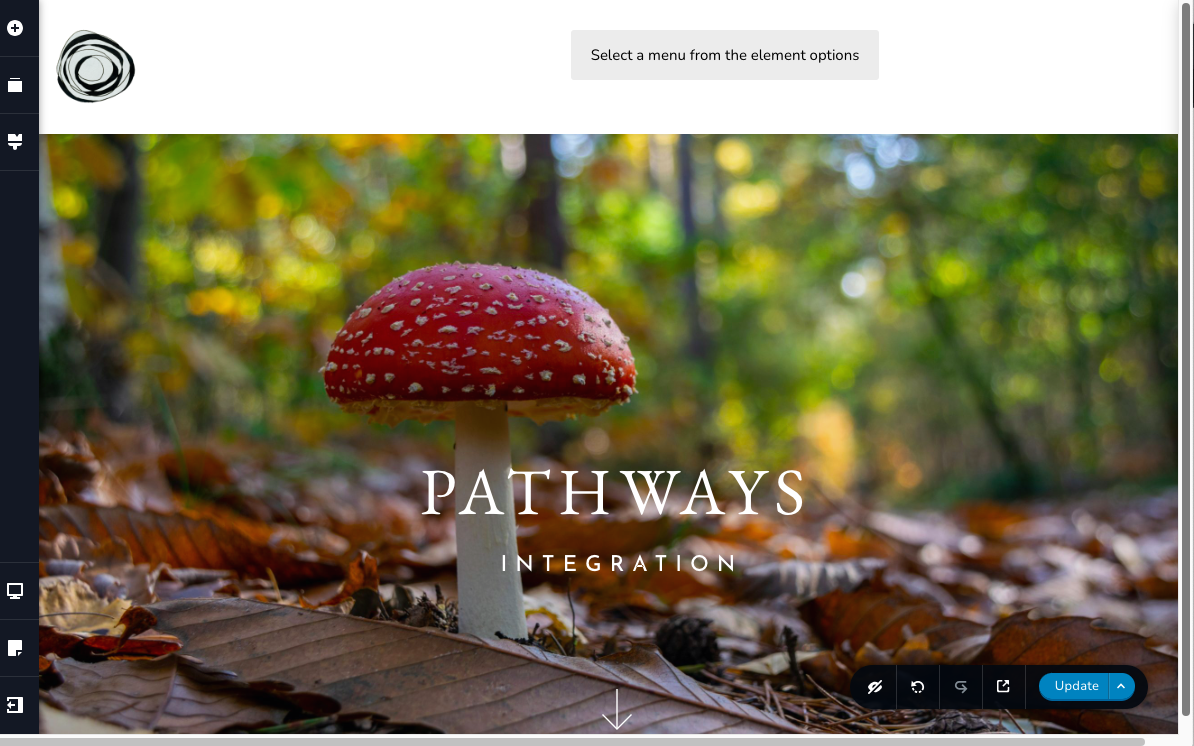
Unable to add menu to Brizy-created site

I have Brizy pro activated, and I've read the help articles, but I'm unable to create a menu for my site.
There is no "settings" icon in the lower left column on the WP dashboard.
What gives? It seems enough people have had issues with this that it should be easily resolvable (or shouldn't even be an issue after all this time).
Thank you
-

Hi Uma,
Thank you for reaching out to us.
It is possible that you're using one of the default themes in WordPress that doesn't include the traditional menu option under the Appearance section. These themes use the Navigation Block in the Full Site Editor for managing menus. For the menu to work properly, you will need to switch to a different theme that supports the classic navigation menus. Please switch to one of the themes found on this link - https://www.brizy.io/theme-partners
Once you've changed your theme, you can refer to the following links for instructions on how to create a custom menu:
https://support.brizy.io/hc/en-us/articles/360043773512-How-to-create-a-menu-in-WordPress
https://youtu.be/Fdd4MlvuxC4?si=SYqemip87s0JsAfu&t=56
If this doesn't answer your question, kindly provide us with more details and the step-by-step process to replicate the issue.
Best regards,
Ariel H.0
Please sign in to leave a comment.
Comments
1 comment