Brizy Subscription

Hi
I have personal and Freelance subscription. is it possible or how can i transfer and terminate my personal subscription?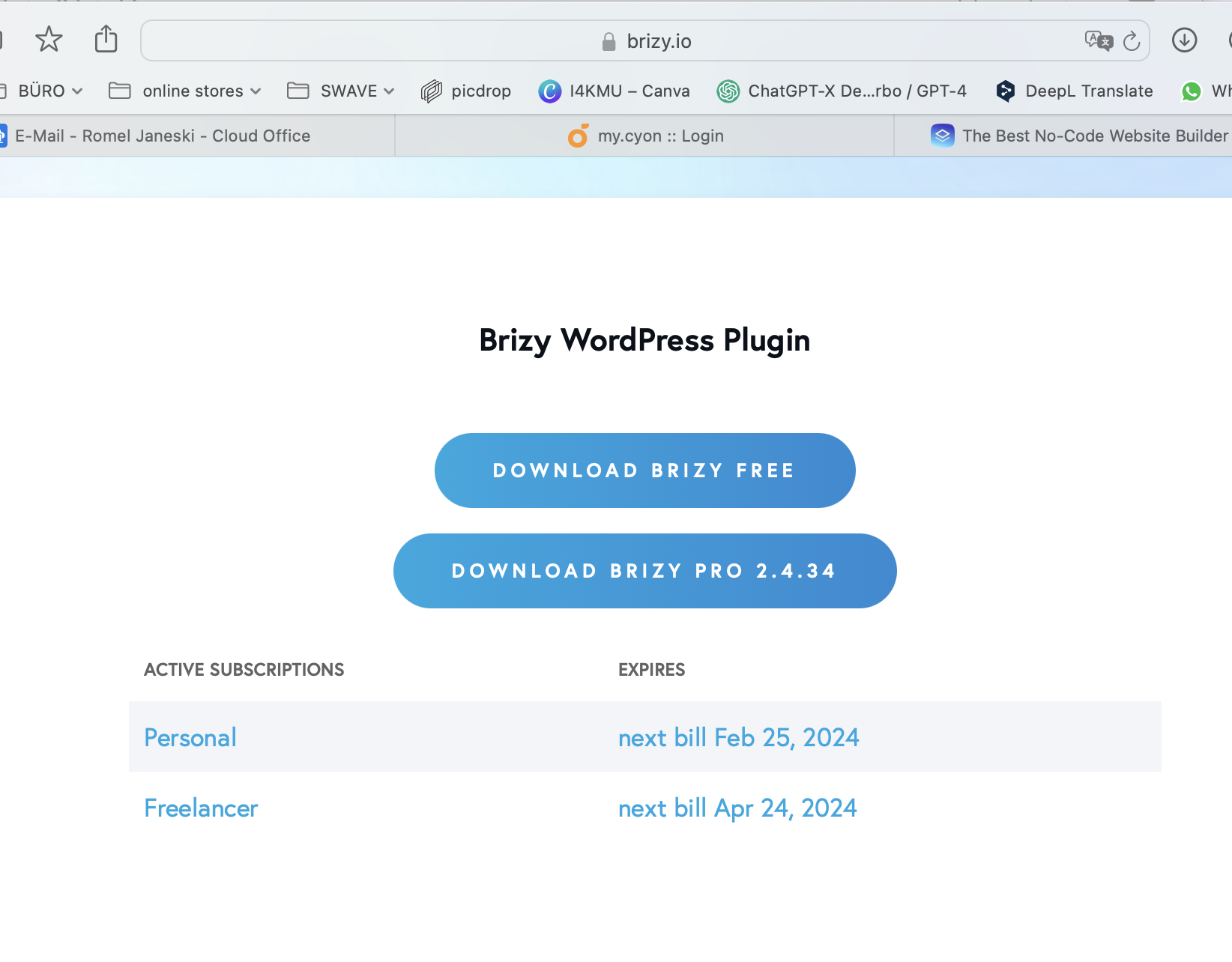
-

Hi Romel,
Thank you for reaching out to us.
To terminate your subscription, kindly log in to your account and navigate to Account → Cancel Subscription and follow the instructions provided, and select the plan you wish to cancel.
After successfully canceling your Personal subscription, you can generate a new license to replace the canceled one.
If you have any further questions, please let us know.
Best regards,
Ariel H.0 -
Thanks, I replace the licenses. Its work.
But i cant cancel or delete the old one,s.
0 -

Hi Romel,
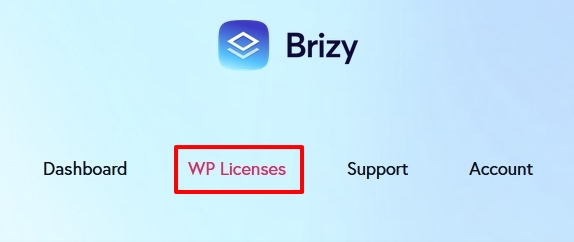
To delete the licenses associated with your Personal WP plan, please sign into your brizy.io account and under the WP Licenses tab, scroll down to the bottom of the list of licenses and delete the last 2 licenses.

If you are unable to cancel the plan, please get back to us. We will cancel it for you.
0
Please sign in to leave a comment.
Comments
3 comments