tabs / accordion capability + mobile

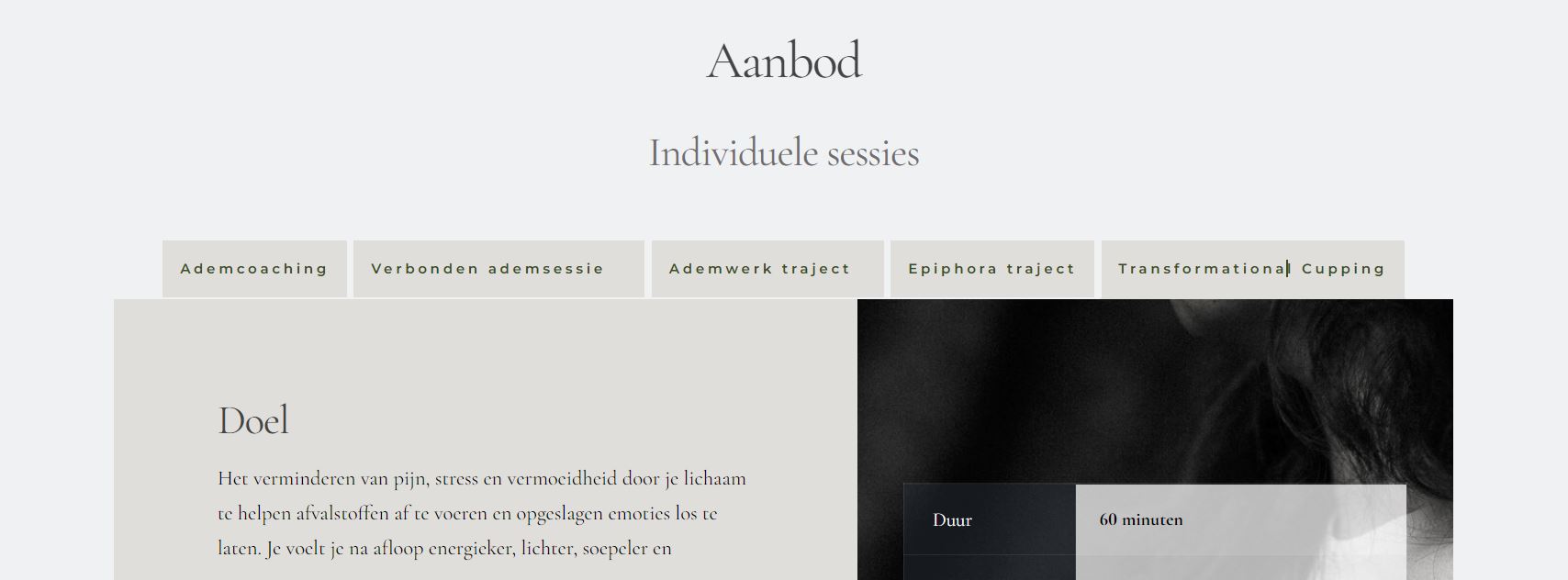
I have a question regarding the tabs / accordion capability. Is it possible to link to a specific tab from another page (i.e. not just the block where the tabs are but really to the specific tab).
Also, in the mobile version I get a scroll bar at the bottom, how can I fix this and make it more responsive, I have already tried various options.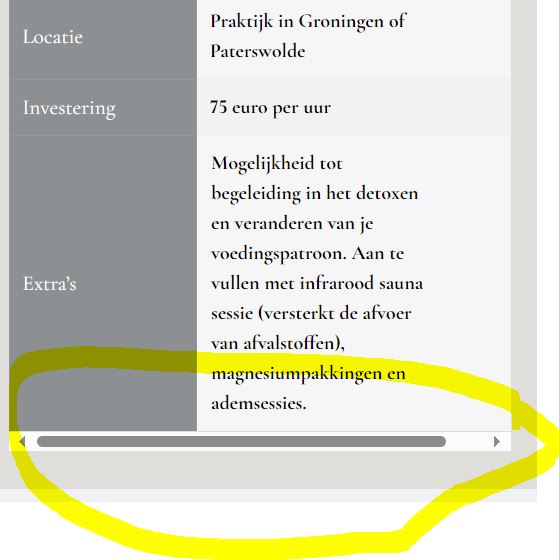
-

Hi Michiel,
Thank you for reaching out to us.
I apologize for any inconvenience, but currently, it is not possible to directly link to a specific tab within a tabs/accordion block from another page. The linking functionality is only limited to the block level, rather than individual tabs.
About your second concern, unfortunately, there is no option to hide the scrollbars in mobile view. Please try using this CSS and see if this will help:
.brz-table
    overflow: hidden;
}
You can add this CSS by going to "Appearance" → "Customize" → "Additional CSS".
Give it a try and let me know how it works for you.
Best regards,
Ariel H.0 -
thanks for your reply! Unfortunately I don't succeed, but if I do then the text is no longer fully readable? Ideally, it should adapt responsively to the screen without a scroll bar.
I've tried using margin or padding to make it fit, but unfortunately I can't, are there any other options?
0 -
Hi Michiel,
Thank you for the update.
Unfortunately, the tab element has a limitation when it comes to mobile view. Would it be possible for you to share the URL so we can inspect your site? Rest assured, we won't show it on this support thread if you prefer to keep it private.
Best regards,
Ariel H.0 -
thank, yes, the url is ---------------
0 -
Hi Michiel,
Thank you for your cooperation.
I attempted to find a CSS solution for the mobile layout issue, but it proved challenging. However, a potential workaround involves creating two versions of the 'info card' for desktop and another for mobile. In desktop view, display the table element, and hide it on tablet and mobile views. In its place, make a new element, such as a column with the same data. For instance, I used the same information in an accordion element in my example, which is hidden in the desktop view but visible in tablet and mobile views. This is demonstrated on this screencast: https://youtu.be/jH_LM1xLTgU
To see the hidden elements on a page, simply click on the eye icon located near the update button.
I hope this solution proves helpful for you.
Best regards,
Ariel H.0 -
Thanks, this is a great solution! Super!
0
Please sign in to leave a comment.
Comments
6 comments