Saved Layout showing blank thumbnail

Hi,
I try to save layout that I created but it didn't display the thumbnail of the layout( at the saved layout item), only show blank black thumbnail.
This happen when I create more than 8 blocks for the layout. If I'm using 8 or less blocks, it can be saved without problem.
I'm using brizy pro agency wordpress plugin
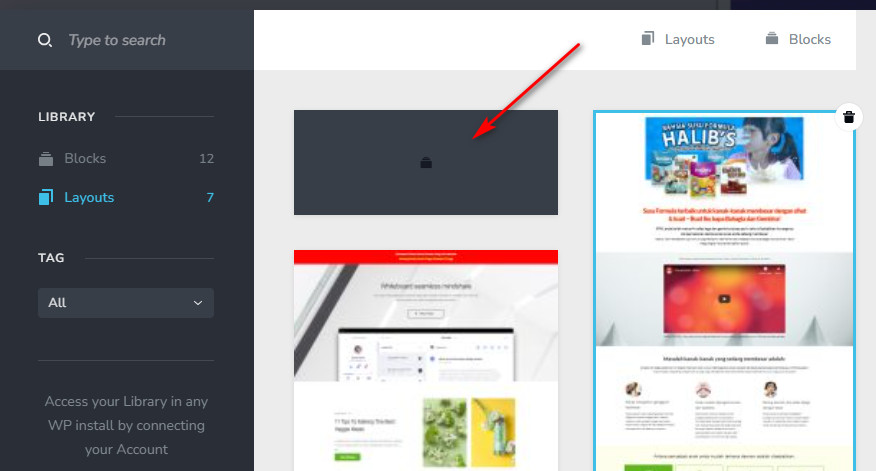
I install on temporary site
-

Hi Najib,
I temporarily synced your saved blocks to my Brizy Cloud account and all the blocks are clearly visible. Please have a look at https://jmp.sh/k2fVtYOX As you can see, I have more than 8 saved blocks. However I don't see a black block with an empty design.
0 -
Hi KC George,
I'm asking about the layout that not displaying the thumbnail, not blocks. The blocks thumbnail display just fine.
Only the layout thumbnail is the problem, and still not displaying the thumbnail correctly. Please see below screenshot
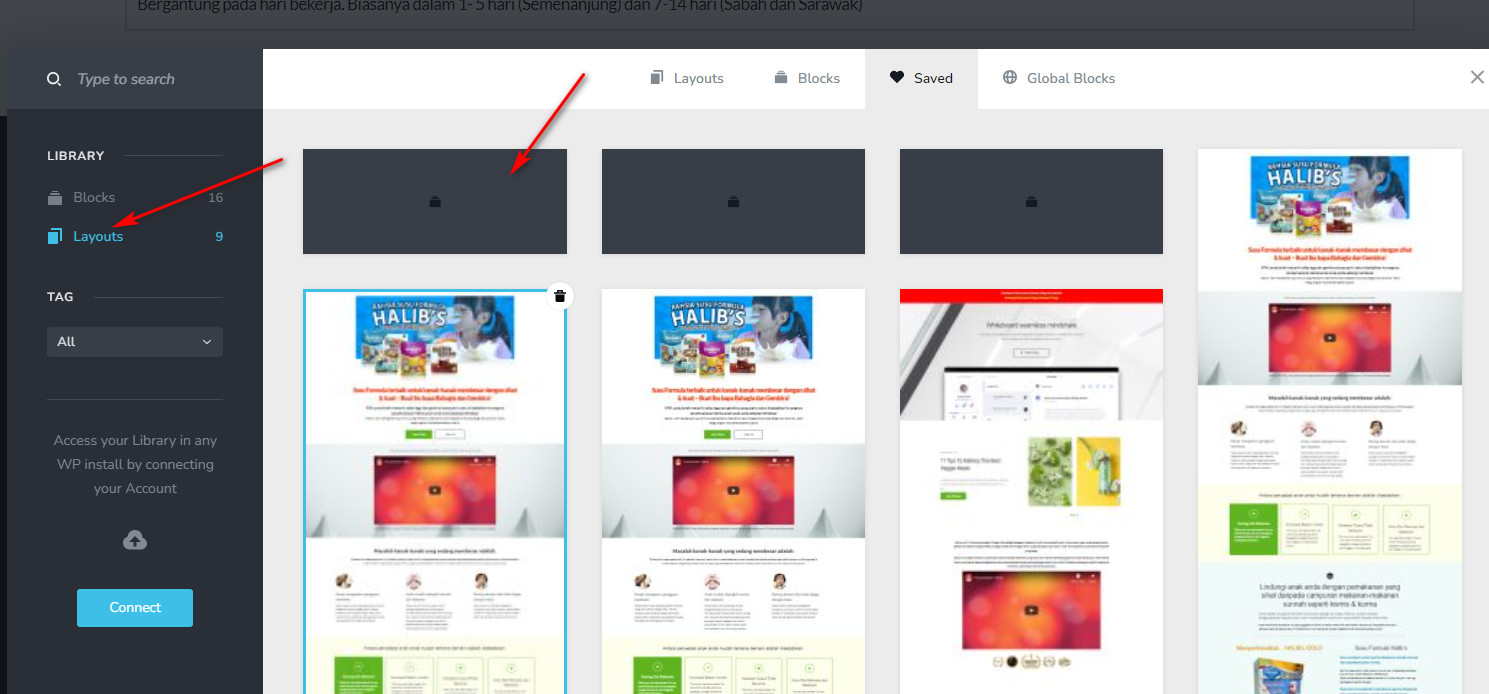
Please look at the layout tab
0 -
Hi Najib,
Have you synced your Saved Blocks and Layouts library by clicking on the 'Connect' button? After syncing to your Brizy.io account, the saved layout library can display those layouts with a thumbnail.
You can import each black box to a page and you can save them as a layout again after syncing to your brizy.io account. Each layout can begin to display a thumbnail when you do this. I have done it for few of the black boxes.
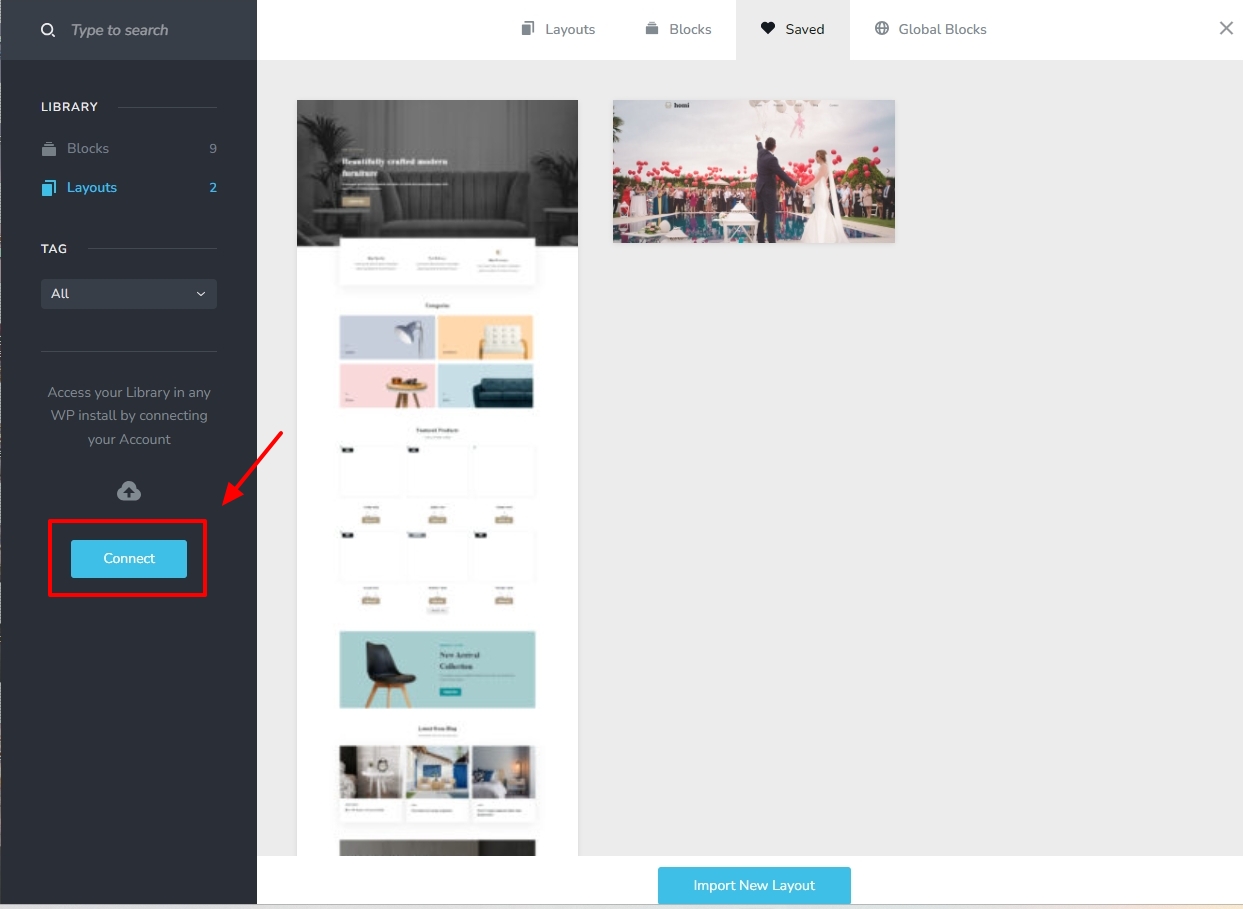 0
0 -
Hi Kc George,
I have done everyting that you said (Login, Connect, Sync etc)but still cannot get the thumbnail for the layout I saved.
I also login to brizy cloud account, but can see the layout still in black box.
Kindly login to my website and see for yourself. Please try to save layout for the page "Susu Halibs" and see if you can save the layout and get the thumbnail for the layout
Thank you for your support
0 -
Hi Najib,
I have saved 2 extra layouts to your Saved Blocks and Layouts library. Please check
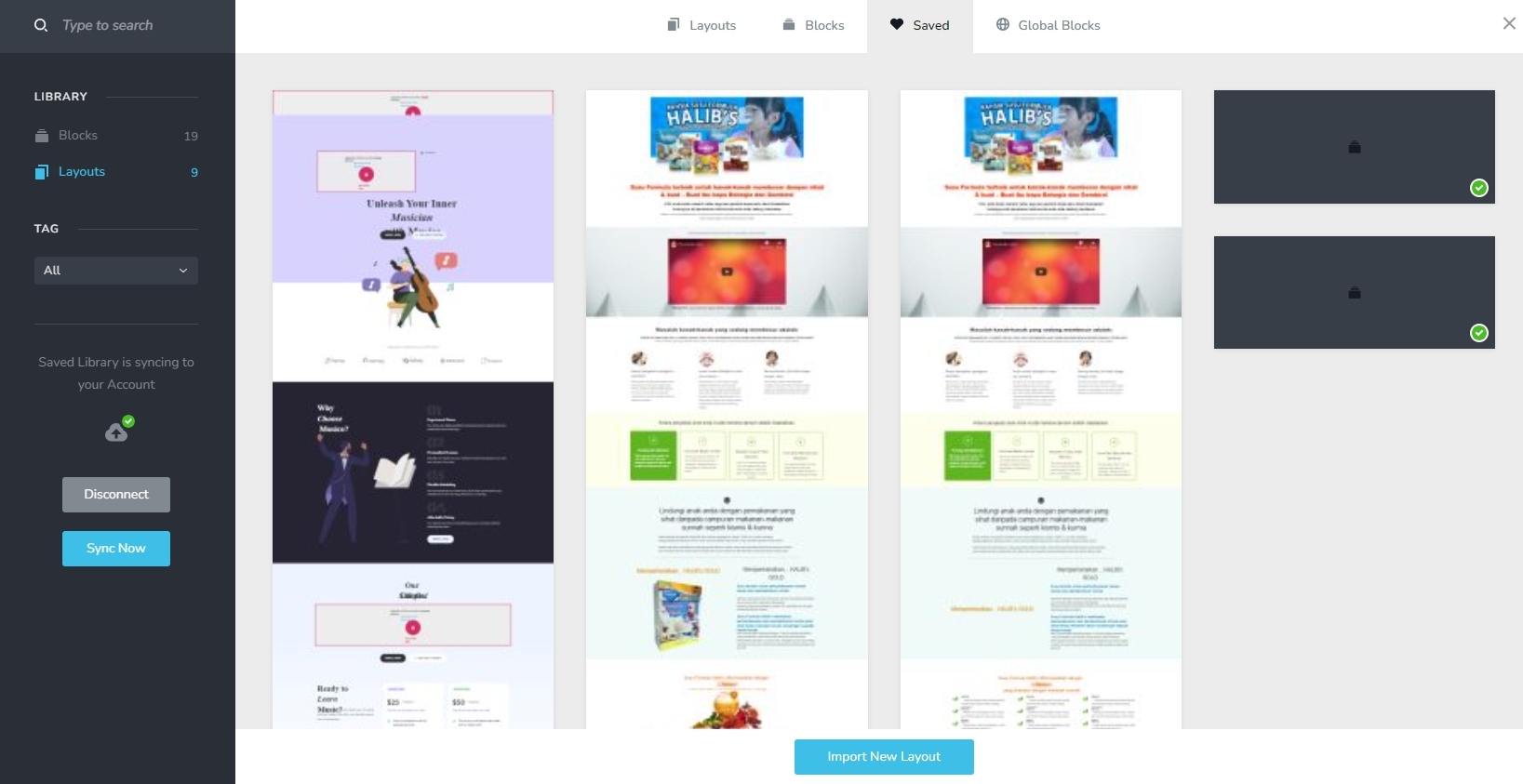 0
0 -
Hi KC George,
Thanks it works but I have to sync to my brizy cloud account, from there open the black thumbnail layout and then save the layout. Without sync to cloud, it cannot be done. A lot of work but can be done. Hope it can be done without the cloud. Anyway thanks for the guide.
0
Please sign in to leave a comment.
Comments
6 comments