Isssue with image upload and where home page image shows error.

Hi there..
Errors showing in some images in home paage - as given below.

and while try to upload the images, it si showing another error.
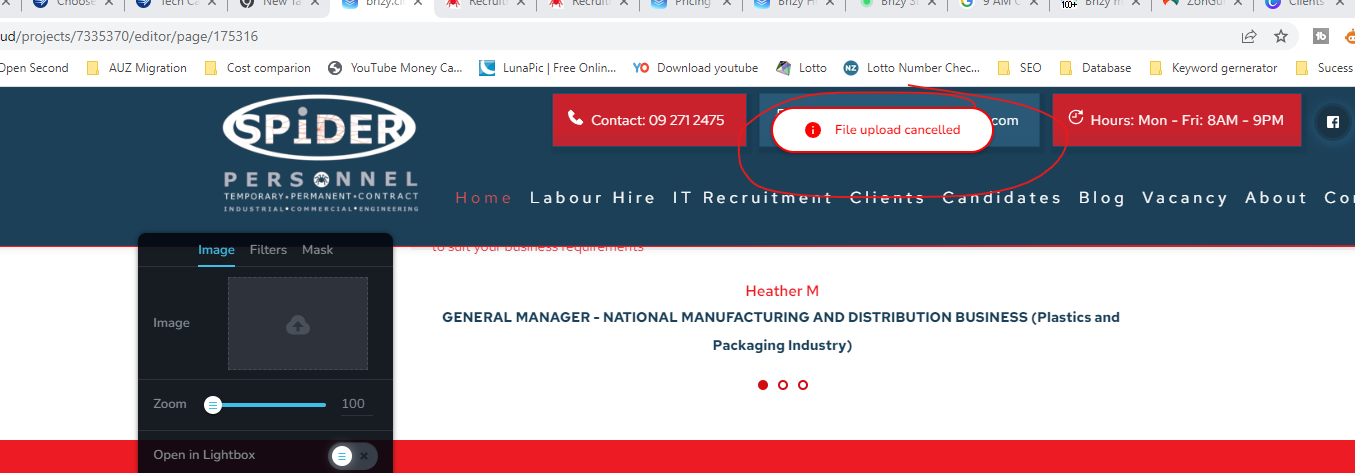
kindly solve this issue.
At present to avoid the compaint from the client side, we have reduced the size and kept blue color as below.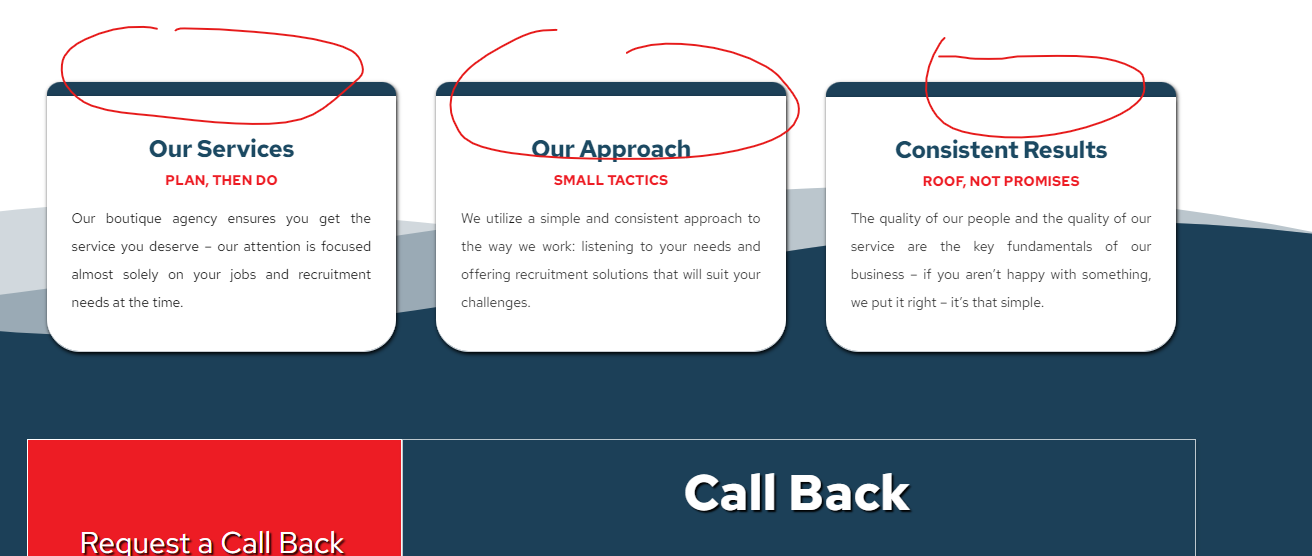
kindly solve this issue
Thanks
-

Hi Dijo,
Thank you for contacting us.
We have released an update to resolve the issue - https://prnt.sc/fn7f1DeeNEdA
Please update both Brizy and Brizy Pro and let us know how it goes.
Best regards,
Ariel H.0 -
Hello,
I want to express my gratitude for your support earlier. However, I am facing a similar issue with another website. I have attached a picture below for your reference. Dealing with this problem has been quite frustrating.
Regarding your previous email, I must admit that I didn't fully understand the statement: "Please update both Brizy and Brizy Pro and let us know how it goes." Could you kindly clarify the intended meaning. I am using brizy cloud, not word press.?
Thank you once again for your assistance.
Please see the pictures below and its for "https://www.canopypergola.co.nz/"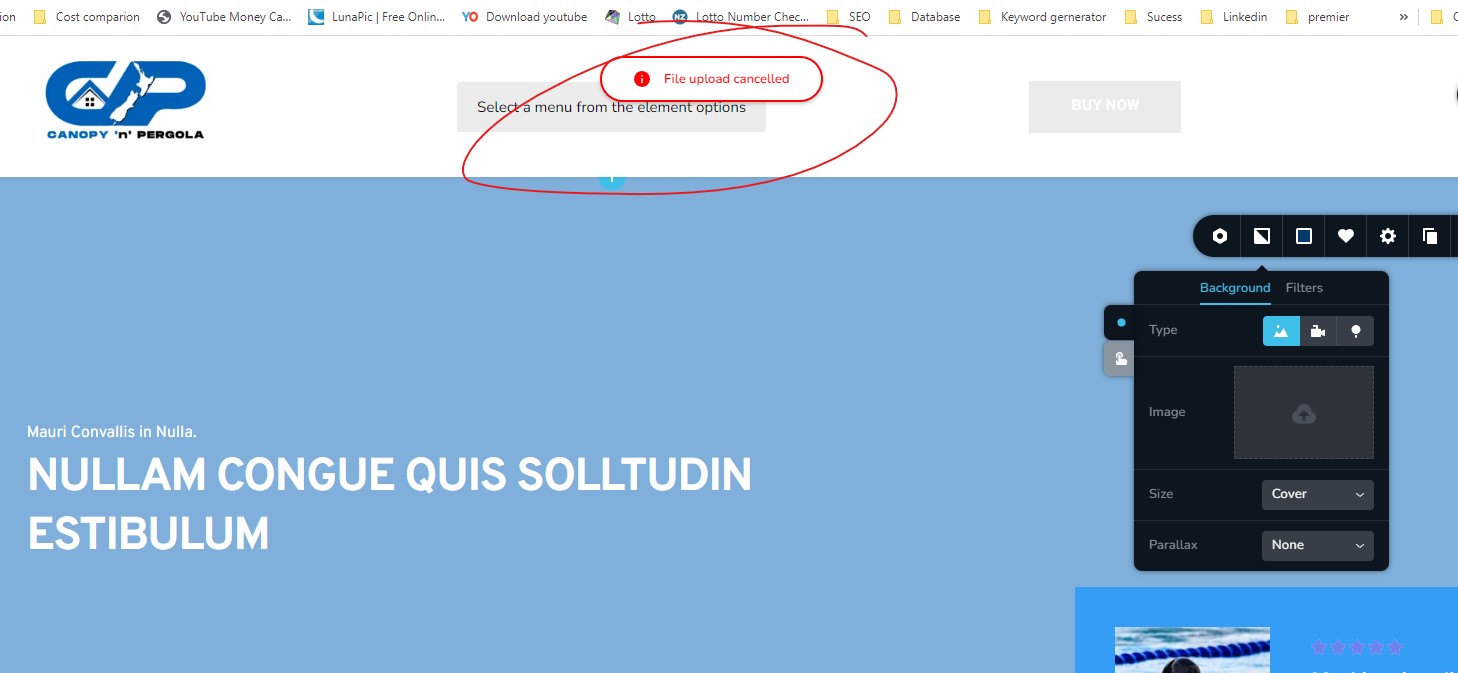
We just noticed that, we cant able to replace the images anywhere in this site. Will this be back again if i replace the banner once you resolve it? Please consider this is a serious issue and repeating in many time and kinldy provide a solution.
Thanks
Best regards, Dijo
0 -

Hi Dijo,
I copied your homepage design to a new page and could upload two images. https://www.canopypergola.co.nz/home-copy. Please have a look at mt test here https://jmp.sh/vbbkvcCc
The image upload issue you are facing could be local to your environment. Can you try these?
- Sign in to your Brizy Cloud Dashboard from a private (incognito) window of your browser and check if that makes a difference
- Try different file types like JPG, PNG, SVG and see if any filetype works
- Use an alternate browser to upload the files
- Please also try uploading from another computer and using another ISP.
0 -
Hi,
The same issue is there with another website. Please see the picture below. It's quite frustrating..0 -
And I didnt understand your previous email stating " Please update both Brizy and Brizy Pro and let us know how it goes. ". What does that mean?
Thanks
Dijo0 -
Hi Dijo,
Unfortunately email attachments do not work with our help desk system. We could not see the screenshot you have attached to your email. Please click on https://support.brizy.io/hc/en-us/community/posts/16373930838161 and use the image icon to upload screenshots.

Please disregard the statement "Update both Brizy and Brizy Pro and let us know how it goes" Ariel said this assuming you are using Brizy WP.
On Brizy Cloud projects, a few of our clients have faced similar image upload issues. We are unable to reproduce the problem on our end. We require access to a computer where this problem is present in order to help resolve it. Could you please join a Zoom call to allow us to investigate this?
I live in India. Please let us know your time zone and a convenience time for a Zoom session.
0 -
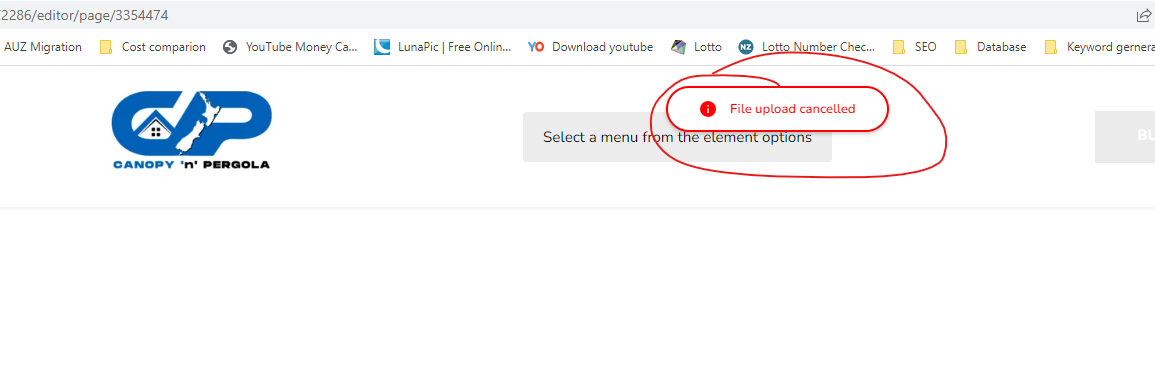
I was able to upload photos, but after 3-6 uploads, its showing the same error.
Hi, my whatsapp number is 00.........70. Can you please invite for Zoom meeting? alternatively you can email me dijo........mail.com, or if there is any other mode or way to invite zoom meeting, that will be also fine. I am in New Zealand, i will be available NZ time 8am-6pm, means indian time around 3 am to 11.30 am0 -
Hi Dijo,
I am escalating this issue to our developers. To fix an appointment for a Zoom call, I am creating a private ticket for you. Please look for an email notification from support@brizy.io
0 -
Thanks a lot for your support George.
0
Please sign in to leave a comment.
Comments
9 comments