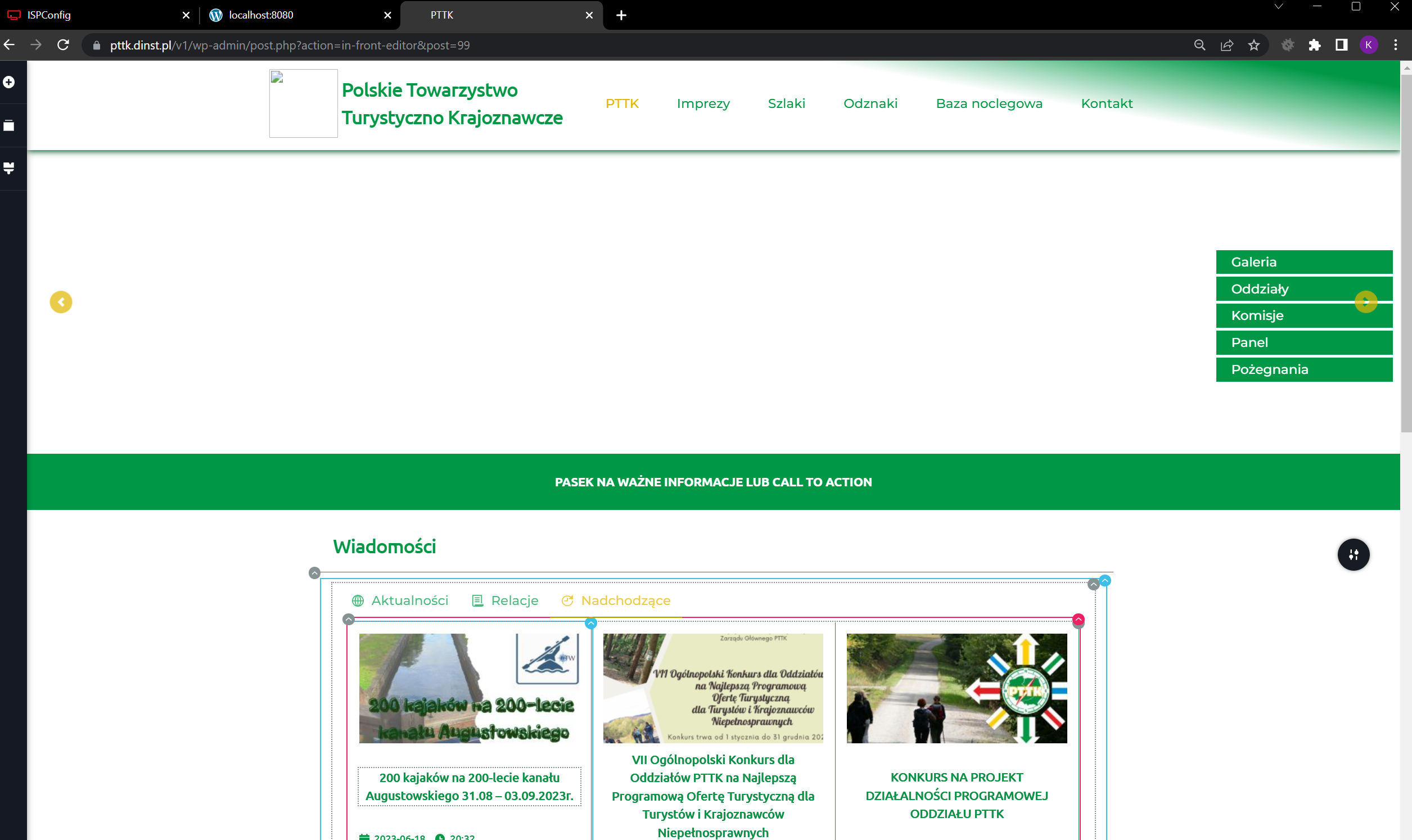
Some photos from the editor have disappeared

What's going on. I am not using Image CDN or lubenda plugin. I can not work...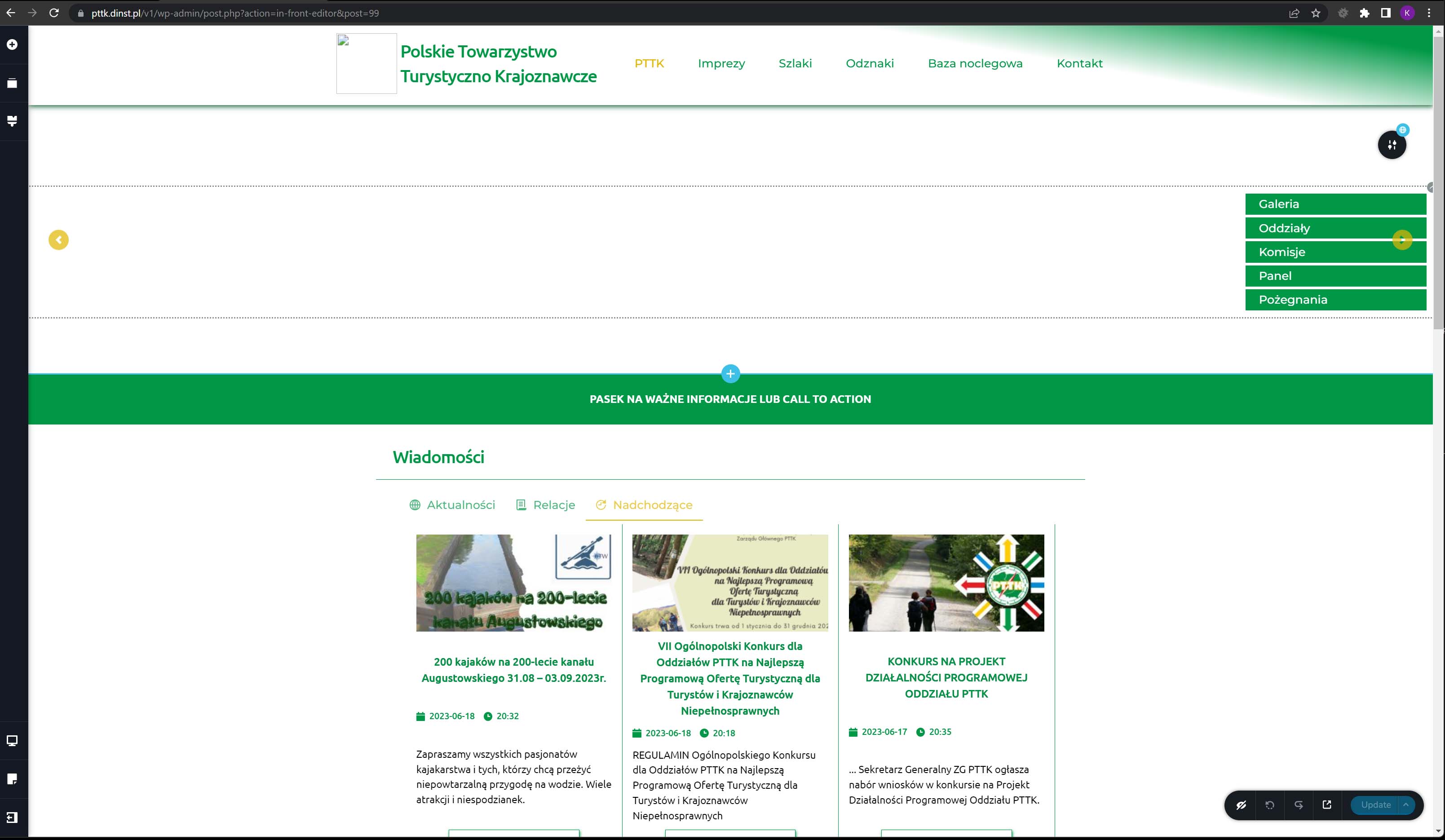
--
BR
Kazik Karczewski
-

Hi Kazimierz,
We apologize for the inconvenience. We would like to check this issue from your Dashboard. Please add me as a user to your WordPress Dashboard and send the following details to our email: communitysupport@brizy.io
- Community Post link: https://support.brizy.io/hc/en-us/community/posts/16349329111057
- WordPress Admin URL:
- Username
- Password
Please let us know here when you send us the email.
0 -
Hi,
Is there any information on the topic?
--
BR
Kazik Karczewski0 -
Hi Kazimierz,
We apologize for not getting back earlier. Your email was in the SPAM folder; hence we did not see it until now.
In your WordPress Dashboard under Tools - Site Health- Status tab, you will see a message that the Imagick PHP Module is missing on your server. Please see this screenshot https://jmp.sh/ckRyQlog
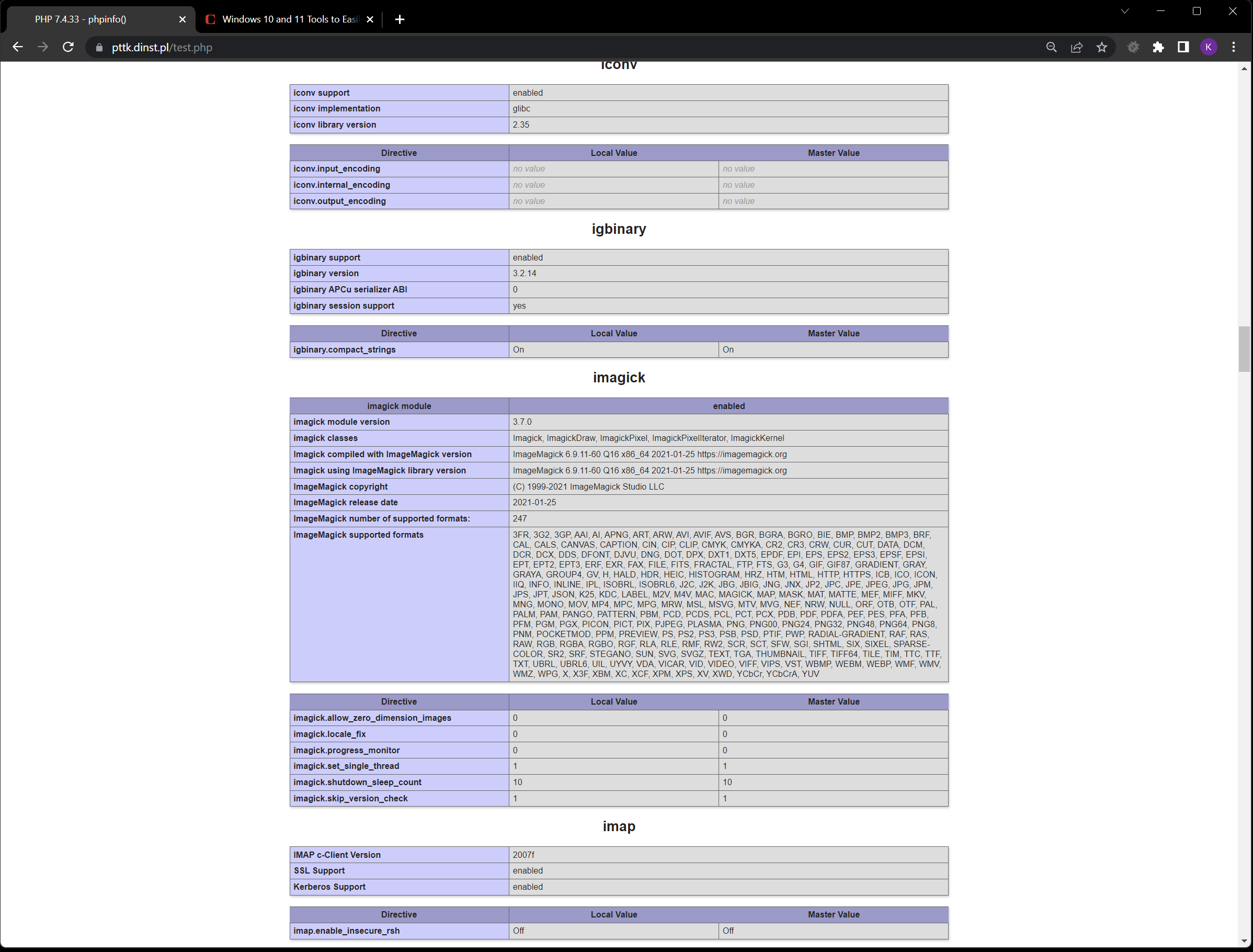
Imagick is a PHP extension to create and modify images using the ImageMagick library. Can you please request your hosting company to add this PHP extension to your server? Once they add the extension, please check if the images showup in the editor.
0 -
Hi,
The imagick module has been added, but still some images do not appear in edit mode.
--
BR
Kazik Karczewski0 -
Hi Kazimierz,
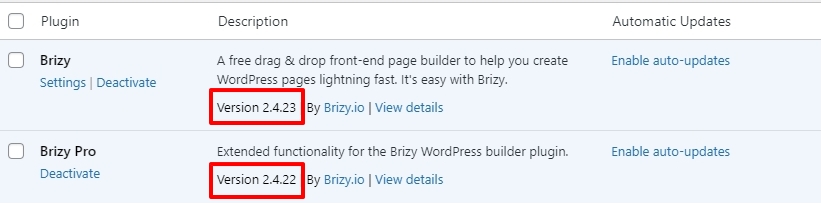
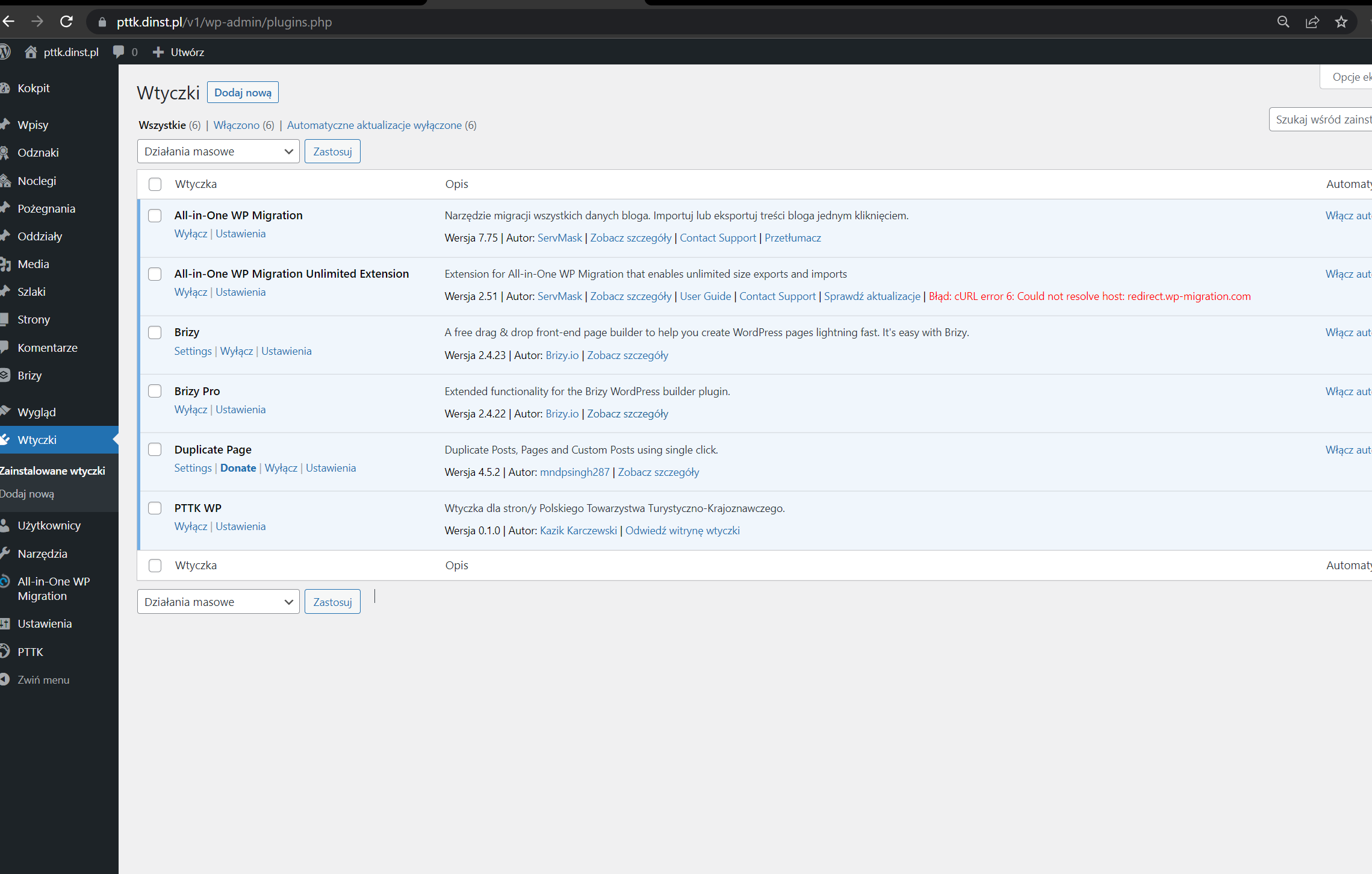
If you are using earlier versions of Brizy, please update to these versions and check again.
 0
0 -
Hi,
George,
No changes for the better.
--
BR
Kazik Karczewski0 -
Hi Kazimierz,
We have changed the theme to Twenty Twenty-Two and the images started working fine in the Brizy Editor. Please have a look. Perhaps the issue was caused by the Twenty Twenty-Two Child theme.
0 -
Hi George,
Unfortunately, the child theme's function.php file runs some of the elements I need on the page.
--
BR
Kazik Karczewski0 -
Hi Kazimierz,
That means that the extra features added to functions.php are incompatible with Brizy. You may need to investigate the code to determine what is creating a conflict with Brizy.
0 -
Hi George,
Cool! He's working. I will see what breaks communication with brizy.io and fix it. I don't have an answer to my question from the "Two questions about Howto" service ticket. Ariel did not respond and after updating the brizy, again in breadcrumbs on the site I have Home instead of PTTK.
--
BR
Kazik Karczewski0 -
Hi Kazimierz,
Please consider using a breadcrumb plugin for this purpose. You could start with this list. 8 Best WordPress Breadcrumbs Plugins
Plugins allow you to create its own breadcrumbs (independent of the default WordPress breadcrumb) You can customize the breadcrumb in the plugin. If the plugin provides a Gutenberg block to display the breadcrumb, add the Breadcrumb Block to any free widget area. You can then add breadcrumb to a Brizy page using the Brizy Sidebar element and selecting the appropriate widget area.
If the plugin supports shortcode, please use the Brizy shortcode element to display the breadcrumb.
0 -
Hi, George
I don't prefer using other plugins. My question is. Maybe your development team will add one line of code from my proposal. I think it's a better solution than adding another wordpress plugin...
--
BR
Kazik0 -
Hi Kazimierz,
Our development team is now hard at work on numerous new features and bug fixes. As a result, prioritizing this over these features is unlikely.
If you do not prefer installing a plugin, please consider this option. Change the breadcrumb function of the theme to replace home with another text and make the updated code available as a shortcode. Then breadcrumbs can be added to a Brizy page by inserting the shortcode into the Brizy shortcode element.
0
Please sign in to leave a comment.
Comments
13 comments