Menu links not working on a different page and post

I'm working on a Home Page and a Blog Page. Menu links work fine on the Home Page. The Custom Links are anchored to the blocks of the Home Page. For the Blog Page, with the same menu, the custom links linking to blocks of the Home Page are not working. How do we solve this matter?
Here's the Home Page: https://plum19099760.brizy.site/
Here's the Blog Page: https://plum19099760.brizy.site/blog
-

Hi Evangeline,
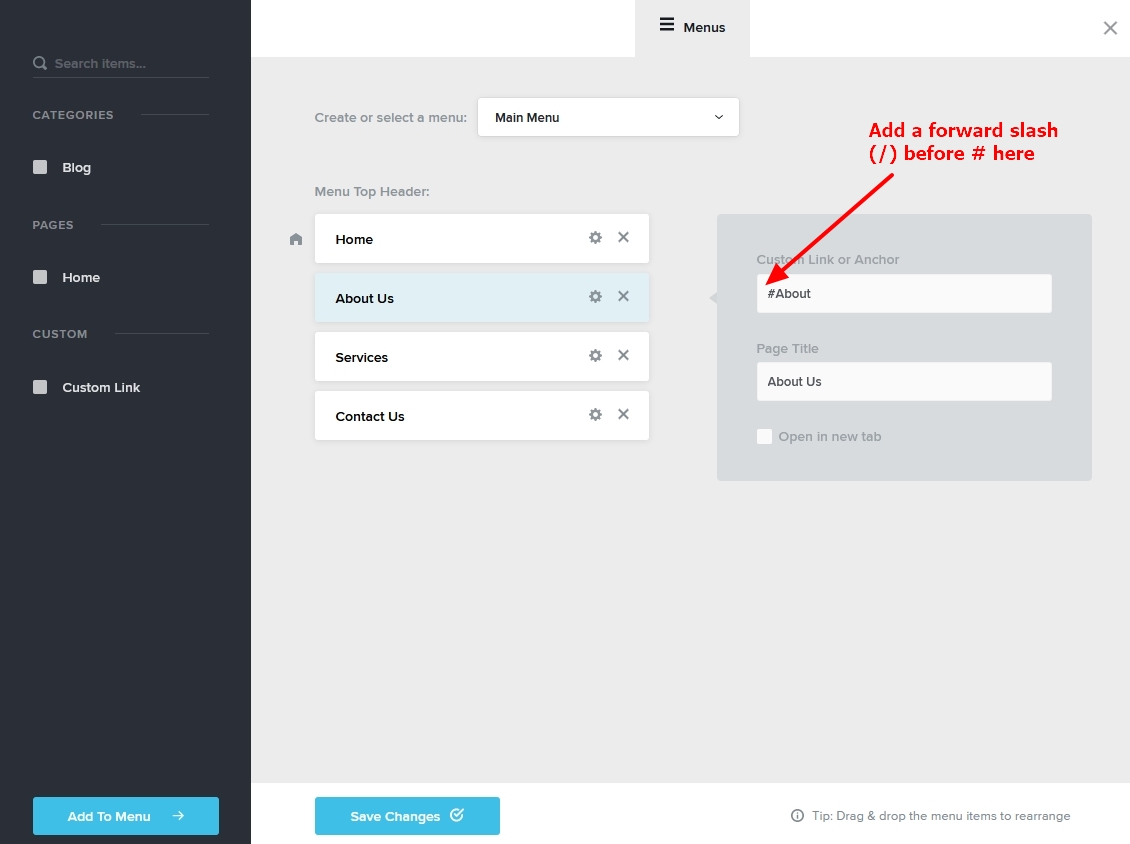
Please add a forward slash (/) before all anchor links in your menu. Then check if anchor link will work from your the blog page.
If your website URL is www.website.com, the forward slash here means www.website.com/. Hence when you add a forward slash to #About, it is the same as www.website.com/#About.
 0
0 -
I did what you said. I'm using the same Main Menu for the Home Page and the Blog Page.
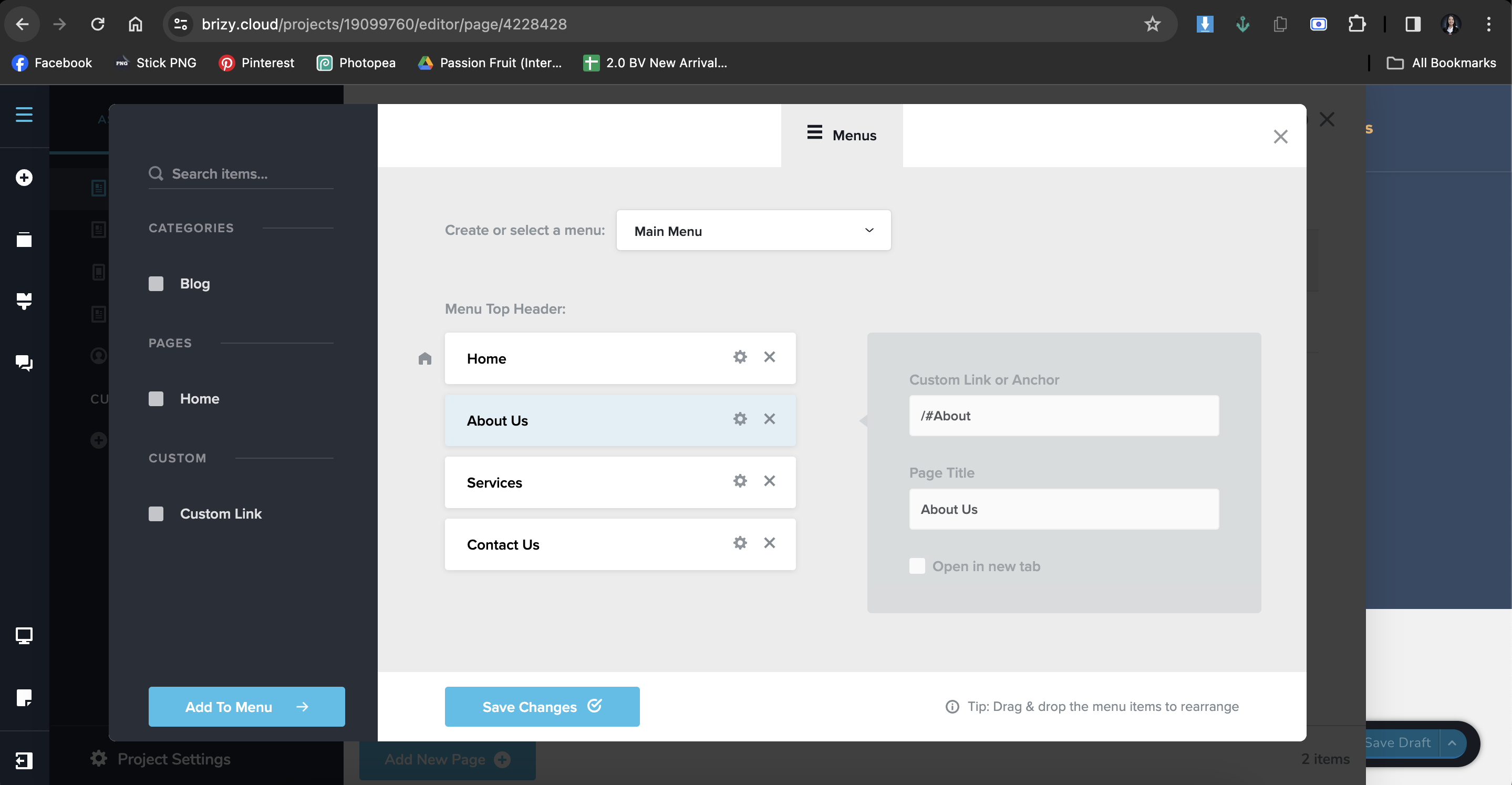
This is the Home Page.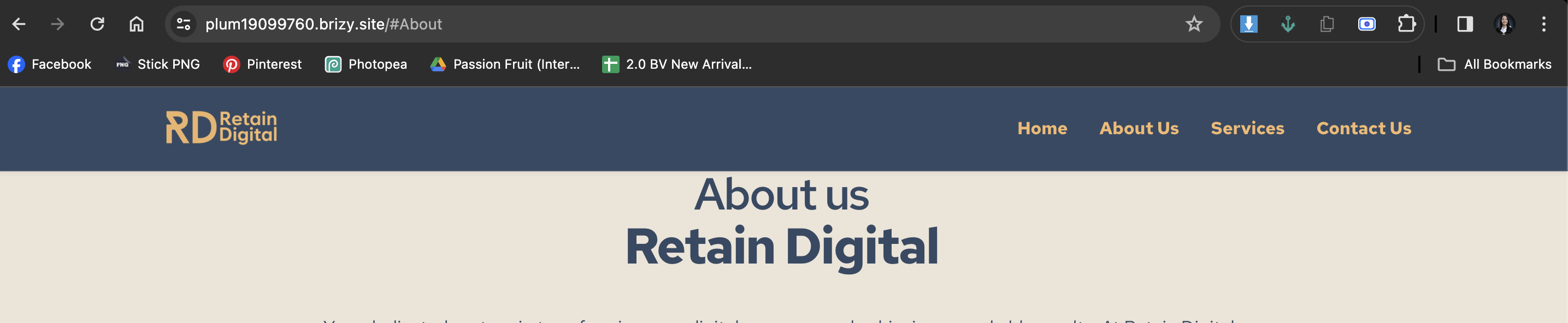
The Blog Page still directs to this.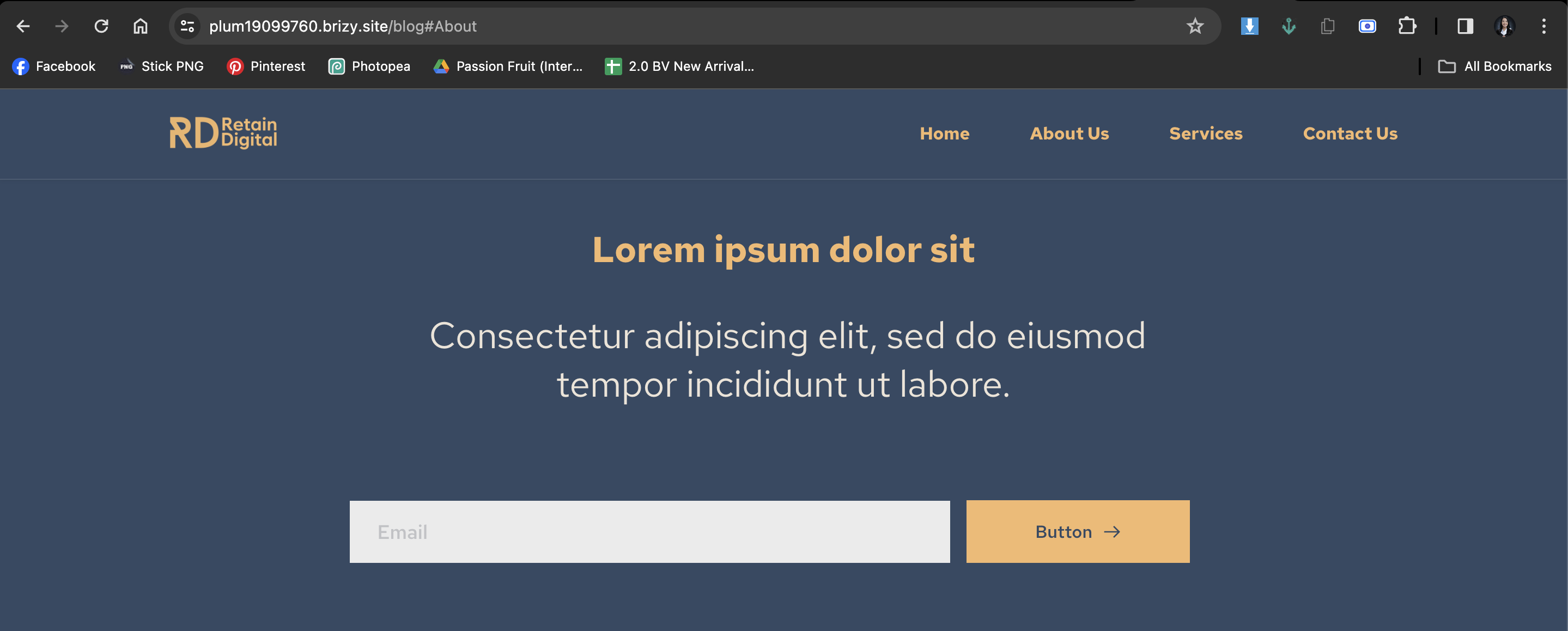
These are two different pages. How do I direct the Menu of the Blog Page to the blocks of the Home Page?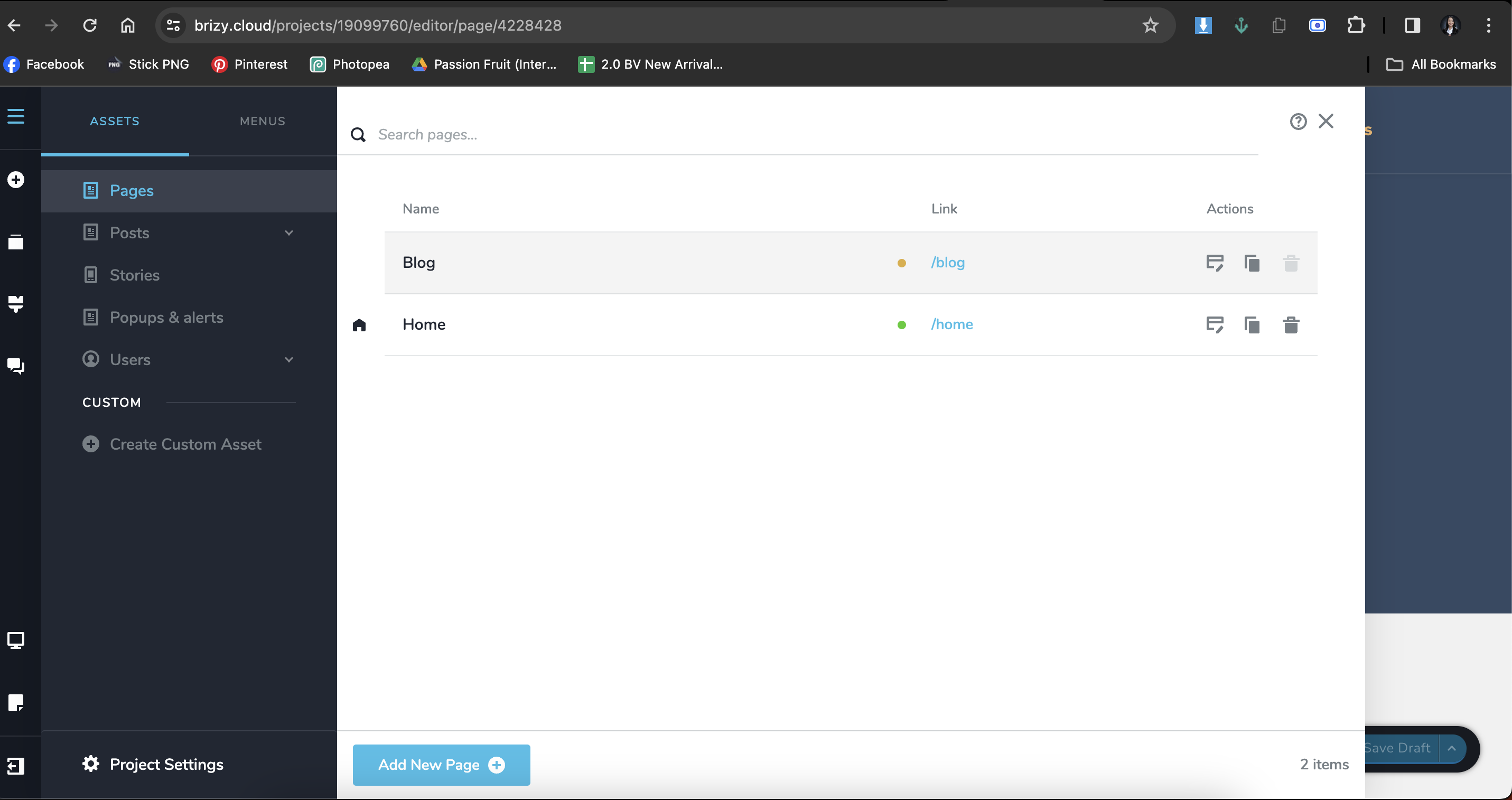 0
0 -
Hi Evangeline,
If I understand you correctly, header links on the blog page must link to different sections on the homepage. In my test, your blog page menu links are working well; please see my test at https://jmp.sh/ns674cSw
0 -
It's working on my end as well. Probably a bug before, but now it has been resolved. Thanks for your help!
0 -
Thank you for testing. I will review and get back to you.:)
0
Please sign in to leave a comment.
Comments
5 comments