Problem loading some photos.

Hi,
I have a site that uses a lot of photos, now not all photos always load in, some get this error.
An error occurred trying load the resource.
This site is hosted externally and therefore uses the Server Sync publishing option. Does anyone have any idea how I could solve this problem from developers side?
Greetings,
Siebe
-

Hi,
Thank you for contacting us. Sorry that you're having a hard time with this issue.
We kindly request that you provide us with some screenshots to demonstrate the issue you are facing. Additionally, it would be helpful if you could share the name of the Workspace you are working on and specify the website where you were trying to sync.
I am looking forward to your response.
Best regards,
Ariel H.0 -
Hi,
Here's what I mean by not loading the photos.
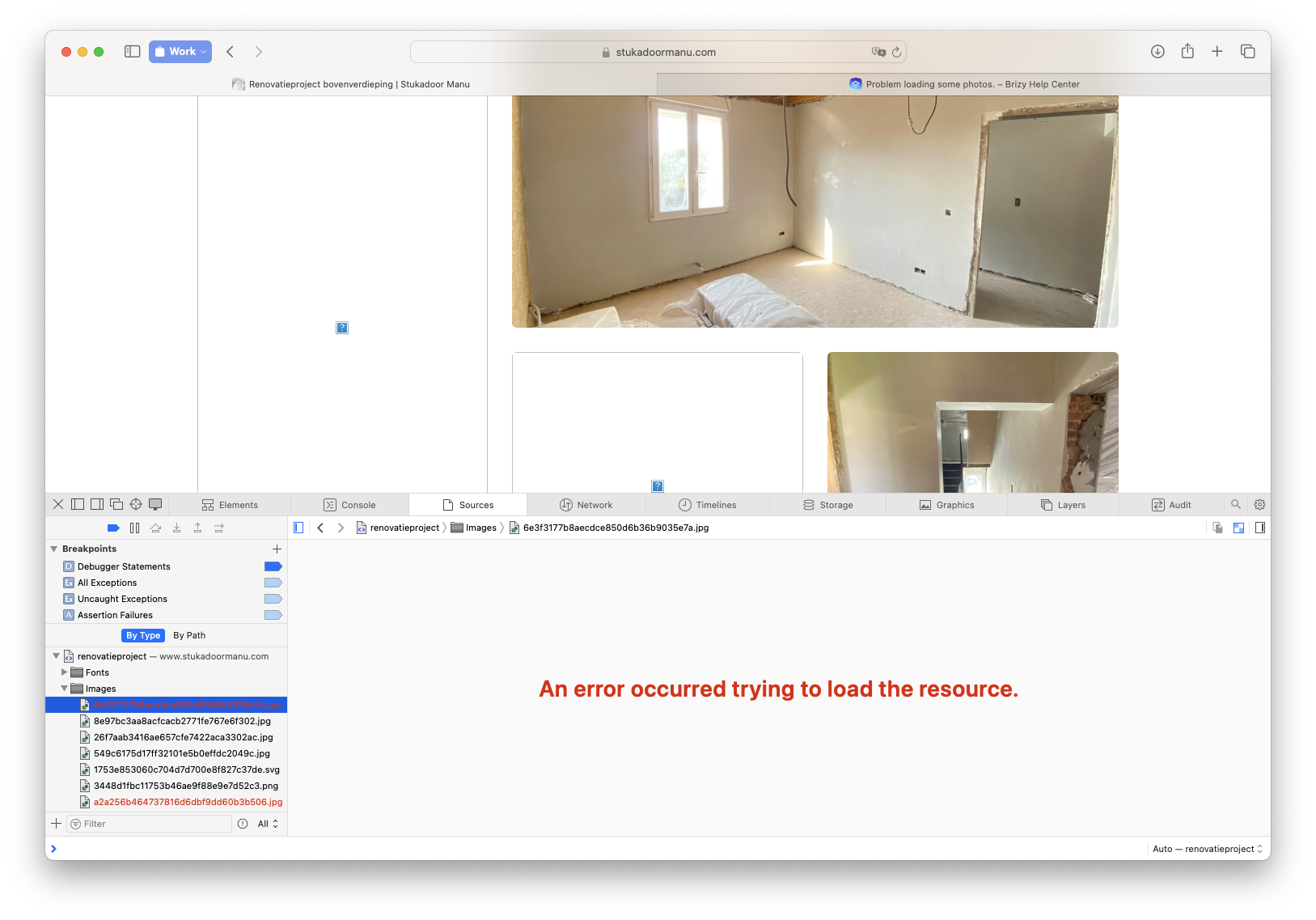
The workspace is called "Stukadoor Manu" and a link to the live site https://www.stukadoormanu.com/portfolio The photos that don't want to load is random for every site visitor.
Greetingss,
Siebe
0 -
Hi,
Thank you for keeping in touch.
Could you please try deleting the "cache" and "var" subdirectories on your server and run sync again, and see if it helps? https://prnt.sc/q4lahDaPnKsr
You will need access to FTP or File Manager in your hosting panel to accomplish this.Please give it a try and inform me of the results.
Best regards,
Ariel H.0 -
Hi,
I keep getting the synchronisation screen
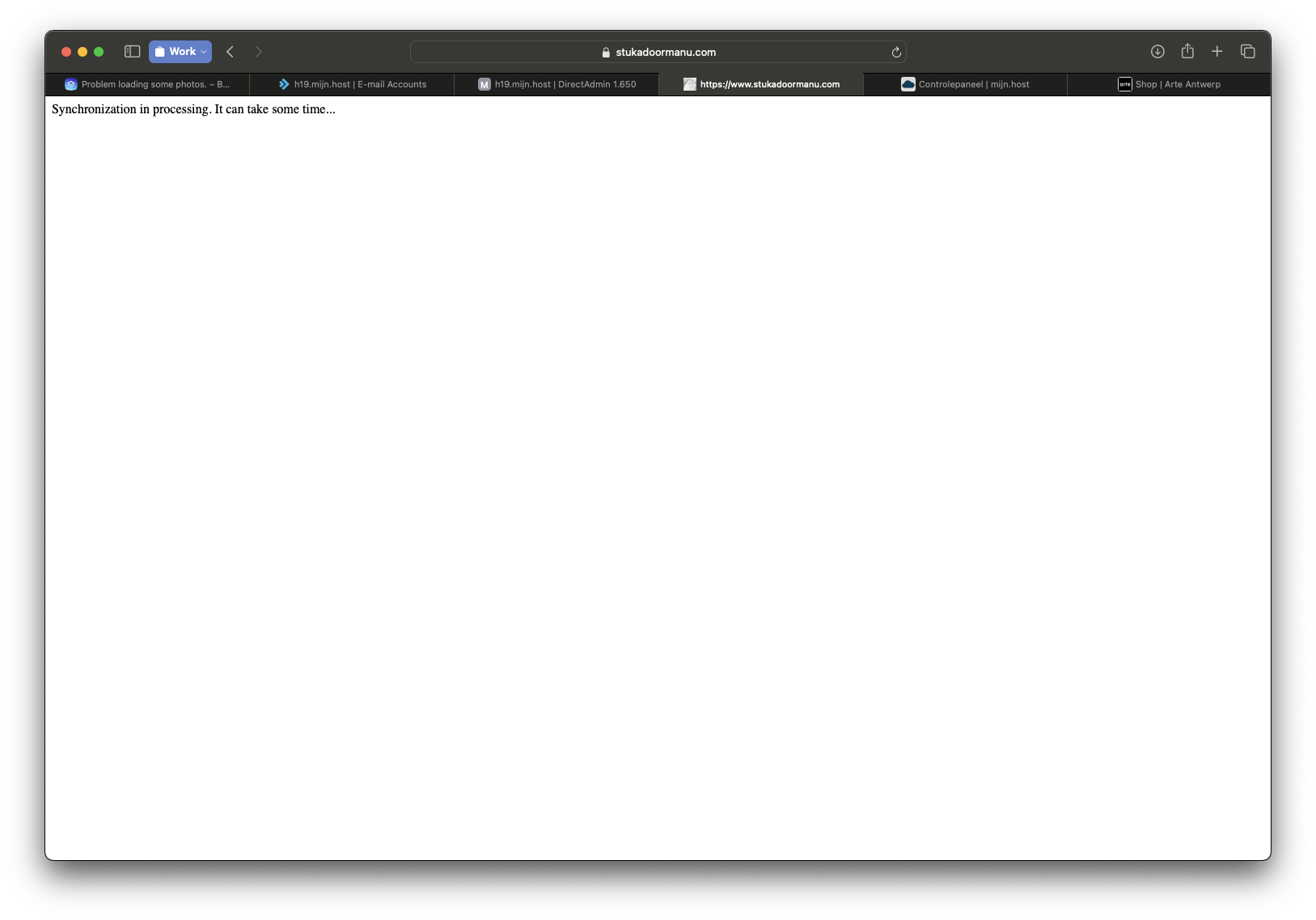 and if I refresh I get this screen
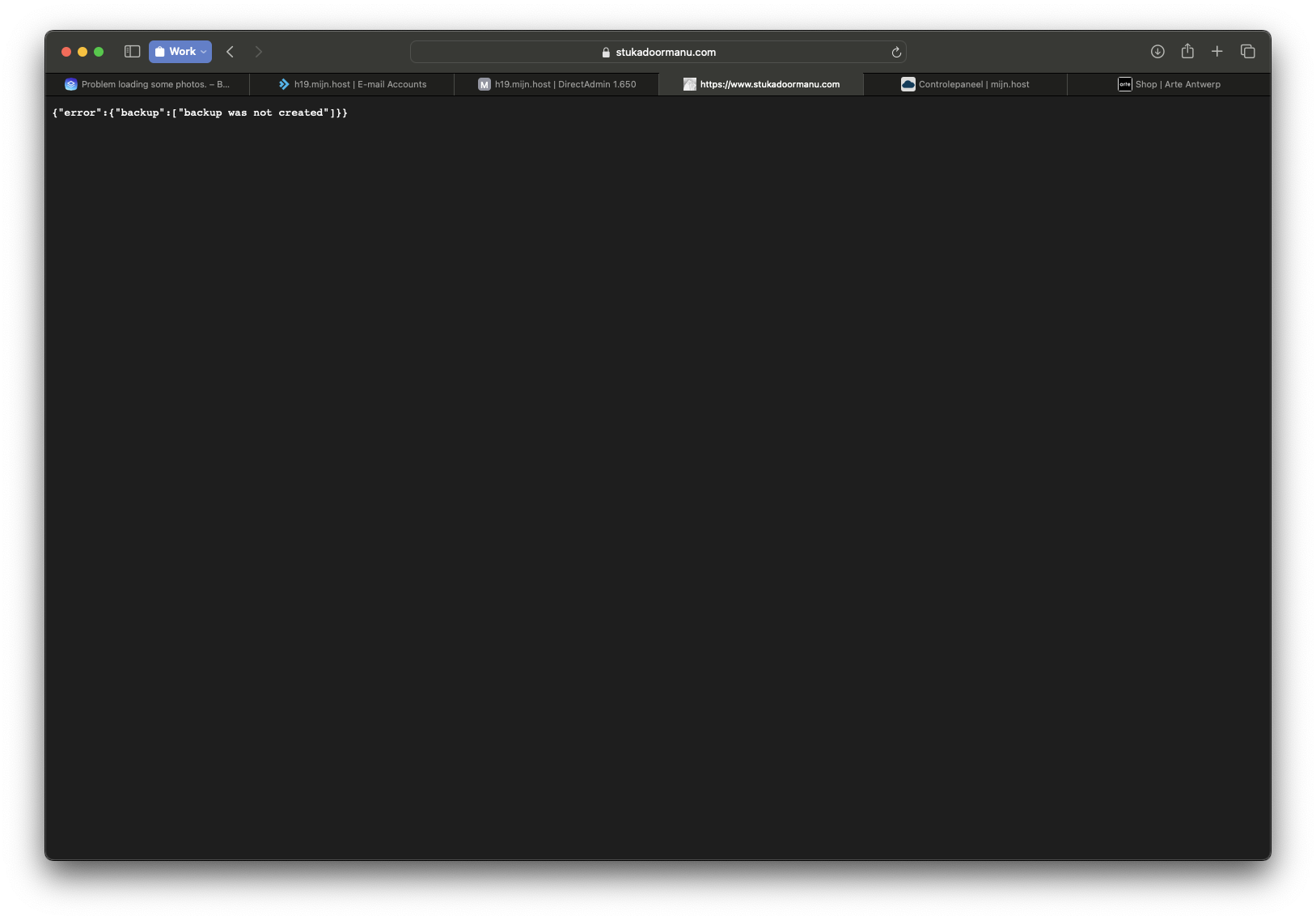 and this loop keeps repeating itself over and over again.
This is how my files on the hosting dashboard look right now.
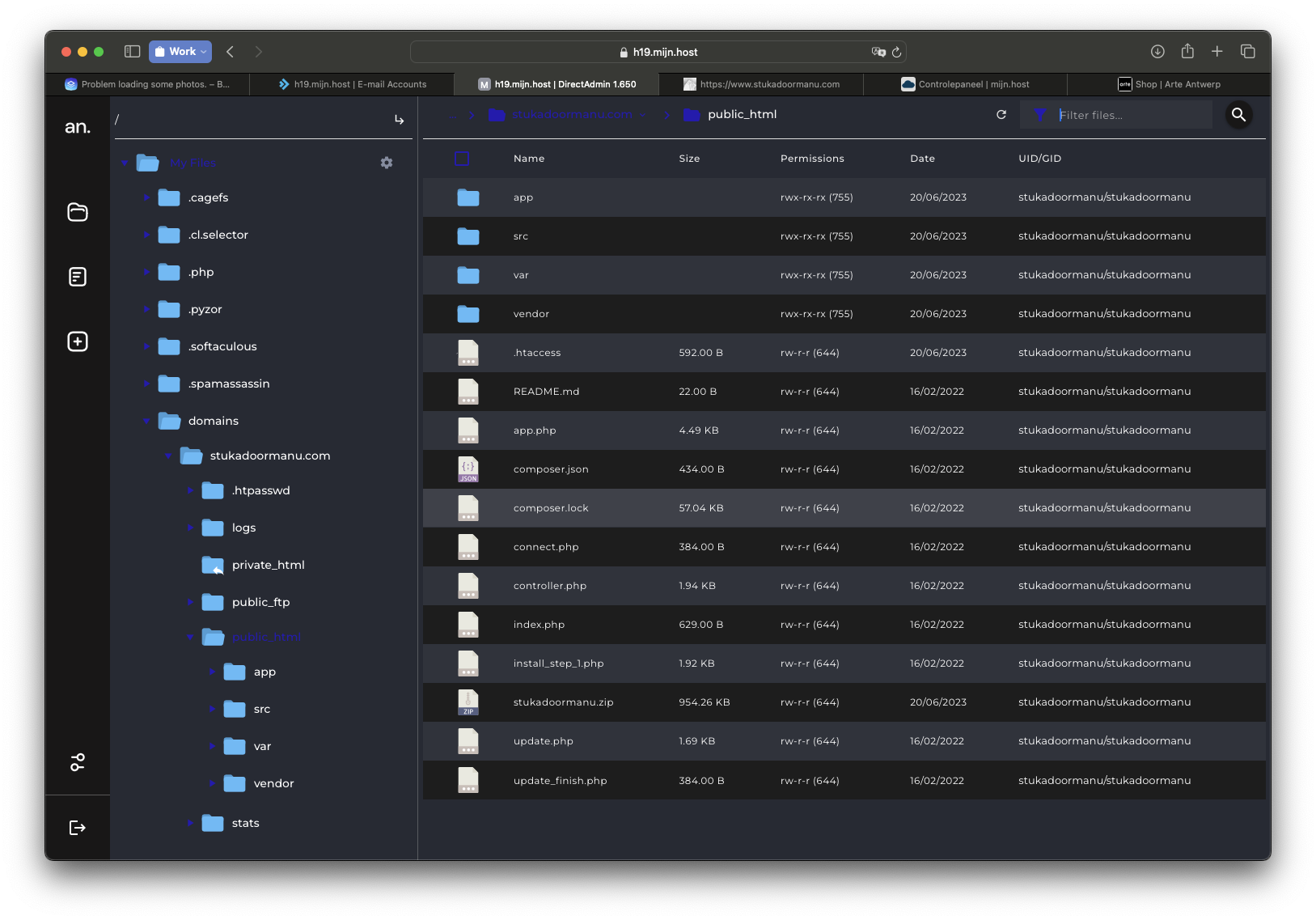 I will just way for about half a day and if the new cache an var subdirectories don't show up. (Means it's still syncing.) I'll just upload the html in the hope that, that solves my original problem?
Best regards,
Siebe
0 -
Hi,
I wanted to let you know that I just uploaded the html and that my original proleem has been solved. Everything should work just the same as the server sync option right? Also the (contact) forms?
And I know that your developers are very busy with other nice improvements around brizy (Trello boards) but if you also want to put the server sync option on the list of todo improvements. Because this publishing option has a lot of problems, the sync usually doesn't happen, and then yes the "photo" problem. This is not super important because the html export version is actually the same, just some extra work for me ;).
Thank you for the help!
Greetings,
Siebe
0 -
Hi Siebe,
Thank you for the update.
The synchronization may take some time; if you refresh the page, it may interrupt the process.
Regarding exporting the content as HTML, it is indeed a viable option. However, please note that the contact forms will not function as expected since the necessary resources for them to work are hosted on Brizy Cloud. When you export the content, the script required to process the forms is not included. To enable contact form functionality on your remote server, you will need to find a suitable contact form script. You can refer to the following link for an example: https://html.form.guide/contact-form/php-email-contact-form/
We value your feedback, and we are actively working on addressing these limitations and server sync issues in our future updates. We appreciate your patience and understanding.
If you have any further questions or need assistance, please feel free to reach out.
Best regards,
Ariel H.0 -
Hi,
Wow, I didn't know that if you threw a refresh you caused the sync processes to be interrupted. So what did I do I tried the server sync publish option again (without throwing a refresh for a long period of time), because the html was not ideal (contact forms, not synced with cloud version,...).
And with success, everything works perfectly thanks to you, thank you so much!
Groetjes,
Siebe
0
Please sign in to leave a comment.
Comments
7 comments