Mobile Version retains Default Images from Templates

Hello,
If you compare the desktop vs mobile display of my website:
https://www.coom.xxx/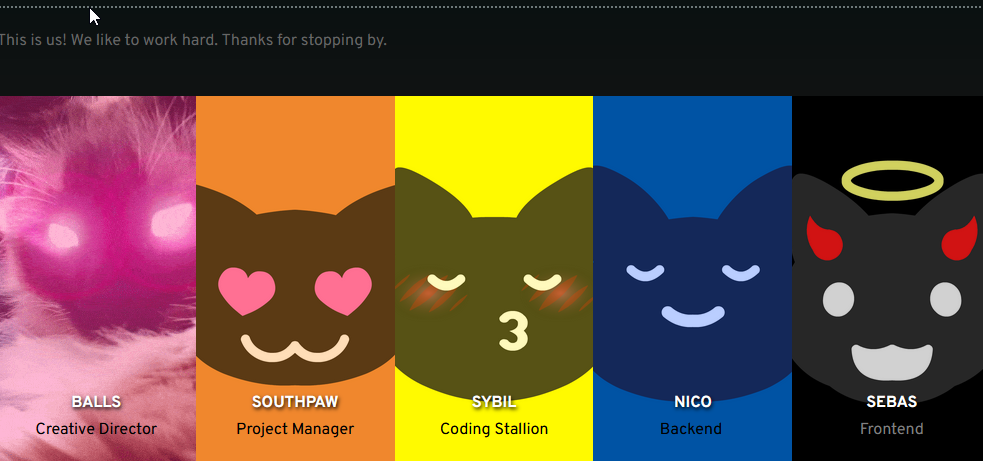
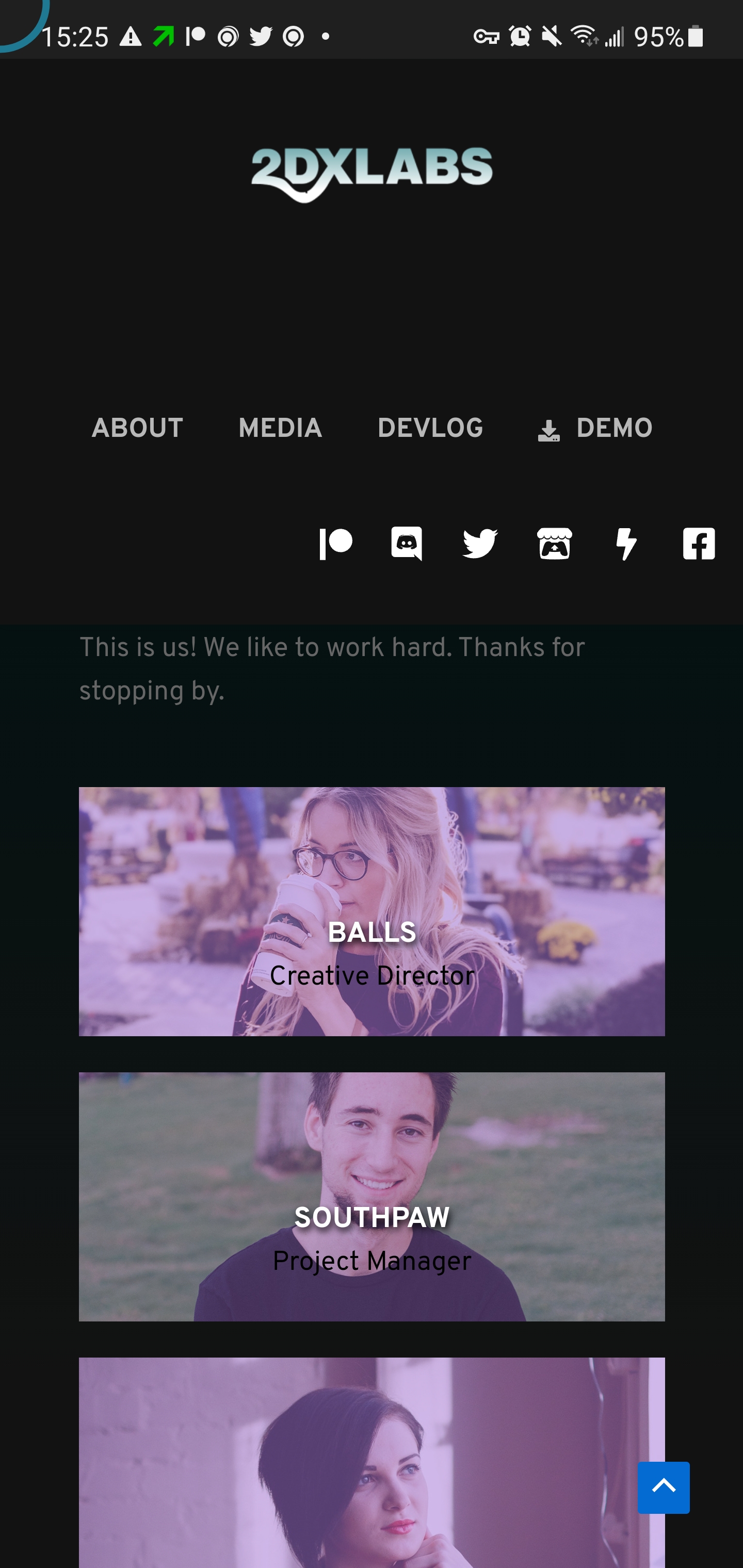
You will notice that the images in the about section are still the same from the default Brizzy templates. Is there a way to improve the synchronization between Desktop and Mobile? The images in the about section should be the one's i selected while designing for the desktop.
Thanks for the help,
-

Hello Rev R,
You may be seeing a cached version of your page on mobile devices. Please sign in to your hosting account and purge all cache in the server caching system. Please also purge all cache in your WordPress Dashboard.
In the Brizy Editor when you switch to the mobile design view, do you see the desktop design?
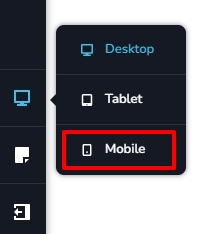
If you are looking for help with responsive design, please add me as a user to your WordPress Dashboard and send the following details to our email: communitysupport@brizy.io
- Community Post link: https://support.brizy.io/hc/en-us/community/posts/16302488564369
- WordPress Admin URL:
- Username
- Password
Please let us know here when you send us the email.
0 -
Perhaps there is a design problem where I have selected these images unintentionally for the mobile design only because we have cleared the cache manually a couple times now and those images still persist;
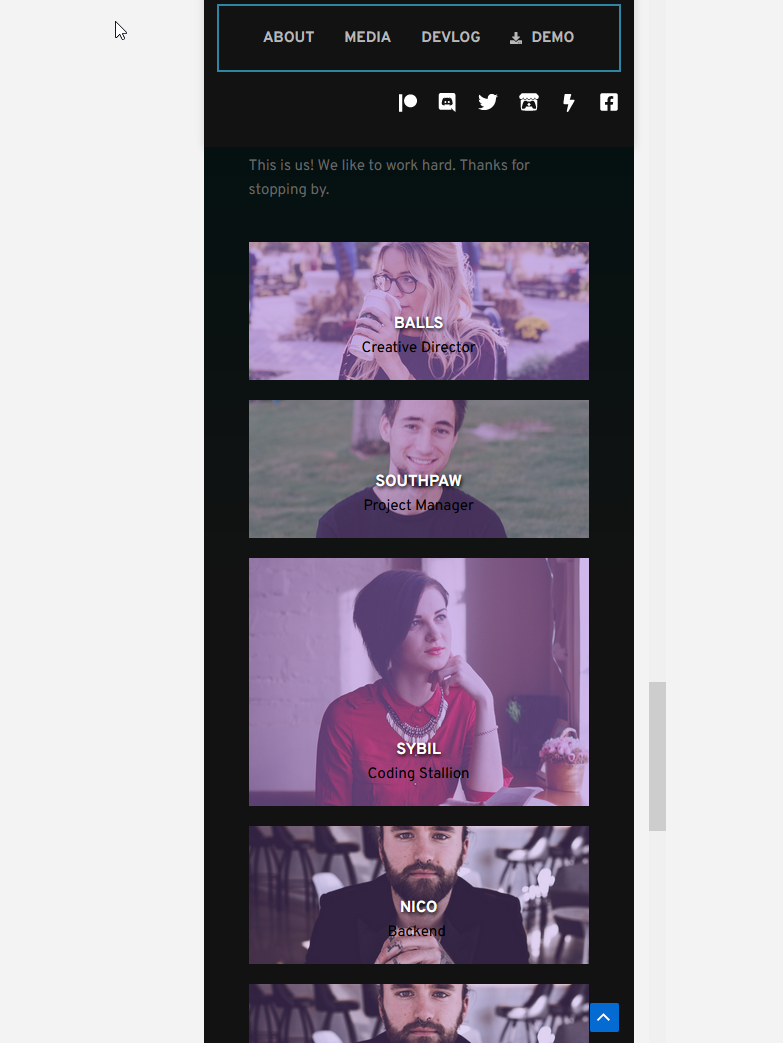
I've manually changed them now so it is fixed, if i'm understanding correctly some changes from the desktop are not translated over to the mobile design automatically?
0 -
Hi
Once you add a design for the Desktop, you need to switch to the Tablet and Mobile design views and check if the design looks fine and make necessary customizations.
0 -
Thank you very helpful
0
Please sign in to leave a comment.
Comments
4 comments