Broken images

The builder on cloud is perfect and images look good, but when i published the page (checked with both sync & html versions), the image are interupted ( zero byte). Could you help me?
Project id: 5049058

-

Hi Linh,
Images containing diacritic signs and spaces in their names do not work well with HTML Export and Server Sync options. The solution is to rename the original images without diacritic marks or spaces and re-upload it to your Brizy Cloud project and then generate the HTML Export file again. For example,
- If the file name of an image you have uploaded to your Brizy Cloud project is medallas sin fondo.jpg please rename it to medallas-sin-fondo.jpg and re-upload to your Brizy Cloud page.
- If you have uploaded an image with the file name Sessão-Promo-Video-Brasil-Médicos.jpg rename it to Sessao-Promo-Video-Brasil-Medicos.jpg and re-upload it to your Brizy Cloud page
Once you re-upload the images, please generate the HTML Export file and publish it to your server and check if the image issue gets resolved.
0 -
I changed images (all images are good before uploading), but same result. Zero bytes!
0 -
Hi Linh,
Your project DELETEX SOO was created using the older Brizy Cloud project format. I have recreated it using the current Brizy Cloud project format. Please Export HMTL from the new project - DELETEX SOO- COPY.
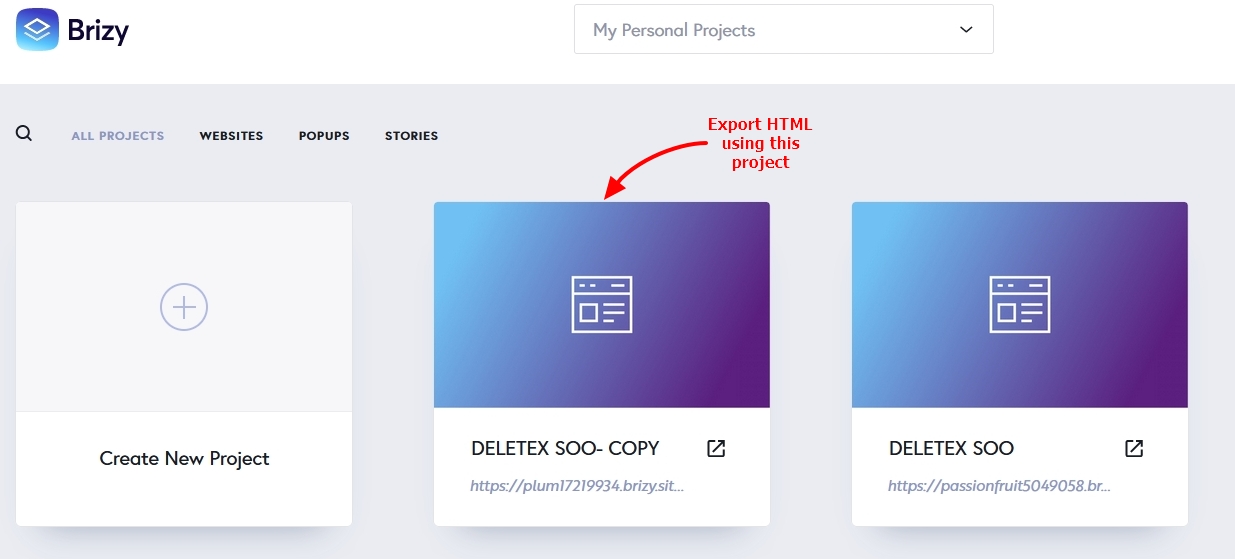 0
0
Please sign in to leave a comment.
Comments
3 comments