Connecting Birzy Pro with Wordpress

Hello,
I am building by website with Brizy Pro from my dashboard, and I would like to connect this to Wordpress to manage also a Blog.
How does it work? I have an account in Wordpress but I am not sure if I have to make a subscription to wordpress too.
Looking forward to hearing from you.
Thanks,
Veronica
-

Hi Veronica,
Thank you for reaching out to us.
Unfortunately, it's not possible to directly link Brizy Cloud with WordPress to manage your blog. However, Brizy Cloud does have its own built-in blogging feature. You can check out this link for a guide on how to use it: https://www.brizy.io/blogging
If you want to connect your existing Brizy Cloud page to your WordPress Blog page, you can do so by adding a link to the menu on your website. Just keep in mind that the layout may not be consistent. If you want a consistent layout, you'll need to install Brizy Pro for WordPress and import your header, footer, and other elements from your Brizy Cloud site.
If you have any further questions, please let us know.
Best regards,
Ariel H.0 -
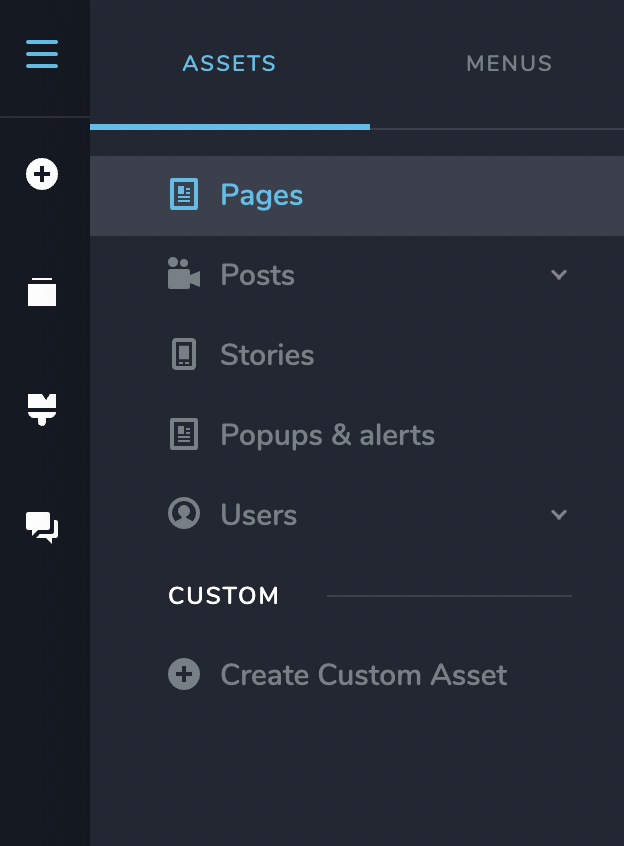
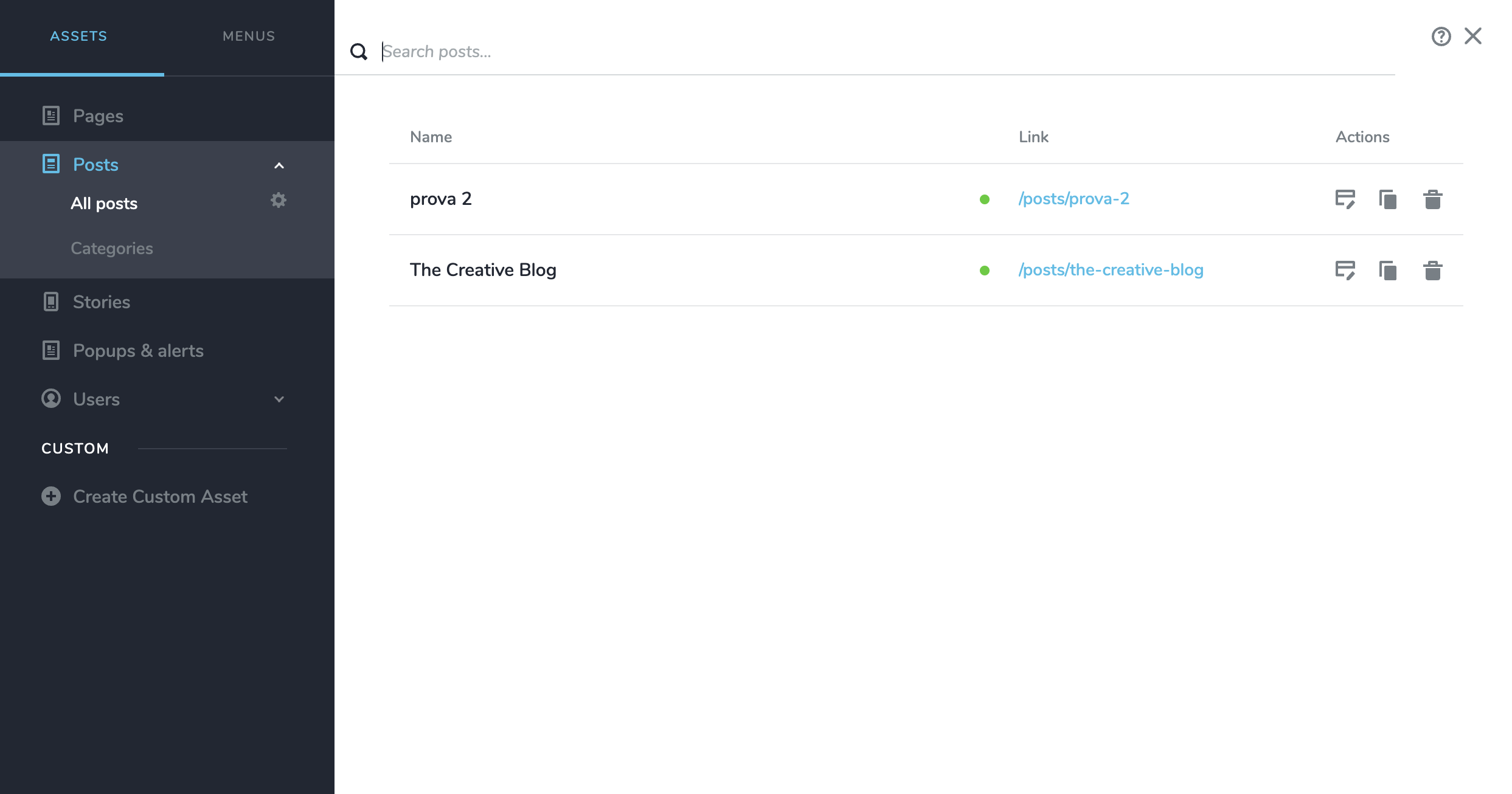
Hello Ariel, thank you. I am following the tutorial but I don't have the BLOG section in my assets. Do you know why? Thank you!
 0
0 -

Hi Veronica,
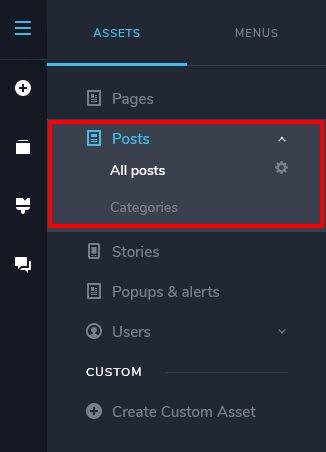
Please consider the 'Posts' section under Assets as the Blog.
 0
0 -
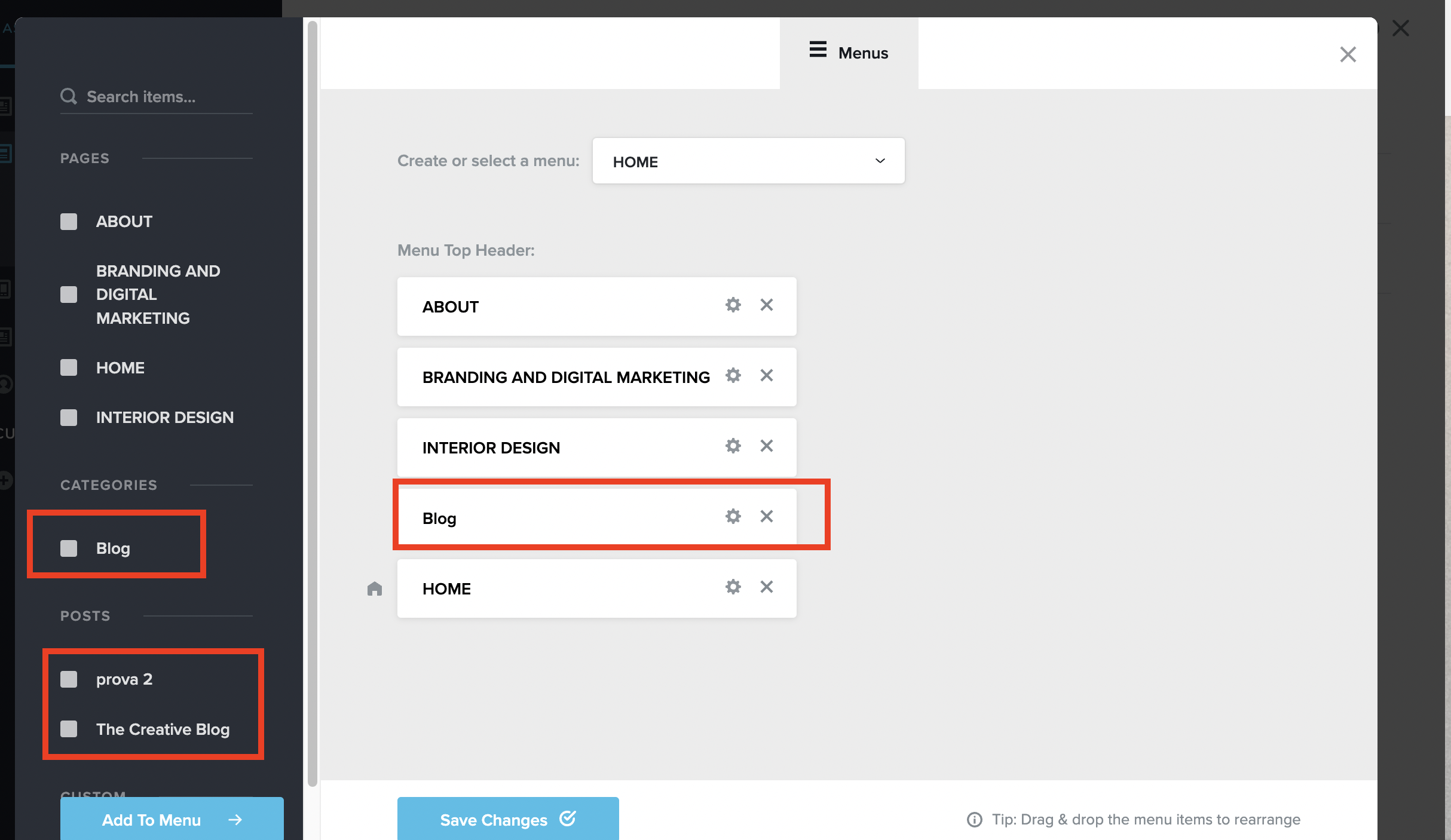
Hi KC, so as far as I understood to create a blog I have to insert the BLOG menu in the website header (as picture below) and then how to edit this page? It doesn't appear in the menu.
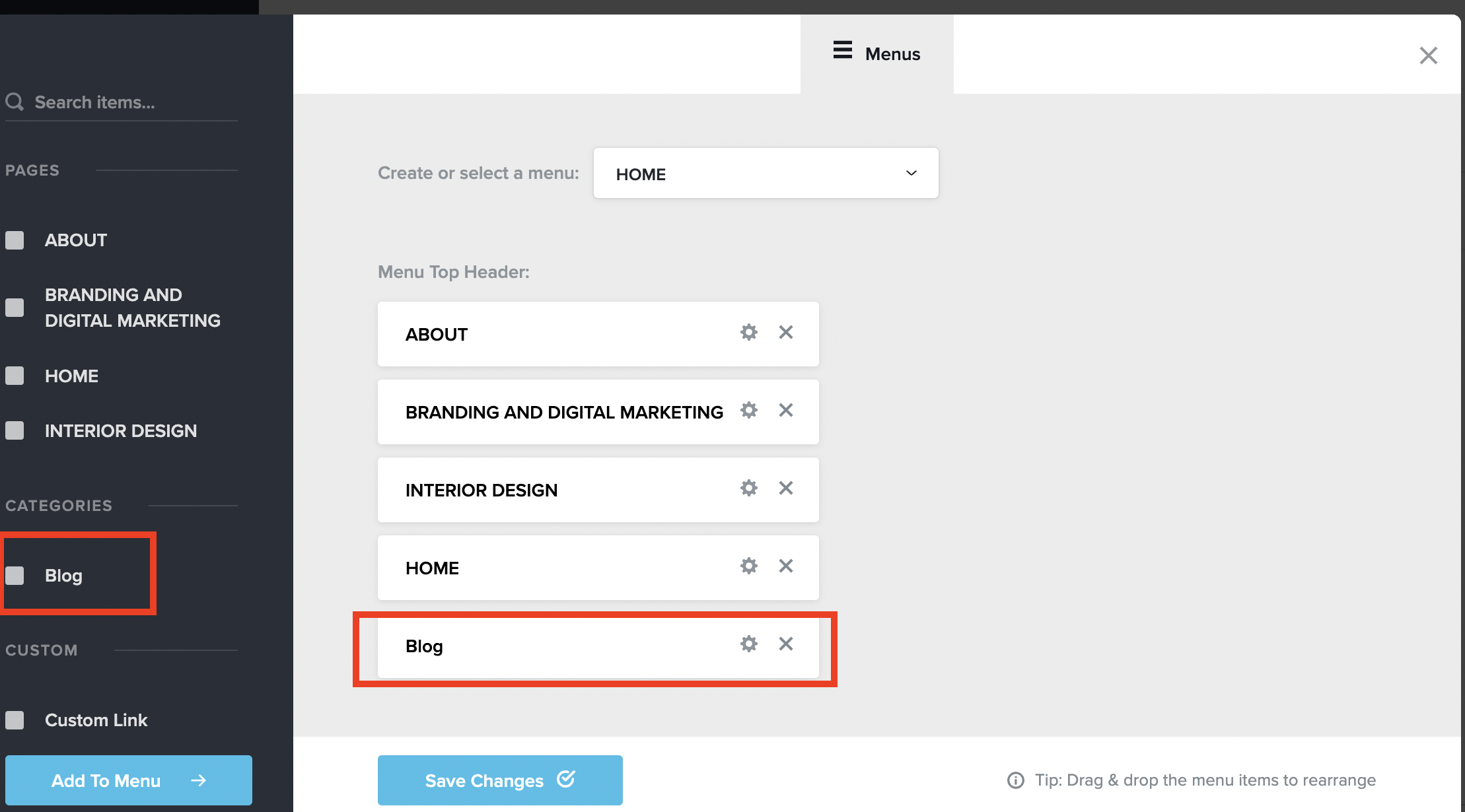
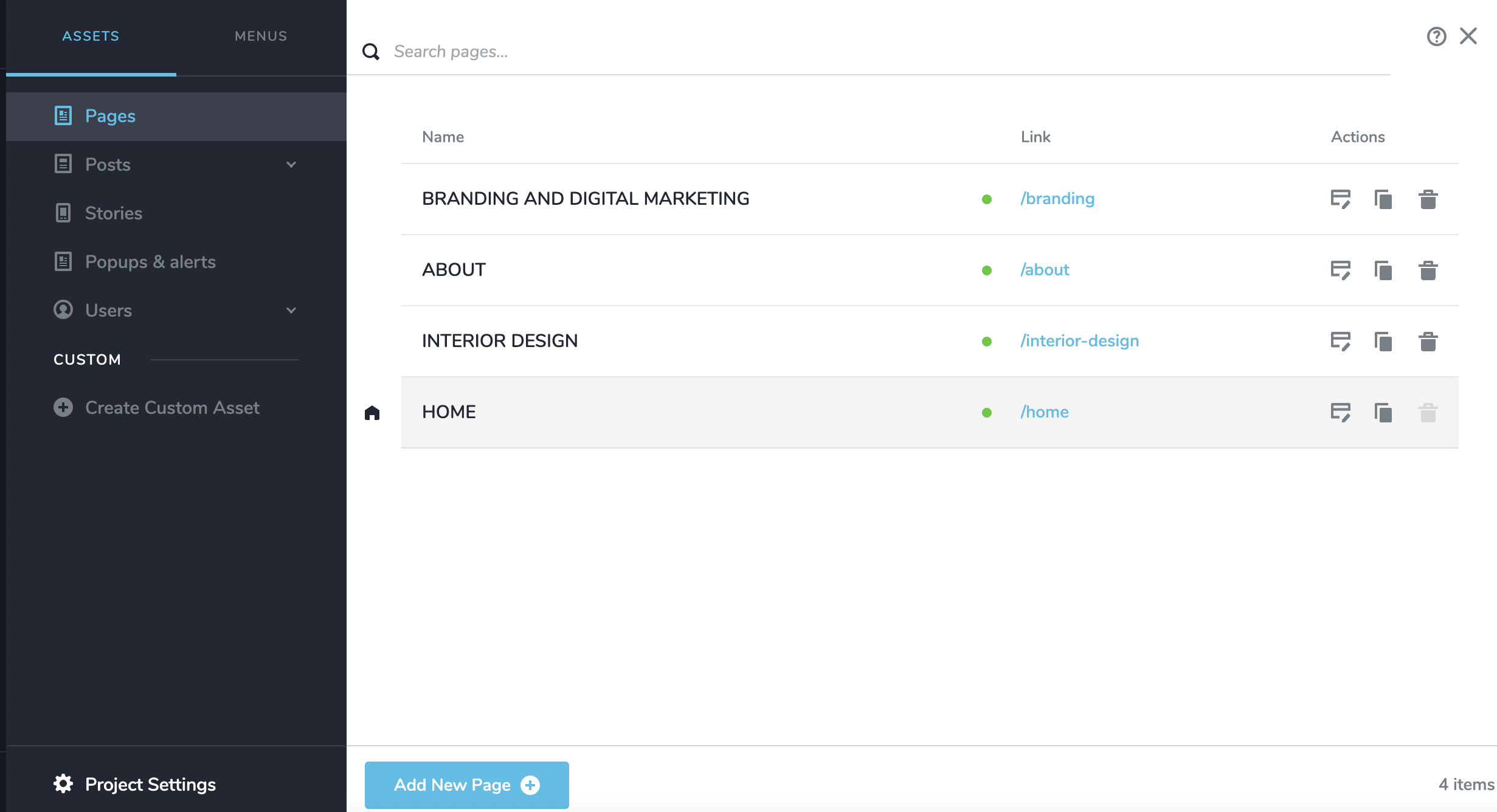 How can I create a separate page with blog posts in it (inside my website)?
thank youVeronica
0 -
Hi Veronica,
Are you referring to this tutorials on Brizy Cloud blogging? How to Create Post Pages Like a PRO
To list your blog posts, please add a new page and create a listing of blog posts following the procedure in the above tutorial from 20 minutes onwards. Instead of editing the Blog category as explained in the tutorial, please edit your Blog page. After creating the Blog page, you can add the page to your menu just like you add other pages to your menu.
If you have more questions, please get back to us.
0 -
Hello, thank you!
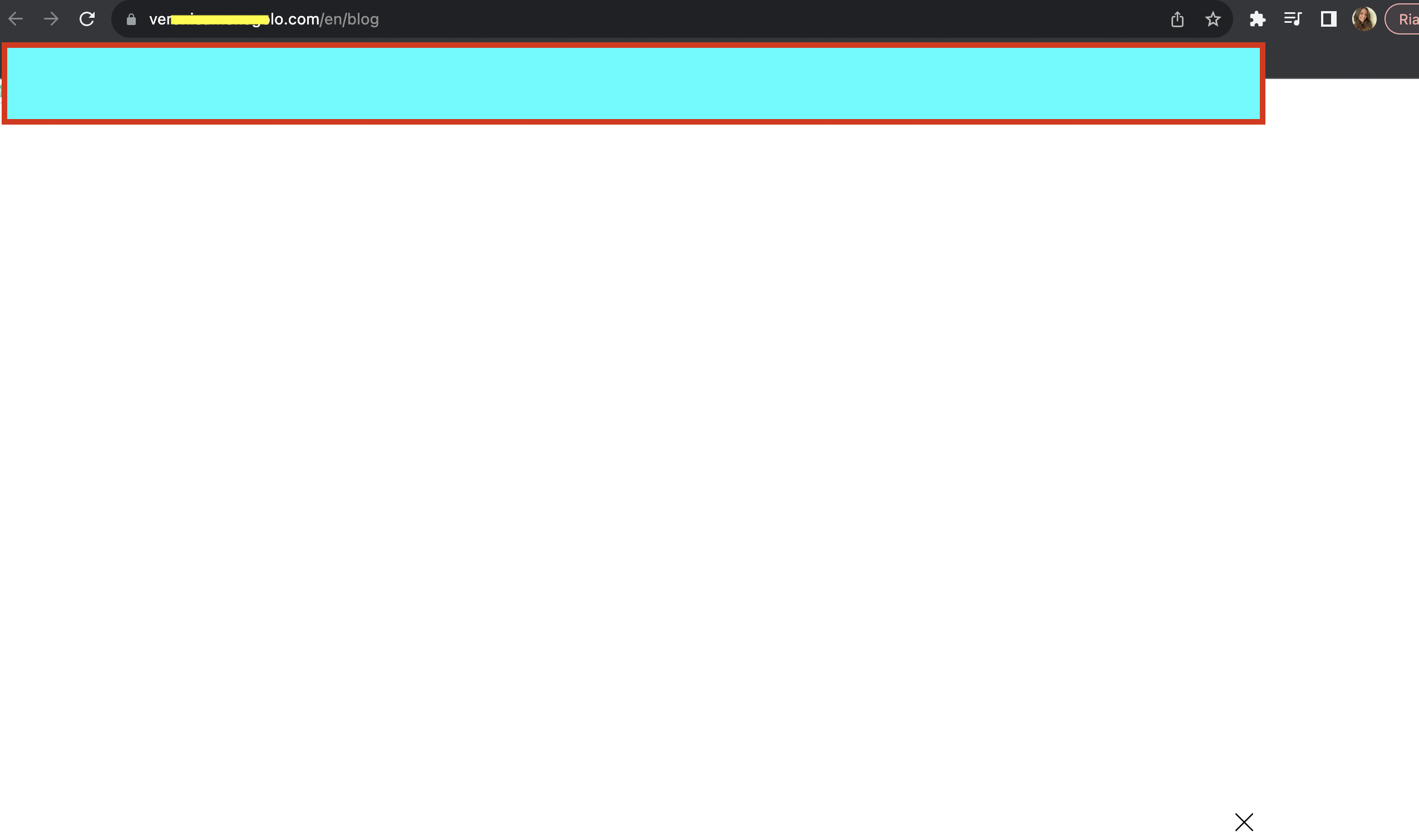
Still I have doubts. I managed to create the posts. But I don't know how to connect the posts to the blog "page" that I insert in the Menu section in my website. If I click on Blog nothing appears!
I want the posts to be in the Blog section (you can see the section in my website home page).So that we people go to my website, can see it and then if they want to go on the blog, it opens a separate page with blog home page (and posts).
Thank you very much
 0
0 -
Hi Veronica,
I have added a blog page for you here https://www.veronicamenegolo.com/en/blog Please see the procedure I have followed for creating the blog page here https://jmp.sh/hvrgrsa5
0
Please sign in to leave a comment.
Comments
7 comments