problem changing images

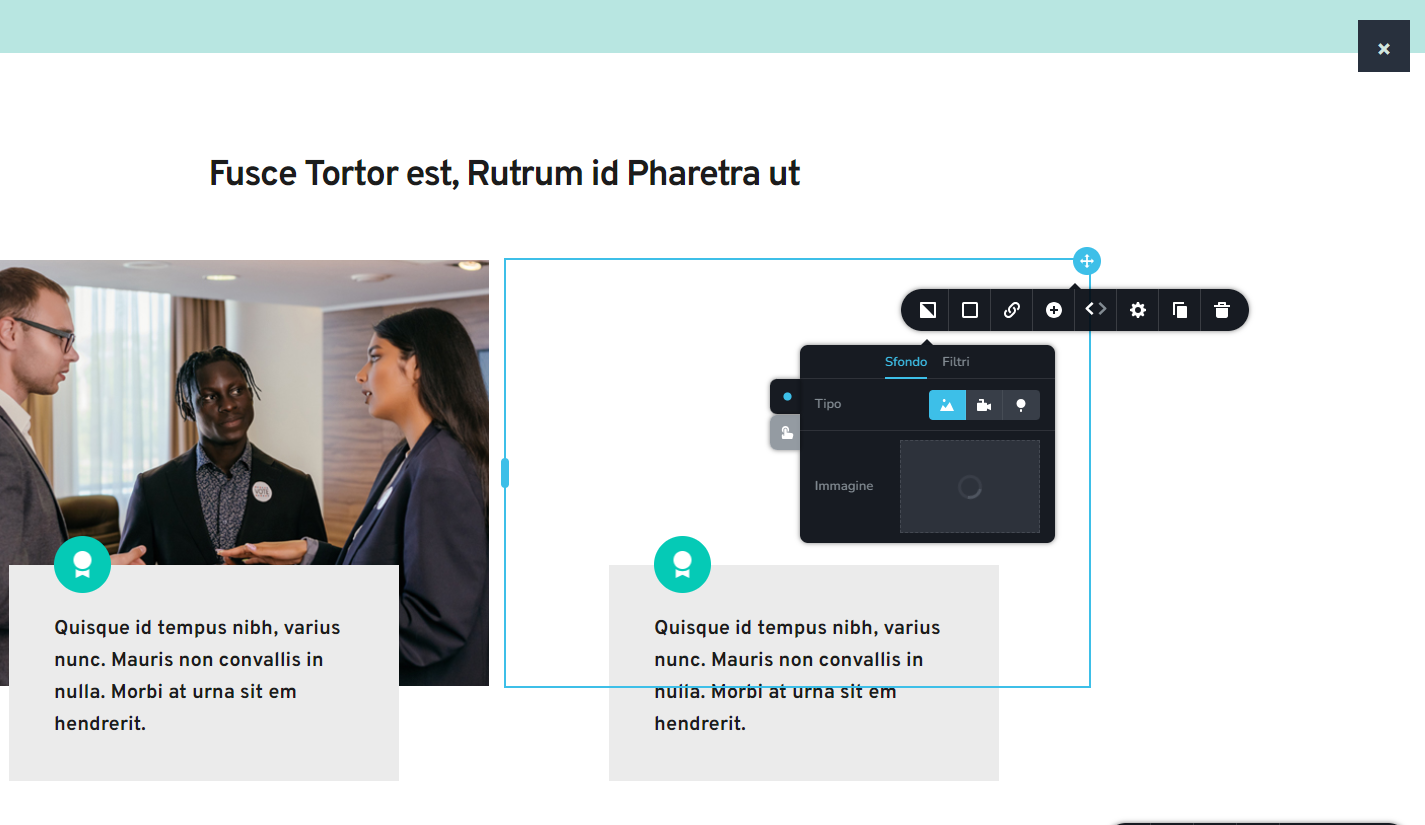 When I try to change an image, it appears a X on the right and it's not possible any change.
What's the conflict? How can I fix this?
0
-

Hi Fabrizio,
Most recent Brizy versions have an incompatibility with Jetpack Image optimizations and GoDaddy CDN. If you have enabled any of the following options, please disable it to upload images using Brizy.
- In your WordPress Dashboard under Jetpack - Dashboard scroll down to the heading "Performance and Growth" and disable the option 'Image Accelerator' https://jmp.sh/SU32wfE9
- Under Jetpack - Settings, under the Performance tab, disable the option 'Speed up image load times' https://jmp.sh/neap53iR
- If you have installed Jetpack Boost, under Jetpack - Boost disable the option 'Image CDN' https://jmp.sh/FUSoE1ZP
- If you are hosting with GoDaddy and using their CDN, please disable the CDN option from your GoDaddy account. You can follow instructions in this article. Enable or disable my CDN
If none of the above helps, please get back to us with your website URL. We will take a look.
0
Please sign in to leave a comment.
Comments
1 comment