Difficulty with applying Brizy Template to Blog page

Hello,
I'm having some difficulties adding the Brizy theme to my WP blog:
https://www.coom.xxx/devlog/
I've designated the page on which the blogs should appear in the Reading section of WP. But
If I then select to edit my devlog page with the wordpress editor:
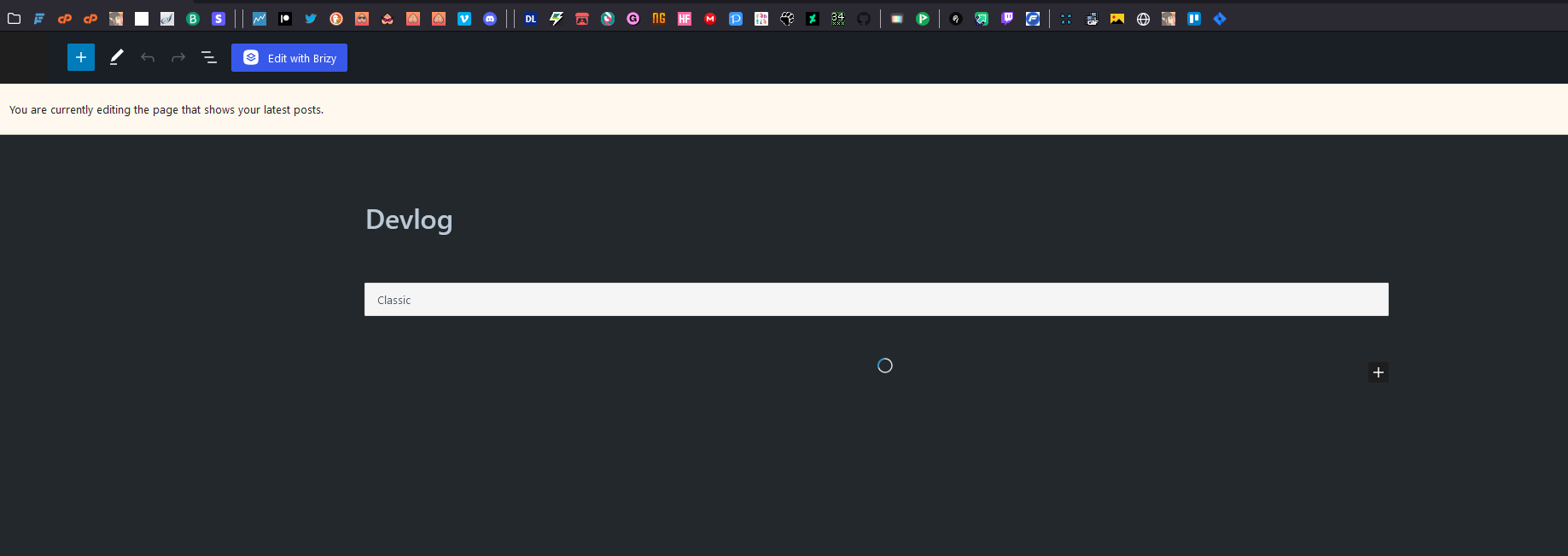
Then the blog will appear but without Brizy applied: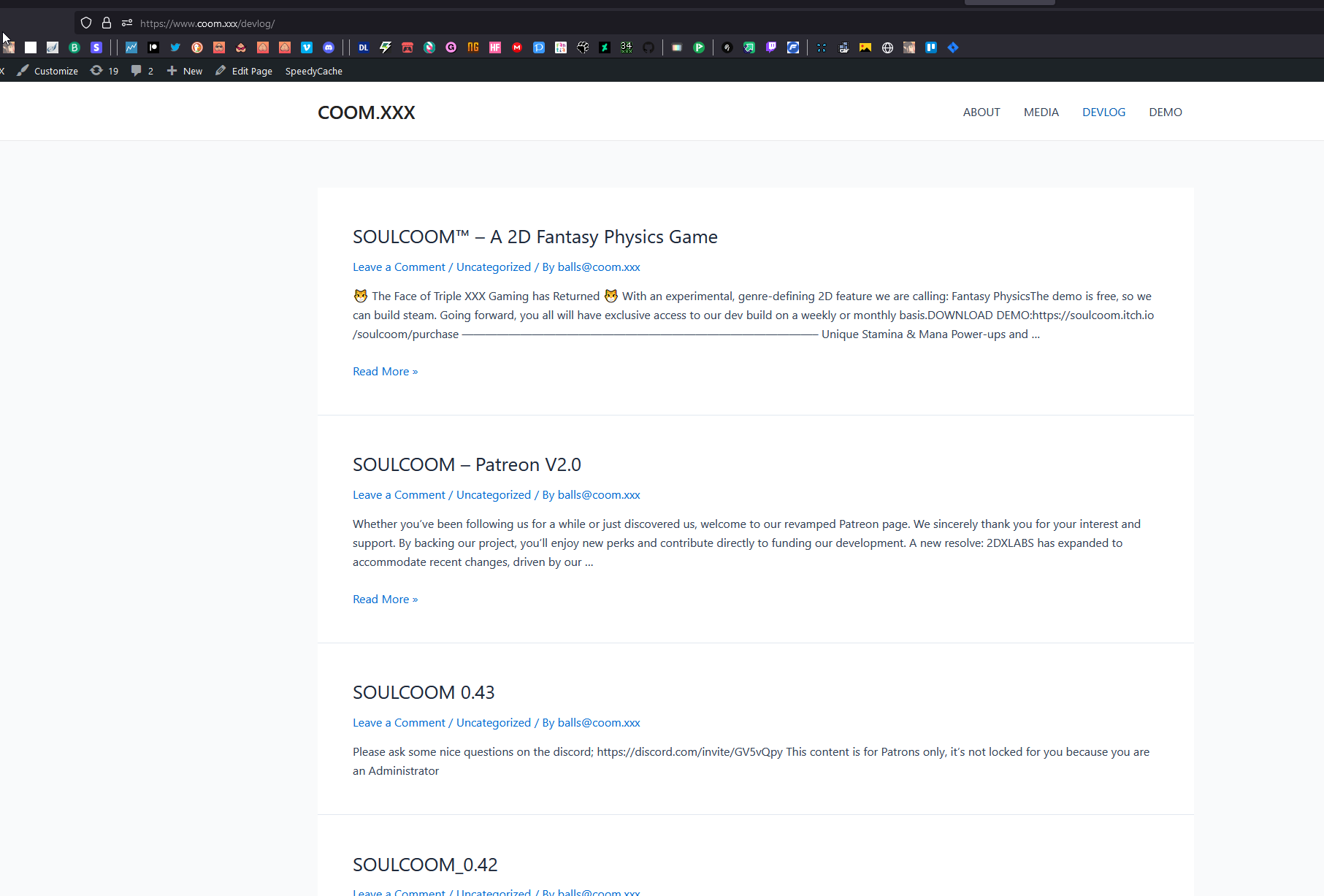
If I select to edit my blog page with Brizy;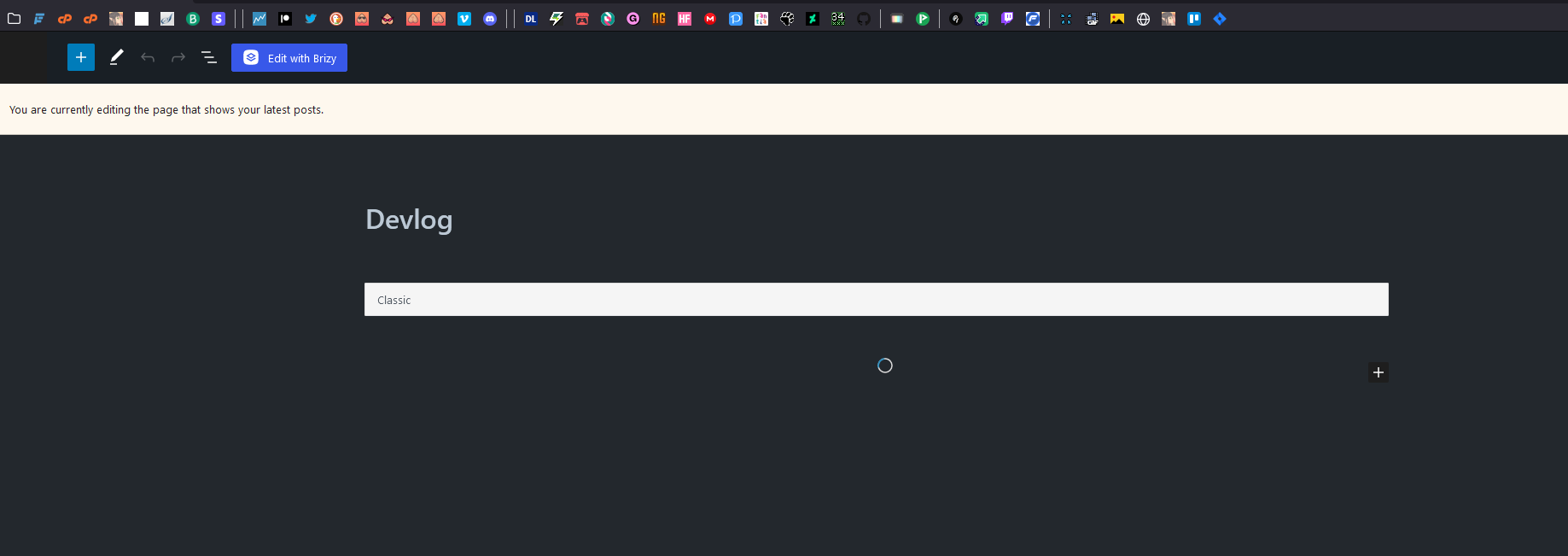
Then the blog disappears: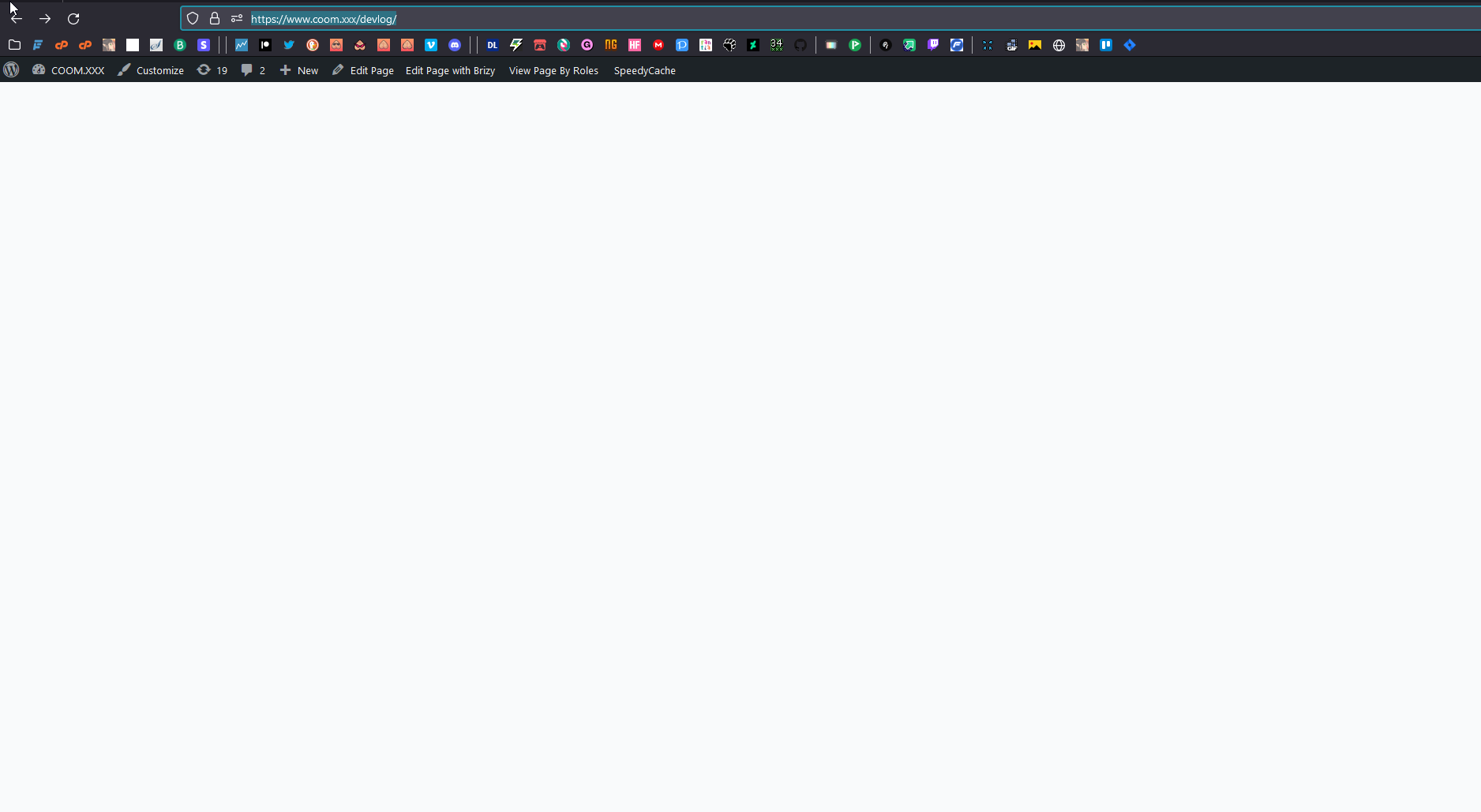
I also created a template within the Brizy settings following the advice found on this forum: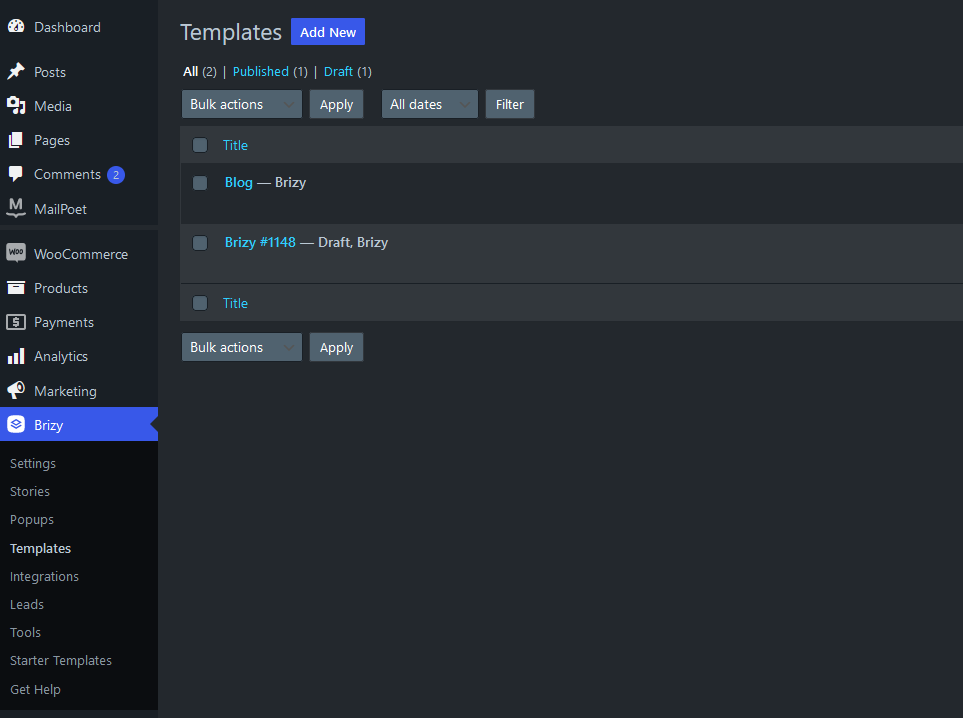 But i don't think this did anything.
Thanks for your time,
-

Hi
The blog archive page in WordPress is an auto generated page and its design is set in your theme customizer. Once you have created the blog page (https://www.coom.xxx/devlog/) you should not edit it with Gutenberg or with Brizy.
Please ensure that Brizy Blog template has the following Display Condition.
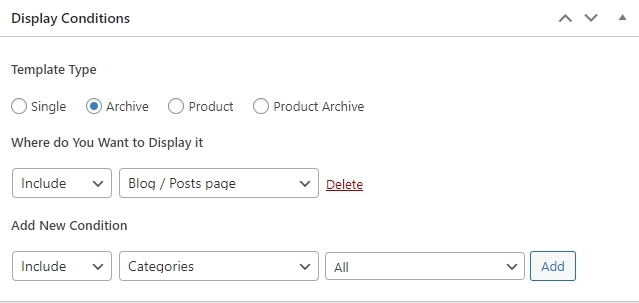
Make sure that there is a 'Delete' button next to 'Include Blog/Posts page' and not a 'Add' button. If you see a 'Add' button, it means you haven't added the Display Condition yet. To add the condition, click 'Add'.
Now, click 'Edit with Brizy' and create your Blog Archive page. Please add your global header, a blank block, and your global footer to the page that opens up. Drag and drop the 'Archive' element into the empty block.
For more detailed instructions, please have a look at this tutorial Dynamic Template Creation with Brizy | Lesson 19
If you are still unable to set up Brizy Blog Template after doing all of above, please contact us. We will look into your WordPress Dashboard to provide additional assistance.
0 -
Thank you George,
I managed to do all the steps here and in the video;
https://www.coom.xxx/devlog/
but the blog itself tends to disappear, i'd like to place it in the blank block like you suggested. If you guys want to send over an email I can register you as a guest to the dashboard. Thanks for your time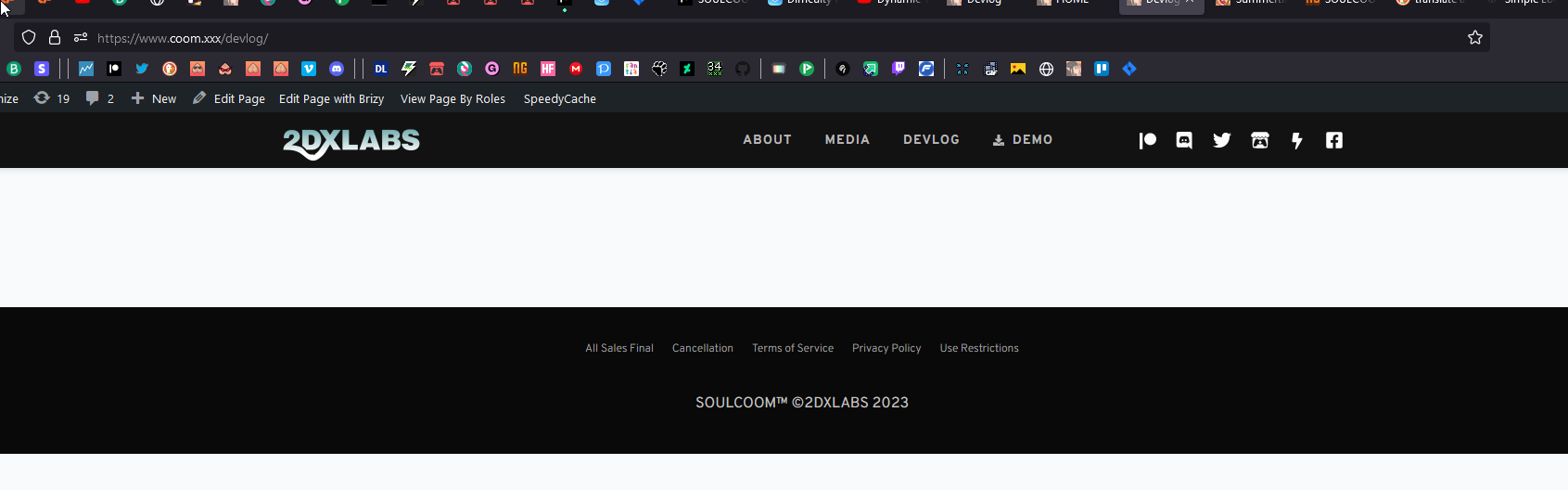 0
0 -

Hi Rev,
Thank you for keeping in touch.
Please ensure that your page template is set to Brizy Template - https://prnt.sc/Uy_BMAn_gr-3
Otherwise, please provide us temporary access to your WP Admin credentials, so we can further check the issue. Add us as a user to your WordPress Dashboard and send the following details to: communitysupport@brizy.io
Community Post link: https://support.brizy.io/hc/en-us/community/posts/16106149371409
WordPress Admin URL:
Username:
Password:Please make a full backup of your website as a precaution.
I am looking forward to your response.
Best regards,
Ariel H.0 -
Hello,
I believe I have it set the way you mentioned here,
Still not sure why the blog isn't reading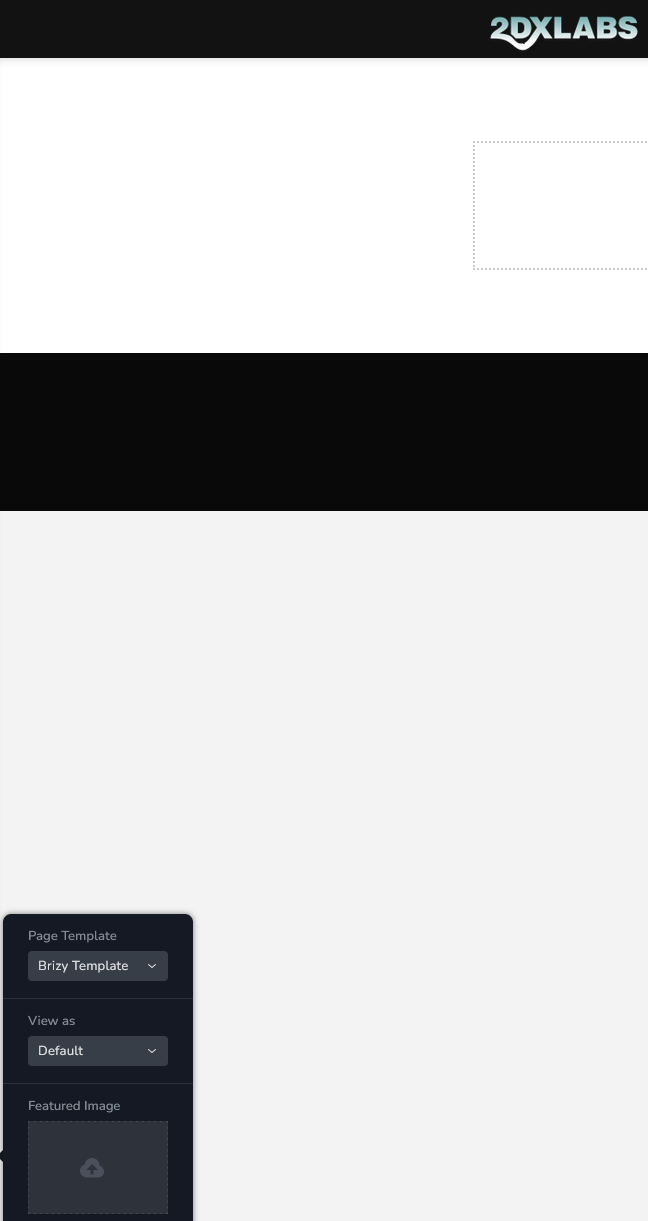
Thanks for the help0 -
Hi
I fixed the problem with your blog page. Please visit https://www.coom.xxx/devlog/.
Because you edited https://www.coom.xxx/devlog/ with Brizy, your Blog template design was not being applied. When you edit your blog page with Brizy, your page design takes precedence over the Brizy Blog Template design.
I erased and recreated the page https://www.coom.xxx/devlog/, and the Blog Template design is now active on this page. Since there was no design in the Blog Template, I have added a design.
0 -
Nice work, thank you.
It's still a bit unclear to me how I can edit that blog template design without breaking what you set up here.
Is it through...
Brizy > Templates > ...?
What we're trying to emulate is located here:
https://summertimesaga.com/news0 -
Hi
You are right; to edit your blog page, please make changes to the Blog template under Brizy - Templates.
0 -
Hello,
Thanks so far
What i'm having difficulty with now is understanding why the previews here won't load. Now, this is Patreon's plugin and it could be a compatibility issue with the Patreon plugin, so i'm still asking them. But I wanted to see what you guys might say. They asked if it is a size issue and I told them the size is dynamic and that even at 100%, with the largest column width, the image previews linked to their plugin still fail load.
Any ideas?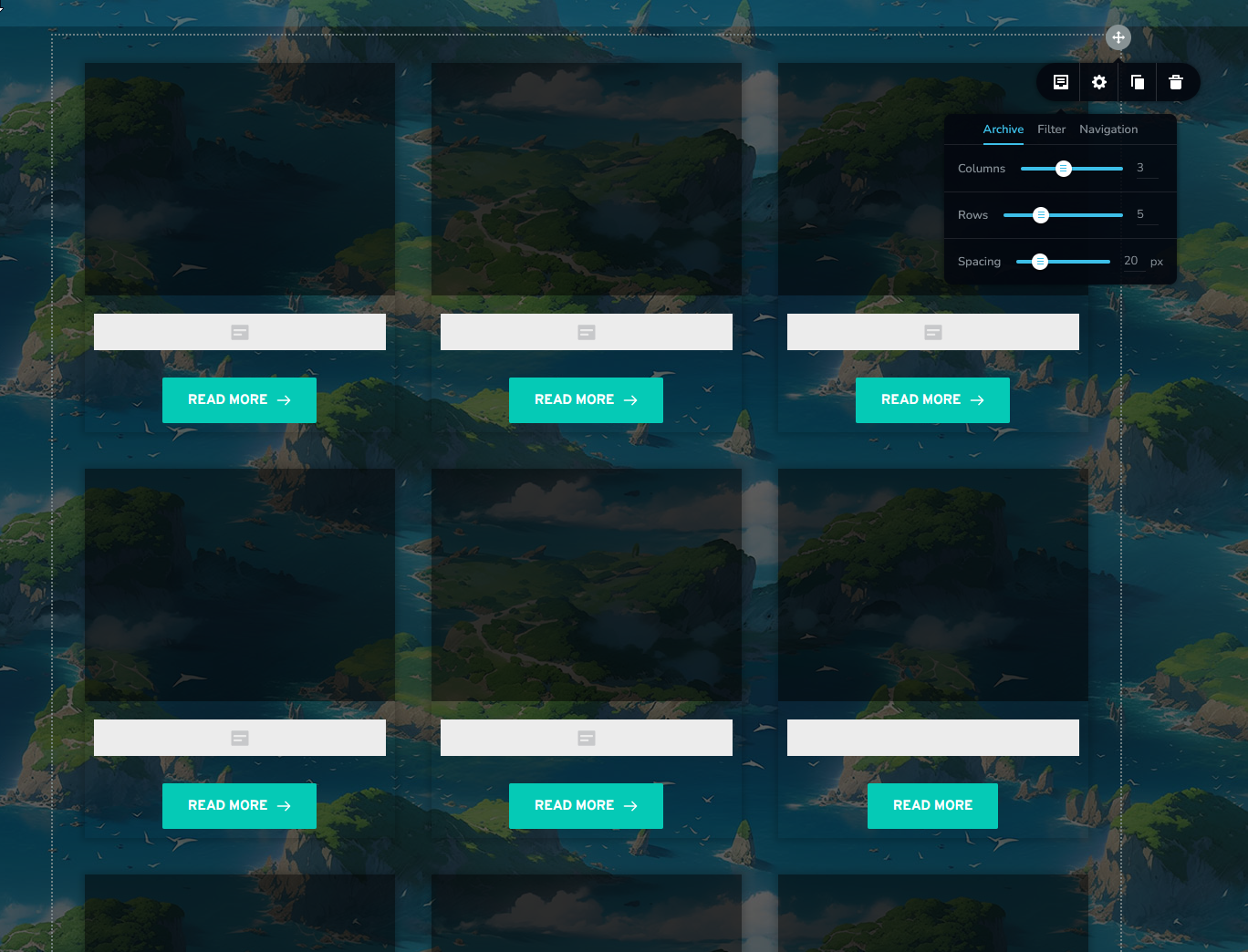
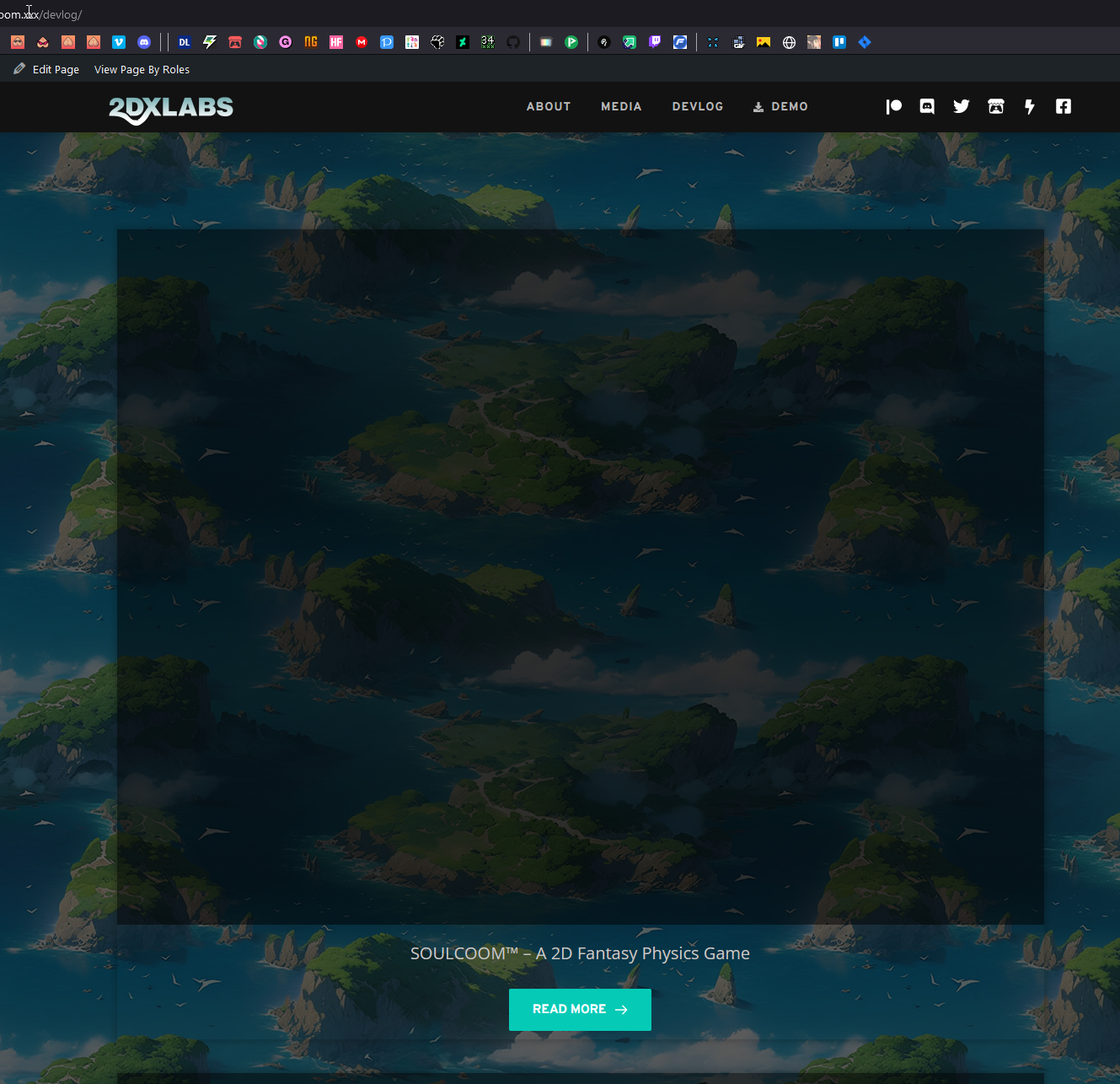 0
0 -
 Here's a bit more relevant info, would this directory contain the same size info for Brizy?0
 -
Hi
Please open your blog posts in Gutenberg Editor and check if you have added Featured Images
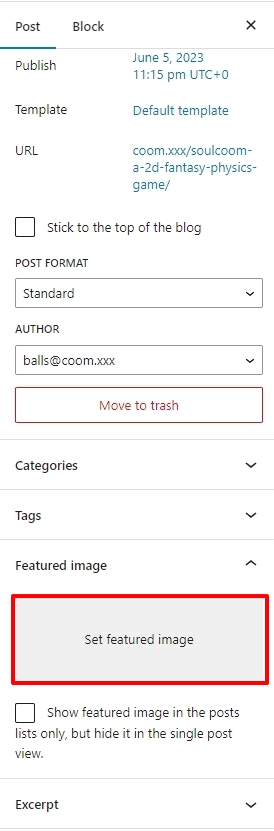 0
0
Please sign in to leave a comment.
Comments
10 comments