page template not working

Hi..
I have tried many times to set up my page template for my pages.. (not blog post).. so I set it up correctly.. but, why is it that my article page is not showing using the template I created?
the template shows but the content does not sync.. why? pls advice..
-

Hi Novlloyd,
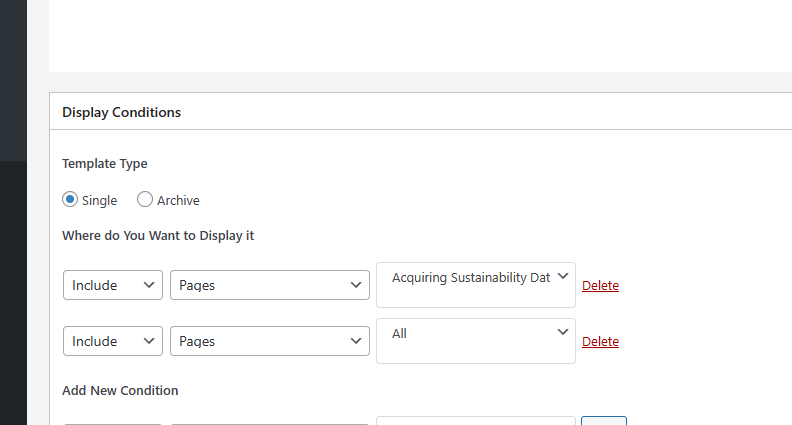
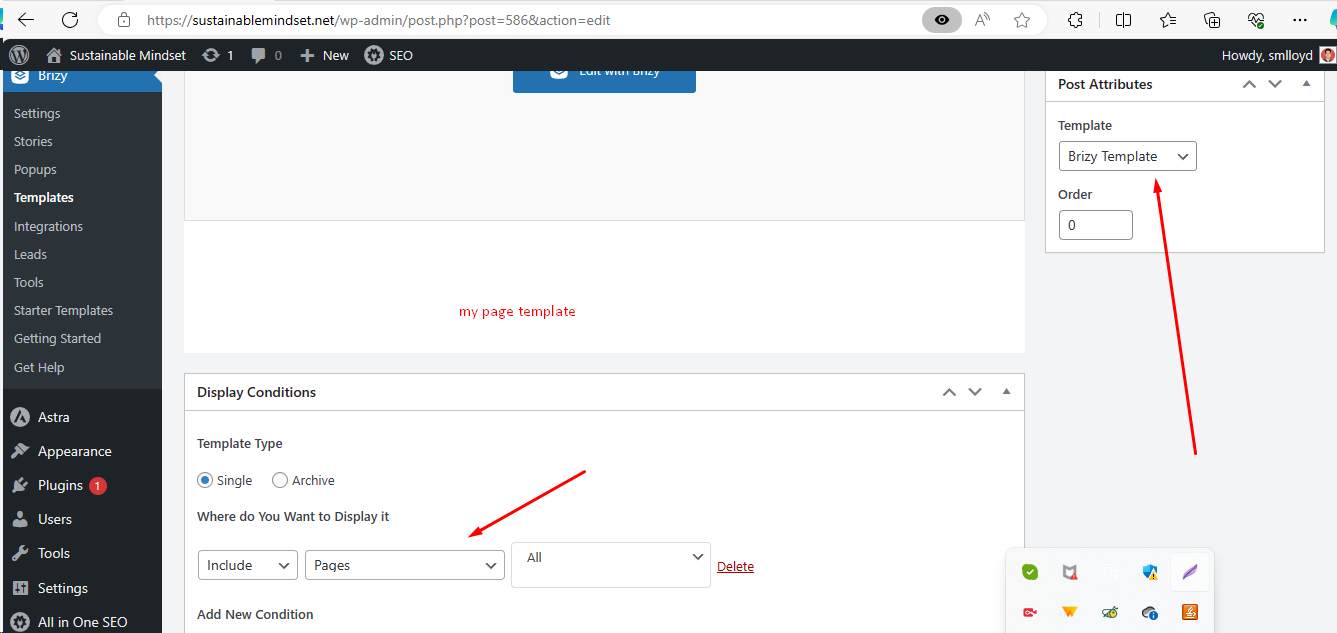
If the page template you have created is for a specific page, you should delete the Display Condition to apply it to All pages
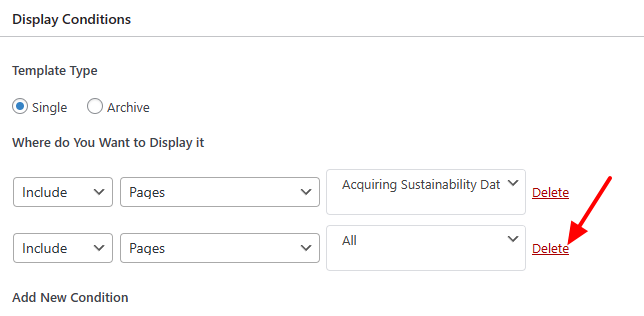
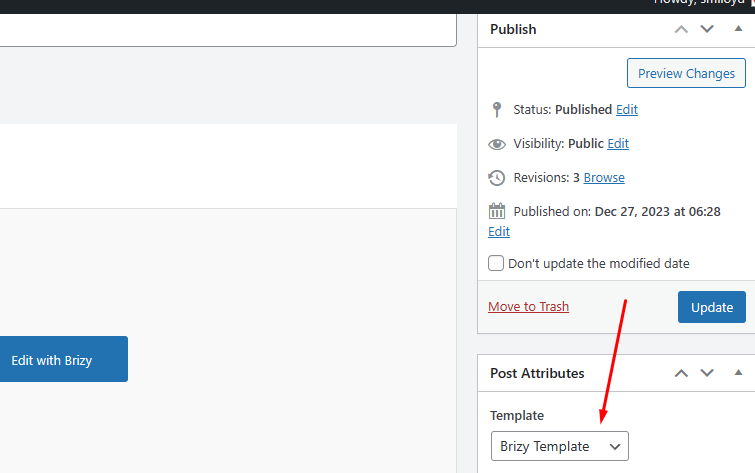
The page template design will take effect only if the page was developed entirely in the Gutenberg Editor and was never edited using Brizy by clicking on the 'Edit with Brizy' button.
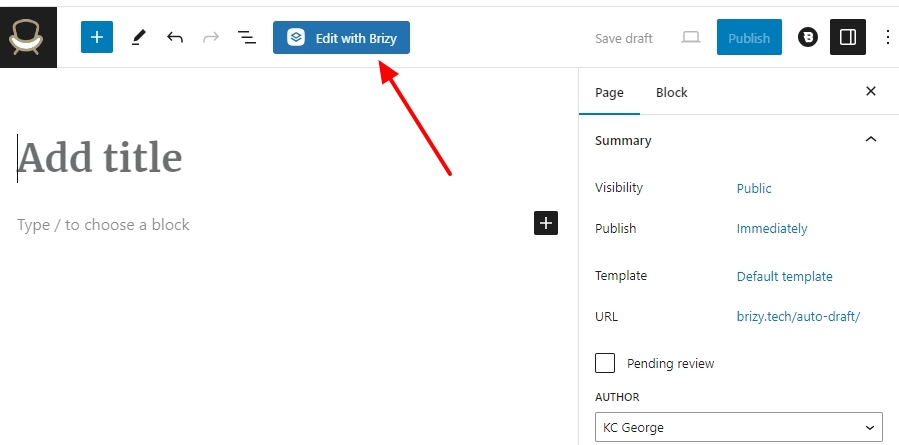
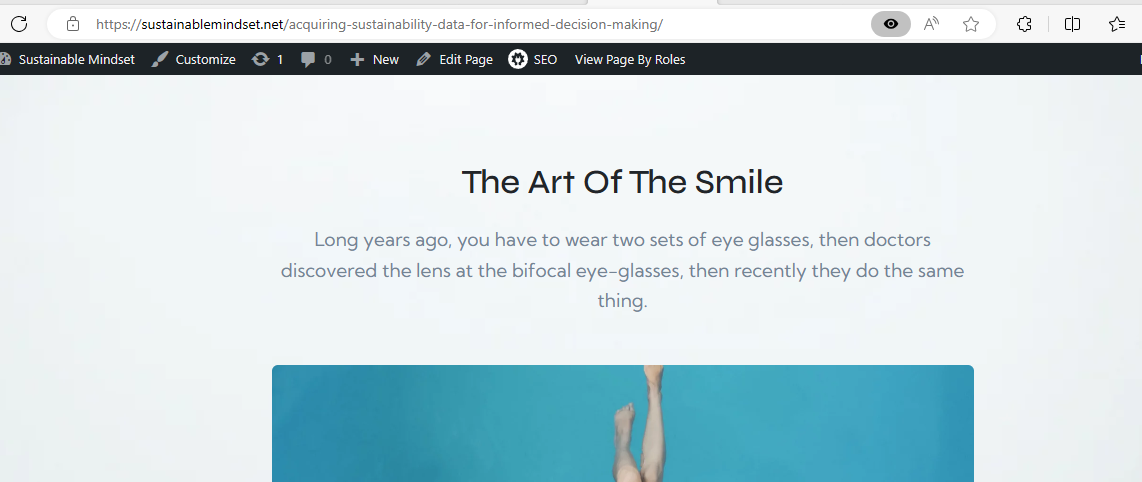
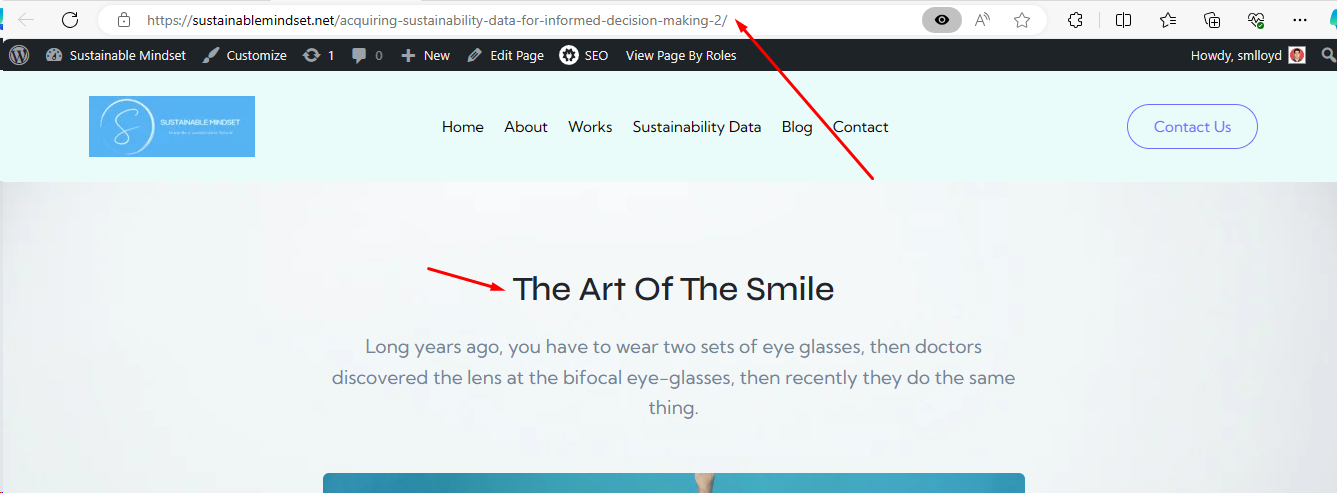
When you edit a page using Brizy by selecting the 'Edit with Brizy' button, the page design created using Brizy will take precedence over the Brizy Page Template design. From one of the screenshots you have attached, it appears that you have already edited the page https://sustainablemindset.net/acquiring-sustainability-data-for-informed-decision-making/ using Brizy. Hence the design created in the Brizy Template will not take effect.
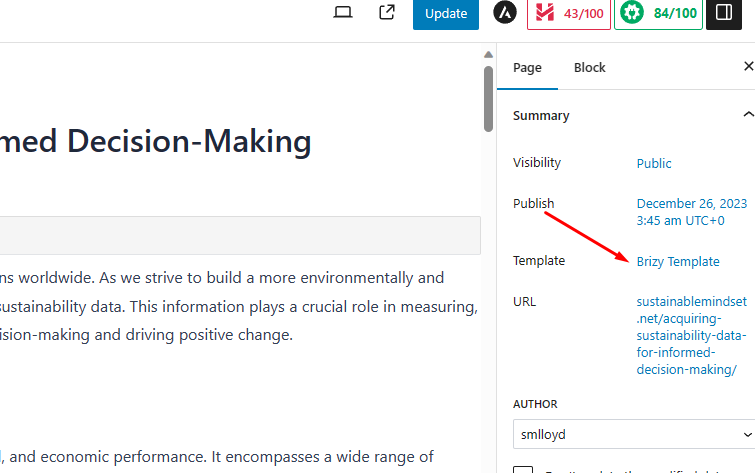
To resolve this issue, you may need to recreate the page in Gutenberg and not edit the page using Brizy. The template design you create will then be applied to the page when you build a Page Template for that particular page.
0 -
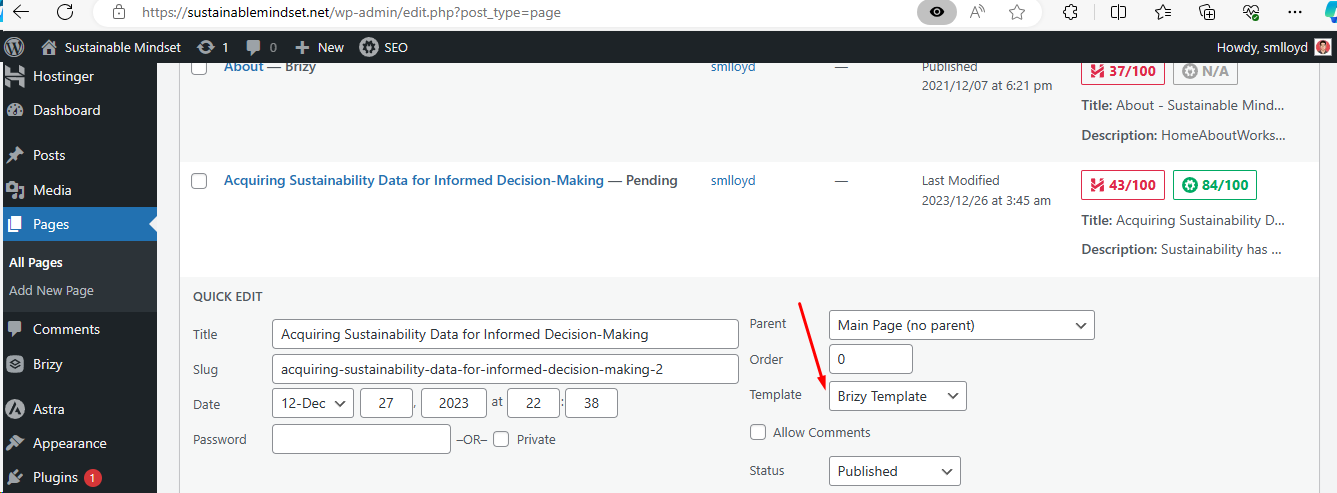
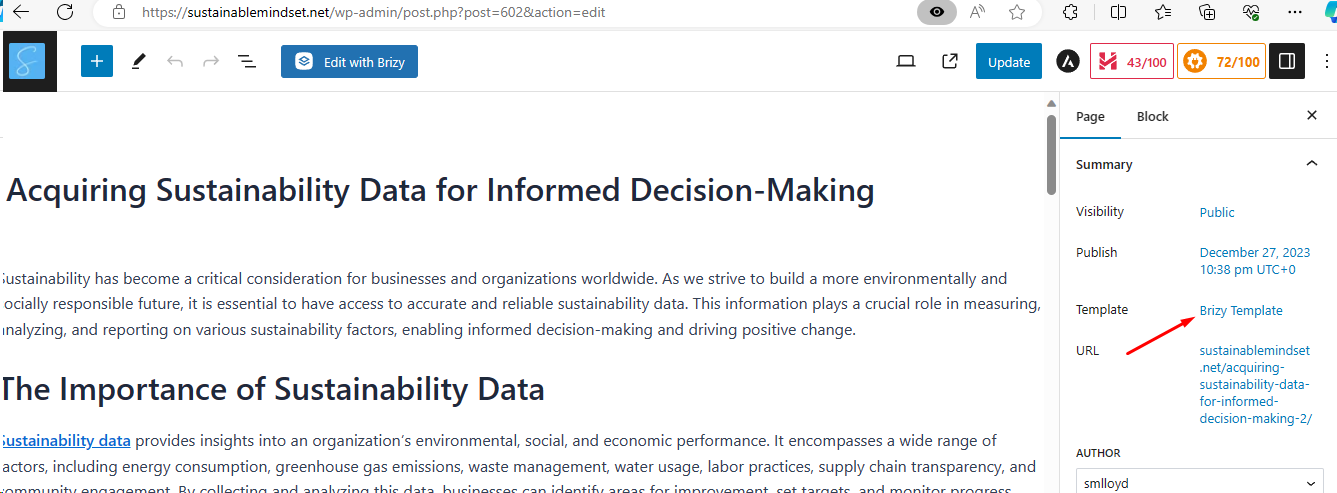
thank you for that information. Recently I have applied your suggestion such as to recreate the page in Gutenberg and not edit using the Brizy. However, I still not able to solve the issue. I tried switching the template from default to brizy, stil wont help.
 0
0 -
Hi Novlloyd,
Please have a look at this screen recording for the procedure to create a page template. https://jmp.sh/vFUIhW63 Please note that you should use the 'Default Template' rather than the 'Brizy Template' for the Gutenberg page.
Please contact us again if, even after attempting the preceding steps, you are still unable to set up a page template. We will review your project in order to provide additional assistance.
0
Please sign in to leave a comment.
Comments
3 comments