Post images too small

Hello Brizy team! And MERRY CHRISTMAS :)
I'm making some final adjustments before settling for the holidays. But this isn't urgent.
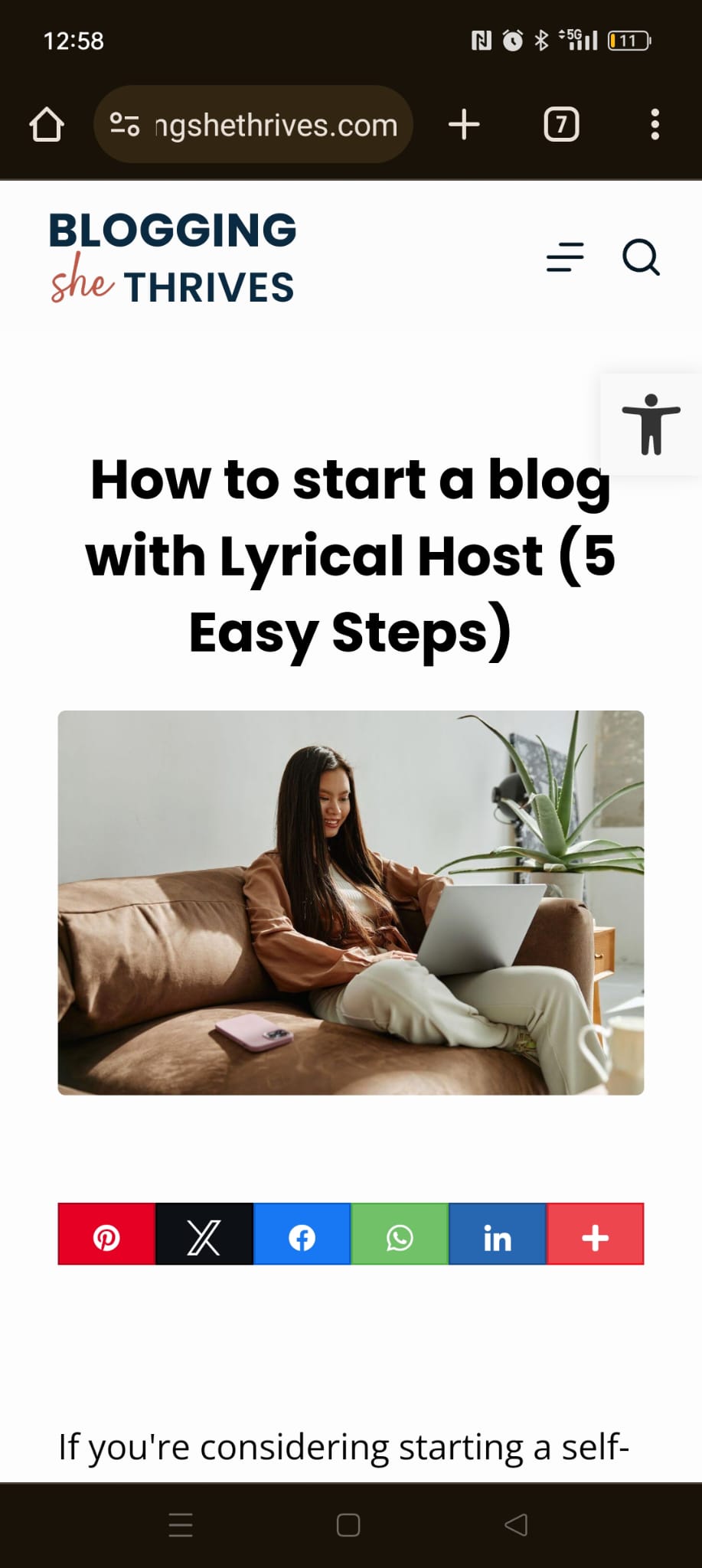
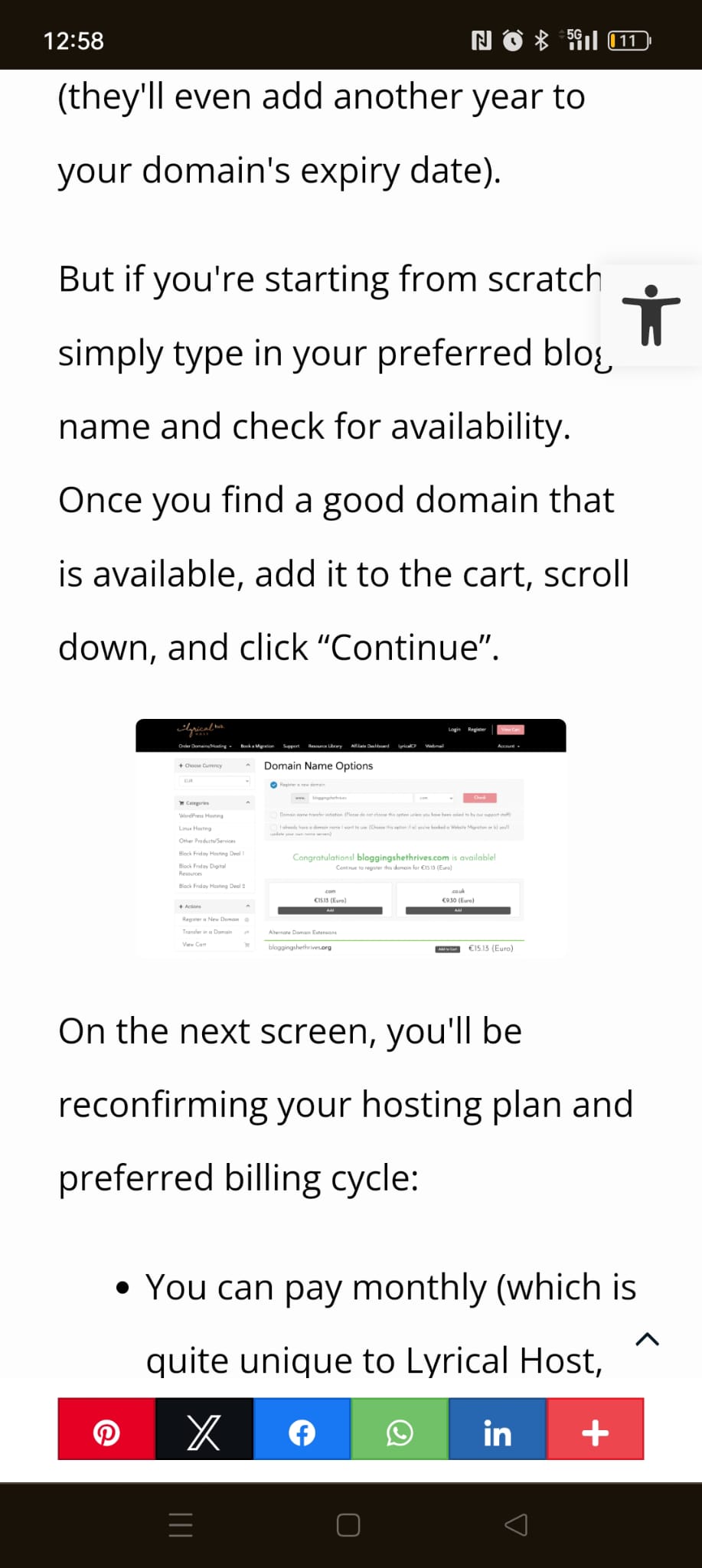
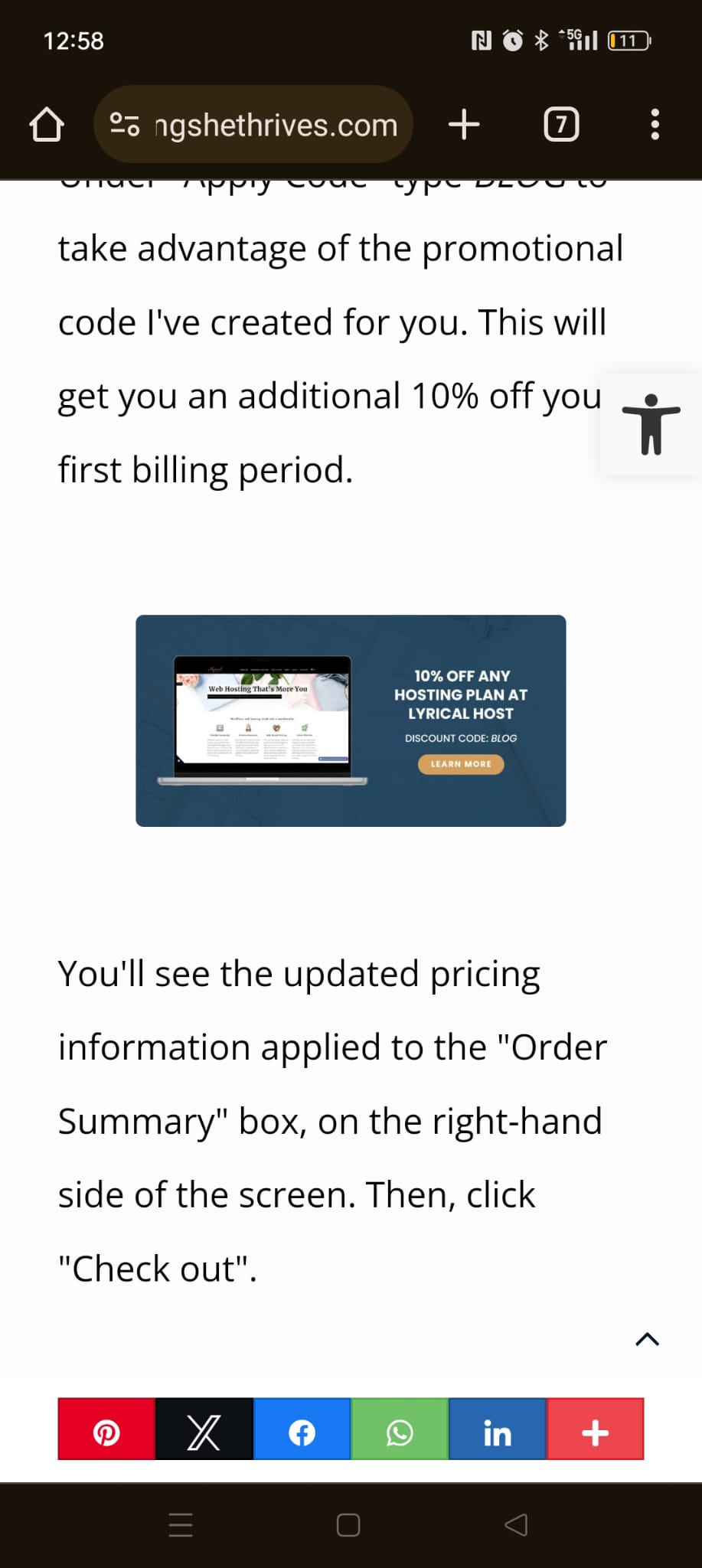
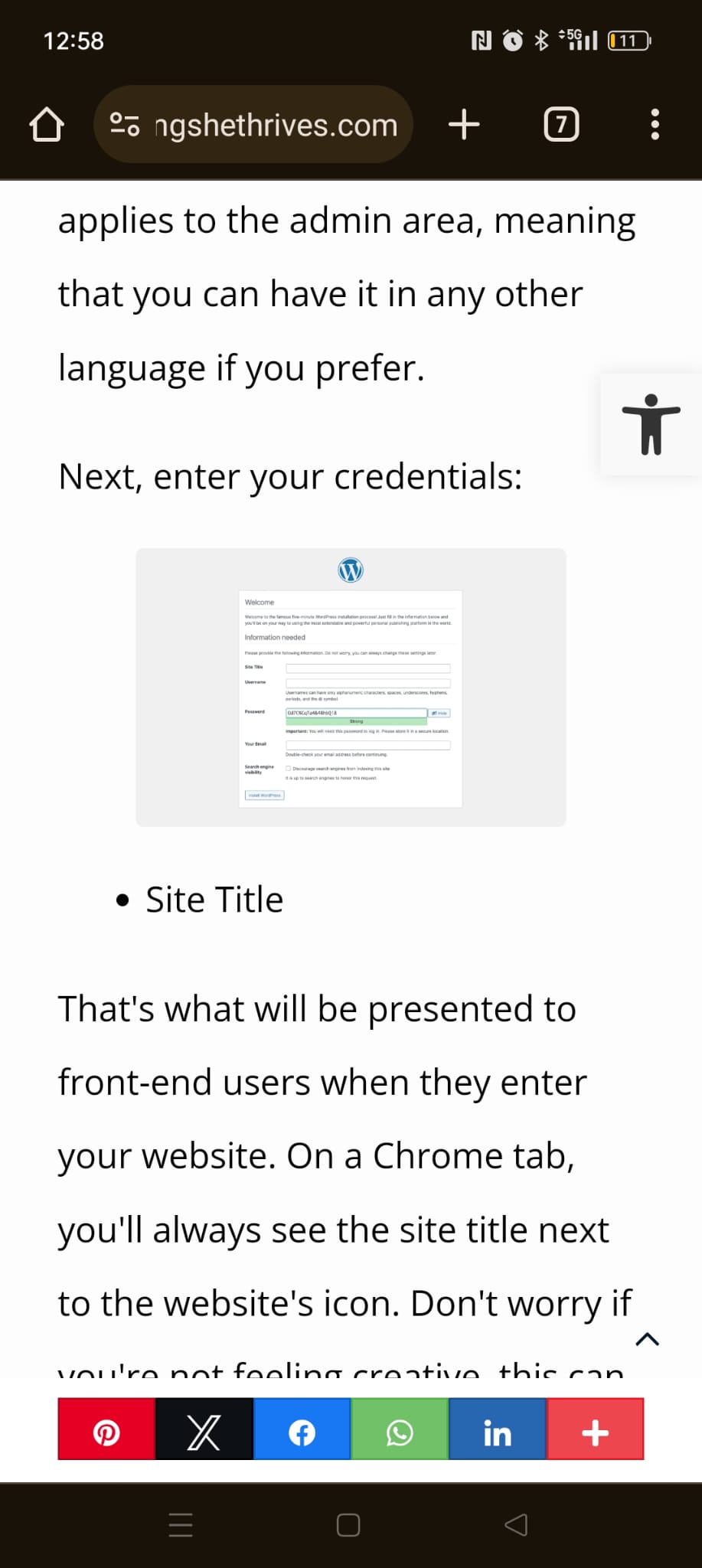
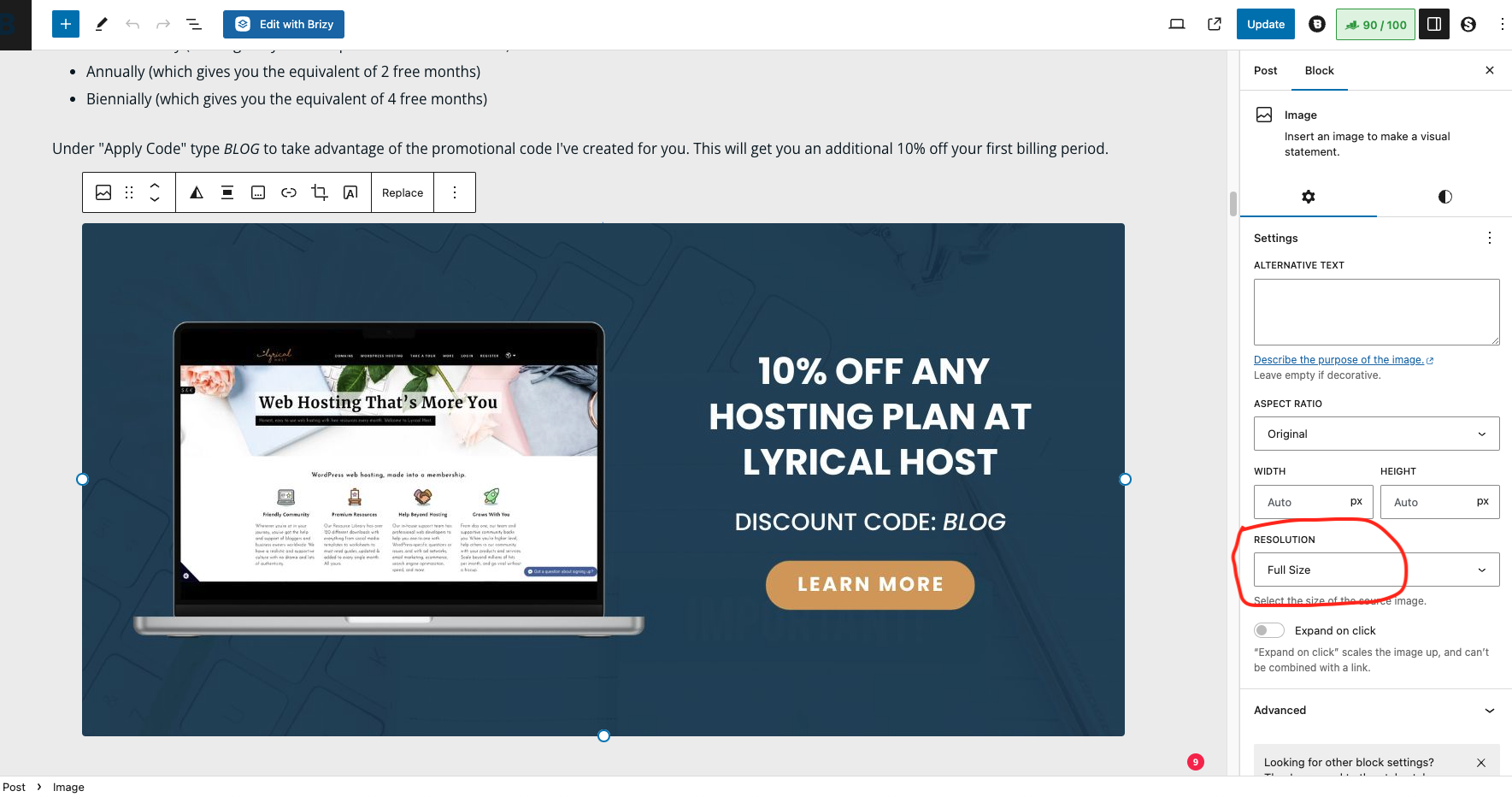
I saw that my images within blog posts look tiny on mobile. Except for the feature image, which is the right size.
I have the image set to full width in the posts but as you see below, everything else looks very small on mobile. How can I make them take the full size then?
Thank you, Sofia
-

Hi Sofia,
Thank you for reaching out to us.
It seems that your theme is adding some additional margins to the images. I suggest you try this custom CSS to eliminate those margins.
@media (max-width: 767px)
.brz .brz-wp-post-content>div>:last-child {
margin: 0;
}
Please try this and let me know how it goes.
Best regards,
Ariel H.0 -
Hi Ariel,
Thank you for your answer! I use the Blocksy theme as recommended. I don't think I've set any special settings as the blog post layout comes from Brizy.
Where do you suggest putting this code? In the Brizy layout area or using the code snippets plugin?
Thank you! :)
0 -
Hi Sofia,
Thank you for keeping in touch.
To add custom CSS to the Blocksy theme, you can follow these steps:
1. Log in to your WordPress dashboard.
2. Navigate to "Appearance" and click on "Customize".
3. In the Customizer, look for the "Additional CSS" option. It is usually located at the bottom of the menu.
4. Click on "Additional CSS" to open the CSS editor and copy/paste the above CSS.Please try this and let me know how it goes.
Best regards,
Ariel H.0 -
Hi Ariel,
It doesn't seem to be working. Could you see below this is in the right place?
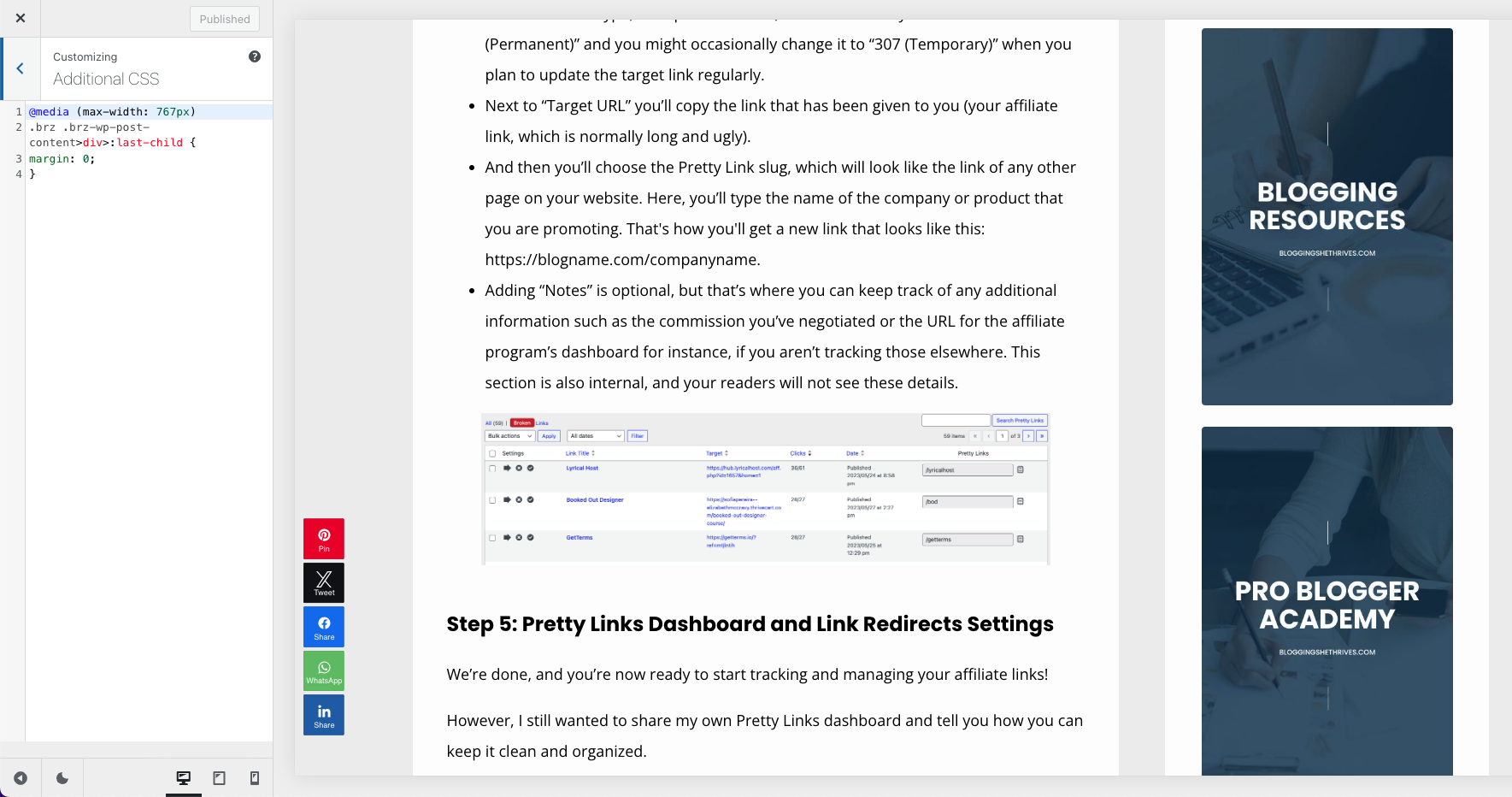
However, I do want to confirm, isn't Blocksy to integrate the best with Brizy?
I have also tried to put in the code snippets plugin instead because I always prefer to have any piece of code there, but it didn't do anything either.
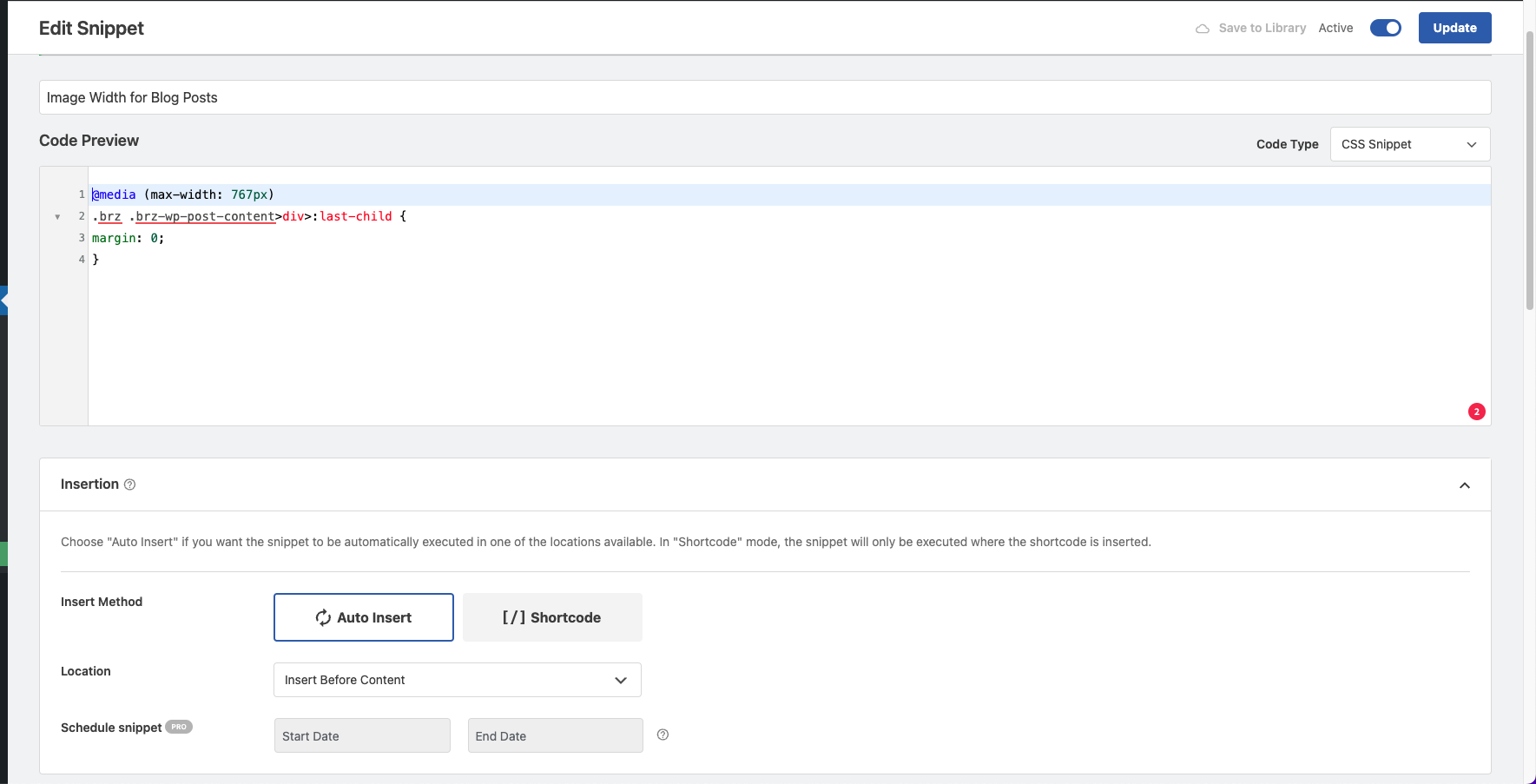
Thanks, Sofia
0 -
Hi Sofia,
Could you please provide the URL so we can inspect it?
In the meantime, please check if this works for you:.brz .brz-wp-post-content figure{
margin: 0;
}Best regards,
Ariel H.0 -
Yeah, this one works. Thank you so much!!
0
Please sign in to leave a comment.
Comments
6 comments