Brizy Cloud Editor not loading

The Brizy Cloud Editor doesn't load.
I tryed different browser and also logout and login again.

-

Hi Micha,
I tried accessing your Brizy Cloud Dashboard from India. I was able to open two of your projects. Please see my test here. https://jmp.sh/p6BQSz7s
Is this issue resolved or do you still need help?
0 -

I have this same issue -- I am able to create the project but once I come back and I click edit it:
1. Doesn load on Chrome nor Brave (which are my main browsers) and shows this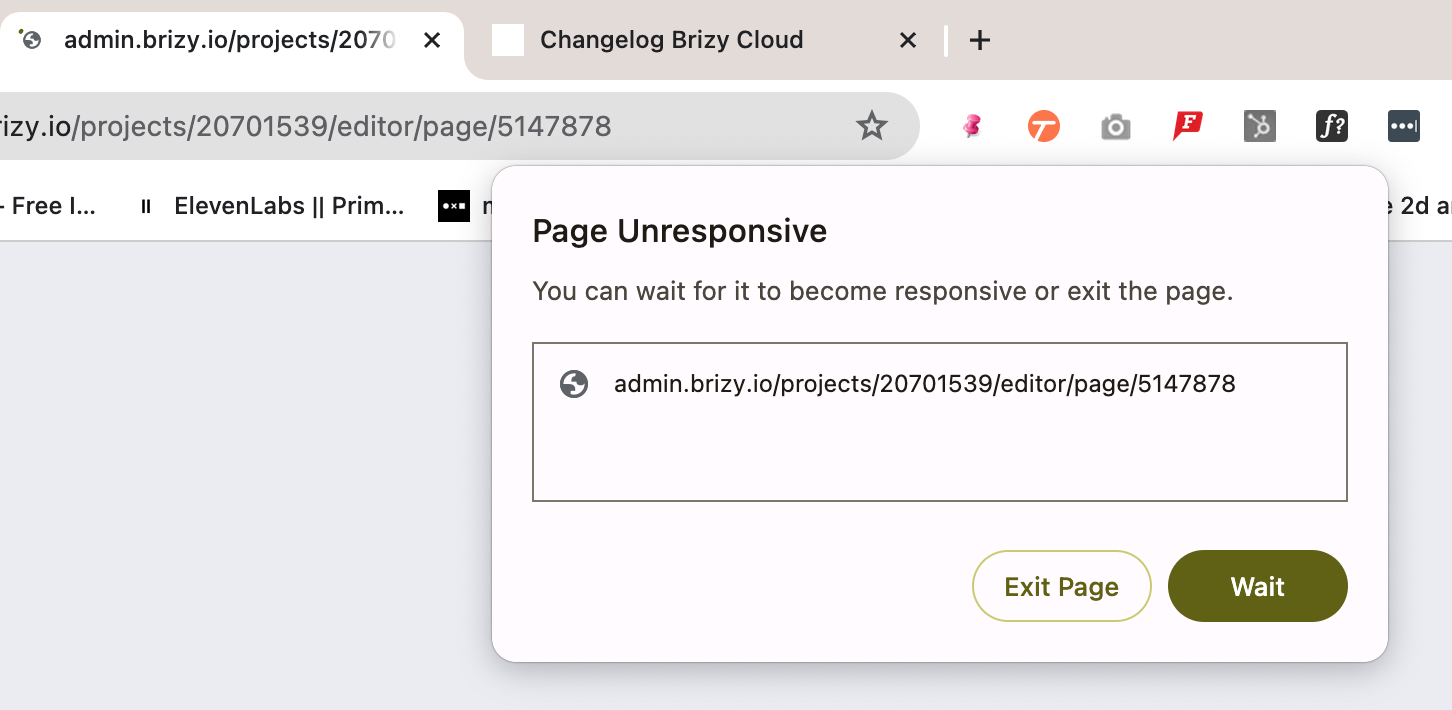
2. I tried on Safari and it gets stuck on the loading circles.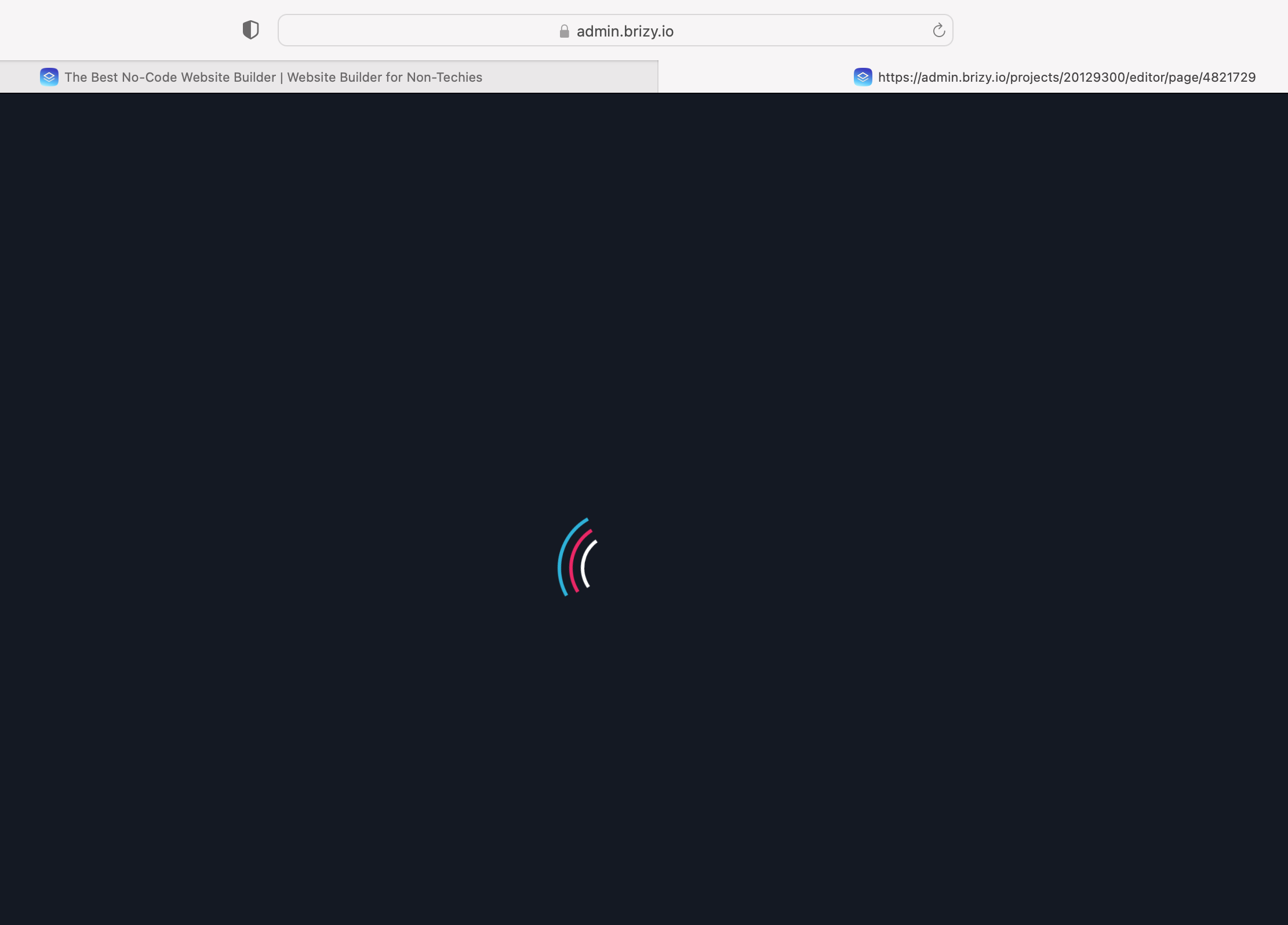
I've been using Brizy for years now, and I saw this error for a while but the one that I always use is the Wordpress Plugin so I didn't put to much importance to it. Now that the AI site generator is available I want to start using it and this is frustrating0 -
Hi Roy,
I checked your Brizy Cloud account and am able to open one of your projects. A factor associated with your computer or your network could be preventing you from accessing the the Brizy Cloud Editor, Kindly carry out these tests to identify the interfering software.
Try signing into Brizy Cloud Dashboard from a Private (Incognito) window of your browser
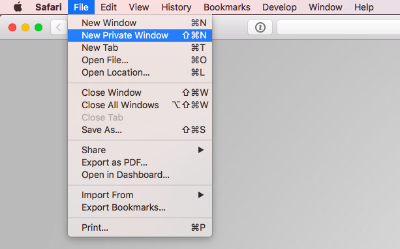
If you are using any of these, kindly disable it and try again
- Antivirus like McAfee, AVG, Avira
- Malware protection software like Malwarebytes
- Firewalls
- Ad blockers
Try accessing the Brizy Cloud Dashboard using an alternate Internet Service Provider. For example, setup a WiFi hotpsot using your mobile phone and use the connection to sign into your Brizy Cloud Dashboard and check if the issue persists.
Please get back to us with your findings. If none of it helps, we will need access to your computer during a Zoom call to troubleshoot this.
0
Please sign in to leave a comment.
Comments
3 comments