HTML donwload does not work properly

When I am downloading one of my projcets to be moved to production some of the images are not downloaded
https://www.brizy.cloud/projects/15418899
-
Official comment

Hi Jose,
Thanks a lot for reaching out to us.
I apologize for the issue and the inconvenience caused, we are looking into this issue and I will get back to you with an update as soon as possible.
Regards, Basharat
-
Just for additional information.
The draft website works fine https://mandarin15418899.brizy.site/
But when downloaded many of the images (old and new) are missed but not all of them0 -

Hi Jose,
I tested publishing your HTML Export file on an external server. Except one, all other images appears working fine at my end. Please have a look at my test here http://s937416667.onlinehome.us/ Can you please delete the missing file, re-upload it on your project, generate the HTML Export file and check if the issue gets resolved.
How many images are missing when trying to publish the website at your end?
0 -
No.. your website does not work also in chrome one img is missed
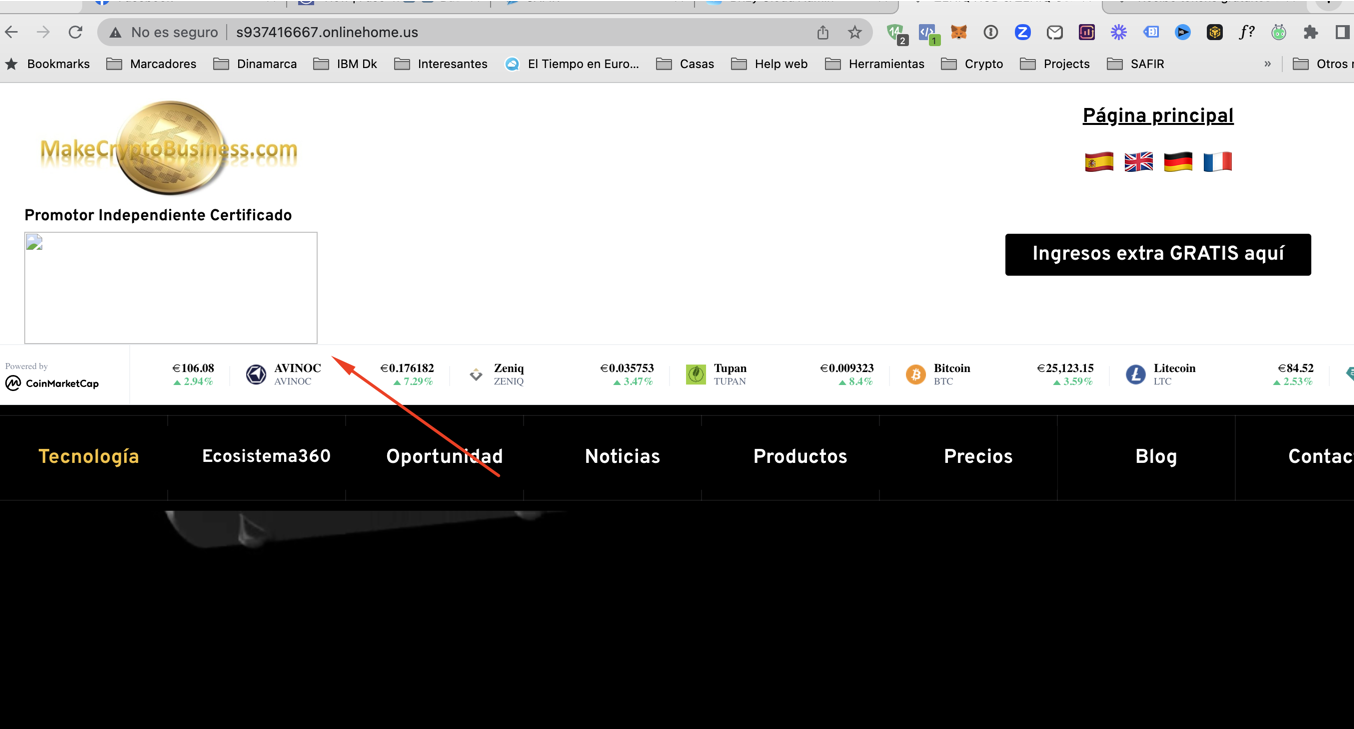
and the same in Firefox
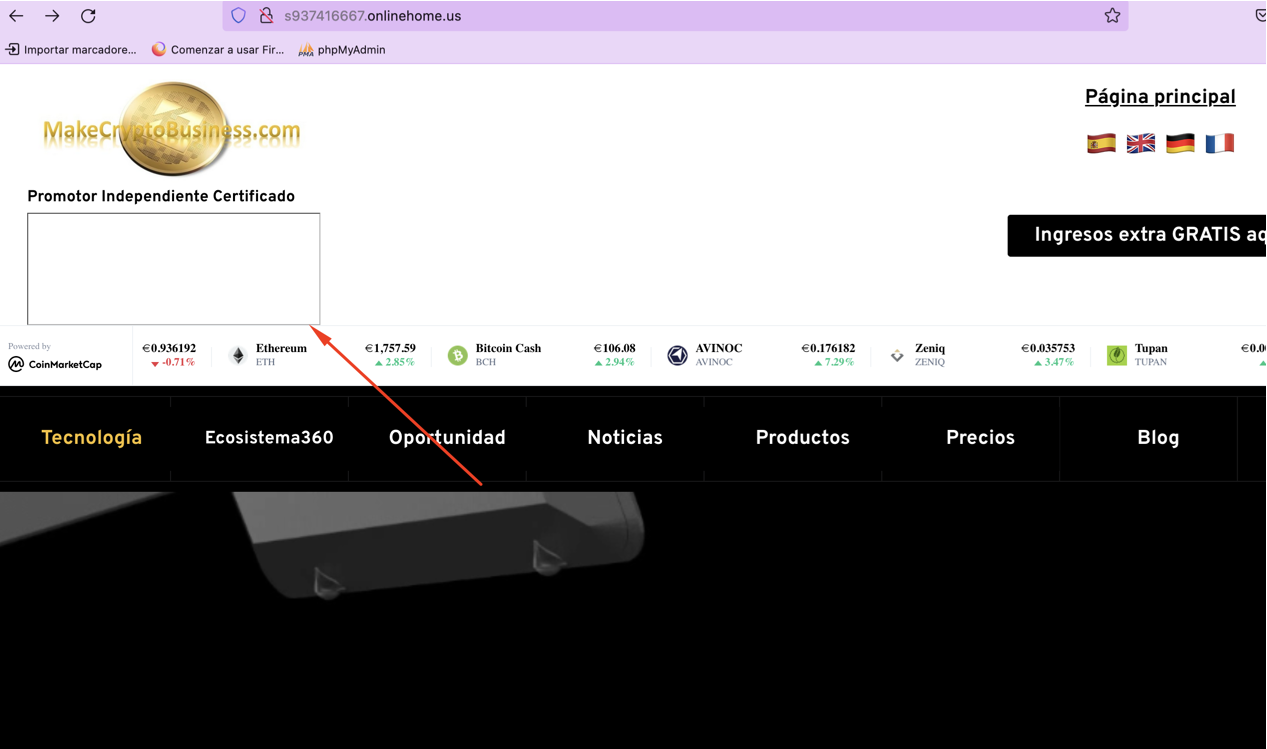 0
0 -
But if you go to pages with many pictures like /productos-safir-es.html then it is a disaster... many many images are not presented. As the images where there since many versions I assume they are in the assets directory but they are not correct referenced in the HTML page donwloaded.
0 -
Tried to change the format from png to jpg.. Did not work
Tried to change name (replacing spaces by "-". Did not work
I do not know why some images work and why some of them doesn't0 -
Hi Jose,
You are right; on the page http://s937416667.onlinehome.us/productos-safir-es.html 4-5 images are missing. We have escalated this issue to our developers. They will take a look at your project. We will get back to you when we have an update.
The HTML export option seems to work fine for smaller projects. On bigger projects, the export process has its weaknesses. If you would like to quickly publish the page, please consider the custom domain publishing option.
0 -
I tried several times to use the server sync but I could not make it work. The custom domain is not an option as I have a big server hosted where I do not have only this website
0 -
And I have several applications running belonging this domain
0 -
Hi Jose,
We apologize for the delay in responding. With the HTML Export, we have discovered the source of the image issue. Images with spaces in their names do not export well in the HTML export. To resolve this issue, please replace spaces in the image names with hyphens and re-upload the images.
Please have a look at http://s937416667.onlinehome.us/ In the Brizy Cloud project, I have reuploaded this image replacing spaces with hyphens and have recreated the HTML Export file. Now this image works fine in the published website.
 0
0 -
I guessed that this was the problem. But I do not know why did not work the test I did... I will try again and come back to you with the result of the test
0 -
Hi Jose,
We have released a fix for this issue. I have not yet confirmed it by testing it. Please also try an HTML Export without making any changes and see if all the images work fine.
0
Please sign in to leave a comment.
Comments
12 comments