Translation is not showing

I have added the translation language and traslate all the pages. I added the language element into the menu.
The problem from the front end is that when I choose to change the language, the URL changes but it still shows the original language and not the translated one.
Please help
-

Hi E G Zacharopoulou,
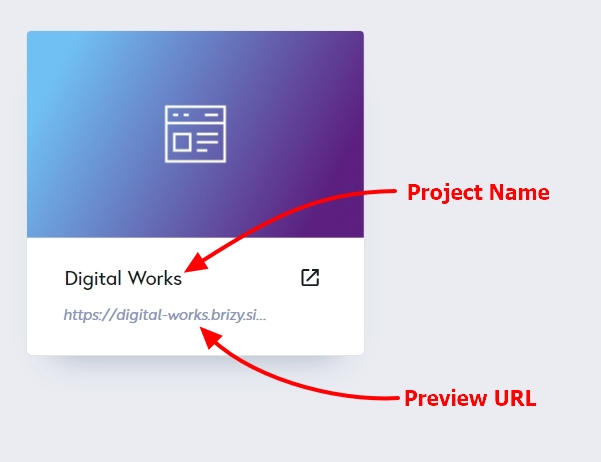
Can you please share your Brizy Cloud project Name and the Preview URL so that we can check?
 0
0 -
Project Name Kyvetos
0 -

Hi,
Thank you for your patience.
This appears to be a glitch in the translation, and a report has already been sent to our developers. I will get back to you as soon as I have an update.
Sorry for the inconvenience.
Best regards,
Ariel H.0 -
Any news on this?
3 days have passed and there is still the same problem.
My client is frastrated. I am thinking moving the website to wordpress.
0 -
Hi,
Thank you for keeping in touch.
Unfortunately, this is an ongoing issue.
At present, we do not have any updates to provide, but please be assured that our developers are fully aware of this issue. I will get back to you as soon as I receive an update.Once again, I sincerely apologize for the inconvenience caused.
Best regards,
Ariel H.0 -
Today, I am not even able to edit my project.
I get this error every time I select to edit any of my projects
Oops! An Error Occurred
The server returned a "500 Internal Server Error".
Something is broken. Please let us know what you were doing when this error occurred. We will fix it as soon as possible. Sorry for any inconvenience caused.0 -
Hi E G Zacharopoulou
I just tested 3 of your projects. I am able to open your projects at my end. Please see this screen recording. https://jmp.sh/R6gWmjBG
Possibly it was a temporary issue. Please check again and let us know if you are able to edit your projects.
0
Please sign in to leave a comment.
Comments
7 comments