Images no longer loading into builder

Hi!
Hope you can help! For some reason when I try to add images into a section into the Brizy Builder they are no longer showing up.
Also, many of the images that had been resized through the builder on page have now lost all their sizing parameters and reverted to large pixelated versions.
I hadn't uploaded any new plug-ins or touched any of the code on the page so am at a complete loss how this has happened. Is this a common issue?
Images upload perfectly fine and are viewable in the Wordpress Media section, just the issue seems to be with the Brizy Builder.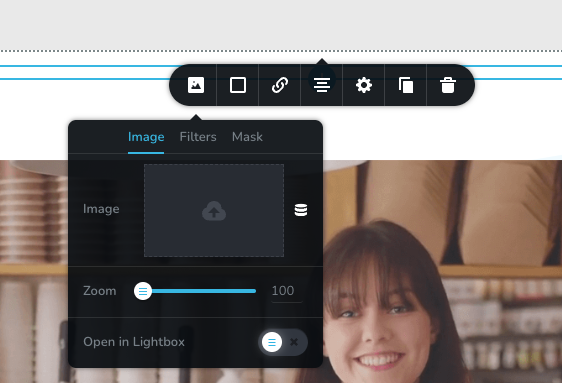
-
Official comment

Hi, John
Thanks for reaching out to us.
Would you please let me know if you are facing the issue in uploading images of .webp format or all formats?
The fix for the image resize issue is ready, and we are working on a new update. We will try our best to release this update by the end of this day.
Regards, Basharat
-
Hi Basharat!
Thanks, for getting back. The issue is affecting all formats, jpg, png ,etc. It's really strange, it's like the issue appeared out of nowhere. I noticed that there were images on the website that looked great and were the correct size whilst in the Brizy Editor but when you actually viewed the webpage live they would be the original size. My website is https://invernessdesignstudio.com if that helps! :)
0 -
Hi, John
Thanks for your reply.
I have created a private ticket for you, and you will receive a notification shortly. Please reply to that with WordPress admin login credentials so that our team can inspect the issue more closely.
Regards, Basharat
0 -
Thanks so much for your help! ;)
0 -
Hi John,
Thanks a lot for your patience, we just released an update for Brizy WordPress to fix all the issues that were caused by the last update. Please update the Brizy plugins and let us know if you face any other issue.
Regards, Basharat0 -
Hi Basharat, Unfortunately this doesn’t seem to have helped, I updated both and the issue is still present. Really strange.
0 -
Hi John,
Thanks a lot for your patience, I have replied to you via ticket and the issue has been resolved. If you have further questions, kindly reply to that ticket so that we can discuss the whole issue at one place.
Regards, Basharat
0 -
Thank you so, so much! Working perfectly!
The Brizy team just go from strength to strength. :)
0 -

What is the fix to this? I'm on the most recent version of Brizy, and I can't get images to load in the builder.
0 -

Hi Don,
This normally happens when a software in your WordPress environment interferes with the image upload functionality of Brizy. To identify the interfering piece of software, please try these
- If you are using a GDPR compliance plugin like Iubenda, please deactivate it and check if you are able to upload images.
- If you have embedded an external code using the Brizy Embed element to a page or in HTML header/footer of your website, please remove the embed code temporarily, save your work and refresh the page in the Brizy editor and check if you are able to upload images.
Please get back to us if these two don't help. We will need access to your WordPress Dashboard to assist you in resolving this issue.
0 -

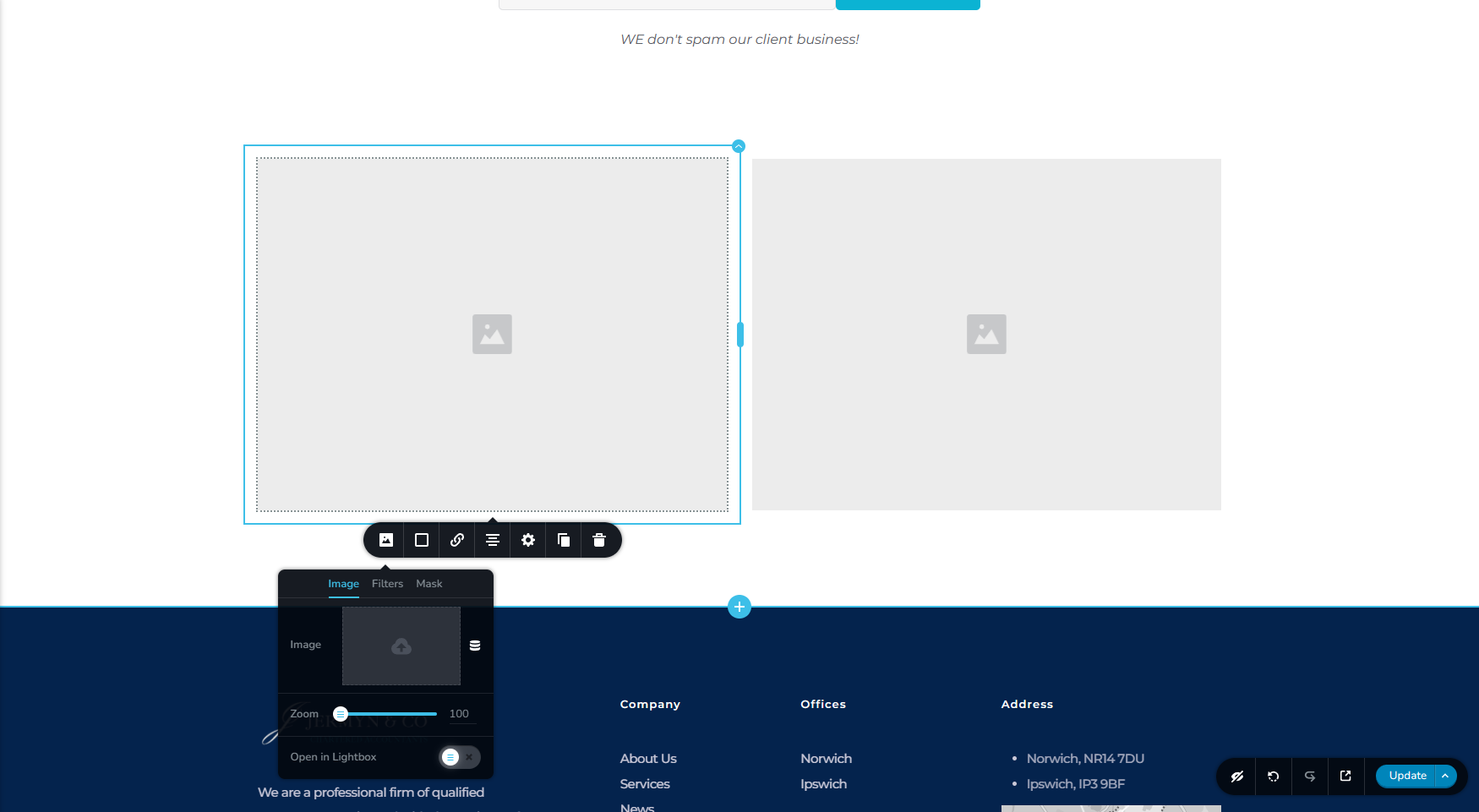
What is the fix to this problem? I'm on the most recent version of Brizy/Brizy Pro, and I can't get images (any format) to load in the builder. Nothing seems to work...
 0
0 -
Hi Tomasz,
I have replied to you here. https://support.brizy.io/hc/en-us/community/posts/15894903962257 Let us continue this discussion in the other thread.
0
Please sign in to leave a comment.
Comments
12 comments