Image size bug

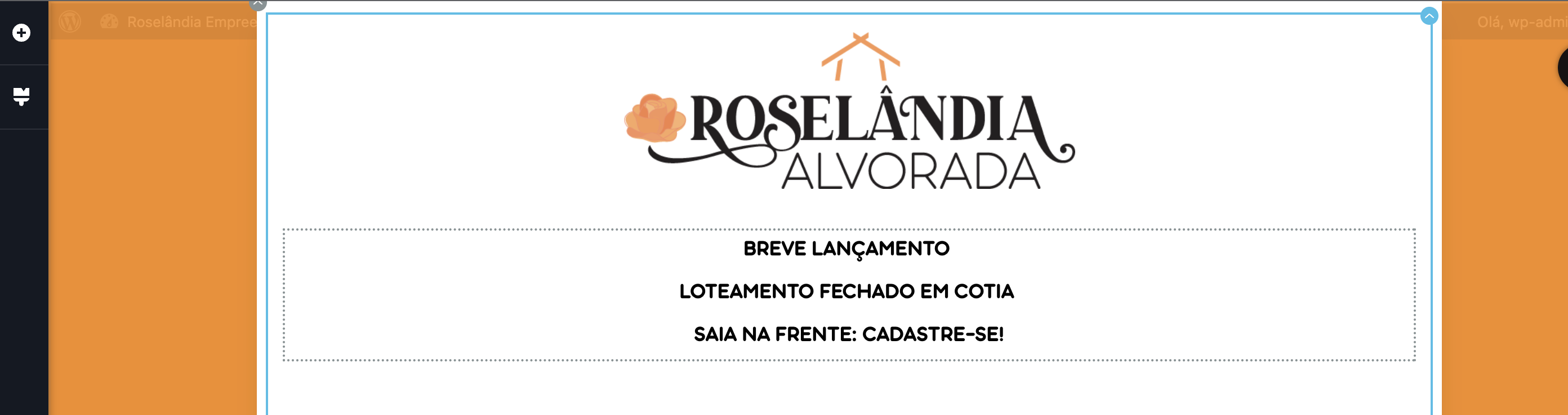
Hi, i'm facing an error that the images does not stay with the configured size.
Please, see the screenshots.
Small Logo - Brizy Editor
Large Logo - Online Real Site
URL: https://roselandia.com.br/roselandia-alvorada/

0
-

Hi Carlos,
We apologize for the inconvenience. This issue due to a bug with the recent Brizy update. If you are using Brizy 2.4.19 and Brizy Pro 2.4.18, we recommend rolling back to previous versions to fix this issue. Please use these links to roll back.
- Brizy 2.4.18: https://jmp.sh/7jb1iP24
- Brizy Pro 2.4.17: https://jmp.sh/xzdANfh4
You can follow this procedure.
- Deactivate and delete Brizy Pro
- Deactivate and delete Brizy
- Download Brizy 2.4.18 and in your WordPress Dashboard under Plugins - Add New - Upload Plugin, upload Brizy
- Download Brizy Pro 2.4.17 and under Plugins - Add New - Upload Plugin, upload Brizy Pro
You could also look at this video for the procedure https://jmp.sh/L2UyFR1p
0
Please sign in to leave a comment.
Comments
1 comment