Issue with image dimensions and inability to upload new images on my website

Hello,
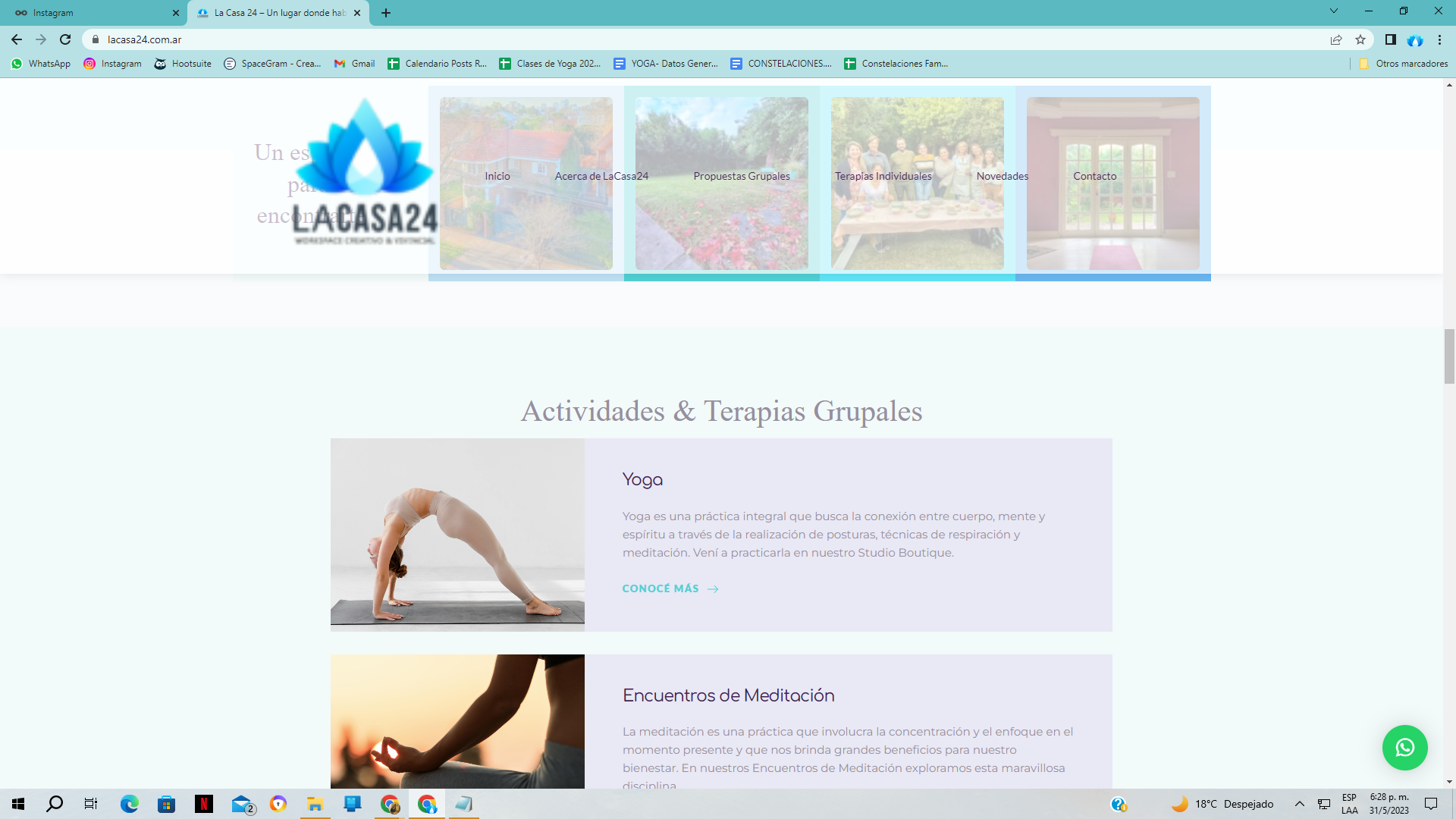
I hope this email finds you well. I am reaching out to report an issue I encountered on my website, www.lacasa24.com.ar. Today, when I accessed my website, I noticed that certain images, such as the logo in the header and other locations, appeared in enormous and disproportionate dimensions.
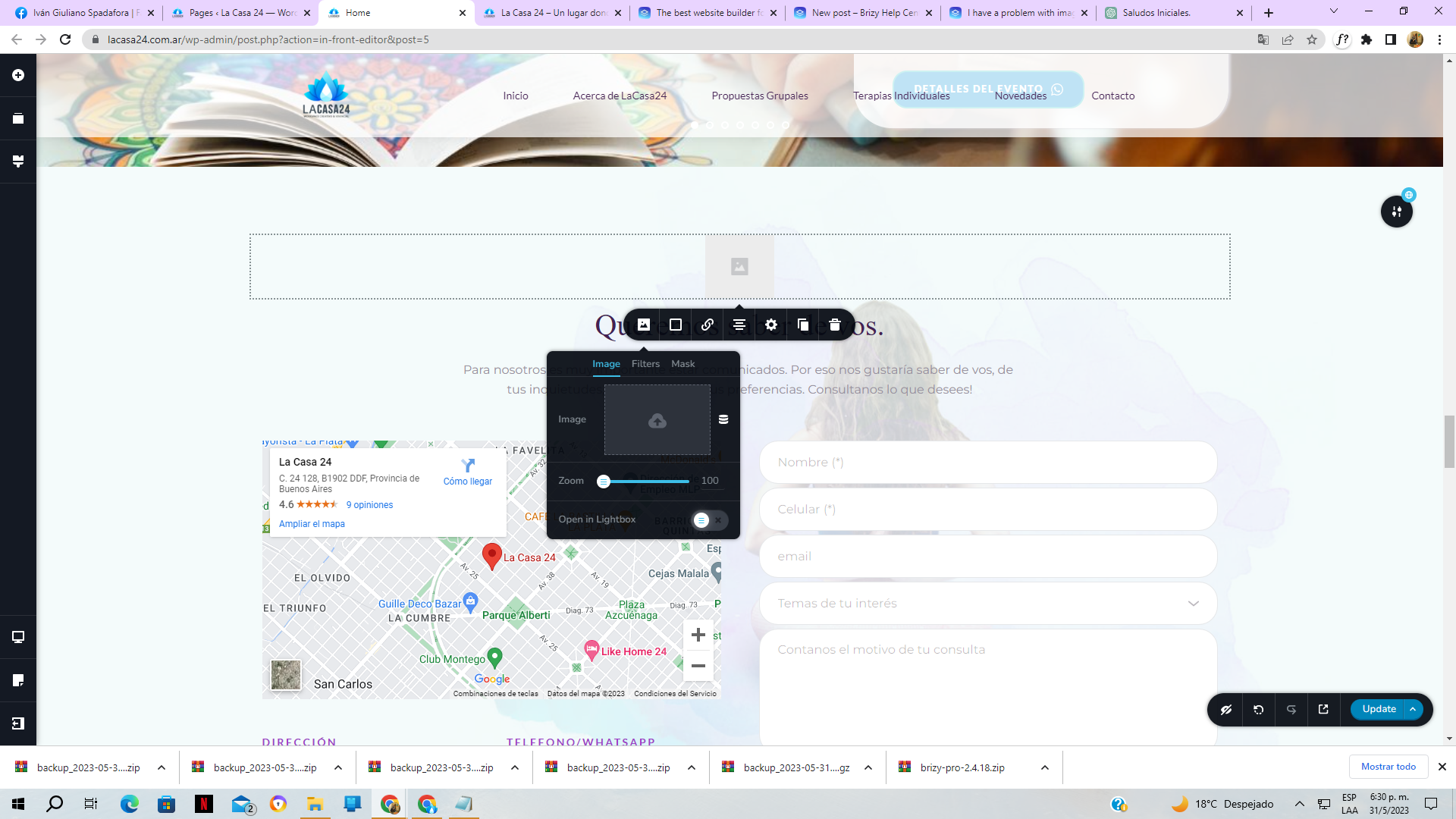
It is worth mentioning that everything was working fine until yesterday. However, when I tried to replace one of the images through the WordPress backend, I encountered another problem. The new image I attempted to upload failed to load properly.
I have attached some screenshots illustrating how the website currently appears and highlighting the issues I am experiencing.
I kindly request your assistance in resolving these matters. Could you please guide me on how to restore the normal functionality of my website and address the issue with the image dimensions? Additionally, I would appreciate any instructions or troubleshooting steps to rectify the problem of uploading new images.
Thank you for your attention to this matter. I look forward to your prompt assistance and resolution.
Best regards,
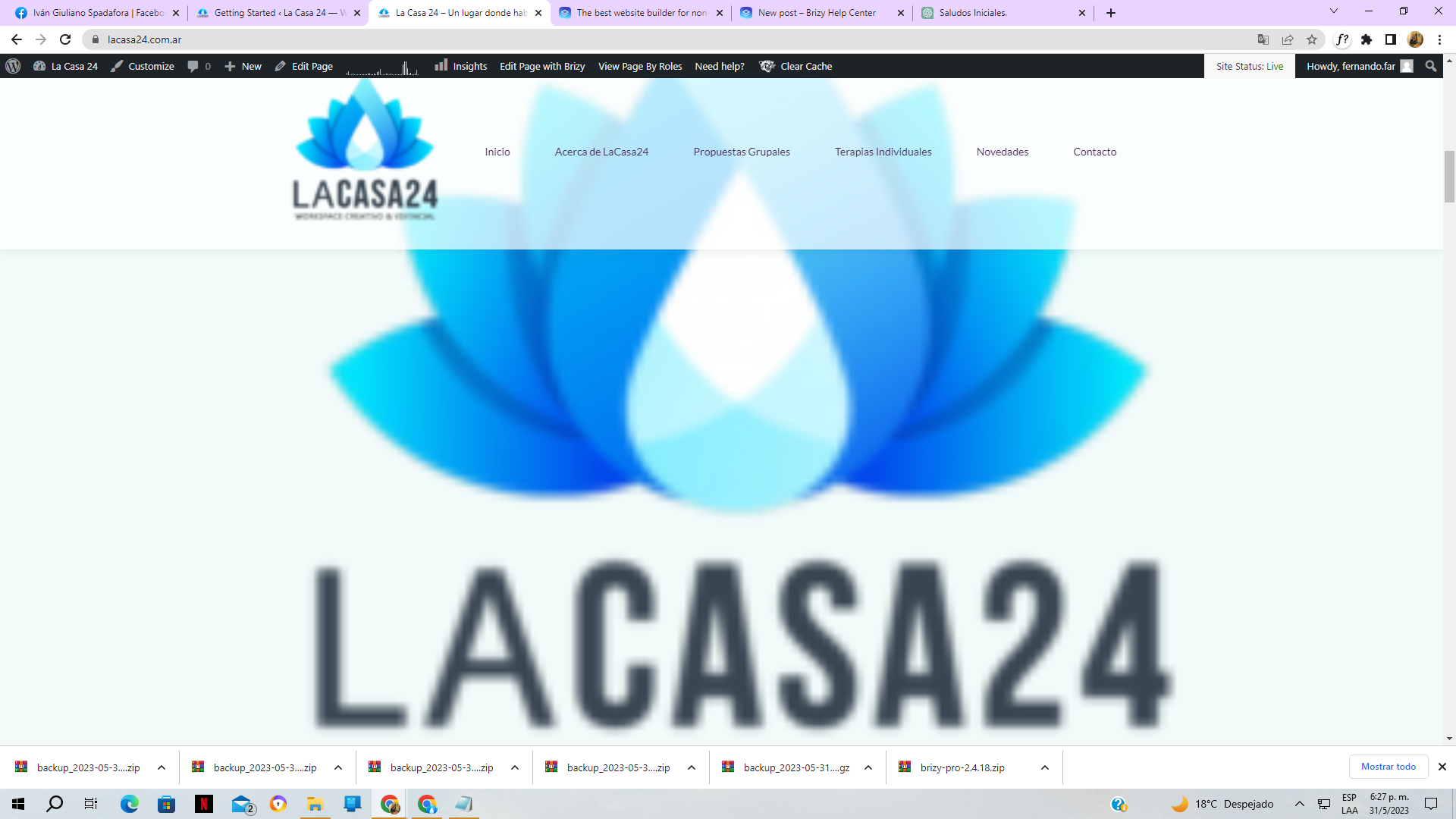
This is another example
And here: I can't upload, and remains empty
-

Hi Fernando
We are happy to note that you have already resolved this issue as you have stated here. https://support.brizy.io/hc/en-us/community/posts/15752546666513
0 -

@KC George This issue appears with Brizy Cloud as well. I just tried to create a new page from a template and replace the logo in the top right. (started with the birthday party template) it won't accept any images to be uploaded.
0 -
Hi Scot,
I am able to upload a random logo image to your project.

Can you try these?
- Sign into your Brizy Cloud Dashboard from a private (Incognito) window of your browser and check if you are able to upload images
- Upload different image formats, JPGs, PNGs, SVGs and check if any image format gets uploaded
- Uploading images using alternate browsers
- Access Brizy Cloud Dashboard from an alternate computer.
0
Please sign in to leave a comment.
Comments
3 comments