Latest update has affected image size

I updated Brizy and Brizy Pro today and immediately after my images won't align to the size they are set at. You can see from the screenshot in the builder and the ones when I am viewing the site. nspaintherapy.com.au
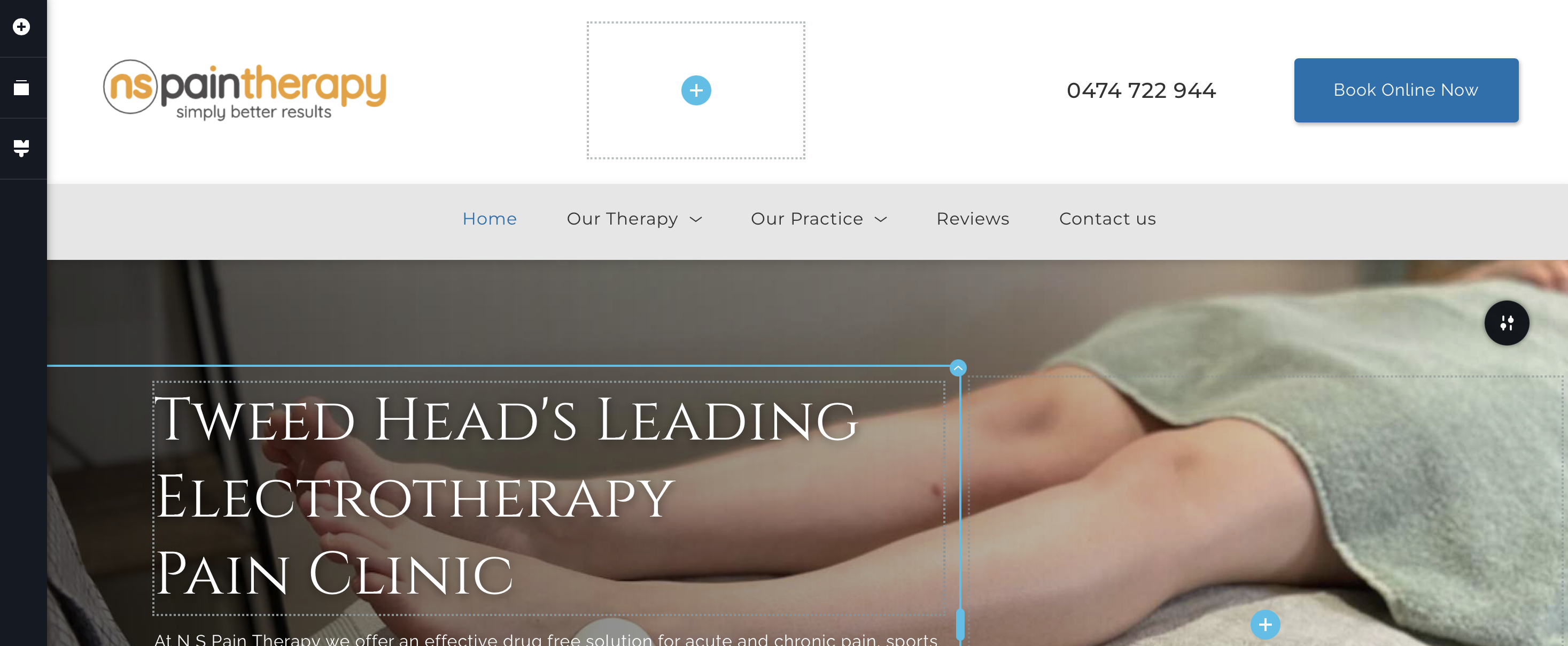
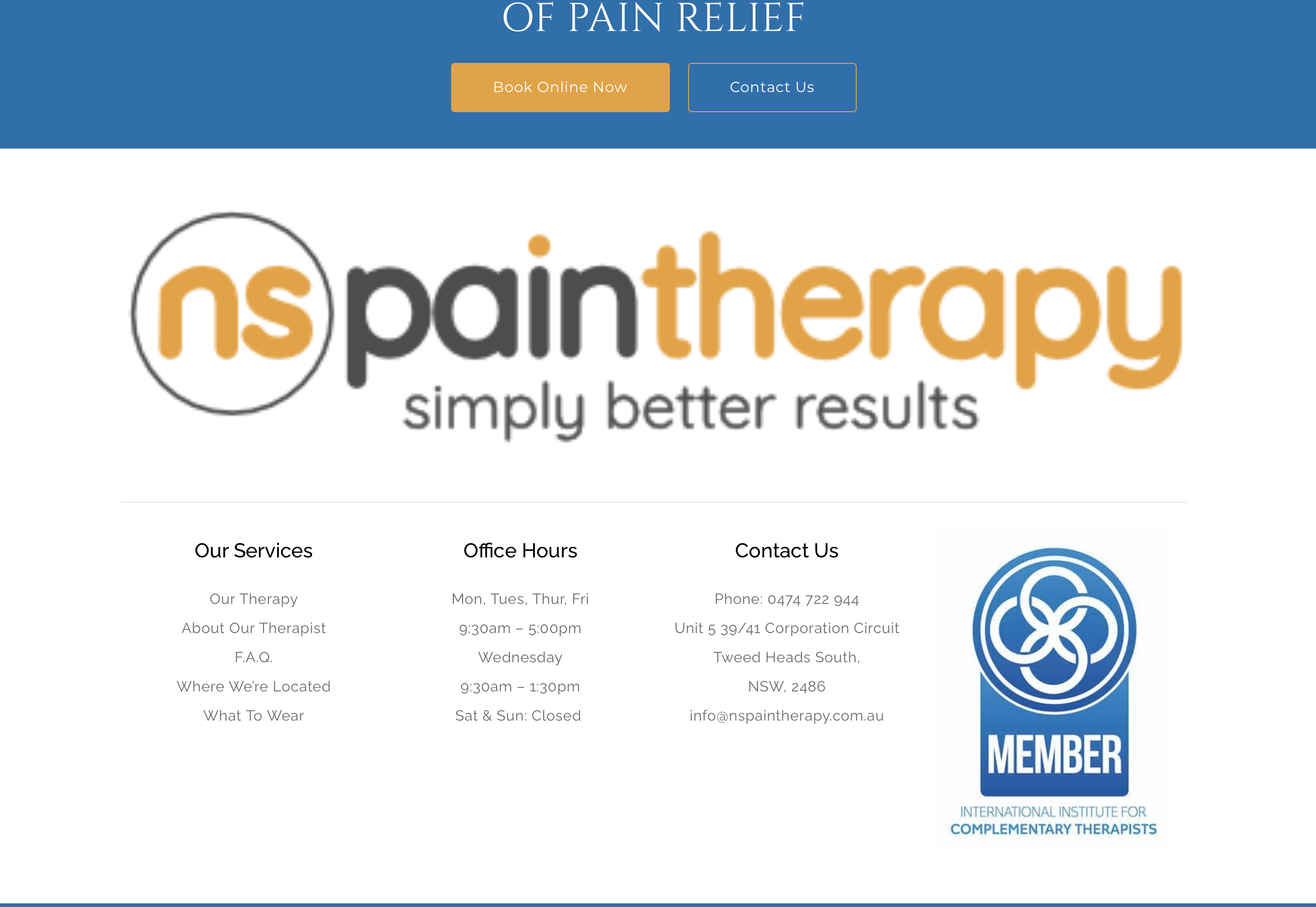
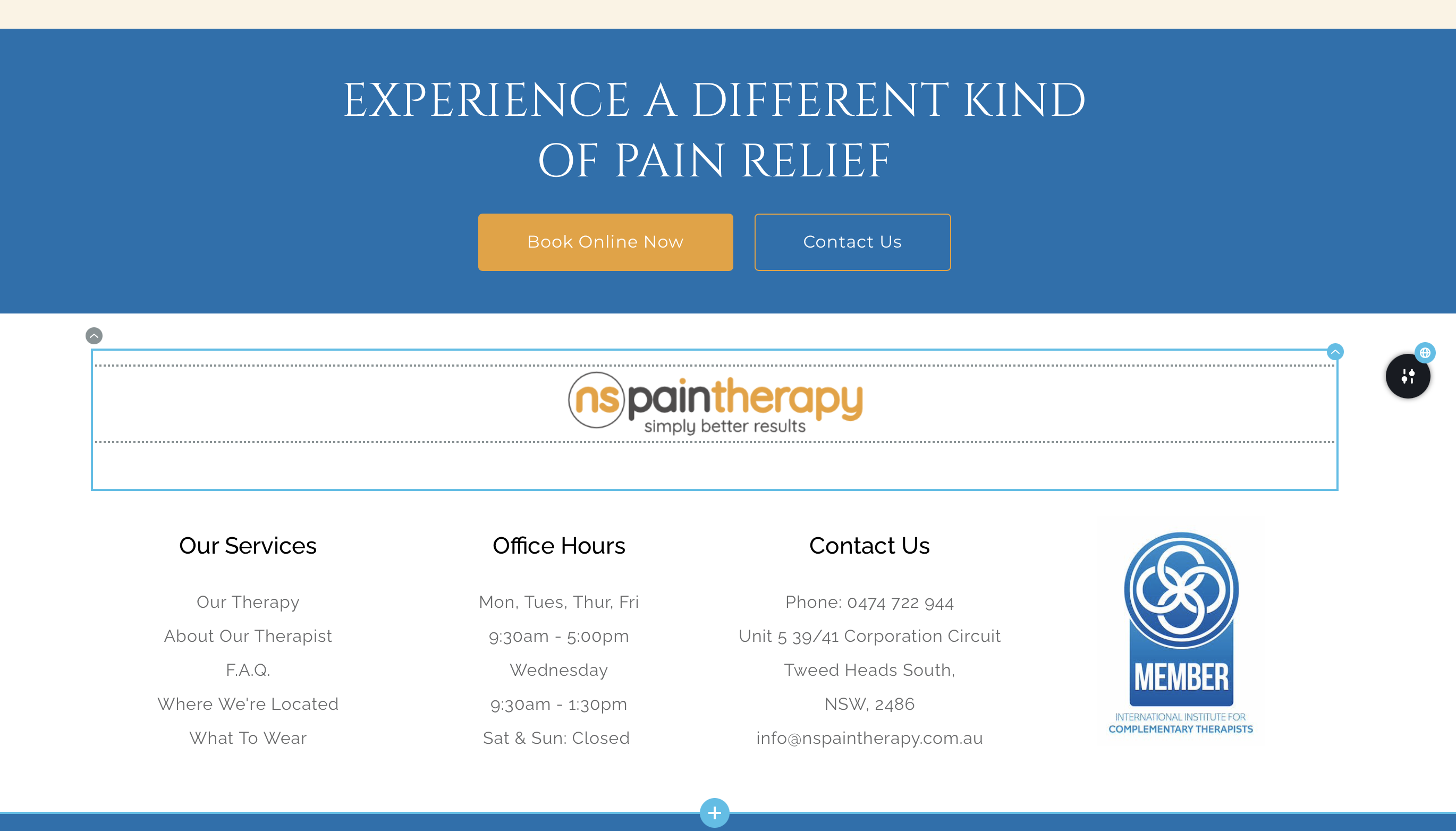

-

Hi Gregg,
We apologize for the inconvenience. This is happening due to a bug with today's Brizy update. We recommend rolling back to previous versions to fix this. Please use these links to roll back.
- Brizy 2.4.18: https://jmp.sh/7jb1iP24
- Brizy Pro 2.4.17: https://jmp.sh/xzdANfh4
Please follow this procedure.
- Deactivate and delete Brizy Pro
- Deactivate and delete Brizy
- Download Brizy 2.4.18 and in your WordPress Dashboard under Plugins - Add New - Upload Plugin, upload Brizy
- Download Brizy Pro 2.4.17 and under Plugins - Add New - Upload Plugin, upload Brizy Pro
0 -
Thank you so much for this. It appears to have fixed the problem.
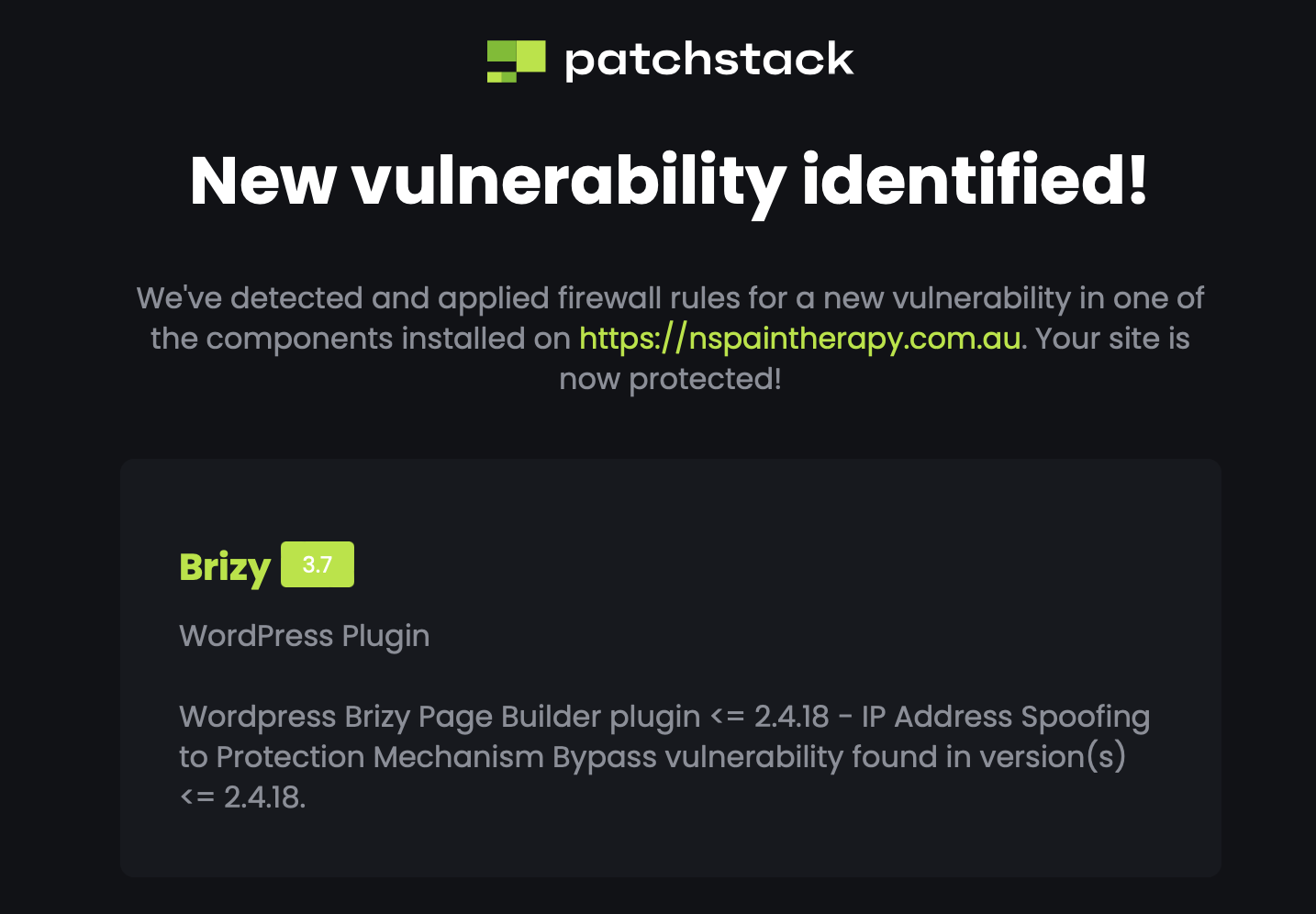
Also I received an email this morning from Patchstack my security saas for my website.
 0
0 -

same problem !
When will be the next update to fix that please ?
0 -
Hi Gregg,
Can you please share with us the full Patchstack report? You could forward it to communitysupport@brizy.io We will take a closer look.
0 -
Hi Chartron,
I have replied to you here https://support.brizy.io/hc/en-us/community/posts/15767610514065
0
Please sign in to leave a comment.
Comments
5 comments